
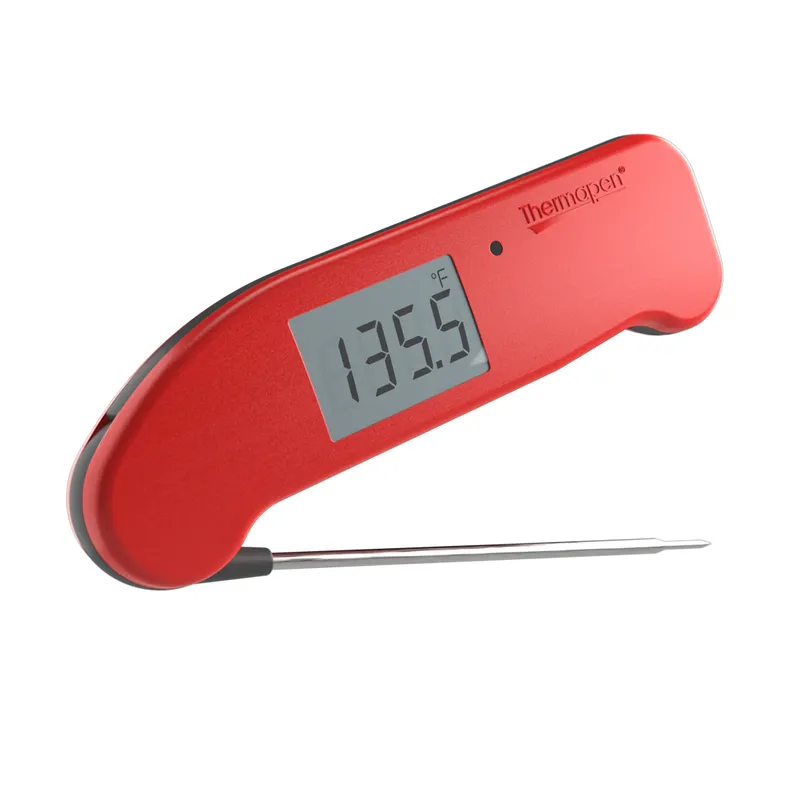
 Official manufacturer image
Our picks
Top picks
Official manufacturer image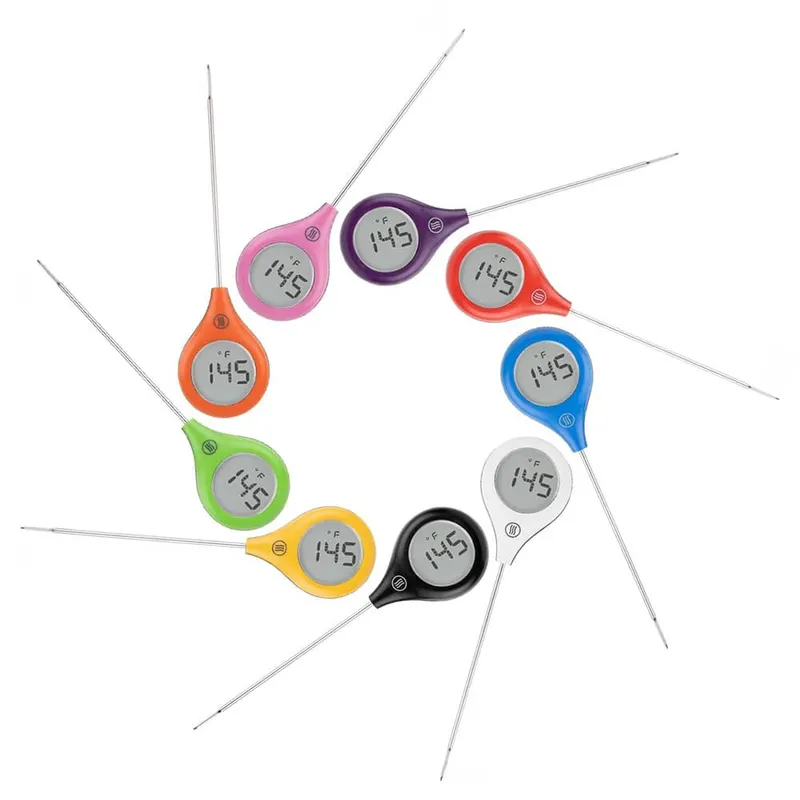 Official manufacturer image
ThermoWorks ThermoPop 2
Check price on Amazon.ca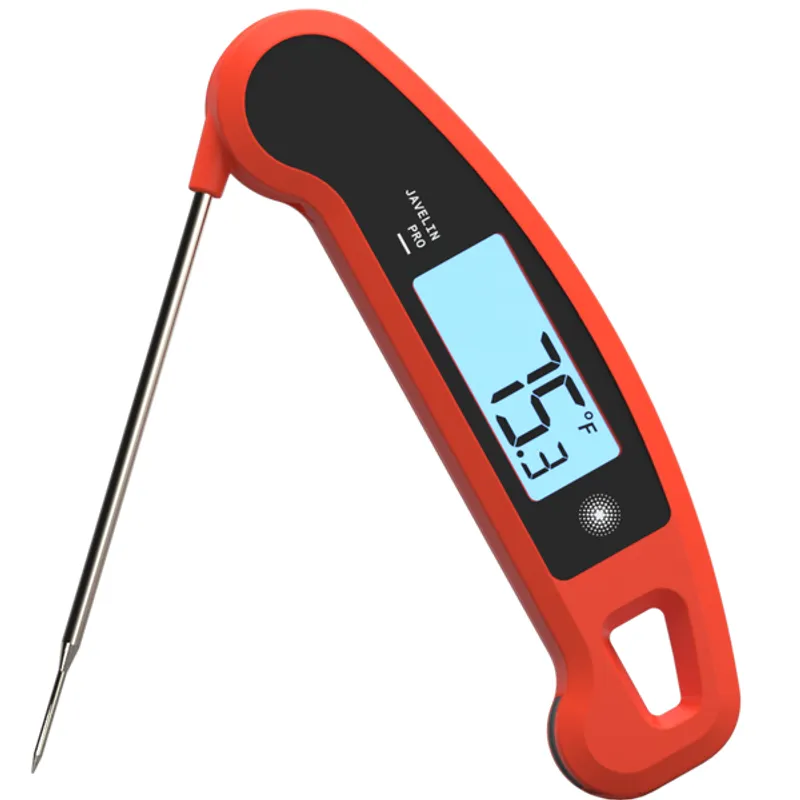 Official manufacturer image
Lavatools Javelin PRO Classic
Check price on Amazon.caCommon questions
Questions before you buy
Where can I find President's Choice meat thermometer instructions?
Check the package, paper insert and model label first, then search the exact model through the President's Choice support site. A generic brand search may return instructions for a different control layout.
How do I change a President's Choice thermometer to Celsius?
Look for a dedicated C/F switch, a button combination shown in the manual or a selector inside the battery compartment. The method depends on the model.
Why does the display show an error or impossible temperature?
Reseat the probe plug, inspect the cable, replace the battery and let the unit return to room conditions. Persistent errors can indicate a damaged probe that should not be trusted for food safety.
Can the display unit go inside the oven?
Usually only the rated metal probe and heat-safe cable go inside. Keep the display or transmitter outside unless the exact manual explicitly states otherwise.