
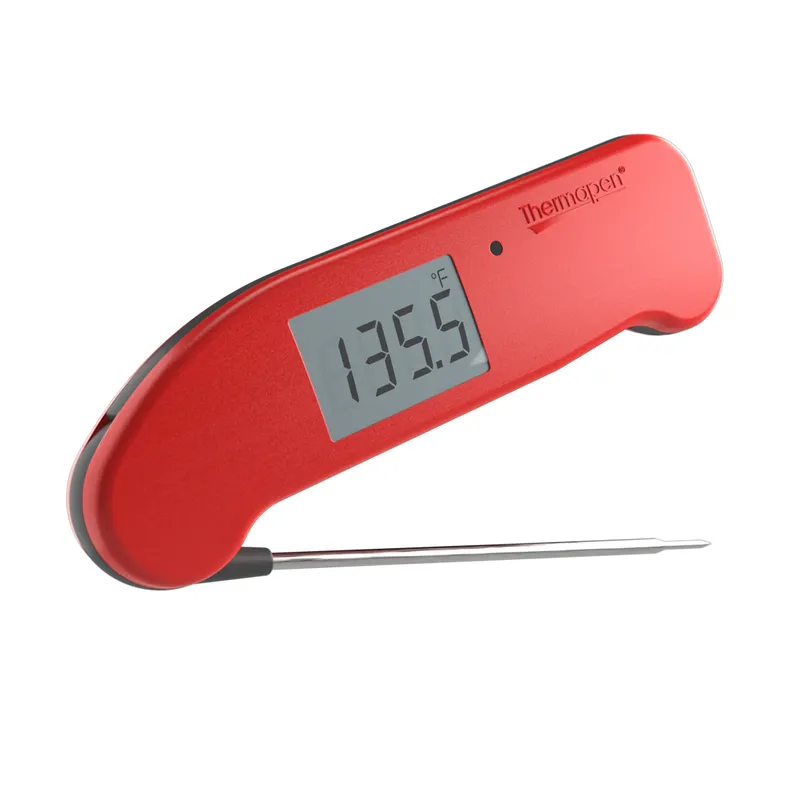
 Official manufacturer image
Our picks
Top picks
Official manufacturer image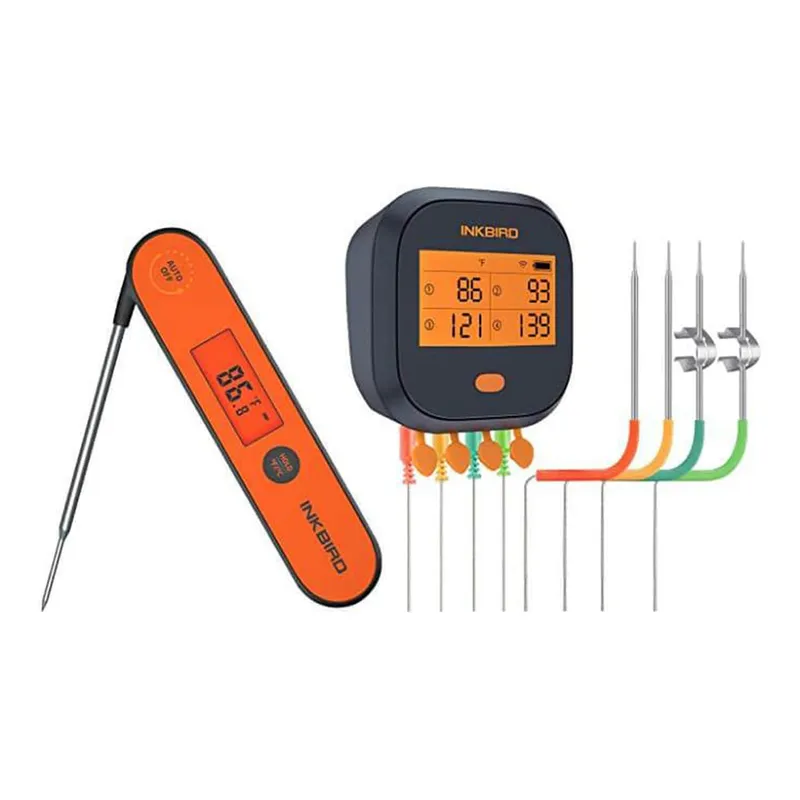 Official manufacturer image
INKBIRD IBBQ-4T
Check price on Amazon AU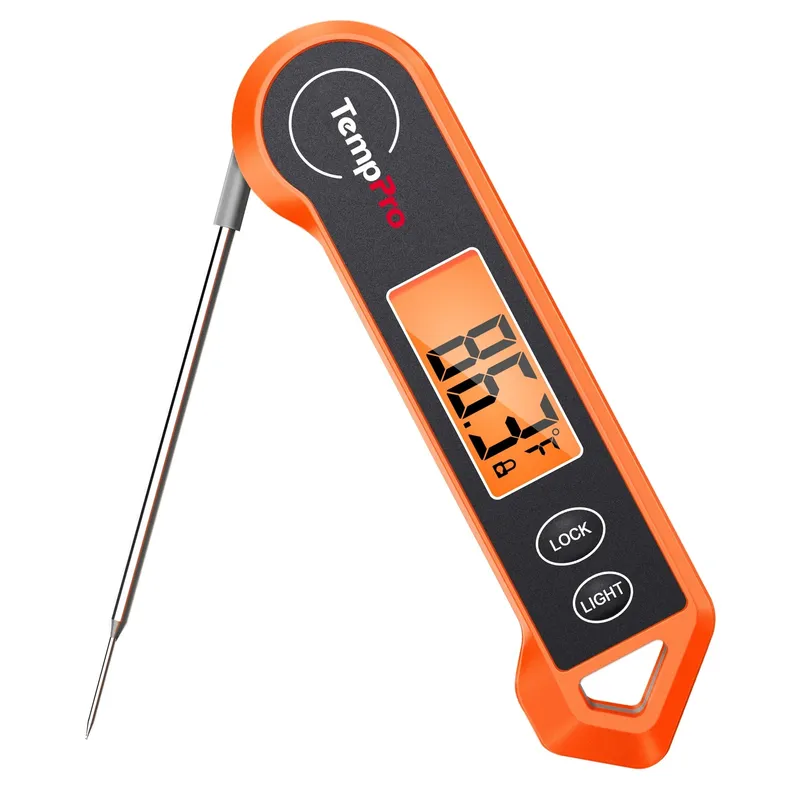 Official manufacturer image
ThermoPro TP19H
Check price on Amazon AUMeat thermometers
More specific
Meat thermometers
Best picks
AcuRite Meat Thermometer Review: Five Models Compared
AcuRite 00277 is the strongest fit for oven, barbecue and smoker monitoring because its cabled probe stays in the food and its display remains outside. Choose 00665 for quick checks, or 00278 when a separate pager matters.
Read more →Common questions
Questions before you buy
How do I find my AcuRite thermometer model number?
Check the product label, battery compartment and original manual. Search AcuRite support using the complete number rather than the product colour or shape.
Why does my AcuRite food thermometer show an error?
A loose, damaged or incompatible probe can trigger an error on some models. Reseat the connector and follow the troubleshooting steps in the exact model manual.
How do I pair an AcuRite cooking thermometer?
Pairing sequences vary. Install fresh specified batteries and follow the order and channel instructions in the matching manual.
Can the AcuRite display go in the oven?
Do not place the display or transmitter in the oven unless its manual explicitly allows it. On typical wired units, only the stated probe and cable are exposed to cooking heat.