Gearjury may earn a commission when you buy through a retailer link. Our editorial choices are based on cited evidence.
Guide
Dash Cam Installation: How to Fit One in Your Car
Mount the camera high behind the rear-view mirror, keep it outside your driving view and route the power cable clear of airbags. A plug-in installation is simplest; hardwiring is for supported parking modes.
GGearjury editorial team · Updated October 15, 2026· 8 min
01
Choose a legal, clear mounting position
Sit in the normal driving position and place the camera high on the windscreen, commonly behind or close to the rear-view mirror. The lens needs a clear swept area, while the body and display must not block your view or interfere with vehicle sensors.
02
How to install dashcam wire in a car
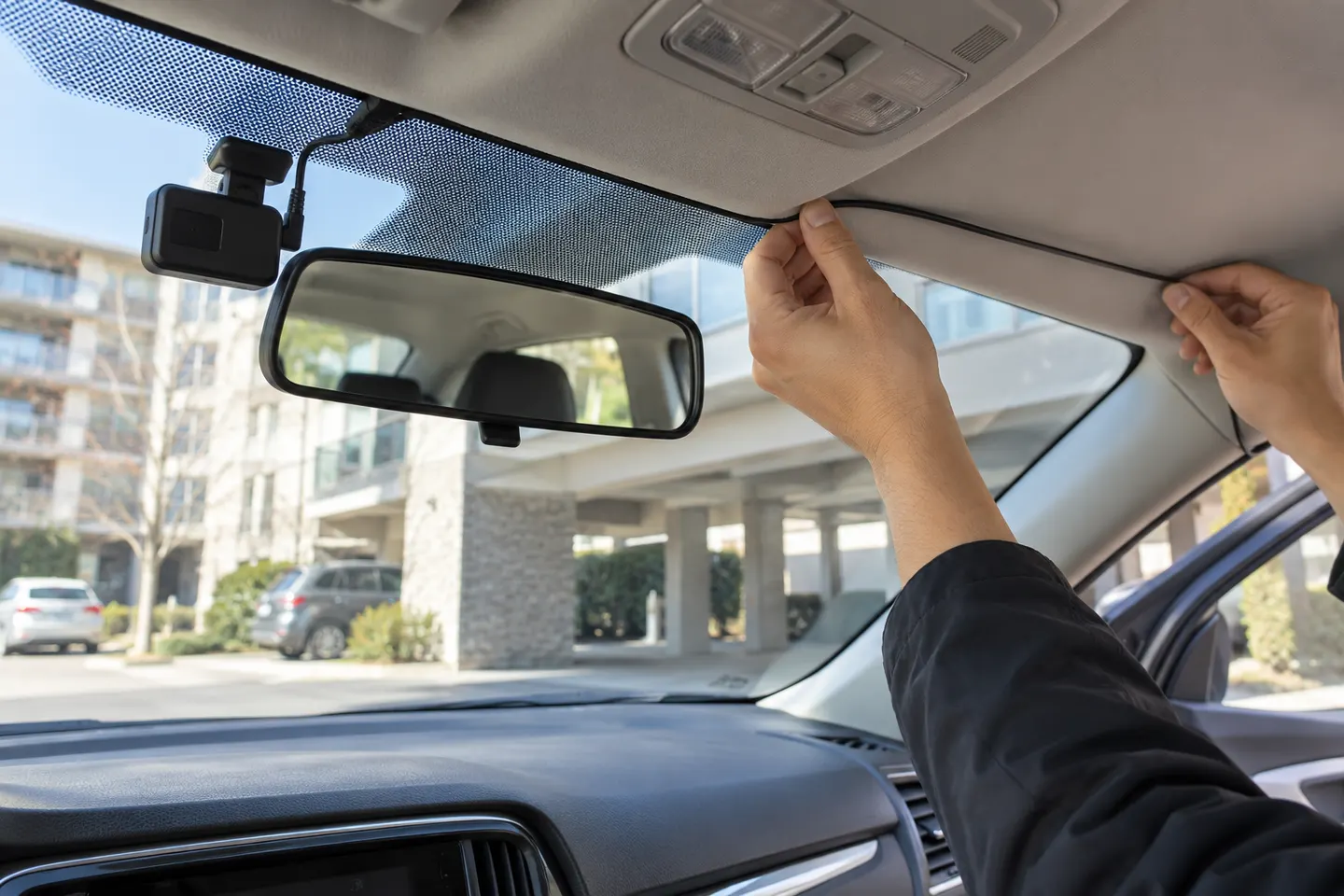
Run the power lead along the headliner edge and down a pillar using the camera maker's method. Identify curtain airbags before tucking any cable: wiring must not cross an airbag deployment path. Continue beneath trim to the approved power point without leaving loose loops near pedals or controls.
03
How to install a dash cam without hardwire
Use the supplied vehicle-power adapter and cable. This reversible method normally records only when the socket is powered; some vehicles keep the socket live after shutdown, so confirm that the camera turns off and does not drain the battery.
04
Hardwire only with the correct kit
Use the kit specified for the exact camera, including low-voltage protection where required. Fuse selection, grounding and airbag-safe routing are vehicle-specific; use a qualified installer if the vehicle documentation or fuse layout is unclear.
05
Fit and align a rear camera
Mount a rear unit where defroster lines, tint and the wiper pattern least obstruct its view. Leave safe cable movement at a hatch or liftgate, and never route a cable through a hinge or seal where it can be crushed.
06
Insert storage, test and save a sample
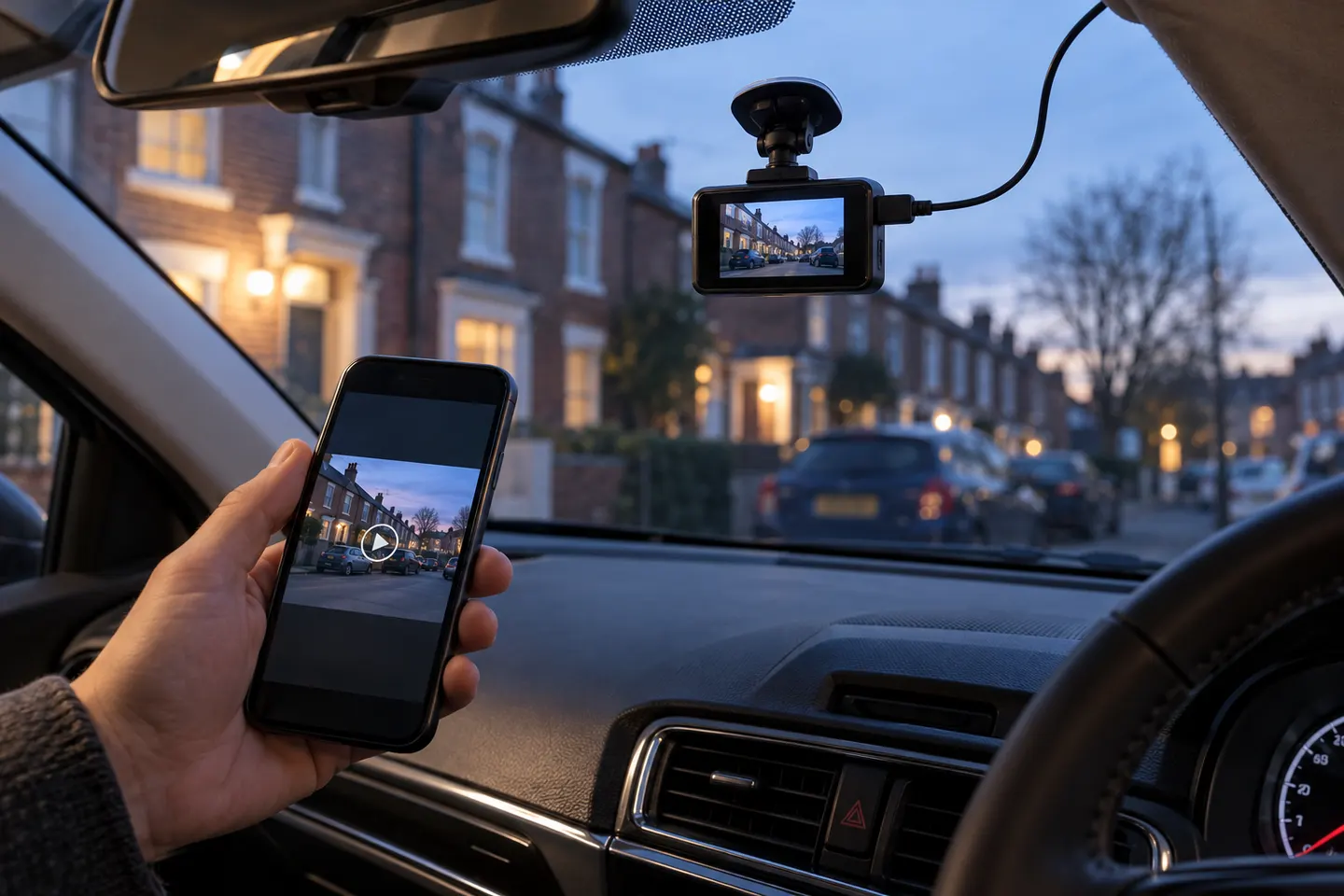
Install a compatible endurance card, format it as directed and set the date, time and recording options. Start the vehicle, confirm every channel records, review a saved daytime clip and verify that protected files can be copied before relying on the setup.
Common questions
Questions before you buy
How to update firmware on BlackVue dashcam?
Use the BlackVue app or download instructions for the exact model from BlackVue Support. Keep power connected during the update and never load firmware for a different model.
How to save Tesla dashcam video?
Tap the Dashcam icon to save a clip when configured, or use the horn-to-save option if enabled. Tesla's instructions and available controls vary by software version and vehicle.
How to install dashcam wire in car?
Route it along approved trim paths without crossing curtain airbags, controls or sharp edges. Secure slack and follow the vehicle and camera manuals.
Tesla: how to record dashcam footage?
A compatible, correctly formatted USB drive must be connected and Dashcam enabled. Recording behaviour and controls are documented in the current owner's manual for the vehicle.
How to install a 360 car camera?
A rotating windscreen dash cam installs much like another front camera, but a multi-camera surround-view system requires calibrated exterior cameras and professional vehicle-specific installation.
How to install dash cam without hardwire?
Mount the camera, route the supplied lead safely and plug it into the approved vehicle-power outlet. Check whether that outlet switches off with the ignition.
The VIOFO A229 Pro 2CH is our broadest all-round choice for front-and-rear detail. Garmin Mini 3 suits a discreet setup, while Thinkware U3000 targets parking surveillance.
Start with the view you need: front-only for simple evidence, front-and-rear for broader coverage, or parking mode for protection while stopped.
Your privacy
We use cookies and similar technologies. Necessary ones keep the site working. With your permission we also use statistics cookies (Google Analytics and Microsoft Clarity) to understand which guides help readers. You can accept all, reject all or choose. You can change your choice at any time from "Cookie settings" at the bottom of every page. Cookie policy