



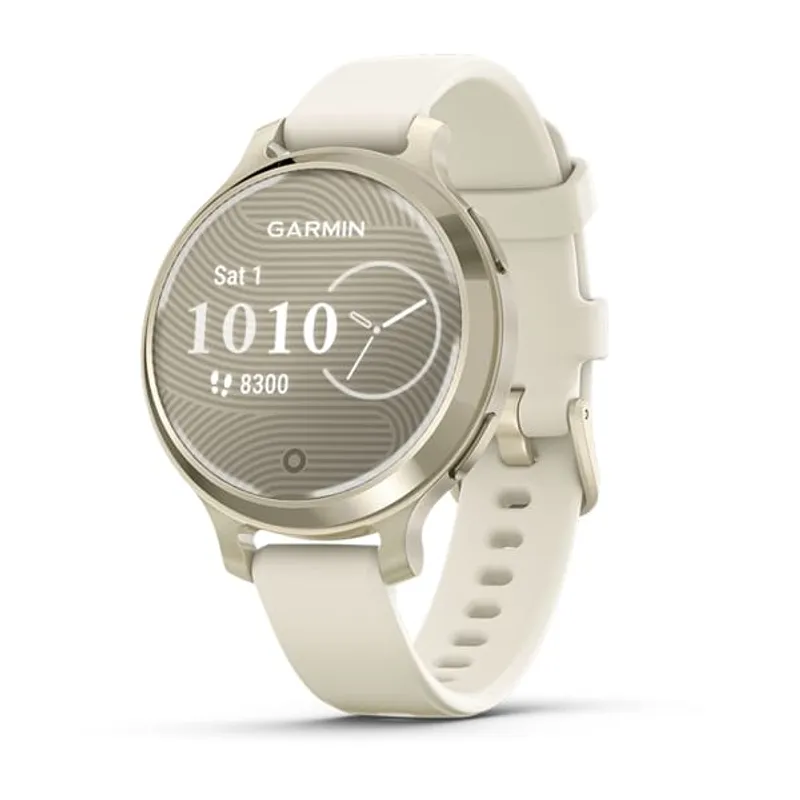
 Official manufacturer image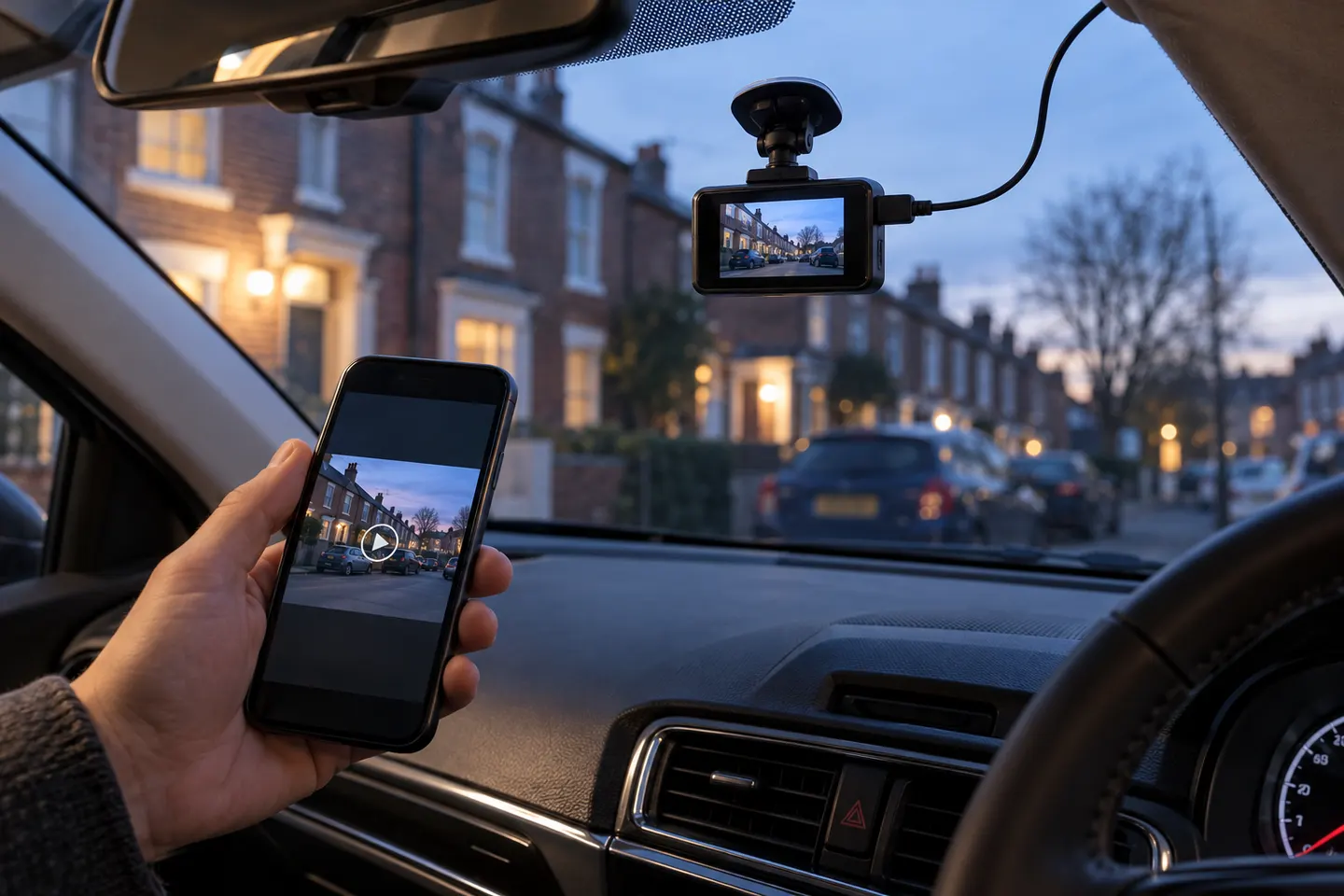
Our picks
Top picks
Official manufacturer image Official manufacturer image
VIOFO A229 Pro 2CH
Check price on Amazon Official manufacturer image
Garmin Dash Cam Mini 3
Check price on AmazonCommon questions
Questions before you buy
Does a wireless dash cam need a power cable?
Usually, yes. Wi-Fi describes data transfer, not continuous power; most cameras use a vehicle socket, USB connection or hardwire kit.
Can a wireless dash cam work without internet?
Local recording normally works without internet. A direct Wi-Fi connection can often transfer clips to a phone, while cloud backup and remote viewing require connectivity.
Is Wi-Fi the same as cloud access on a dash cam?
No. Wi-Fi may create a short-range link to your phone; cloud features send footage through an internet connection and may require extra hardware or a plan.
Are wireless rear dash cameras completely cable-free?
Not necessarily. A rear unit may avoid a video cable to the front but still require its own power lead, so inspect the wiring diagram before choosing.