Independent buying guidance · US editionHow we work
Gearjury
All categories

Gearjury may earn a commission from qualifying purchases made through our links.

Best picks

Best SD Cards for Dash Cams and Continuous Recording

SanDisk MAX Endurance is our first choice for demanding loop recording, while Samsung PRO Endurance offers broad capacities and VIOFO owners should first check their camera's approved-card guidance. Kingston and Lexar provide practical endurance alternatives.

Quick answer

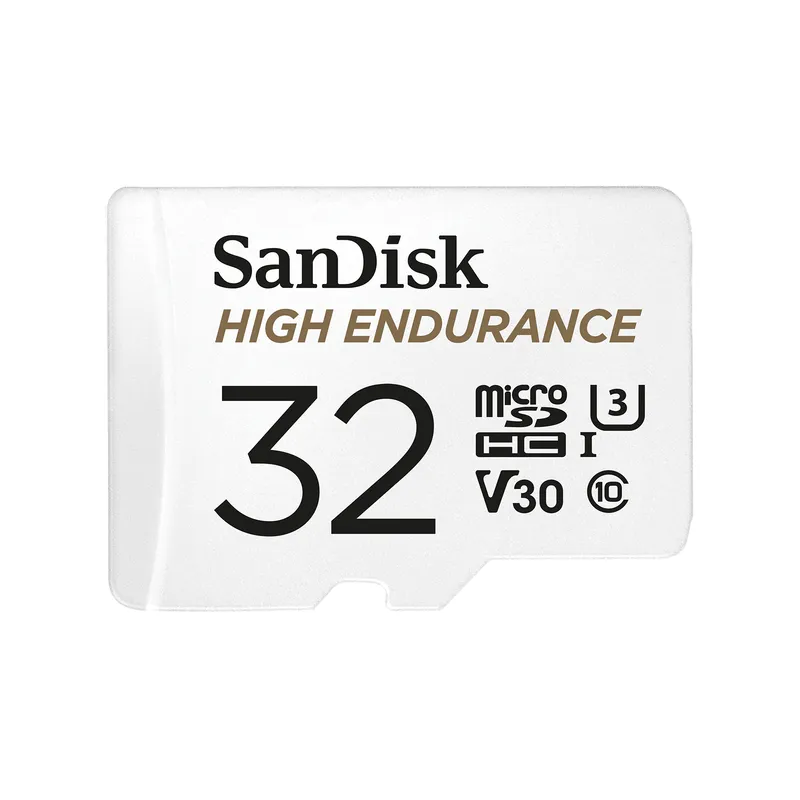
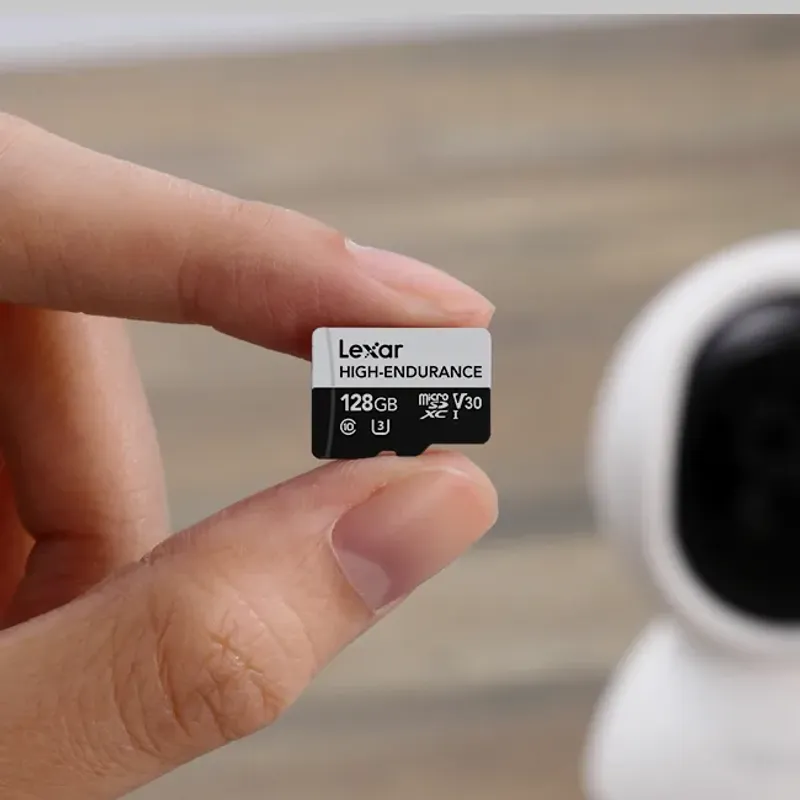
The best SD card for a dash cam is an endurance model that your camera maker supports. SanDisk MAX Endurance leads for its stated continuous-recording endurance, Samsung PRO Endurance is a strong all-round option, and SanDisk High Endurance offers capacities up to 512 GB. Kingston High-Endurance and Lexar High-Endurance are worth considering when their capacity and speed class match your recorder.

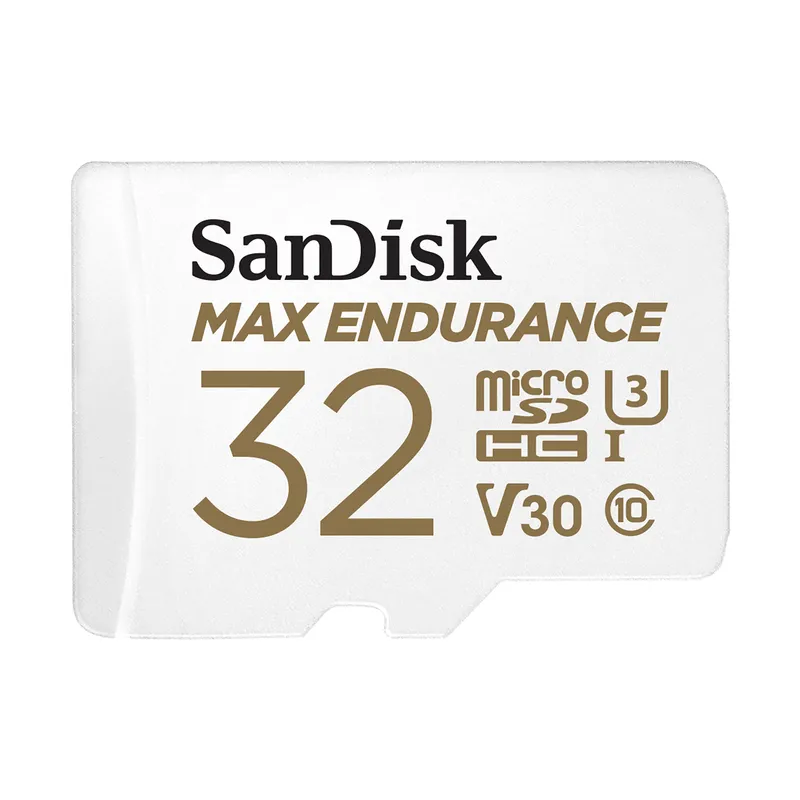
01SanDisk MAX Endurance microSDOfficial manufacturer image

Best for high-endurance loop recording

SanDisk MAX Endurance microSD

  • Designed for repeated recording in dash cams and monitoring cameras
  • Manufacturer lists U3 and V30 performance with capacities from 32 GB to 256 GB

Drawback: Its maximum listed capacity is lower than some current dash cams support.

Check price on AmazonSponsored link · no live price shown

02Samsung PRO Endurance microSDOfficial manufacturer image

Best all-round endurance card

Samsung PRO Endurance microSD

  • Samsung specifies the series for dash cams and other always-on recording applications
  • The 256 GB version is rated up to 100 MB/s read and 40 MB/s write

Drawback: Speed specifications vary by capacity, so check the exact card rather than the series name alone.

Check price on AmazonSponsored link · no live price shown
04

Best for Full HD continuous recording

Kingston High-Endurance microSD

  • Built for write-intensive dash cam, body cam, and security-camera use
  • Kingston lists capacities from 32 GB to 256 GB and an operating range of -25 C to 85 C

Drawback: Its U1 and V10 classification is less suitable for a camera that explicitly requires U3 or V30.

Compare them side by side

SanDisk MAX Endurance microSDOfficial manufacturer imageSanDisk MAX Endurance microSDSamsung PRO Endurance microSDOfficial manufacturer imageSamsung PRO Endurance microSDSanDisk High Endurance microSDOfficial manufacturer imageSanDisk High Endurance microSDKingston High-Endurance microSDLexar High-Endurance microSDOfficial manufacturer imageLexar High-Endurance microSD
Maximum listed capacity256 GB256 GB512 GB256 GB128 GB
Highest listed video classV30V30V30V10V30 on 64 GB and above
Maximum listed read speed100 MB/s100 MB/s100 MB/s95 MB/s100 MB/s
Dash cam use stated by makerYesYesYesYesYes
Operating temperature-25 C to 85 C—-25 C to 85 C-25 C to 85 C-25 C to 85 C
Check price on AmazonCheck price on AmazonCheck price on AmazonCheck price on Amazon

Common questions

Questions before you buy

What size SD card is best for a dash cam?

Choose a capacity within the camera's stated range. Higher-resolution and multi-channel cameras fill a card faster, but an unsupported large card is not an upgrade.

Does a dash cam need a high-endurance microSD card?

It is the safer choice because loop recording repeatedly writes and overwrites data. Standard cards may not be designed or warranted for that workload.

Is U3 or V30 necessary for a dash cam?

Use the class required by the camera maker. High-bitrate 4K or multi-channel models often specify U3 or V30, while some Full HD cameras accept a lower class.

How often should a dash cam SD card be formatted?

Follow the interval in the camera manual or its on-screen reminder. Format in the camera after saving important clips, and replace the card if errors return.

Sources and how we chose