



 Official manufacturer image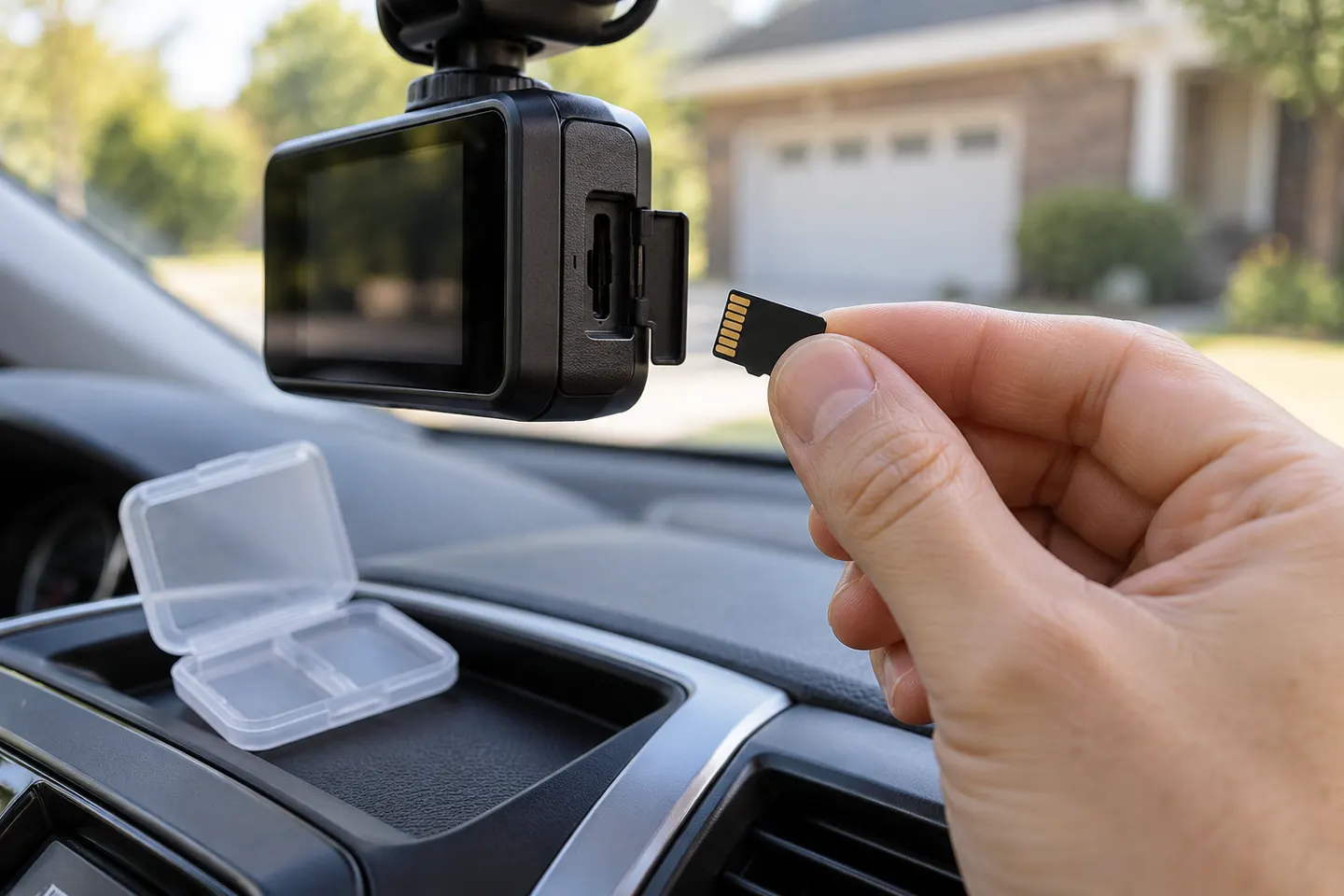
Our picks
Top picks
Official manufacturer image Official manufacturer image
Garmin Dash Cam Mini 3
Check price on Amazon Official manufacturer image
Garmin Dash Cam X310
Check price on AmazonBy feature
 Mini sd card
Installation and accessories
 Microsd card
 Micro card
Show all (5)
Common questions
Questions before you buy
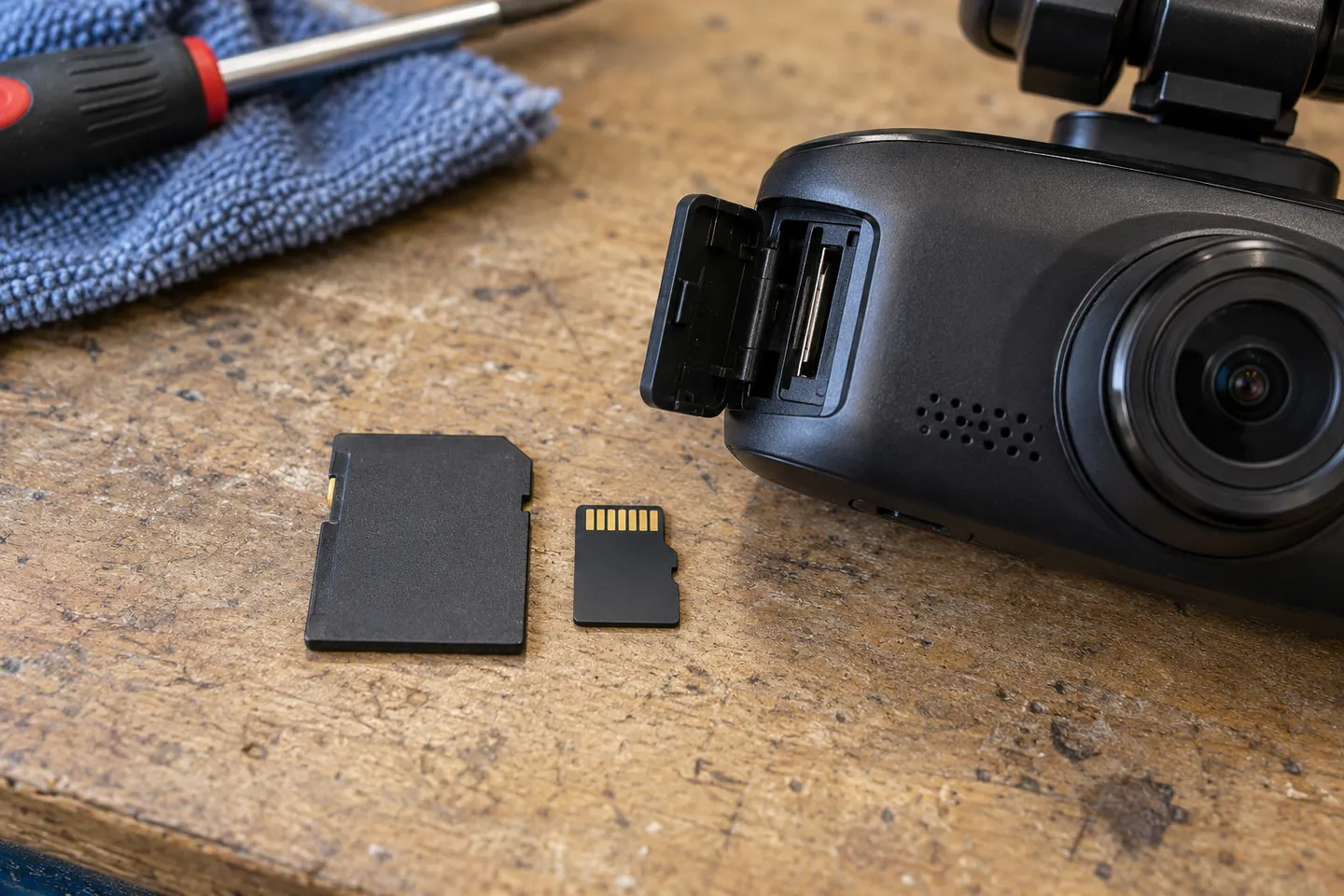
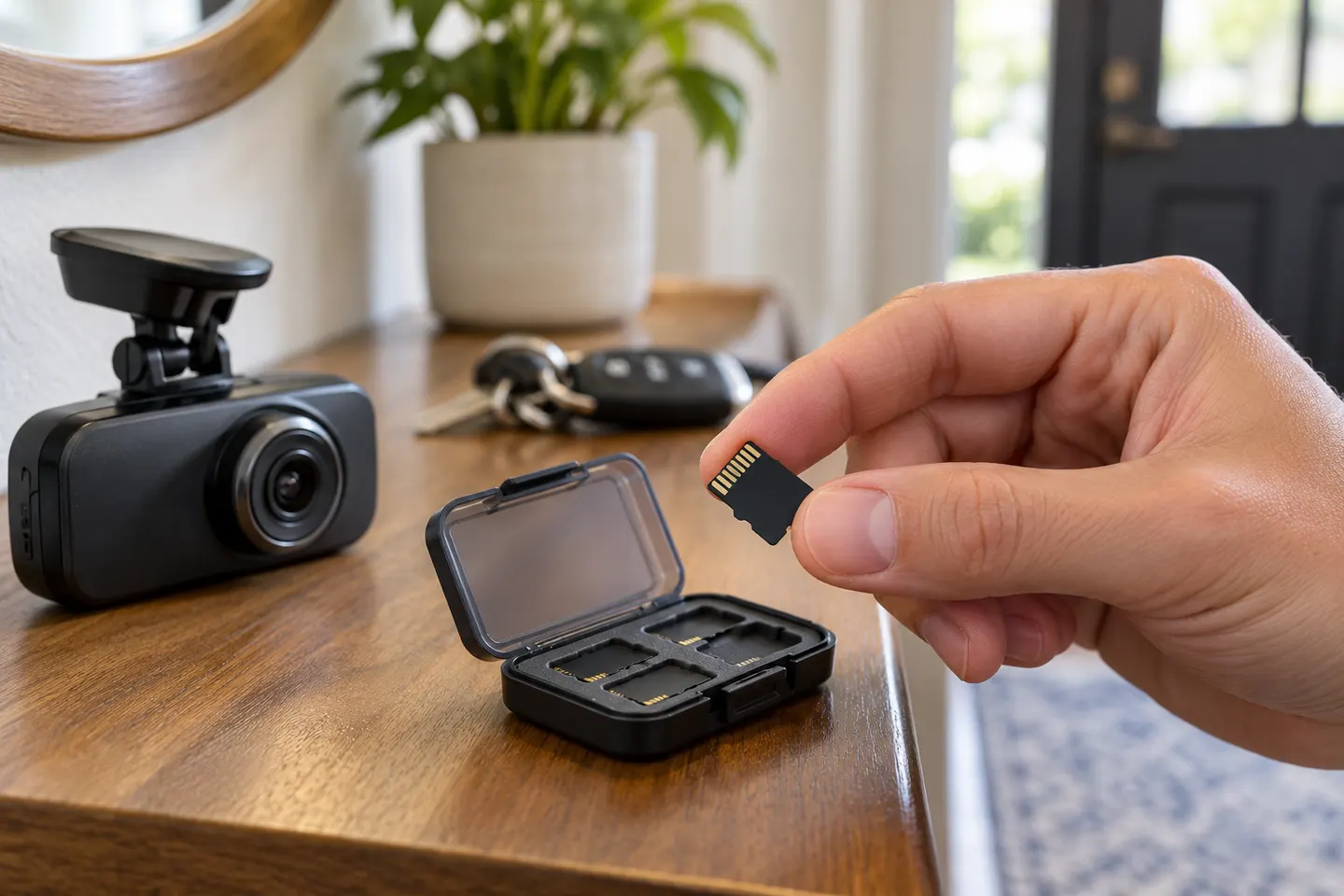
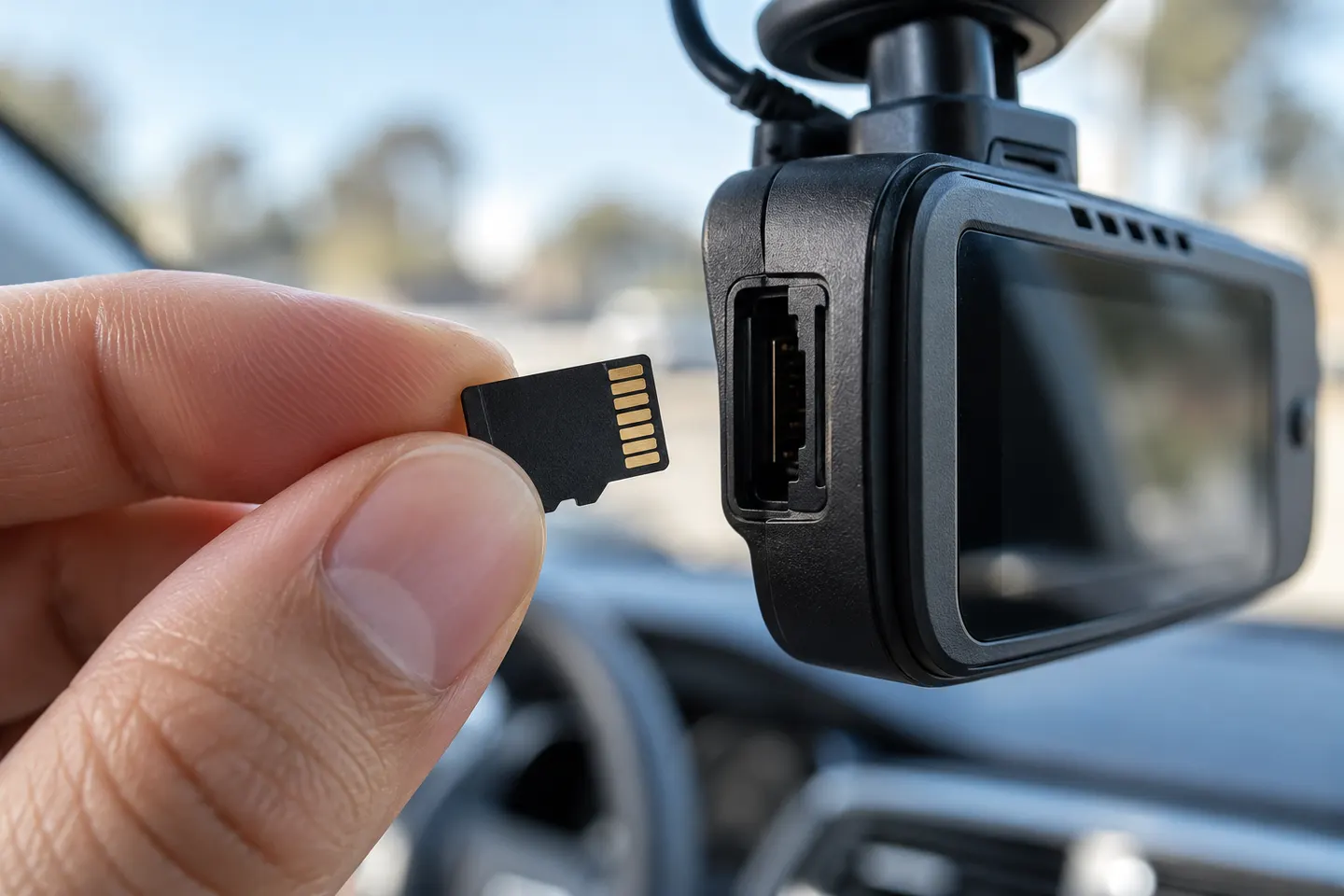
What SD card should I use for a dash cam?
Use the exact type, speed class and capacity range specified by the dash-cam manufacturer. Within those limits, an endurance-rated microSD card is a sensible fit for continuous overwriting.
How much dash-cam footage fits on an SD card?
Retention time depends on resolution, bitrate, channel count and the camera's file settings. A front-and-rear model generally consumes storage faster than a single-channel camera at comparable settings.
Why does my dash cam say the SD card is full?
Loop recording should overwrite unlocked old clips, but protected files, an incompatible format or card corruption can prevent it. Save any needed footage, then follow the manual's formatting steps.
How often should a dash-cam SD card be formatted?
Follow the interval in the camera manual or its on-screen reminder. Formatting erases files, so export incident footage first.
Can I use a regular microSD card in a dash cam?
Only if it meets the camera maker's requirements. Cards built for continuous video are generally better suited to repeated write cycles than general-purpose cards.