



 Official manufacturer image
Our picks
Top picks
Official manufacturer image Official manufacturer image
Garmin Dash Cam Mini 3
Check price on Amazon Official manufacturer image
Garmin Dash Cam X310
Check price on AmazonBy feature
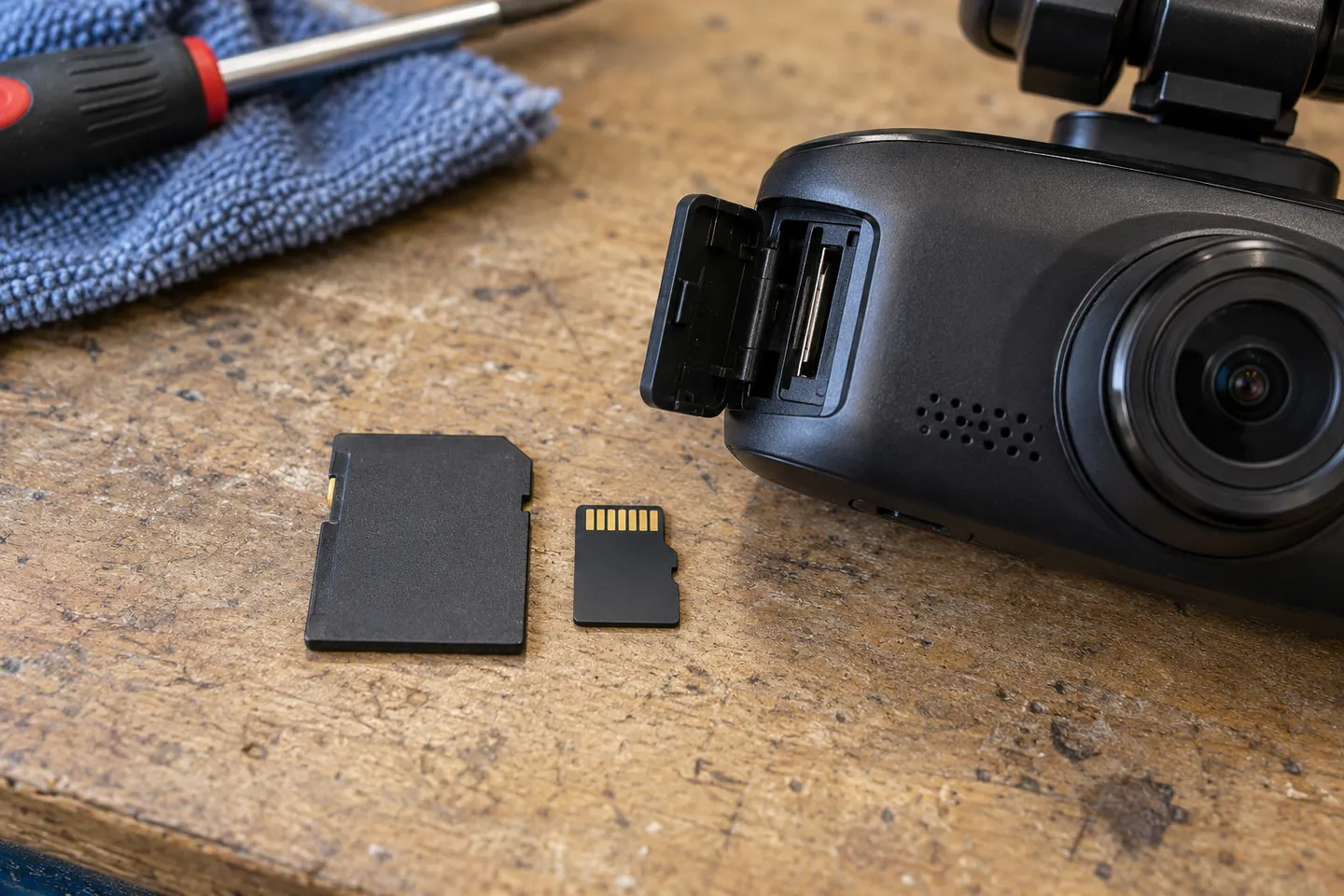 Mini sd card
Installation and accessories
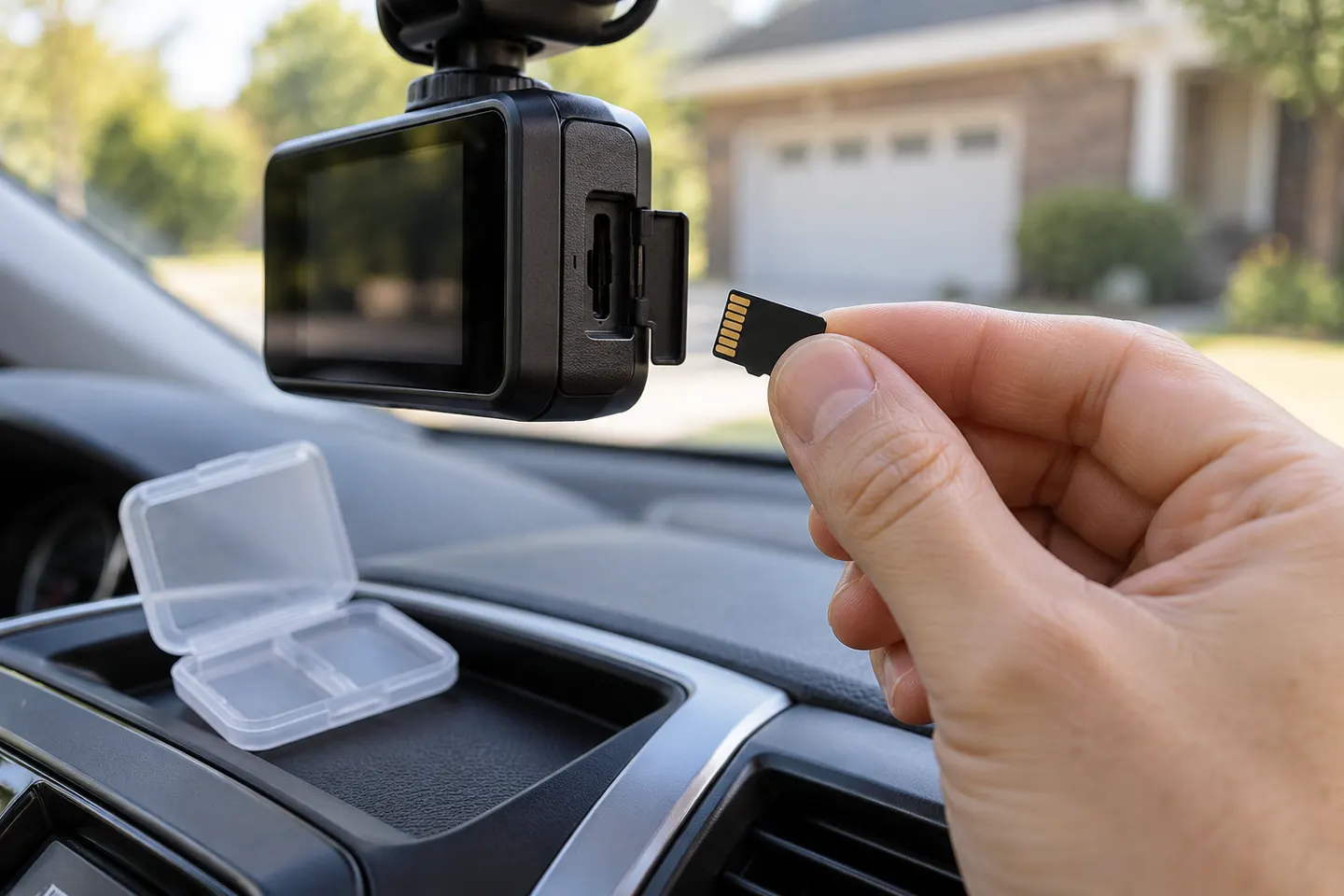 Sd card
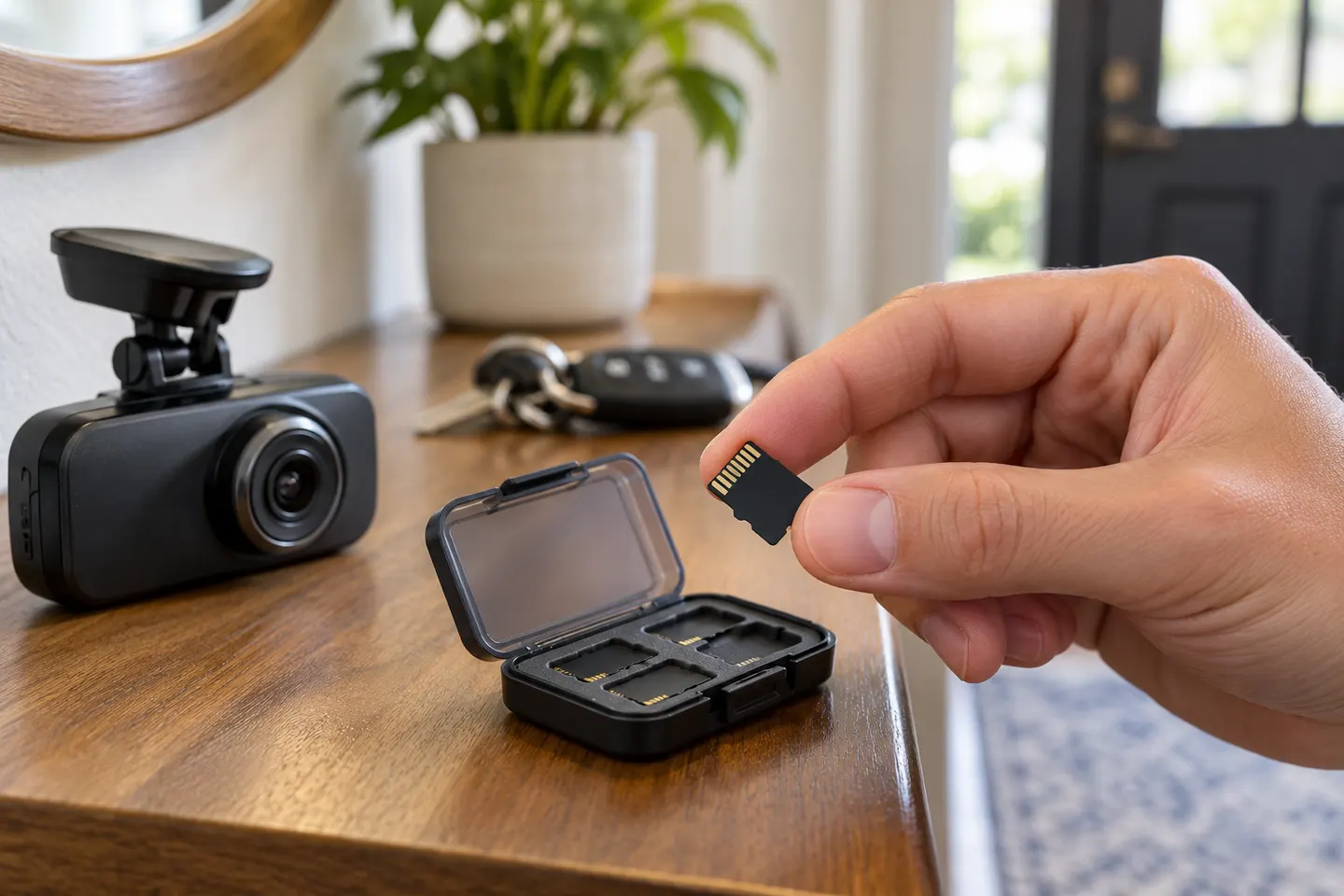 Microsd card
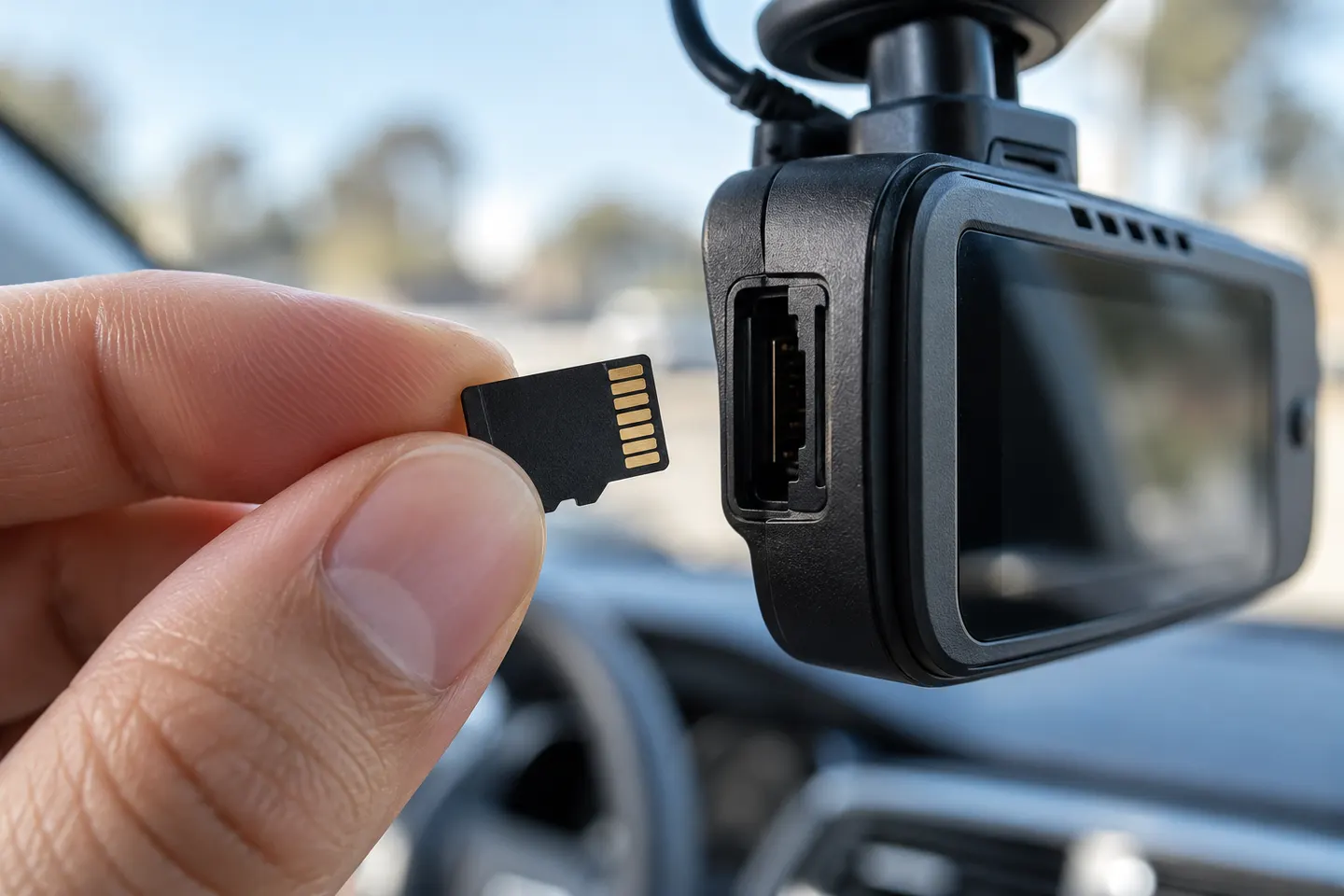 Micro card
Show all (5)
Common questions
Questions before you buy
What microSD card should I use for a dash cam?
Use a genuine high-endurance card that meets the exact camera maker's capacity and speed requirements. A card that is fast enough for a phone may still be unsuitable for continuous overwriting.
How large should a dash cam memory card be?
Choose within the camera's supported range based on resolution, channel count and how much history you want. Higher bitrates and more cameras shorten retention.
How often should I format a dash cam card?
Follow the camera manufacturer's instructions or format reminders. Formatting erases files, so export anything important first.
Why does my dash cam say memory card error?
The card may be incompatible, worn, counterfeit, incorrectly formatted or unable to sustain the recording mode. Check the approved-card guidance before replacing it.
Can I use the same microSD card in a new dash cam?
Only if it meets the new camera's requirements and remains healthy. Back it up, then format it in the new camera rather than carrying over the old file system.