



 Official manufacturer image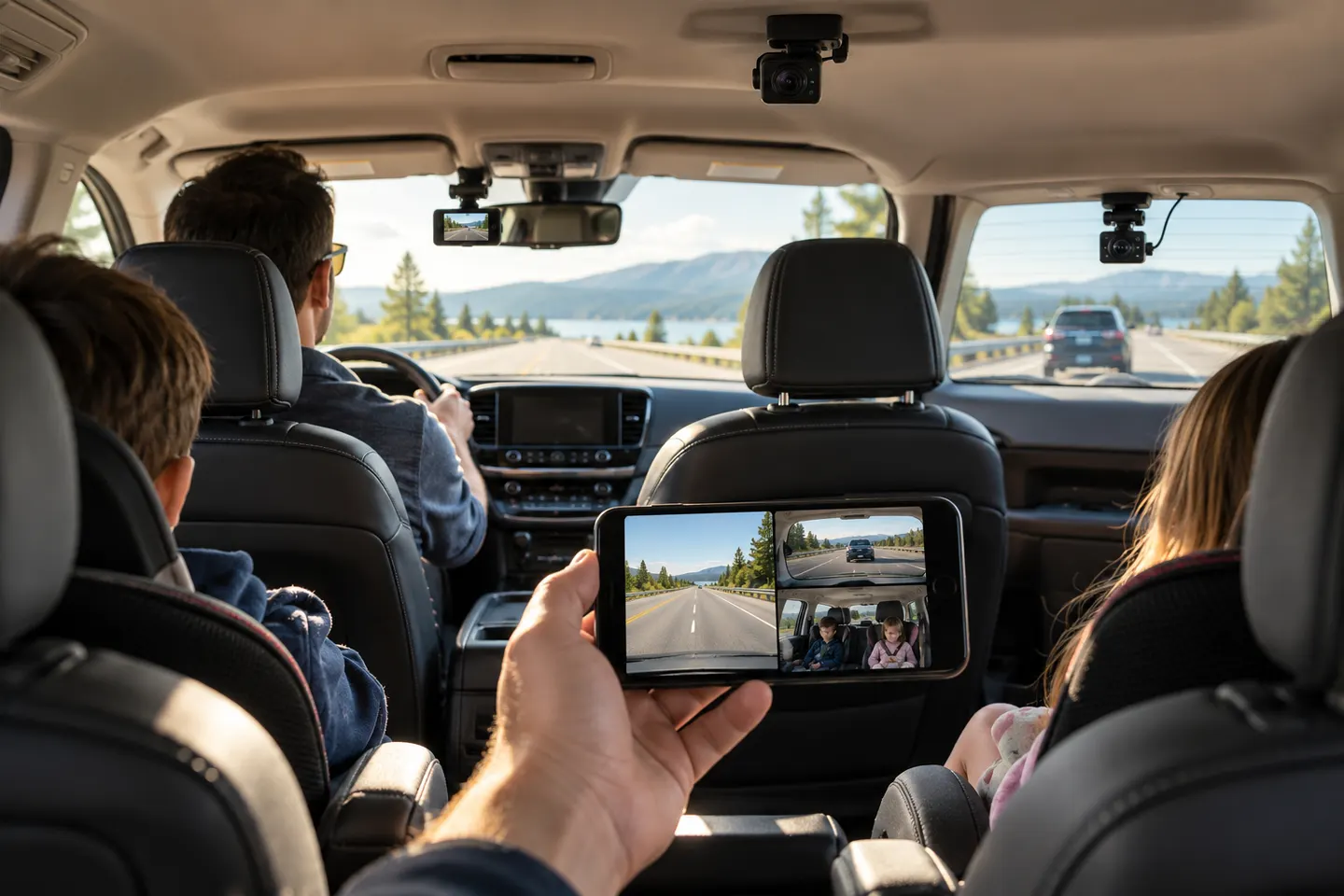
Our picks
Top picks
Official manufacturer image Official manufacturer image
Garmin Dash Cam Mini 3
Check price on Amazon Official manufacturer image
Garmin Dash Cam X310
Check price on AmazonCommon questions
Questions before you buy
Does a FAIMEE dash cam record the front and rear?
FAIMEE lists front-and-rear systems as well as a three-channel configuration. Check the exact package contents before ordering because the number of cameras differs by configuration.
Does a FAIMEE dash cam connect to a phone?
Compatible FAIMEE cameras connect to the FAIMEE mobile app over Wi-Fi for live viewing, playback and downloading recordings. Phone compatibility and app requirements should be checked on the current product and app pages.
Can a FAIMEE dash cam record while the car is parked?
The manufacturer advertises parking recording on its current dash cams, but states that a separate hardwire kit is required for its time-lapse parking mode. Installation should follow the camera and vehicle instructions.
Is a two-channel or three-channel FAIMEE dash cam better?
Choose two channels if your priority is recording the road ahead and behind. Choose three channels when cabin footage is also important, while allowing for the extra camera placement and additional footage it creates.
What should I check before choosing a FAIMEE dash cam?
Confirm the camera count, included memory card, supported storage capacity, parking-mode power requirements and phone compatibility. Also check whether GPS and the rear-camera cable routing suit your vehicle.