

Identify the exact DoHonest model
Read the model number on the camera, monitor, packaging, or manual. DoHonest sells different rear-view and baby-monitor products, so instructions for one wiring or wireless system may not fit another.

Gearjury may earn a commission when you buy through a retailer link. Editorial conclusions are based on cited evidence.
Guide
A DoHonest car camera is typically a rear-view or baby-monitor system rather than a conventional dash cam. Find the exact model first, because wiring, pairing, and recording support differ.
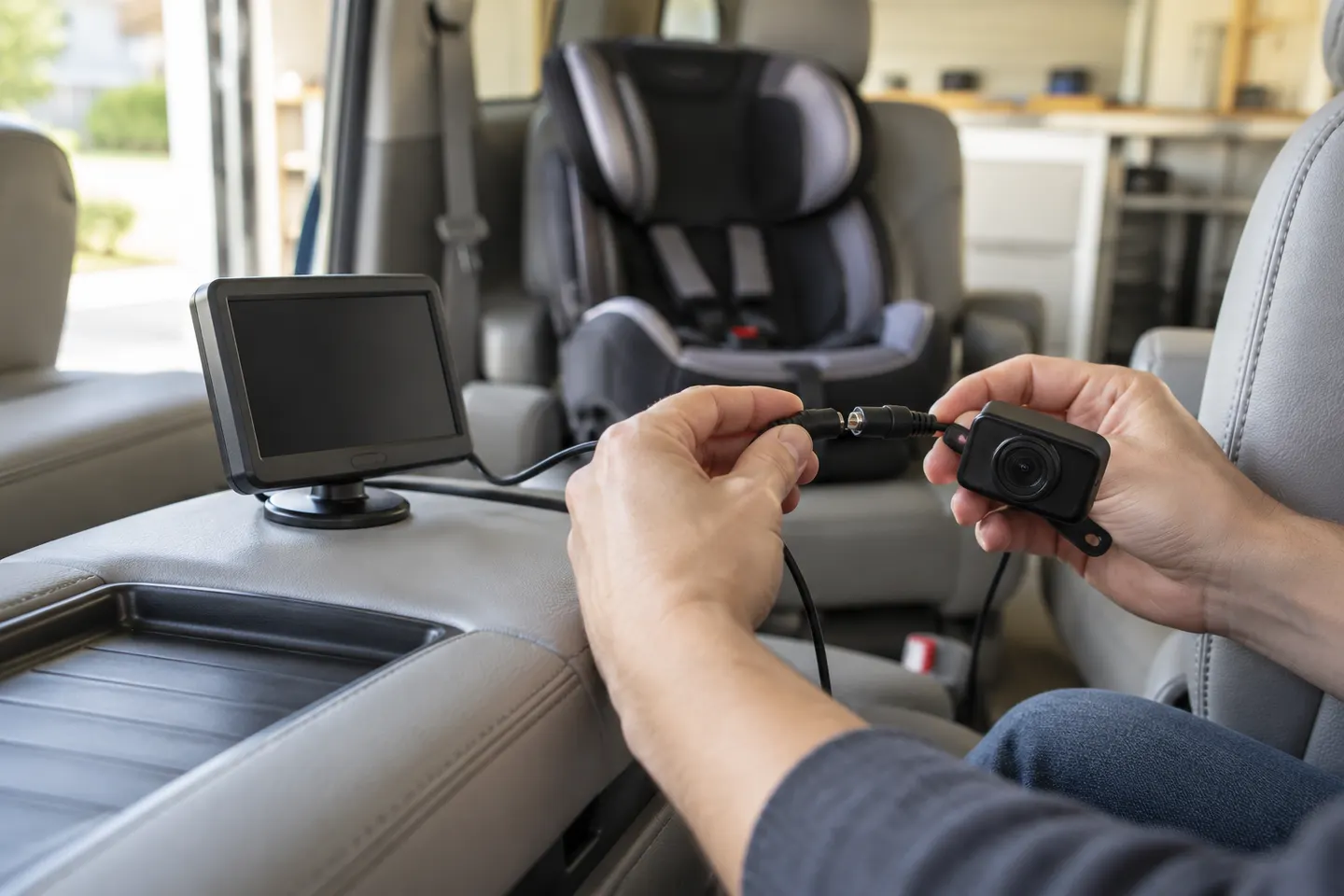
Read the model number on the camera, monitor, packaging, or manual. DoHonest sells different rear-view and baby-monitor products, so instructions for one wiring or wireless system may not fit another.
Many car-camera systems are designed to provide a live view rather than stored dash-cam evidence. Check for a memory-card slot and explicit recording instructions before relying on saved footage.
A reversing camera needs a clear rear view and secure exterior mounting; a baby camera needs a stable cabin view without loose parts near the child. Keep every cable and mount clear of airbags and moving components.
Use the supplied connections and the exact manual. A wireless video link still needs power at the camera and monitor, and some reversing functions require a correctly identified trigger wire.
Set mirror or normal view to match the installation and calibrate parking guidelines only as the manual allows. Treat on-screen lines as aids, not measurements of guaranteed clearance.
With the vehicle safely stationary, check image stability, delay, night visibility, camera angle, and the behavior when selecting reverse. Secure loose wiring and keep the display from blocking the road view.
Common questions
Not necessarily. DoHonest prominently sells backup and baby-monitor cameras; confirm that your exact model explicitly supports video recording and storage.
Check power at both units, cable seating or wireless pairing, the selected channel, and any reverse-trigger connection. Use the model-specific troubleshooting steps.
No. Wireless normally describes video transmission; the camera and screen still require a documented power source.
Rear-view systems often offer mirrored and normal orientations. Change the setting or documented camera control only after confirming which view your installation requires.
Only a model with documented recording, storage, and parking-power support can do so. Do not infer parking recording from a live rear-view feature.
Keep exploring

A front and rear dash cam records both directions and can provide context a single lens misses. Check the rear-camera cable route and simultaneous recording resolution before buying.

VIOFO A229 Pro 2CH is our broad recommendation for detailed front and rear coverage. Garmin Mini 3 favors discretion, while Garmin X310 is the sharper single-camera choice.

The A329S serves buyers seeking high-detail multichannel recording; A229 models cover more moderate dual-camera needs, while A119 Mini 2 is the compact front-only option.

Start with the coverage you need: front-only, front and rear, cabin or a wider multi-camera view. Then compare recording detail, storage and power requirements.