Gearjury may earn a commission when you buy through a retailer link. Our editorial choices remain independent.
Guide
Dash Cam Installation: How to Fit and Set It Up Safely
Mount the camera where it has a clear road view without obstructing the driver, then route power away from airbags and controls. Test the recording before hiding every cable.
GGearjury editorial team · Updated October 15, 2026· 7 min
01
Choose a legal, unobstructed camera position
Sit in the normal driving position and identify an area, often behind or close to the rearview mirror, that gives the lens a clear road view without blocking yours. Check state rules and avoid vehicle sensors.
02
Prepare the windshield and mount
Clean and dry the glass as directed by the mount manufacturer. Fit the camera temporarily, level the horizon in its live view and confirm that the wipers cover the lens area before pressing an adhesive mount firmly into place.
03
Route the power cable safely
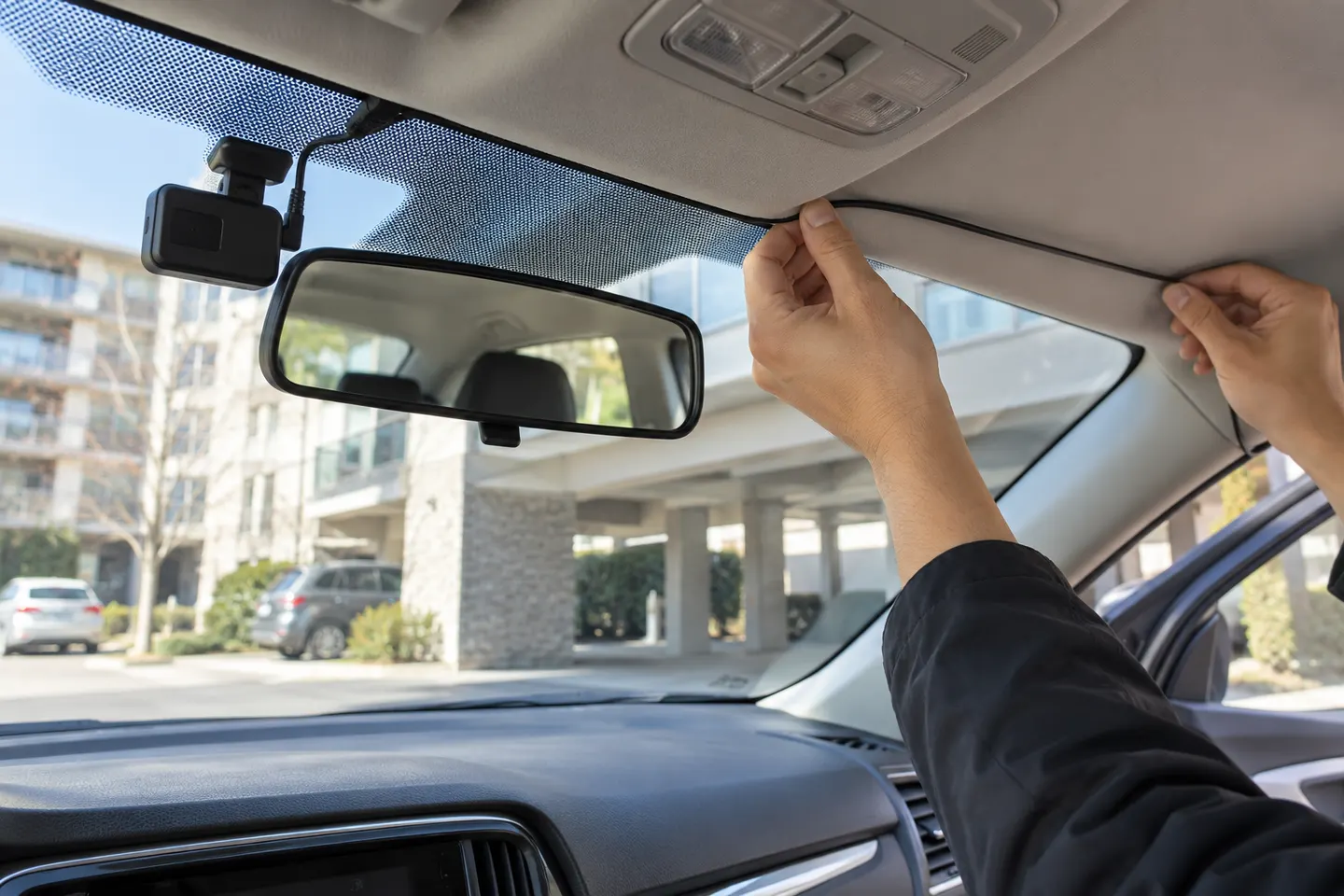
Follow existing trim edges without stretching or pinching the cable. Do not run it across an airbag deployment path, around pedals or over controls; if the trim or airbag route is unclear, use a qualified installer.
04
Install a rear camera without straining the cable
Plan the full route before tucking it in. Leave appropriate movement at a hatch or liftgate, keep the cable clear of hinges and seals, and check that heated-window lines do not obscure the lens.
05
Choose plug-in power or hardwiring
Accessory-socket power is simplest. Hardwiring can support a neater installation and parking modes, but requires the correct kit, fuse type, circuit choice and low-voltage protection; professional fitting is sensible when uncertain.
06
Format storage and verify footage
Insert a manufacturer-supported high-endurance card, format it in the camera and set the date, time zone and recording options. Review a short front and rear clip on a larger screen to check aim, audio and file creation.
Common questions
Questions before you buy
Where should a dash cam be installed?
Usually high on the windshield near the rearview mirror, where the lens sees the road and the body does not obstruct the driver's view. Local placement rules vary.
Can I install a dash cam myself?
A simple plug-in front camera is often manageable if you follow the manual. Hardwiring and complex rear-camera routes may justify a professional installer.
Can I tuck a dash cam cable behind the A-pillar?
Do not place it across or in front of a curtain airbag. Follow the vehicle service information or have a professional route it safely behind the appropriate trim and restraints.
Does a dash cam need to be hardwired?
No for ordinary driving recording if a suitable accessory socket is available. Some parking modes require a compatible hardwire kit or separate battery source.
VIOFO A229 Pro 2CH is our broad recommendation for detailed front and rear coverage. Garmin Mini 3 favors discretion, while Garmin X310 is the sharper single-camera choice.
A front and rear dash cam records both directions and can provide context a single lens misses. Check the rear-camera cable route and simultaneous recording resolution before buying.
The A329S serves buyers seeking high-detail multichannel recording; A229 models cover more moderate dual-camera needs, while A119 Mini 2 is the compact front-only option.
Start with the coverage you need: front-only, front and rear, cabin or a wider multi-camera view. Then compare recording detail, storage and power requirements.
Your privacy
We use cookies and similar technologies. Necessary ones keep the site working. With your permission we also use statistics cookies (Google Analytics and Microsoft Clarity) to understand which guides help readers. You can accept all, reject all or choose. You can change your choice at any time from "Cookie settings" at the bottom of every page. Cookie policy