



 Official manufacturer image
Our picks
Top picks
Official manufacturer image Official manufacturer image
Garmin Dash Cam Mini 3
Check price on Amazon Official manufacturer image
Garmin Dash Cam X310
Check price on AmazonBy vehicle
 Tesla
TeslaCommon questions
Questions before you buy
What does the red dot on the Tesla dashcam icon mean?
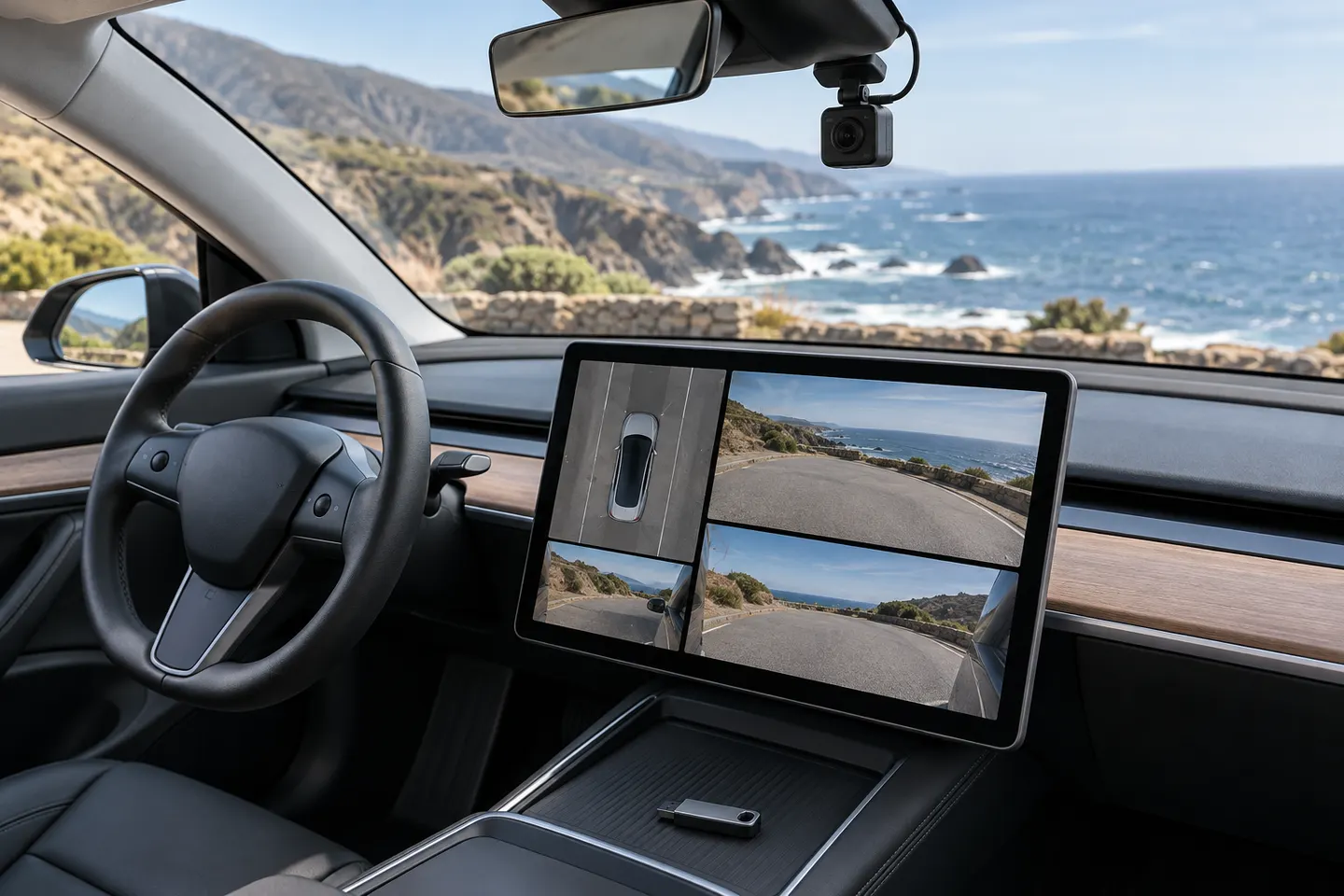
Tesla identifies the red-dot state as recording. Touching the icon saves footage, while pressing and holding it pauses recording.
What does the green check on the Tesla dashcam icon mean?
The green check indicates that footage has been saved. Tesla organizes saved clips by timestamp for viewing on the parked vehicle's touchscreen or on a computer.
Why does the Tesla dashcam icon show busy?
Busy means the system is loading, saving, or overwriting footage. Tesla warns that footage is not captured while the dashcam is in that state.
How do I save Tesla dashcam footage?
In Manual mode, touch the Dashcam icon to save the recent clip to the configured USB drive. Tesla also documents Auto and On Honk save options, subject to their settings and limitations.
Where is the Tesla dashcam icon?
Tesla places the Dashcam app in the app launcher and allows it to be added to the bottom bar. The precise interface can vary with vehicle and software version.