



 Official manufacturer image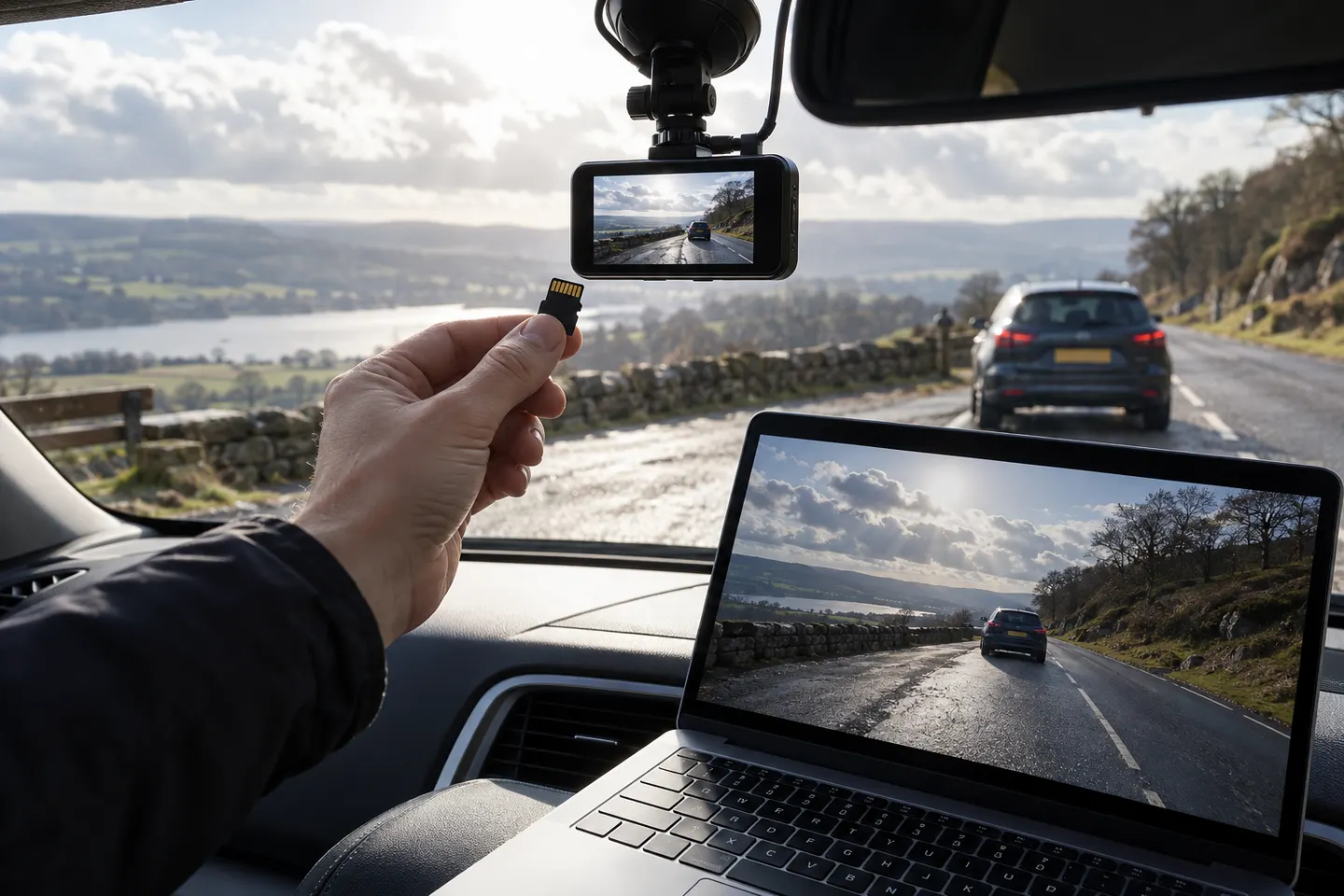
Our picks
Top picks
Official manufacturer image Official manufacturer image
Garmin Dash Cam Mini 3
Check price on Amazon Official manufacturer image
Garmin Dash Cam X310
Check price on AmazonCommon questions
Questions before you buy
How long does a dash cam keep video?
Retention depends on card capacity, bitrate, resolution and the number of channels. Loop recording continues by overwriting the oldest unprotected clips.
Why is my dash cam video split into short files?
Short segments make loop recording and file recovery more manageable. The clips play continuously when sorted by timestamp.
How do I save dash cam footage after an accident?
Stop further overwriting, copy the relevant clips promptly and preserve the original files. Include footage before and after the event when available.
Can I edit a dashcam video before sending it?
Keep the original unchanged. You can make a shorter copy for convenient viewing, but retain metadata and the complete source file in case it is requested.
Why does dash cam footage look blurry at night?
Motion, low light, glare, dirty glass and exposure choices can reduce detail. Clean both sides of the windshield and confirm the lens is aimed below bright sky.