



 Official manufacturer image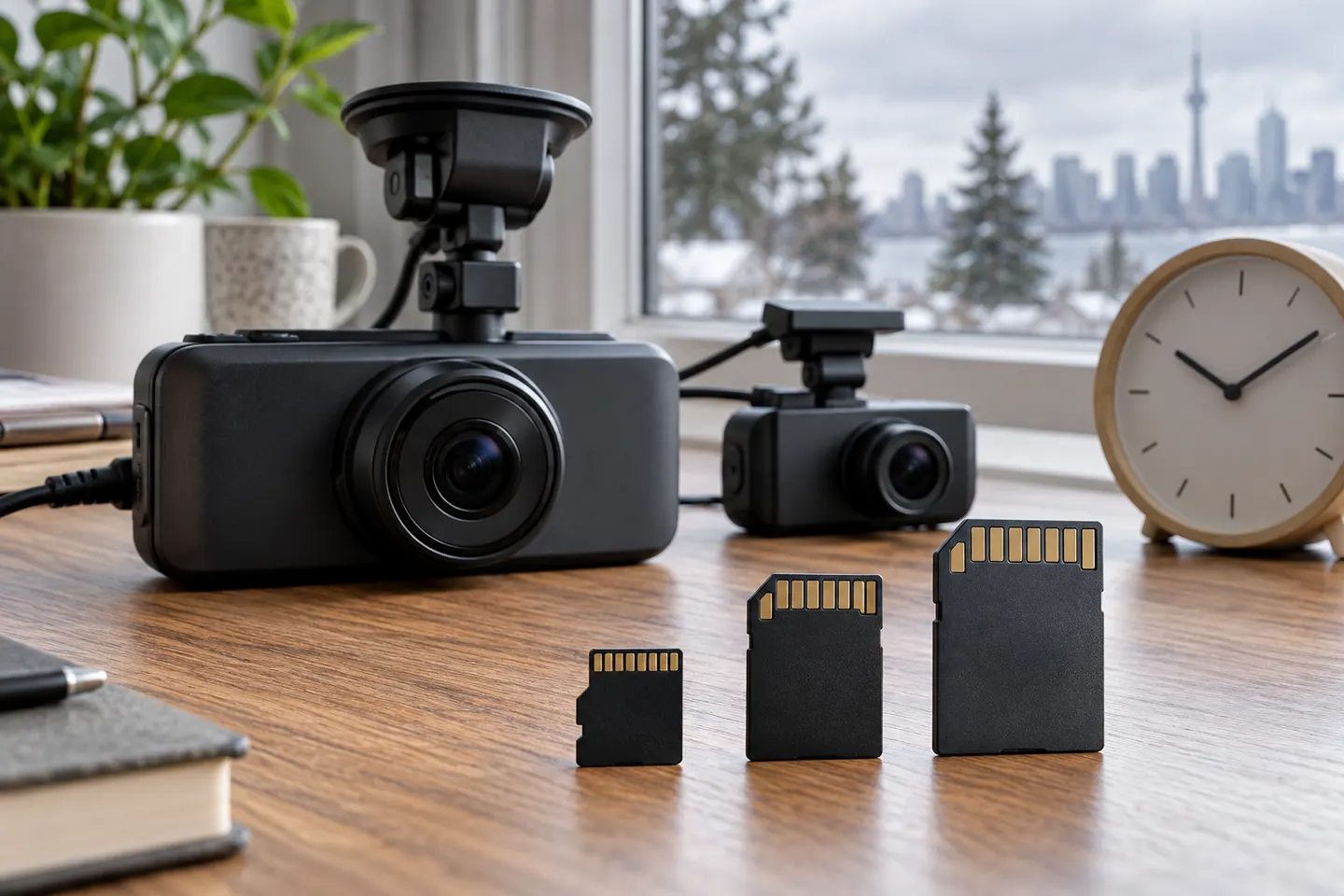
Our picks
Top picks
Official manufacturer image Official manufacturer image
Garmin Dash Cam Mini 3
Check price on Amazon.ca Official manufacturer image
Thinkware U3000
Check price on Amazon.caInstallation and accessories
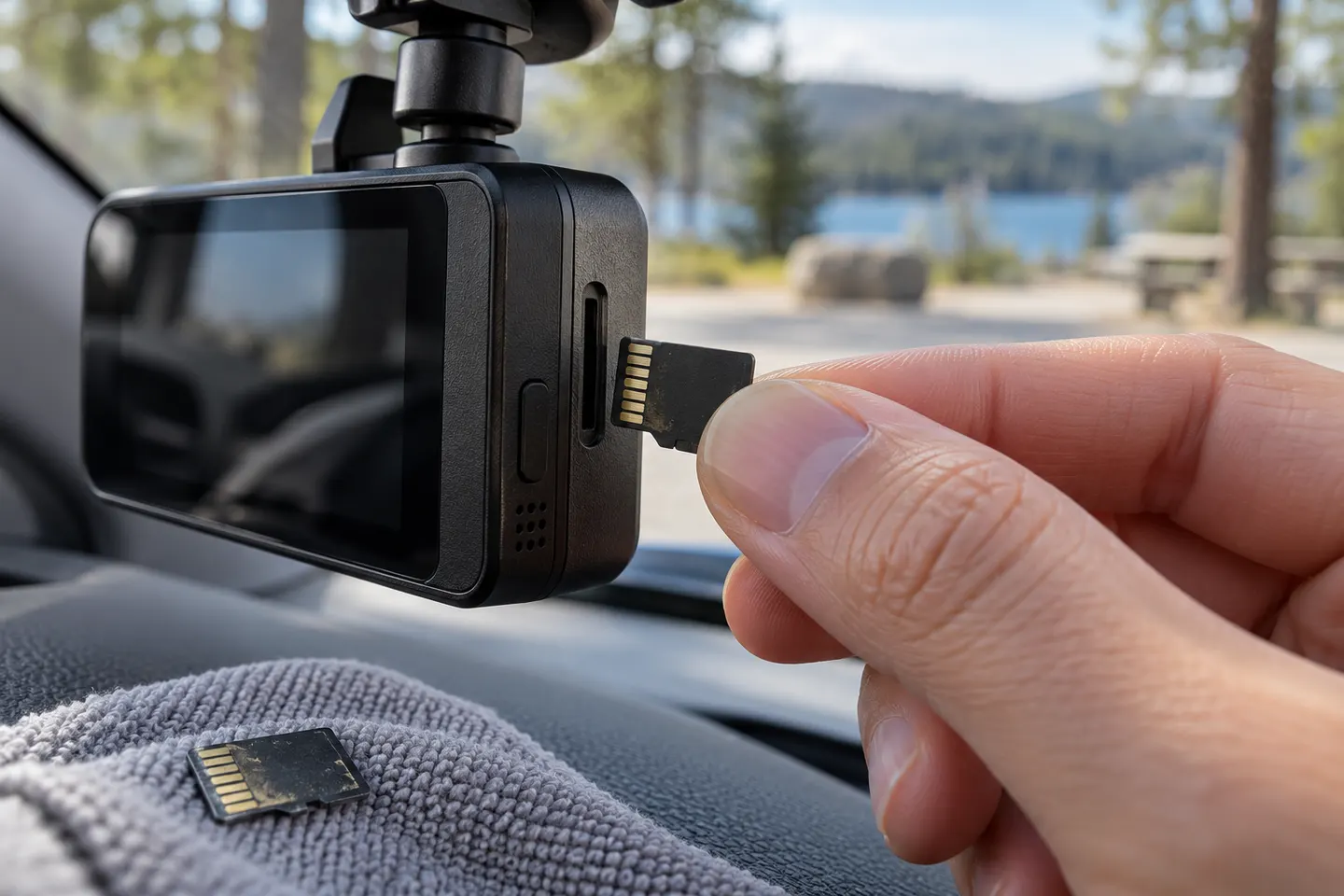 Micro sd card
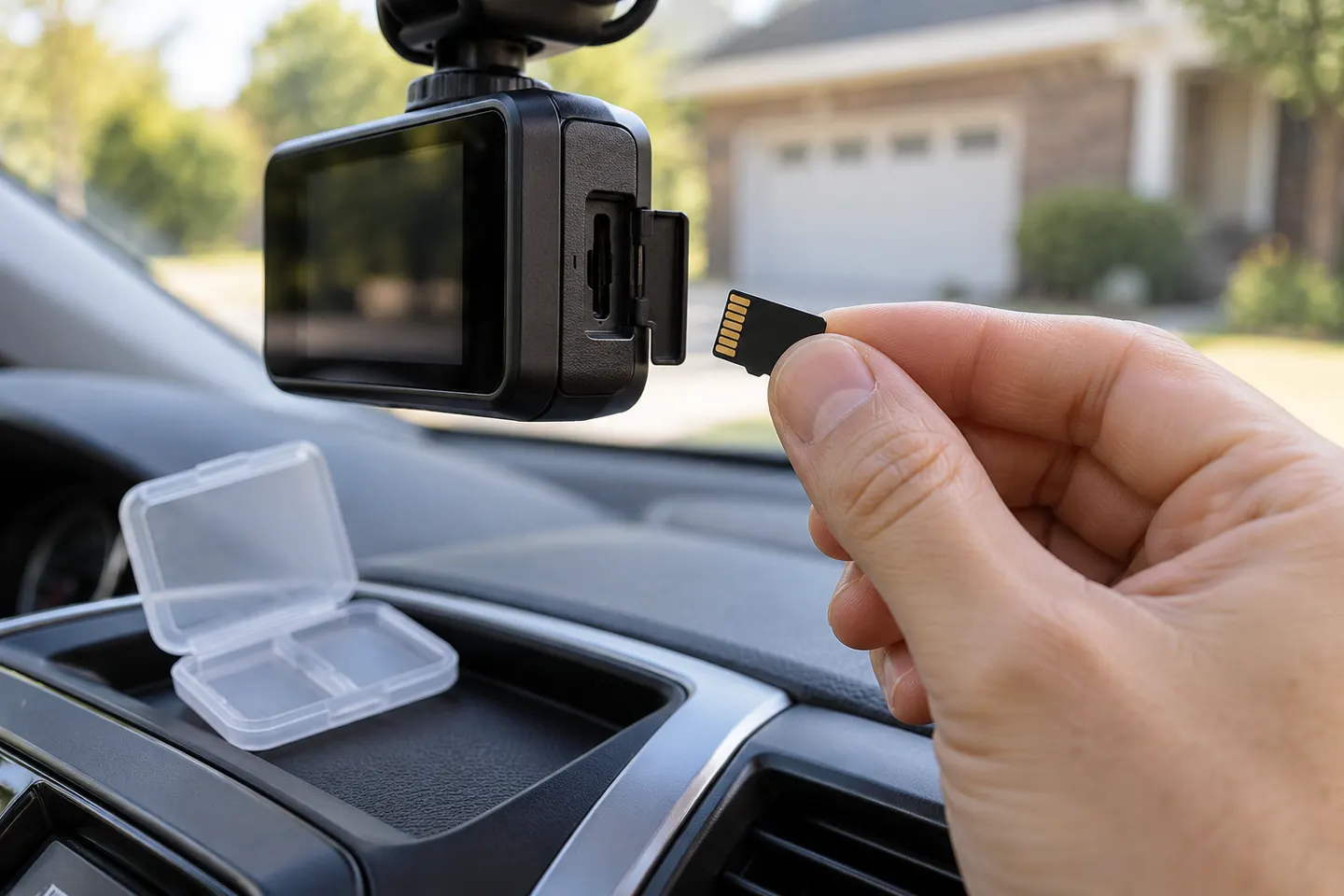 Sd card
Common questions
Questions before you buy
What size memory card should I use for a dash cam?
Use a capacity supported by the exact camera. A larger compatible card keeps a longer loop history, especially for 4K or multi-channel recording.
Why does a dash cam need a high-endurance memory card?
Dash cams overwrite video continuously, creating a heavier write cycle than occasional phone or camera use. Endurance cards are designed for that workload.
How often should I format a dashcam memory card?
Follow the camera maker's instructions or format reminders. Formatting cannot repair a worn card, so replace it if errors return.
Why does my dash cam say memory card error?
Common causes include an unsupported capacity or format, insufficient write speed, file-system corruption or a worn card. Back up needed footage before reformatting or replacement.