



 Official manufacturer image
Our picks
Top picks
Official manufacturer image Official manufacturer image
Garmin Dash Cam Mini 3
Check price on Amazon Official manufacturer image
Garmin Dash Cam X310
Check price on AmazonMore topics
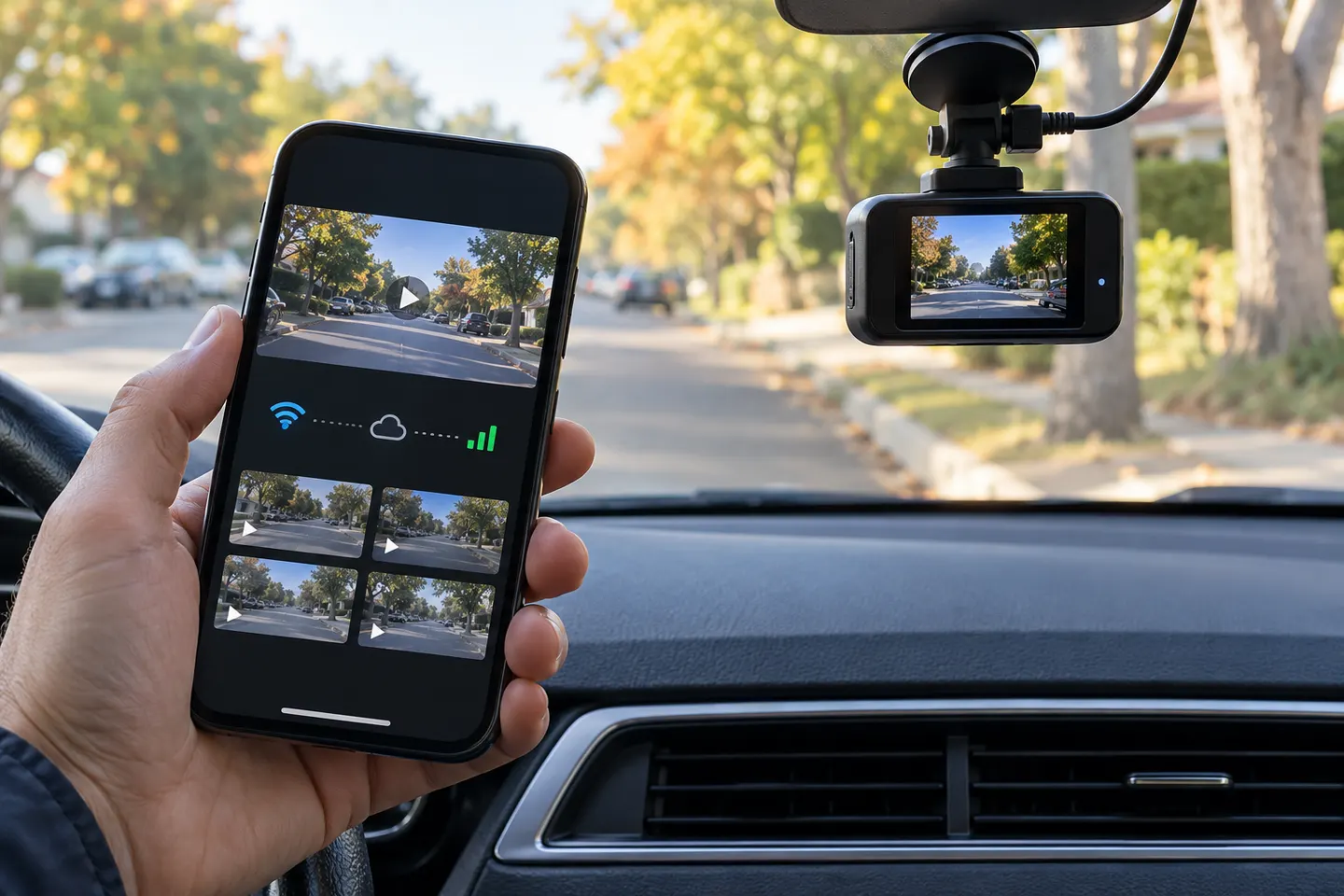 Dash Cams With a Mobile App
Common questions
Questions before you buy
Can I use my phone as a dash cam with an app?
Yes, an app can record from a mounted phone, but heat, incoming calls, storage use and field of view make it less dependable than a dedicated camera. Never handle the phone while driving.
Does a dashcam with an app need mobile data?
Not for a direct local Wi-Fi connection between the phone and camera. Remote live view, cloud backup or alerts may need cellular data, an LTE camera or a hotspot.
Can a dash cam app show live video when I am away from the car?
Only systems with remote connectivity can do that. Ordinary Wi-Fi models usually provide live view only when your phone is close enough to connect directly.
Will the dash cam record if the app is closed?
A dedicated dash cam normally records without the app once powered and configured. Check its status indicator before driving because app behavior varies by brand.
Are dash cam apps private?
Privacy depends on permissions, account design and cloud use. Review camera, microphone, location and photo-library access, and avoid uploading sensitive clips unless needed.