



 Official manufacturer image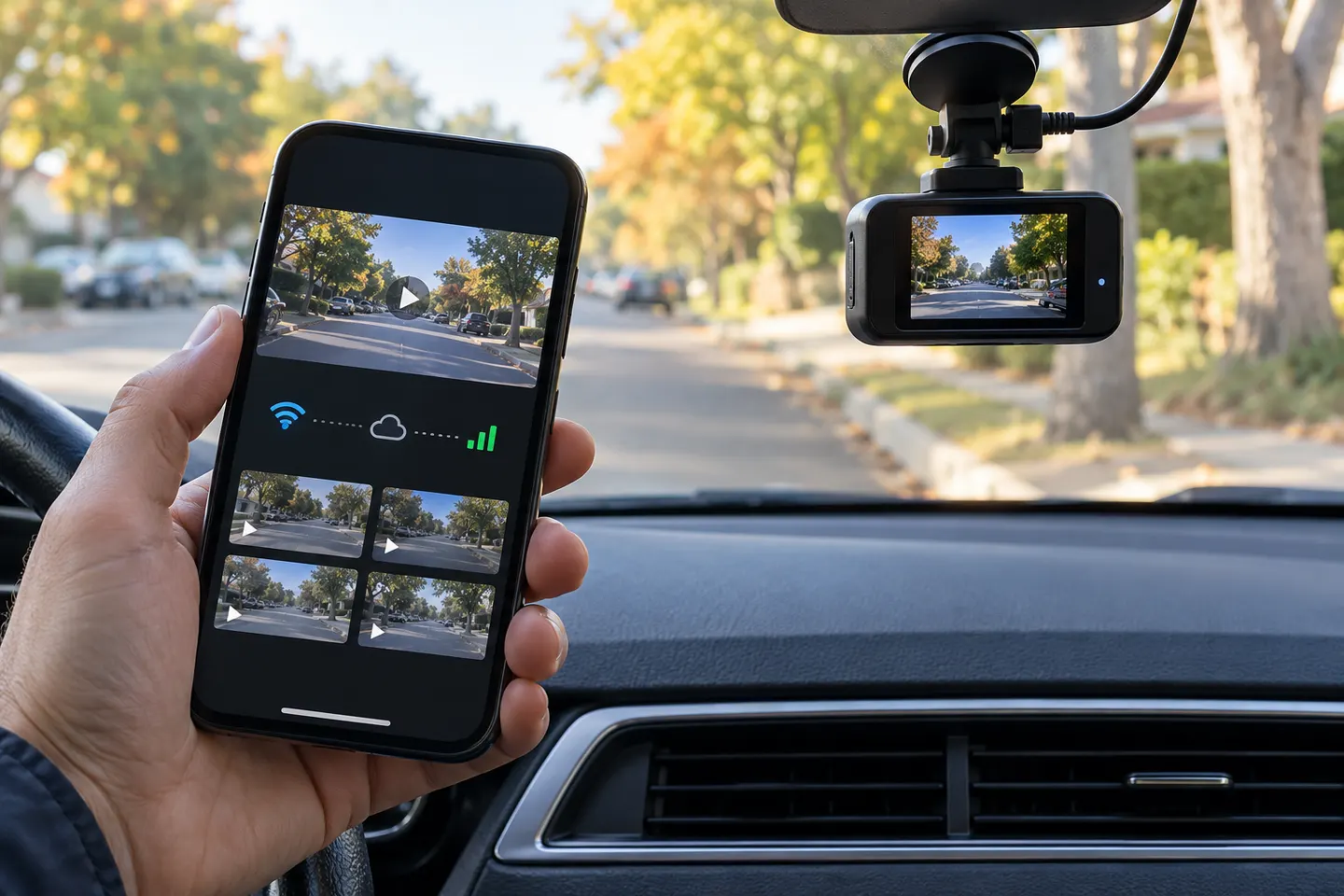
Our picks
Top picks
Official manufacturer image Official manufacturer image
Garmin Dash Cam Mini 3
Check price on Amazon Official manufacturer image
Garmin Dash Cam X310
Check price on AmazonMore topics
Common questions
Questions before you buy
Can I watch my dash cam live on my phone?
Many app-connected cameras offer live view while your phone is close to the camera. Viewing from somewhere else generally requires the camera to have internet access, constant power, and sometimes a service plan.
Does a dash cam app work without cellular data?
Local viewing and downloads can work over the camera's own Wi-Fi network without cellular data. Cloud uploads and remote alerts need an internet connection.
Why does my phone lose internet when connected to a dash cam?
Your phone may treat the camera's local Wi-Fi as its main network even though that network has no internet. Some phones can keep mobile data active, while others require a temporary settings change.
Can two phones use the same dash cam app?
That depends on the manufacturer. Some accounts support shared access, while many cameras permit only one direct Wi-Fi connection at a time; check the model's app instructions before buying.