



 Official manufacturer image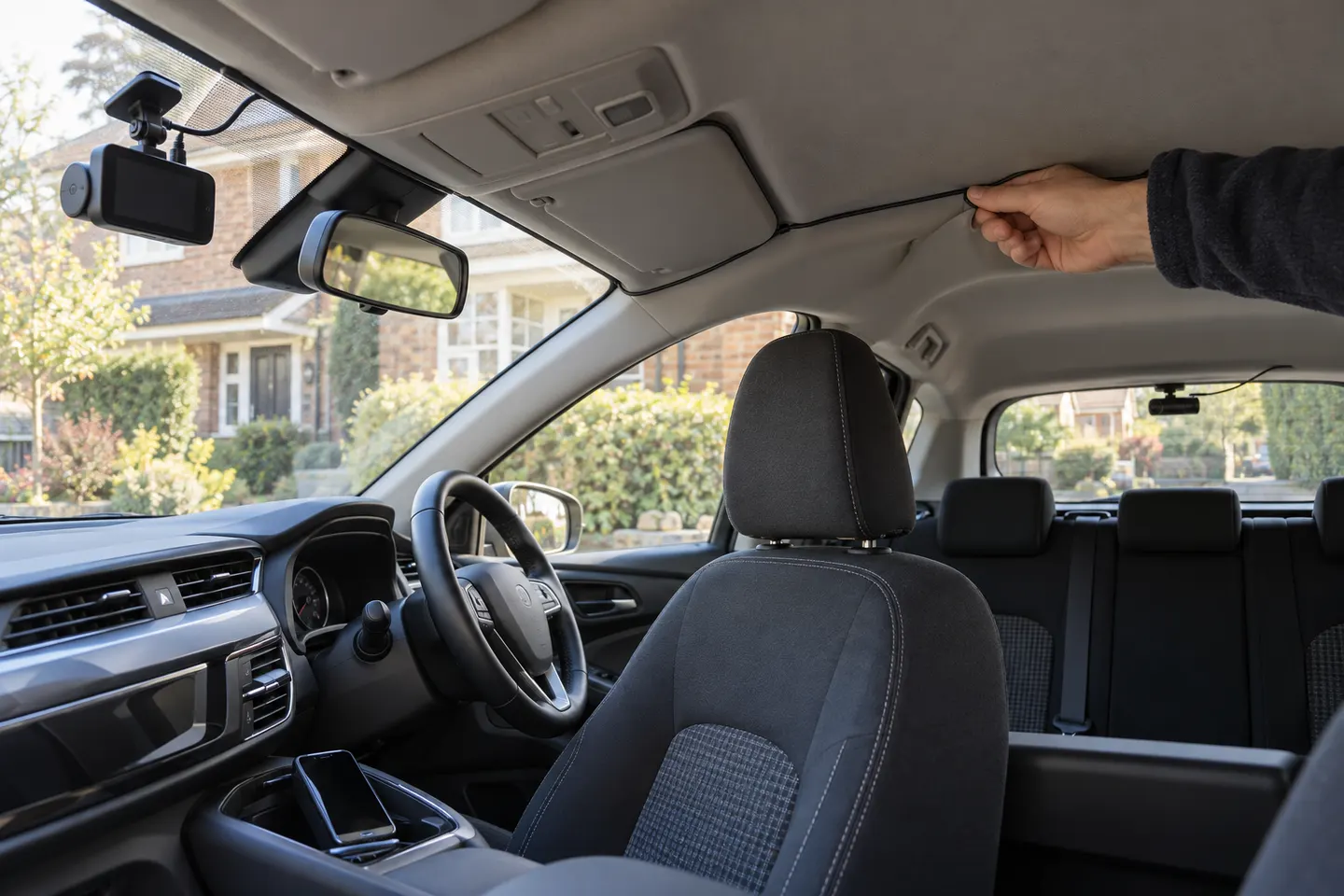
Our picks
Top picks
Official manufacturer image Official manufacturer image
Garmin Dash Cam Mini 3
Check price on Amazon Official manufacturer image
Garmin Dash Cam X310
Check price on AmazonBy feature
 Front rear
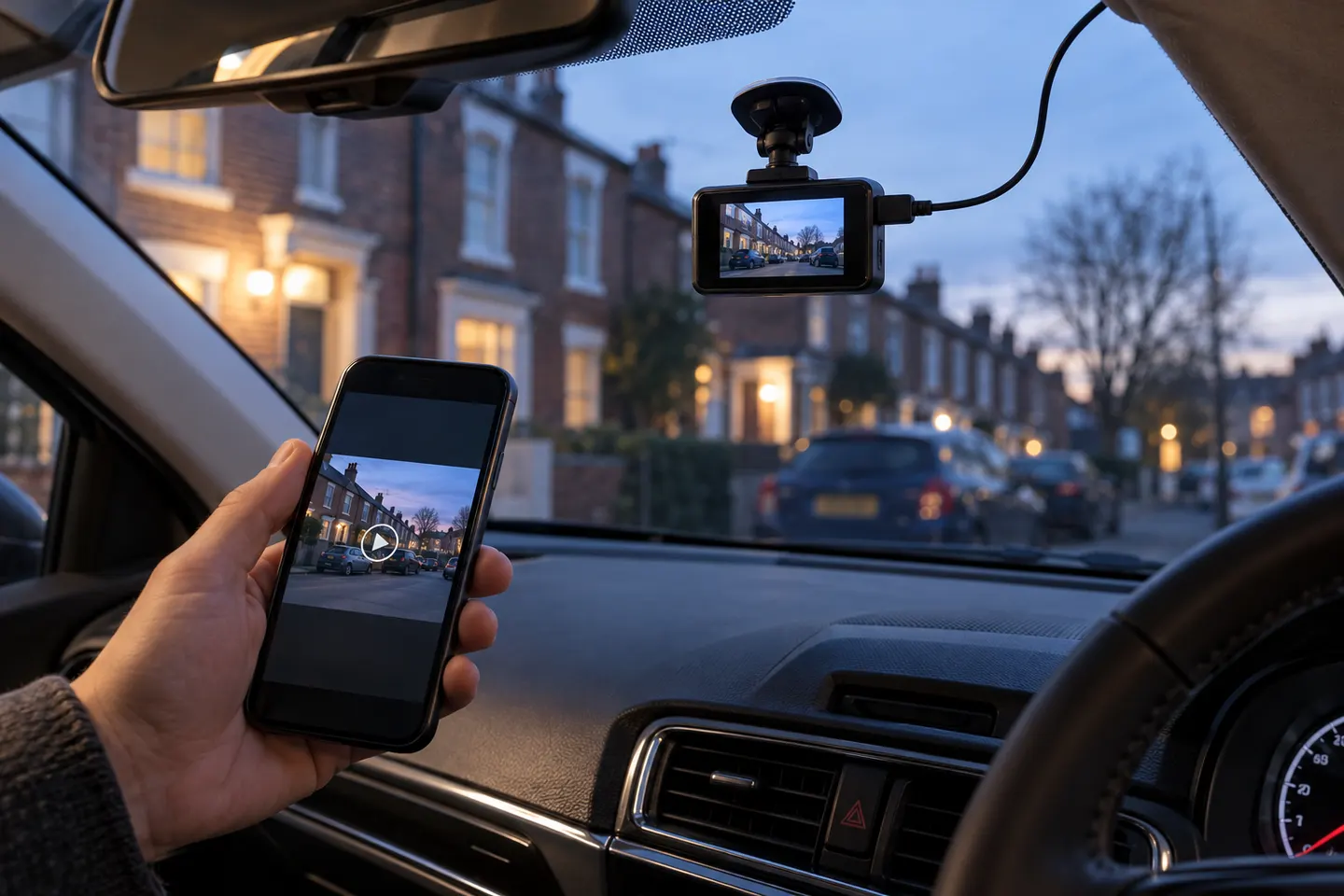 Wireless
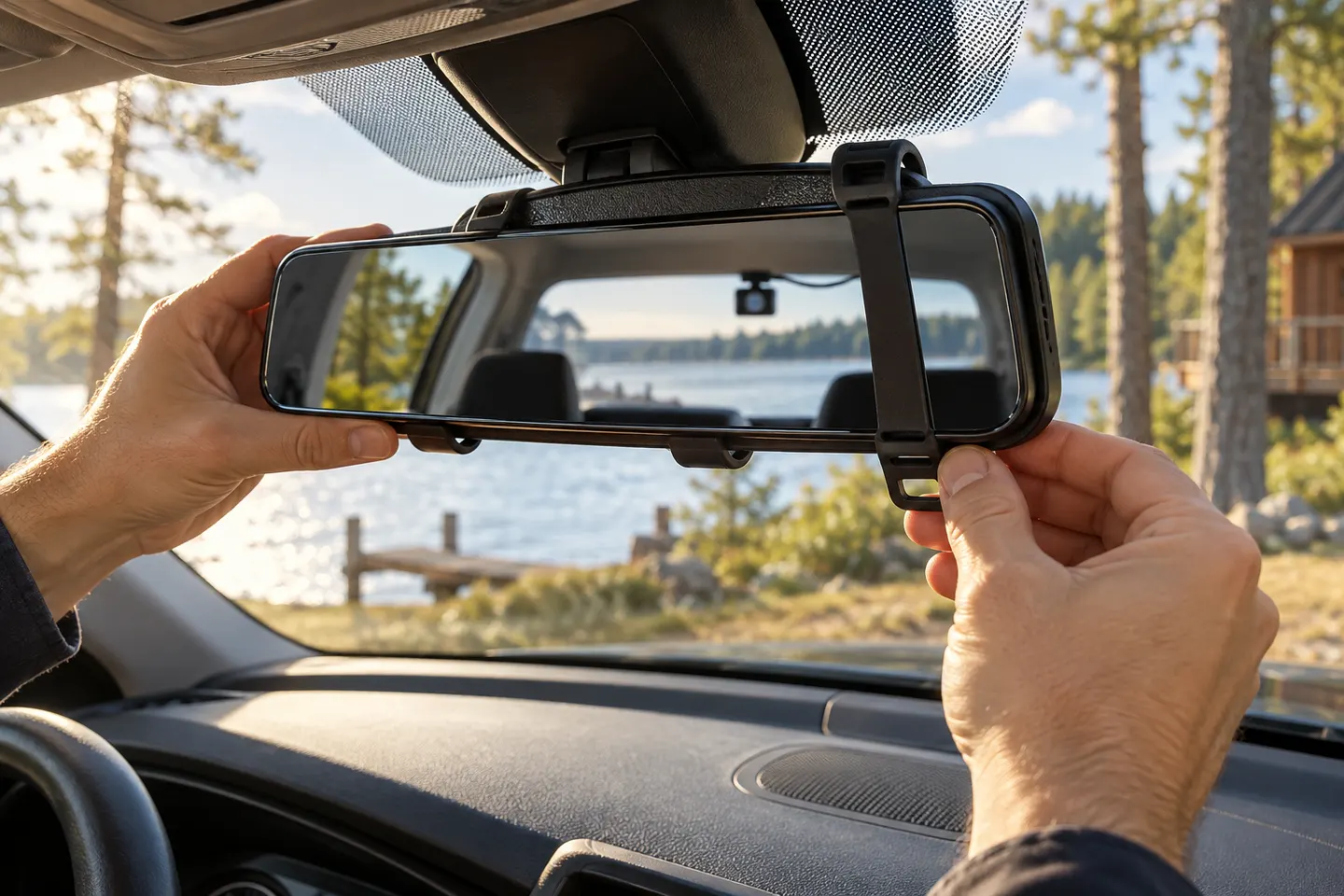 Rear view mirror
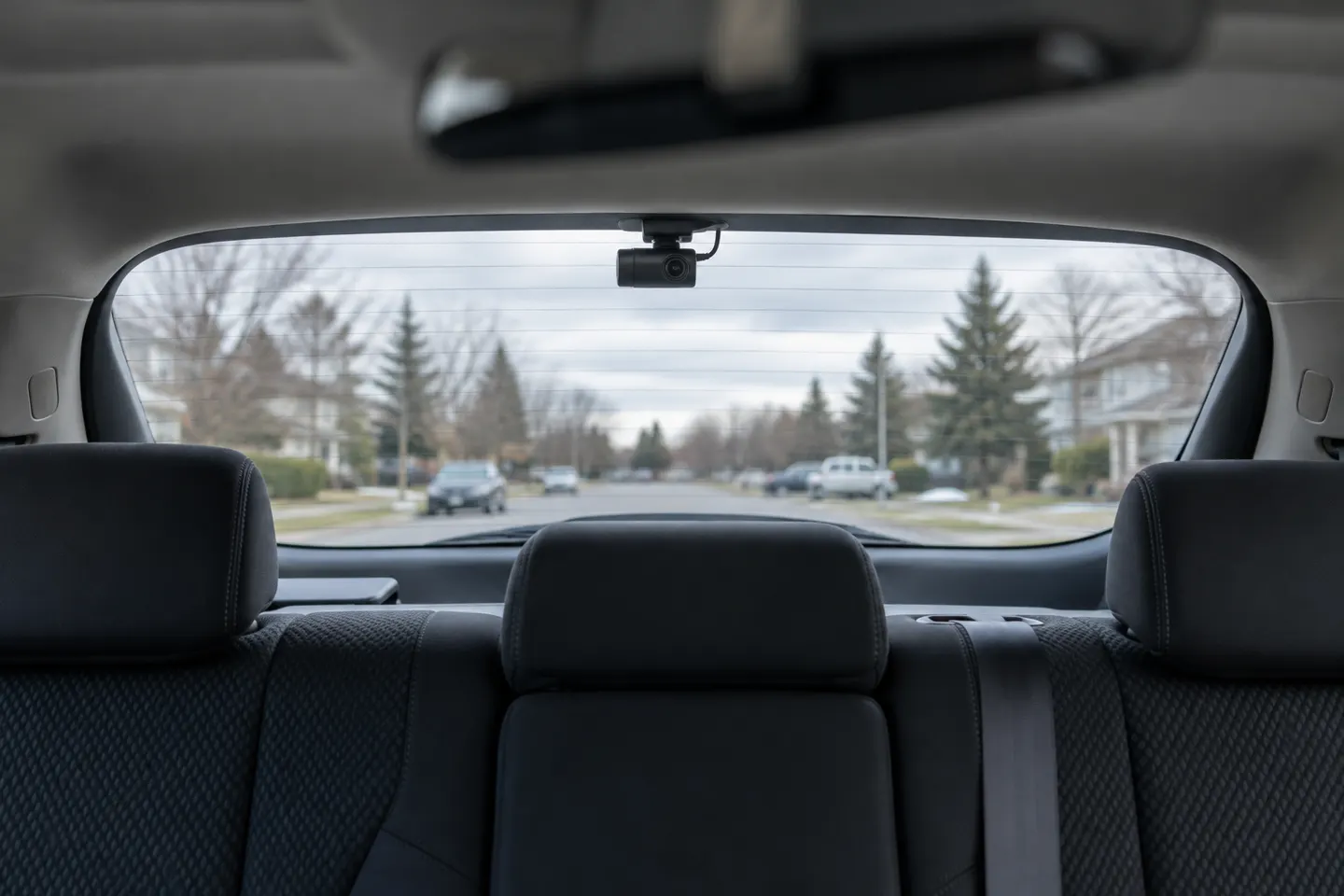 Rear
RearShow all (7)
Common questions
Questions before you buy
Are wireless front and rear dash cams really wire-free?
Usually not. Wi-Fi often serves the phone app, while power and the rear-camera connection still use cables.
How does a wireless rear dash cam get power?
It normally connects to vehicle power, a main camera cable or another approved supply. A wireless video link does not provide electrical power.
Can front and rear dash cams connect by Wi-Fi?
Some systems use a wireless signal between components, but many established dual-channel kits use a physical rear cable for synchronized recording. Check the installation diagram.
What is the easiest front-and-rear dash cam to install?
The easiest fit depends on the vehicle. Short, accessible trim routes and a plug-in supply help, while hatchbacks, airbags and hardwiring add complexity regardless of app Wi-Fi.