



 Official manufacturer image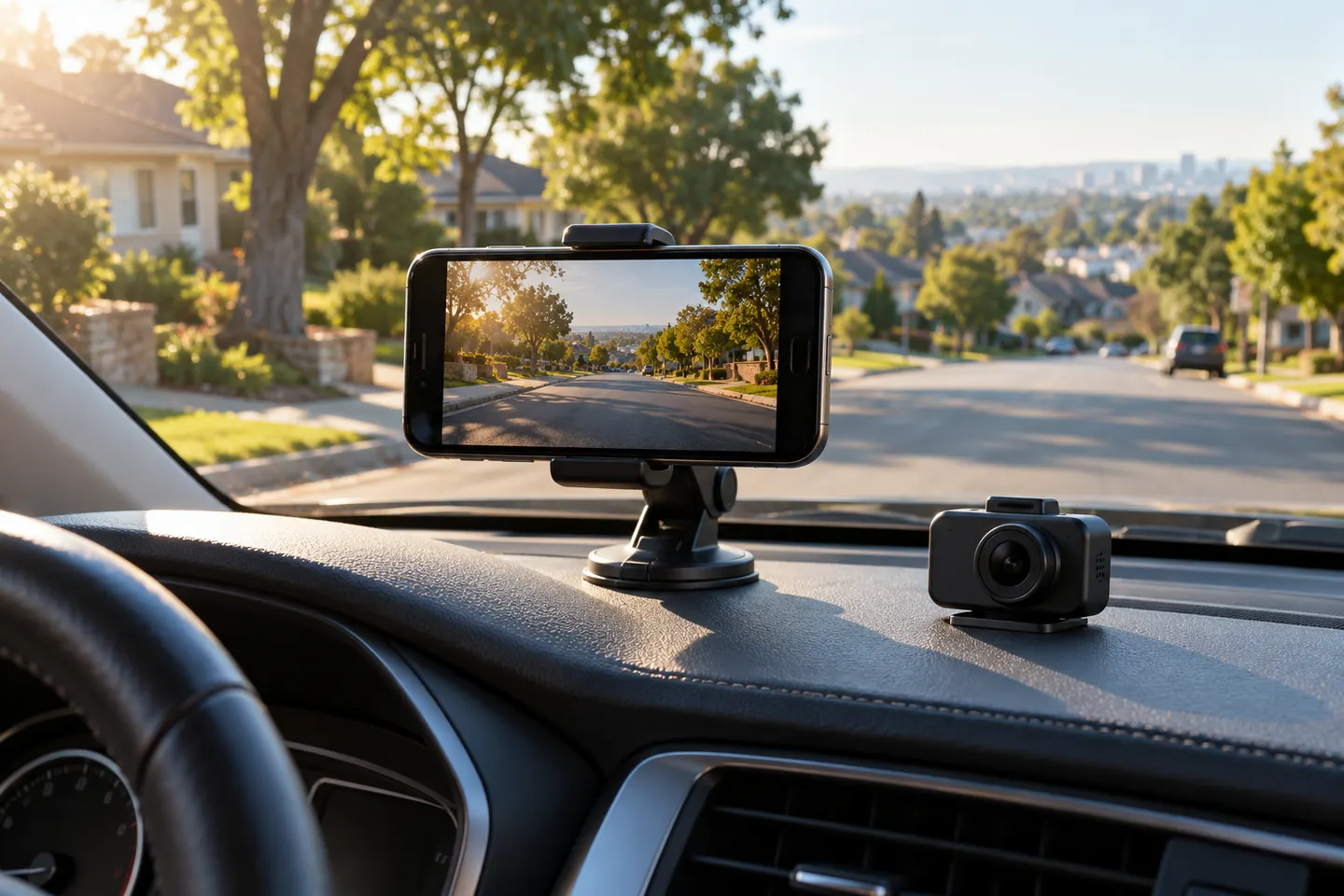
Our picks
Top picks
Official manufacturer image Official manufacturer image
Garmin Dash Cam Mini 3
Check price on Amazon Official manufacturer image
Garmin Dash Cam X310
Check price on AmazonMore topics
Common questions
Questions before you buy
Can I use my iPhone as a dash cam?
Yes, a recording app and secure windshield mount can make it work for occasional use. Heat, battery drain, storage, and interruptions make a dedicated camera more dependable for regular recording.
Why won't my iPhone connect to my dash cam Wi-Fi?
Check the camera's Wi-Fi band, iOS permissions, and whether the phone stayed on a network without internet. Reopening the maker's app after joining the camera network often completes setup.
Do iPhone dash cam apps record in the background?
iOS limits some background camera behavior, and capabilities vary by app. Confirm what happens when the screen locks, navigation opens, or a call arrives.
Where do downloaded dash cam clips go on an iPhone?
Depending on the app, clips may remain inside its library or export to Photos or Files. Save important footage outside the app before clearing its cache or deleting it.