



 Official manufacturer image
Our picks
Top picks
Official manufacturer image Official manufacturer image
Garmin Dash Cam Mini 3
Check price on Amazon Official manufacturer image
Garmin Dash Cam X310
Check price on AmazonMore topics
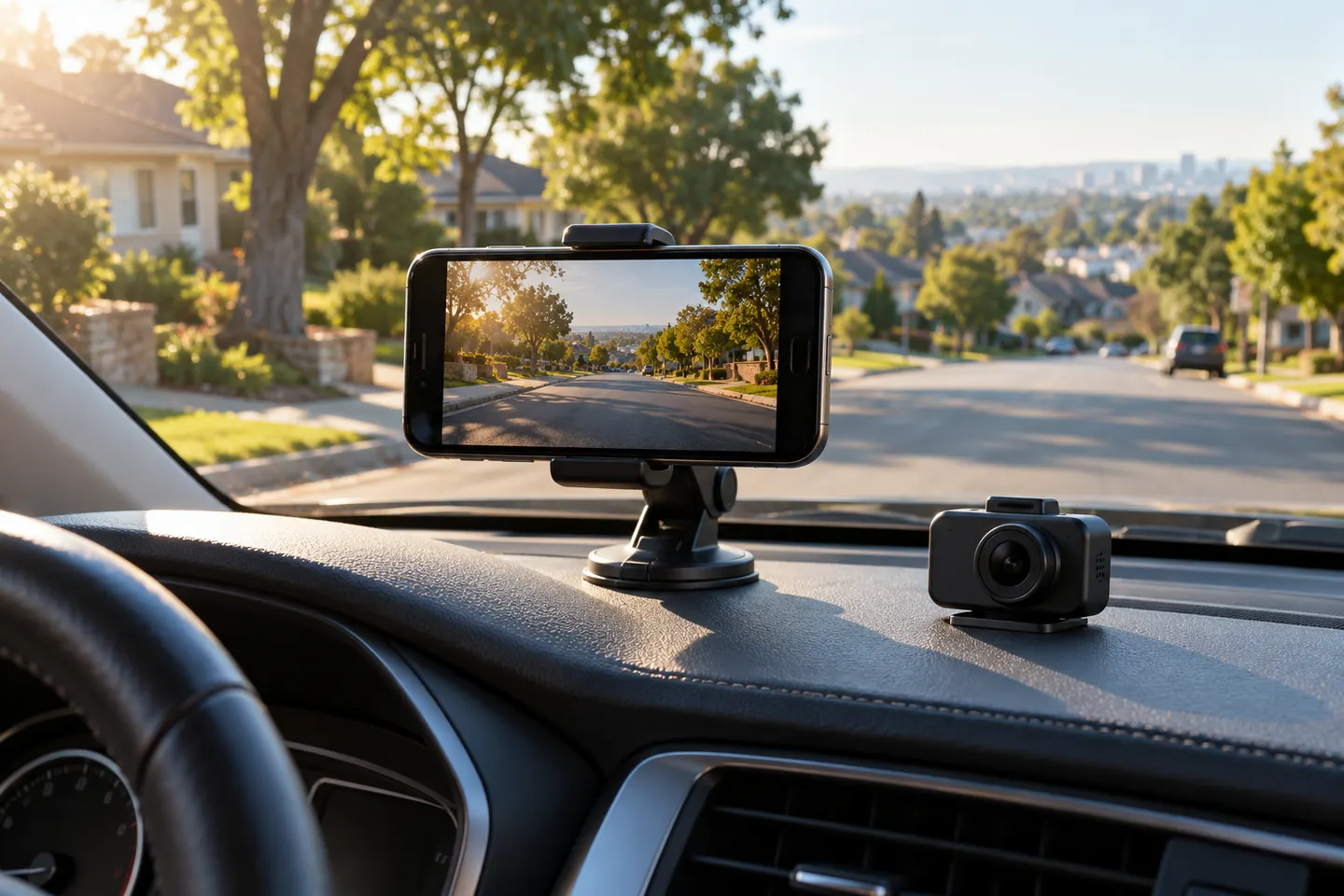 iPhone Dash Cam Apps
Common questions
Questions before you buy
Can I use my iPhone as a dashcam?
Yes, with a suitable recording app and secure legal mount, but it will not match the automatic start, parking integration and dedicated storage of purpose-built hardware.
Will recording damage an iPhone in a hot car?
Heat can cause iPhone to limit or disable functions temporarily. Do not leave it mounted in a hot parked vehicle and follow Apple's temperature guidance.
Does an iPhone dashcam app record in a loop?
Some apps do, but behavior and storage controls vary. Review the current app listing, permissions and export process before relying on it.
Where should an iPhone dashcam be mounted?
Place it securely without obstructing the driver's view or vehicle sensors, and comply with the windshield-mount rules in the states where you drive.