



 Official manufacturer image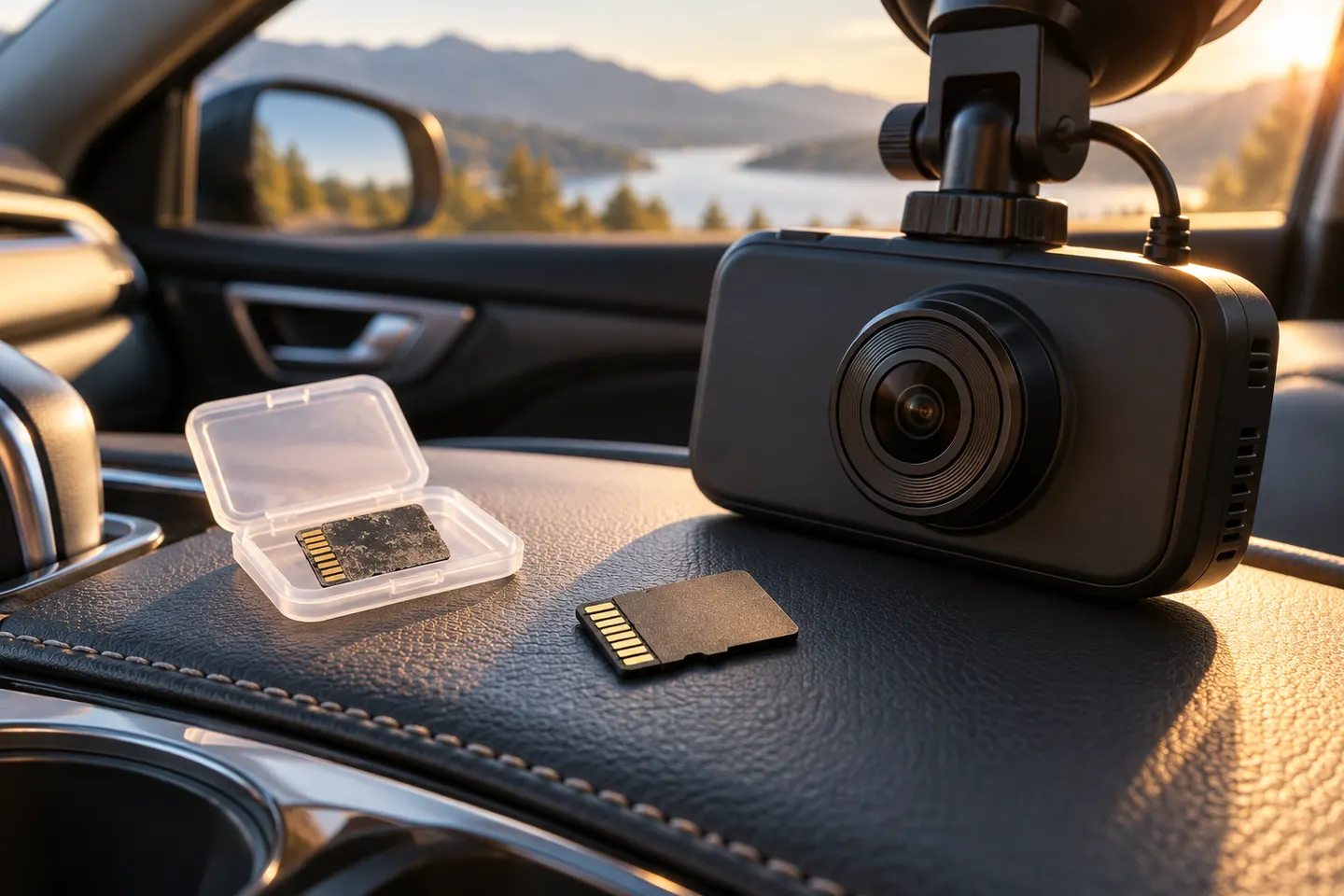
Our picks
Top picks
Official manufacturer image Official manufacturer image
Garmin Dash Cam Mini 3
Check price on Amazon Official manufacturer image
Garmin Dash Cam X310
Check price on AmazonBy feature
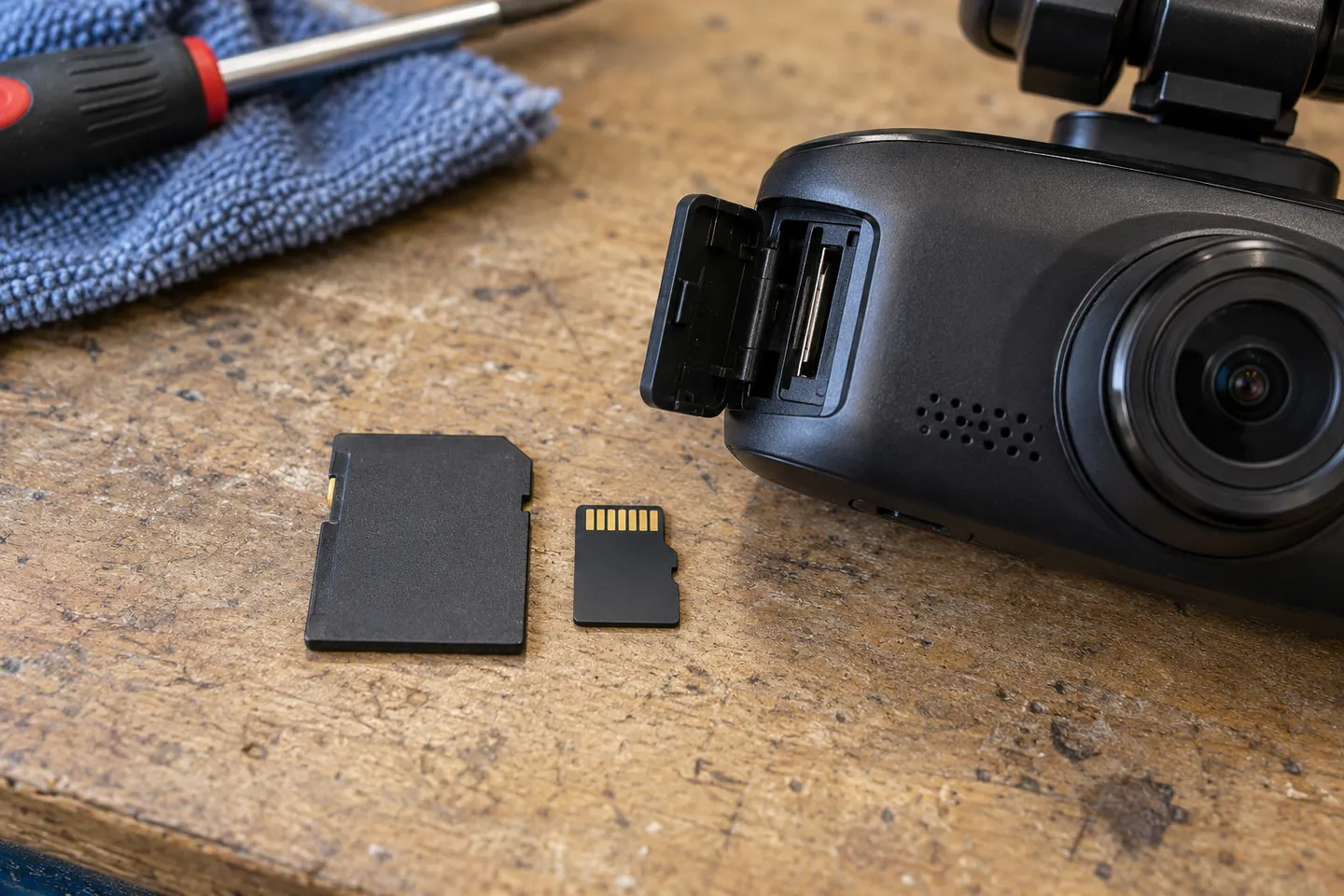 Mini sd card
Installation and accessories
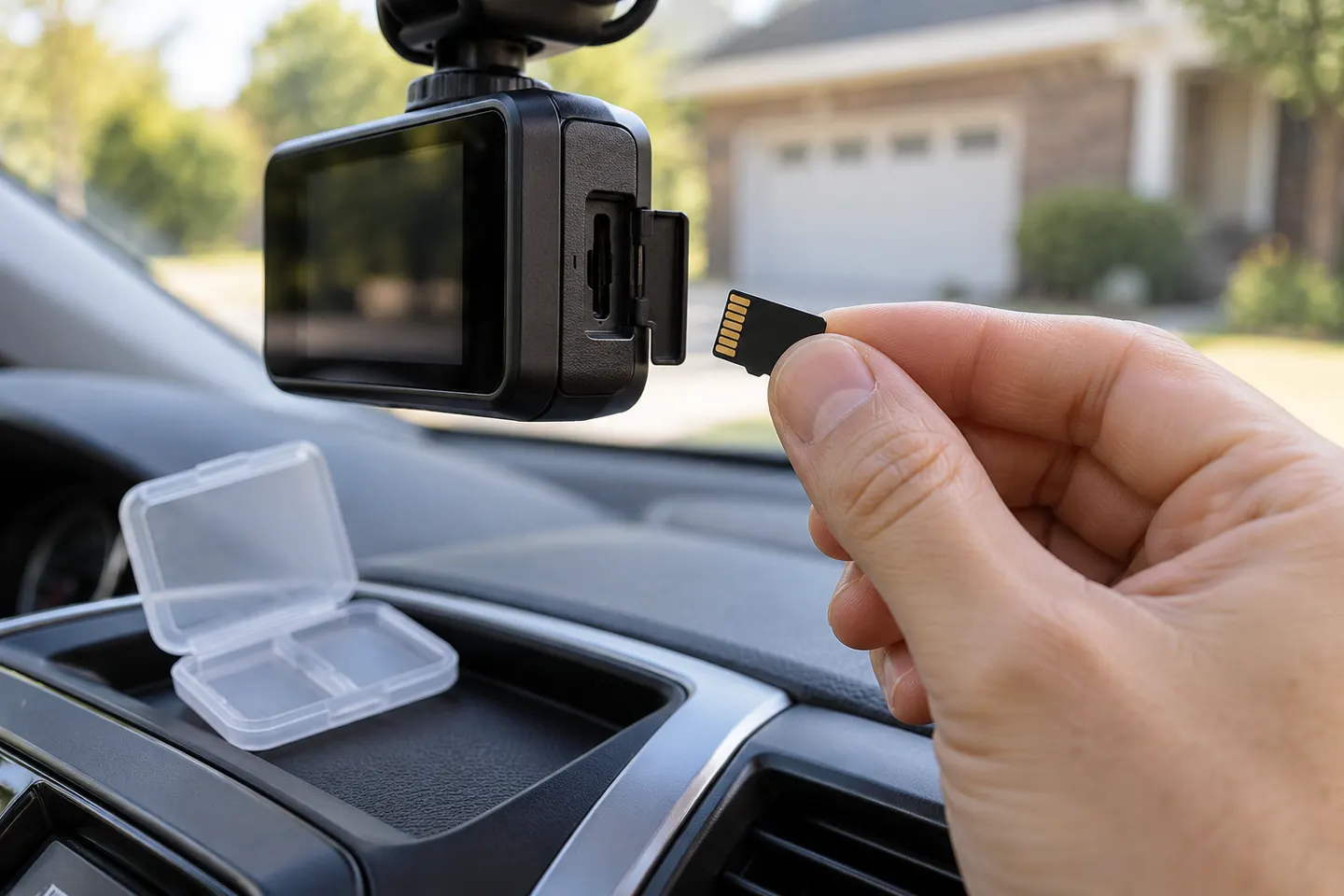 Sd card
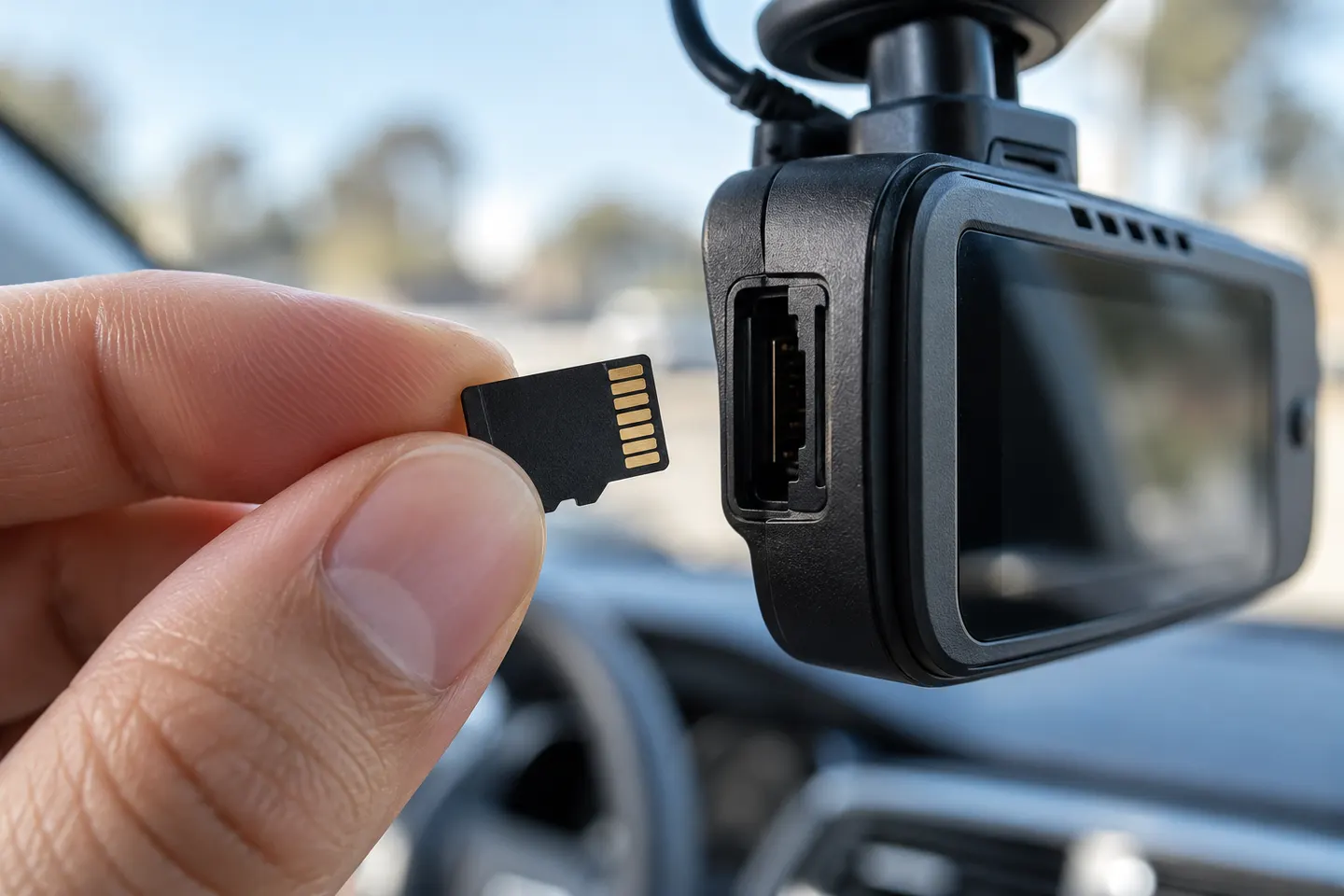 Micro card
Common questions
Questions before you buy
What type of micro SD card is best for a dash cam?
A genuine high-endurance microSD card that meets the camera maker’s capacity and speed requirements is the safest starting point. Confirm compatibility in the exact model manual.
How much dash cam footage fits on a micro SD card?
Recording time varies with resolution, frame rate, bitrate, camera count and protected clips. Use the camera manufacturer’s recording-time table rather than a generic estimate.
Why does my dash cam keep saying to format the SD card?
The card may use the wrong file system, be incompatible, be worn or have corrupted files. Back up needed footage, follow the camera’s in-device formatting instructions and replace the card if errors return.
How often should a dash cam microSD card be replaced?
There is no universal interval because recording load and temperature vary. Inspect recordings and card warnings regularly, and replace the card when errors, missing clips or manufacturer health indicators appear.