



 Official manufacturer image
Our picks
Top picks
Official manufacturer image Official manufacturer image
Garmin Dash Cam Mini 3
Check price on Amazon Official manufacturer image
Garmin Dash Cam X310
Check price on AmazonInstallation and accessories
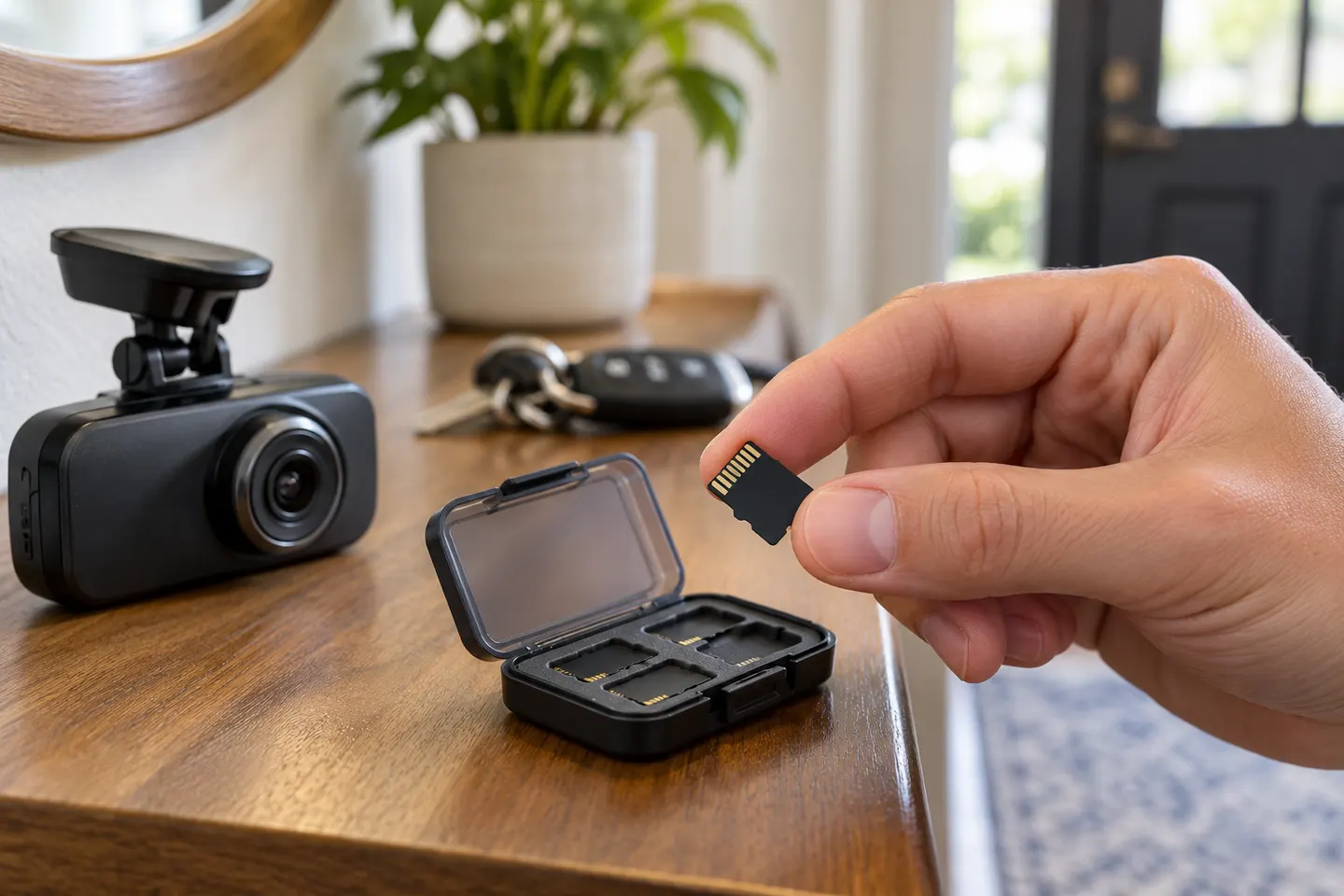 Microsd card
Common questions
Questions before you buy
What microSD card is best for a dashcam?
Choose a genuine high-endurance card that meets the camera manufacturer's stated capacity and speed requirements. Compatibility with the exact model matters more than the largest headline specification.
How much dashcam microSD capacity do I need?
That depends on resolution, channel count, bitrate, protected clips, and how much history you want before looping. Stay within the camera's documented capacity range.
Why does my dash cam keep saying memory card error?
The card may be unsupported, worn, counterfeit, corrupted, improperly formatted, or unable to sustain recording. Back up needed files, follow the manual's format process, and replace persistent failures.
How often should I format a dashcam microSD card?
Follow the camera maker's interval or prompts rather than a universal schedule. Formatting erases footage, so save important clips first.
Can I use a normal microSD card in a dash cam?
It may work initially, but continuous overwrite and vehicle temperatures are demanding. A supported endurance-rated card is the more appropriate choice.