



 Official manufacturer image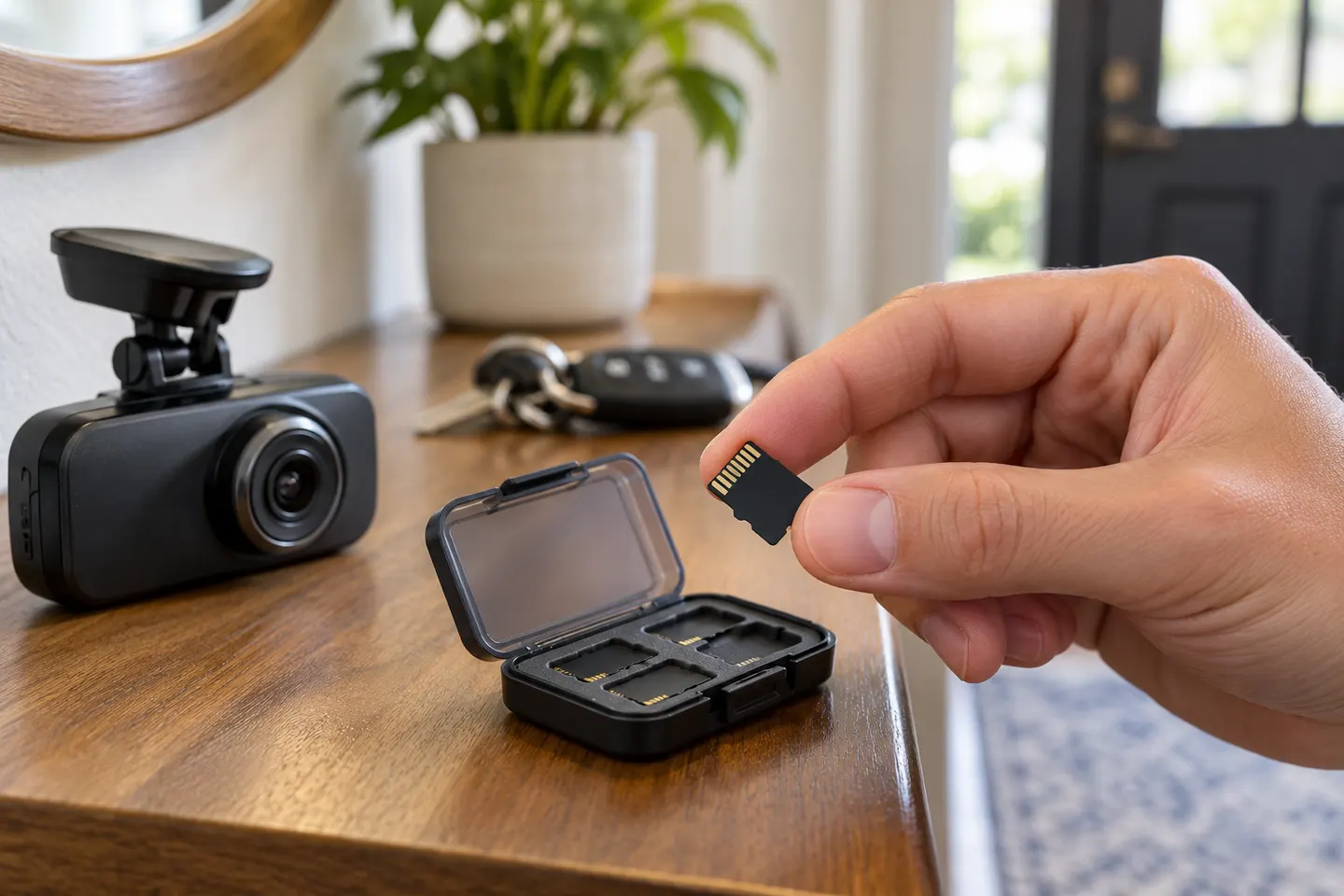
Our picks
Top picks
Official manufacturer image Official manufacturer image
Garmin Dash Cam Mini 3
Check price on Amazon Official manufacturer image
Garmin Dash Cam X310
Check price on AmazonBy feature
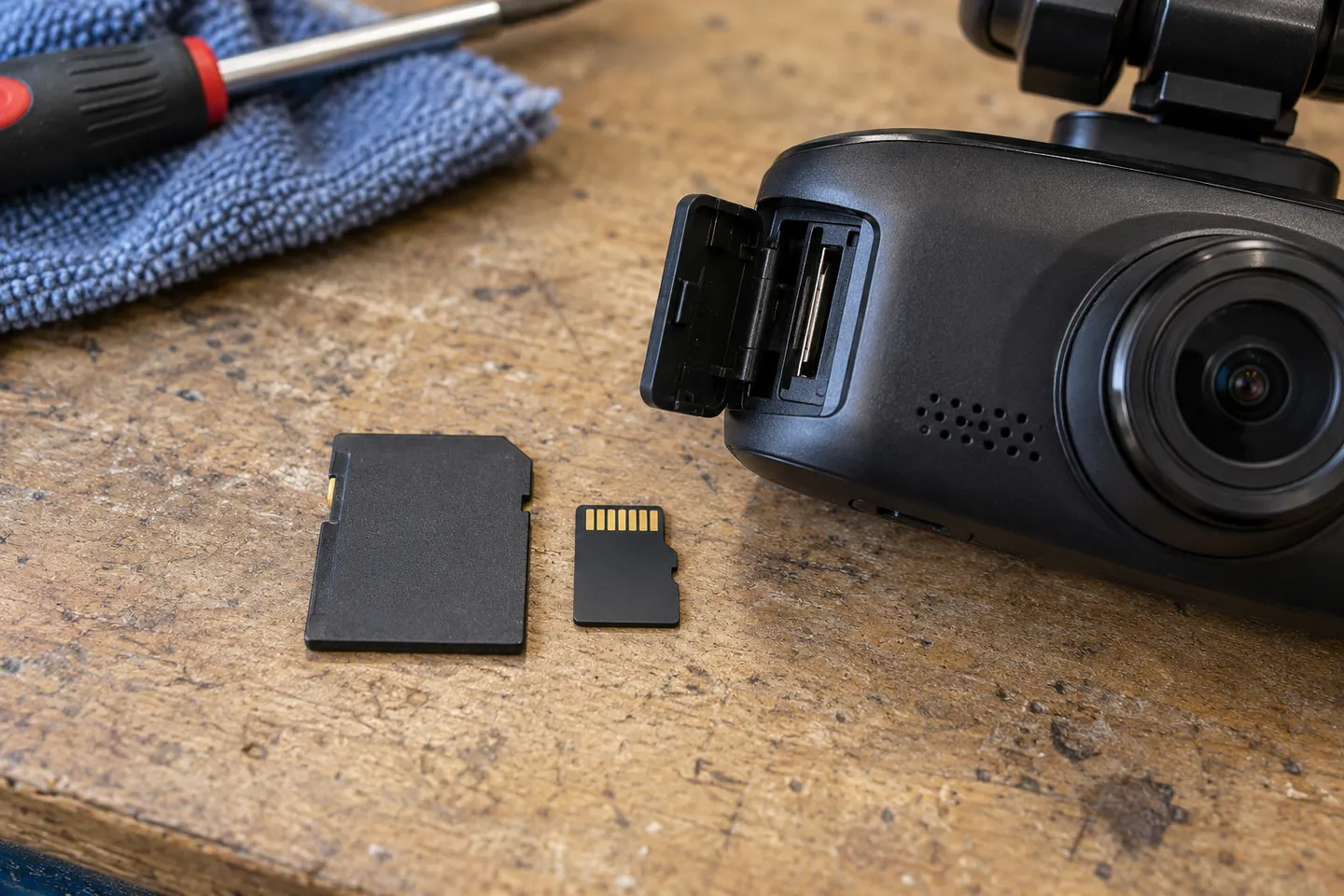 Mini sd card
Installation and accessories
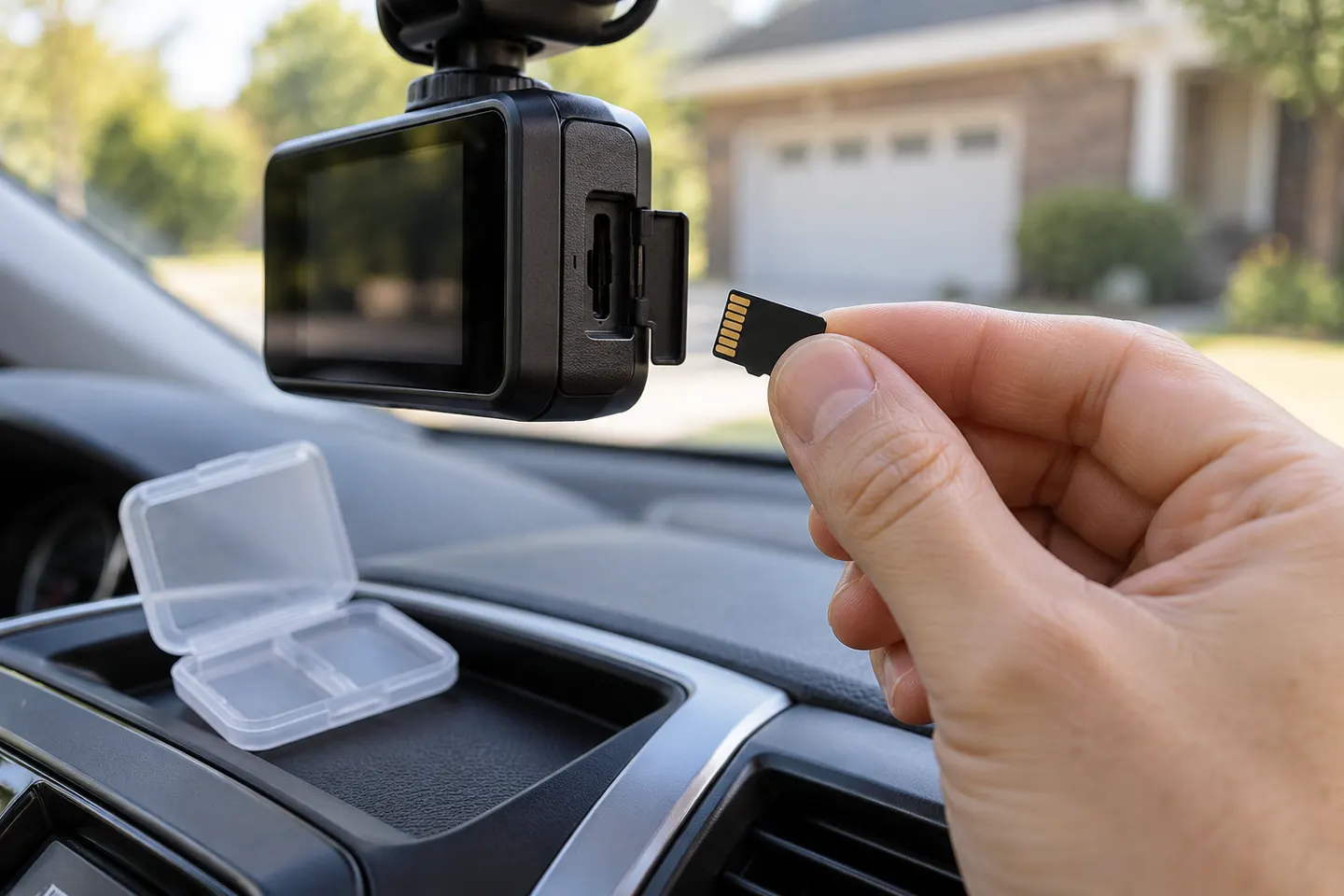 Sd card
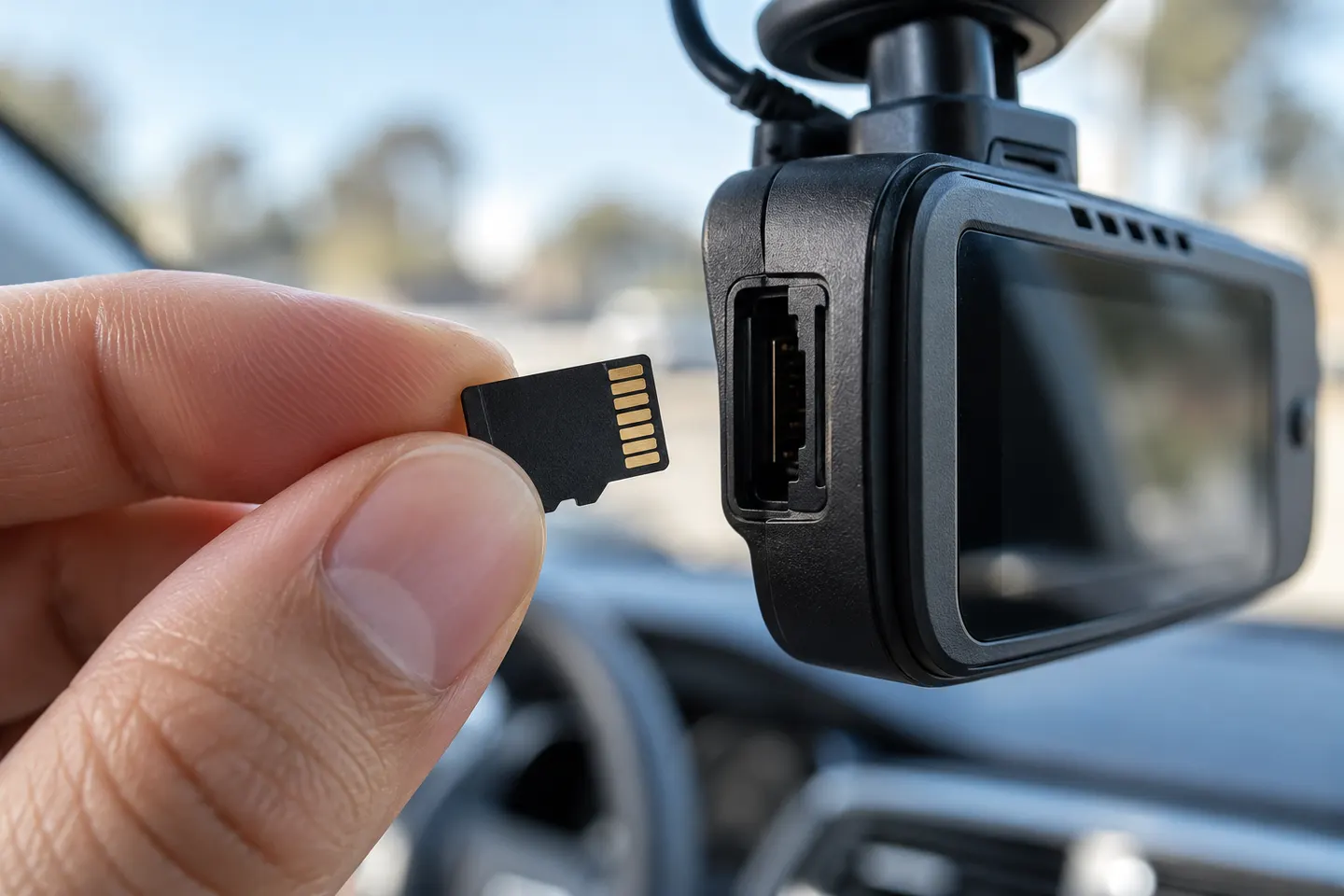 Micro card
More topics
Common questions
Questions before you buy
What microSD card should I use for a dash cam?
Choose a genuine high-endurance microSD card that meets the exact capacity and speed requirements in the dash cam manual. The manufacturer compatibility list is the safest starting point.
Is a high-endurance microSD card necessary for a dash cam?
It is usually the better choice because dash cams continuously overwrite video. Standard cards may have warranty exclusions or wear sooner under this workload.
Does a bigger microSD card record for longer?
Usually, if the camera supports that capacity. Resolution, frame rate, number of channels and protected clips also affect how long footage remains before loop recording overwrites it.
Why does my dash cam keep saying the memory card is full?
Protected files, an incompatible format, file-system errors or a worn card can interrupt normal looping. Back up needed footage, follow the camera maker's formatting instructions and replace a card that continues to show errors.