



 Official manufacturer image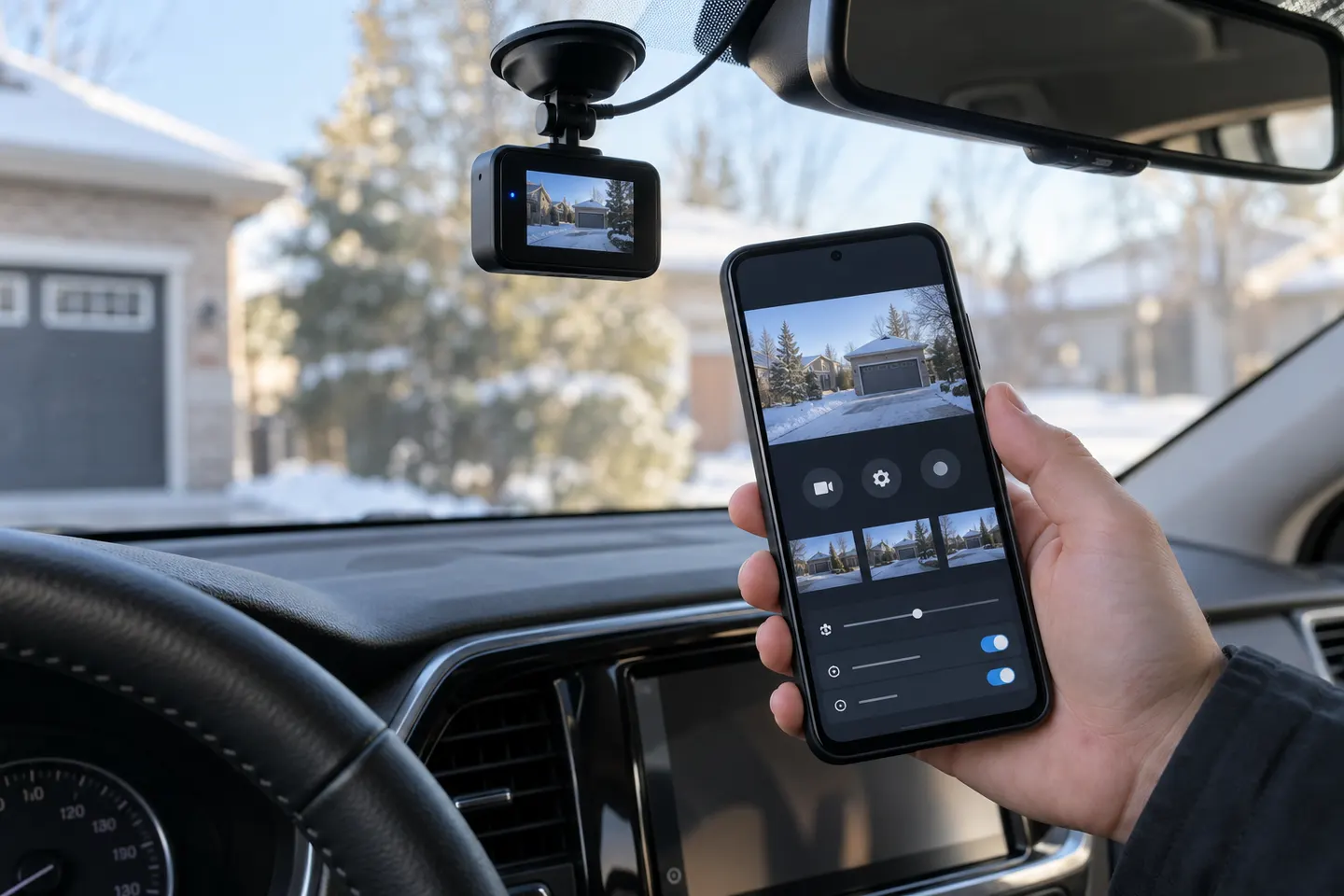
Our picks
Top picks
Official manufacturer image Official manufacturer image
Garmin Dash Cam Mini 3
Check price on Amazon.ca Official manufacturer image
Thinkware U3000
Check price on Amazon.caMore topics
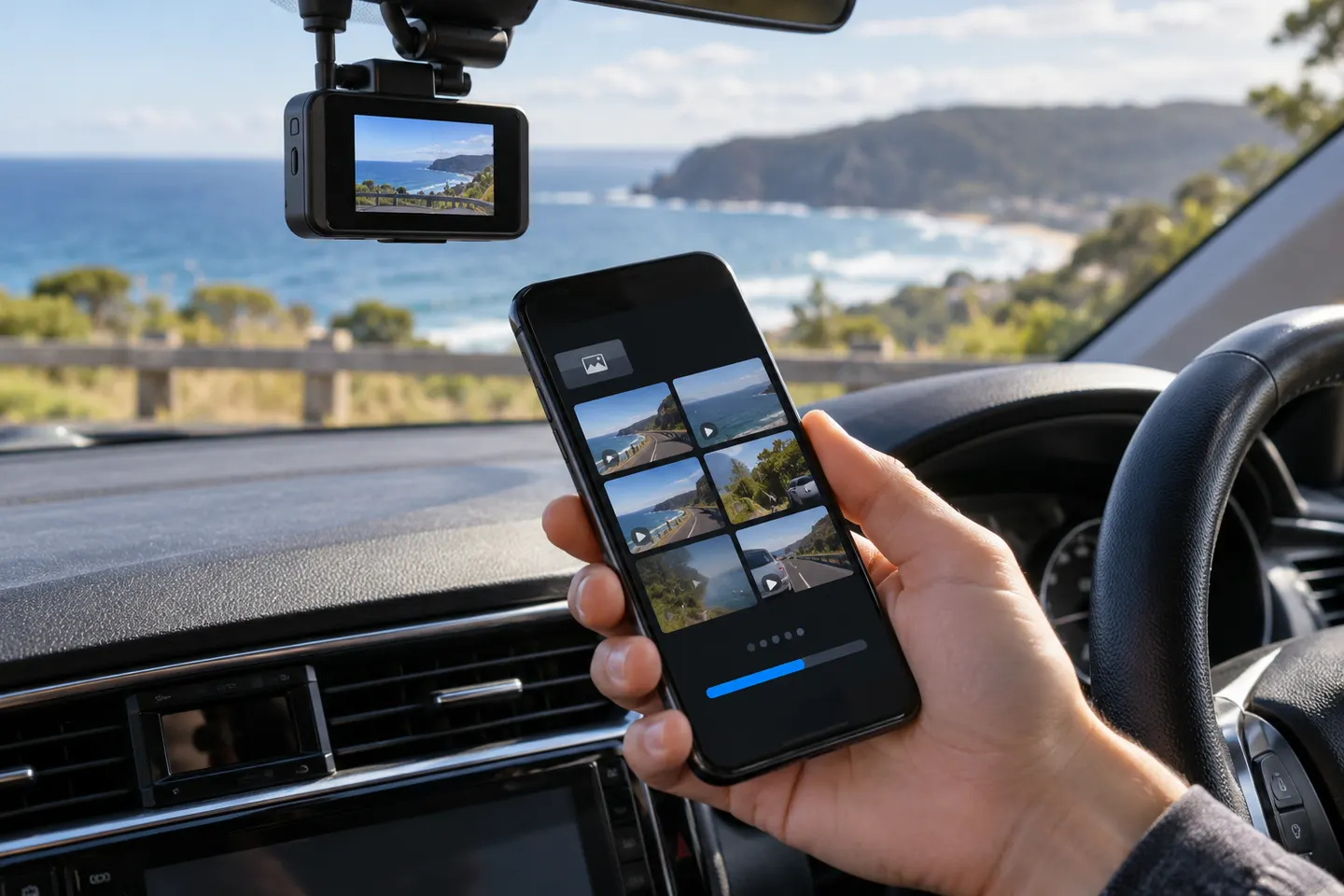 Dashcam Apps
Common questions
Questions before you buy
What is the best Android dashcam app?
The best choice is normally the official companion app listed for your exact camera model. Compare update history, export controls and required permissions rather than installing a similarly named third-party app.
Can I use my Android phone as a dash cam?
Yes, a recording app can use the phone camera, but continuous power, secure mounting, heat and storage management need attention. Do not operate the phone while driving.
Will a dashcam app work on an Android head unit?
Only if the developer supports that Android version, display and camera connection. Many companion apps expect a phone with Wi-Fi and location permissions.
Why does my phone lose internet when connected to a dash cam?
Many cameras create a local Wi-Fi network without internet access. Android may warn about that connection; follow the camera maker's app instructions rather than switching networks during a transfer.
Does a dash cam app upload every recording?
Not necessarily. Some apps transfer only selected clips locally, while cloud-capable models may offer uploads; review the app privacy notice and settings for the exact model.