Gearjury may earn a commission when you buy through a retailer link. This guide does not publish prices because they change.
Guide
How Much Dash Cam Do You Need for Your Car?
Choose the least complicated setup that covers the views and situations you genuinely need. Total ownership includes the camera, suitable storage, power accessories and installation.
GGearjury editorial team · Updated October 15, 2026· 5 min
01
How much is a dash cam once the essentials are included?
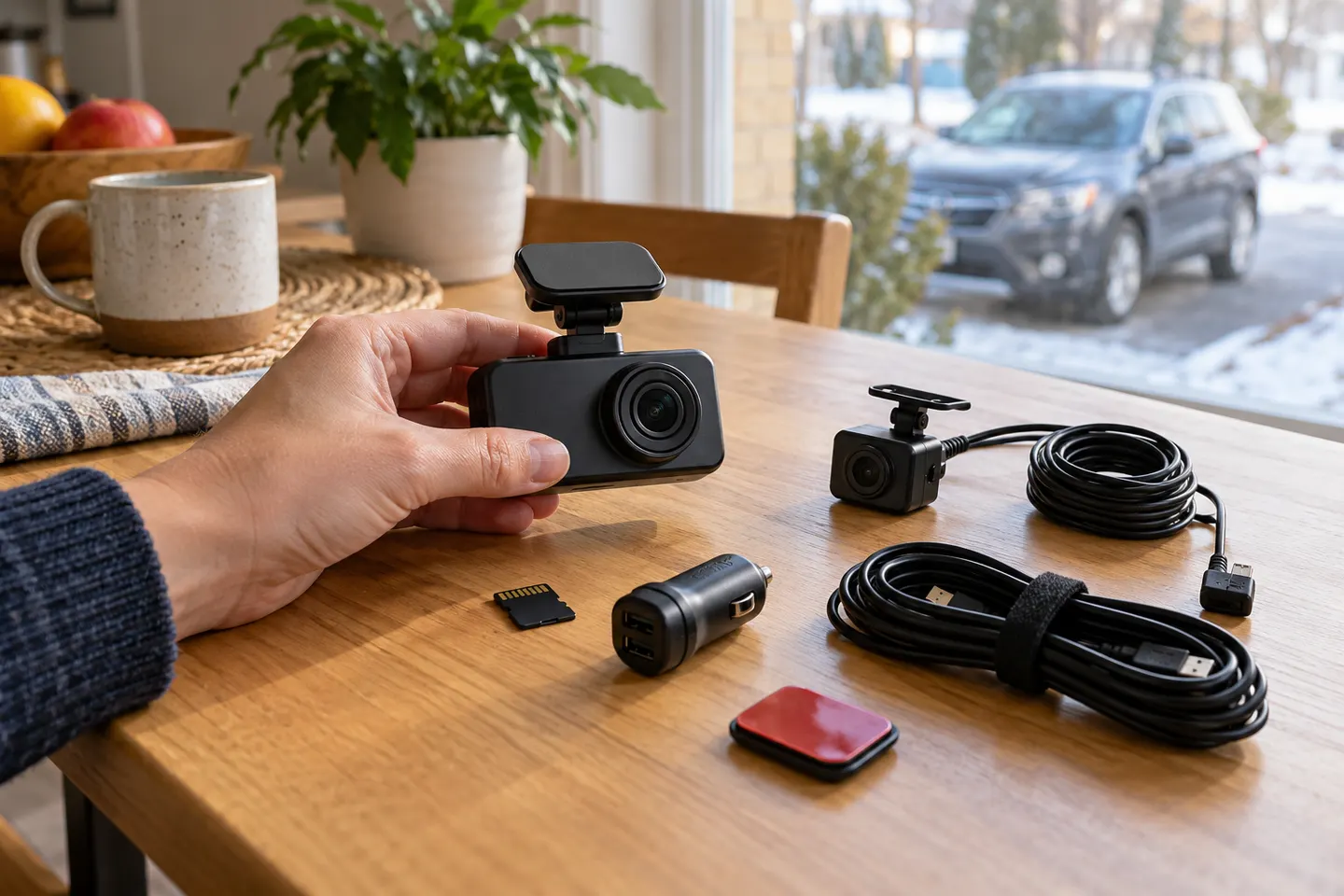
The camera is only one part of the setup. Budget attention for a manufacturer-approved high-endurance memory card, a compatible power cable, mounts and any rear-camera extension; compare current retailer totals because listing prices change.
02
Decide how many camera views you need
A front camera covers the main road view. Add a rear channel for events behind the vehicle or a cabin channel for commercial and rideshare use, accepting extra hardware and installation complexity.
03
Separate useful features from expensive extras
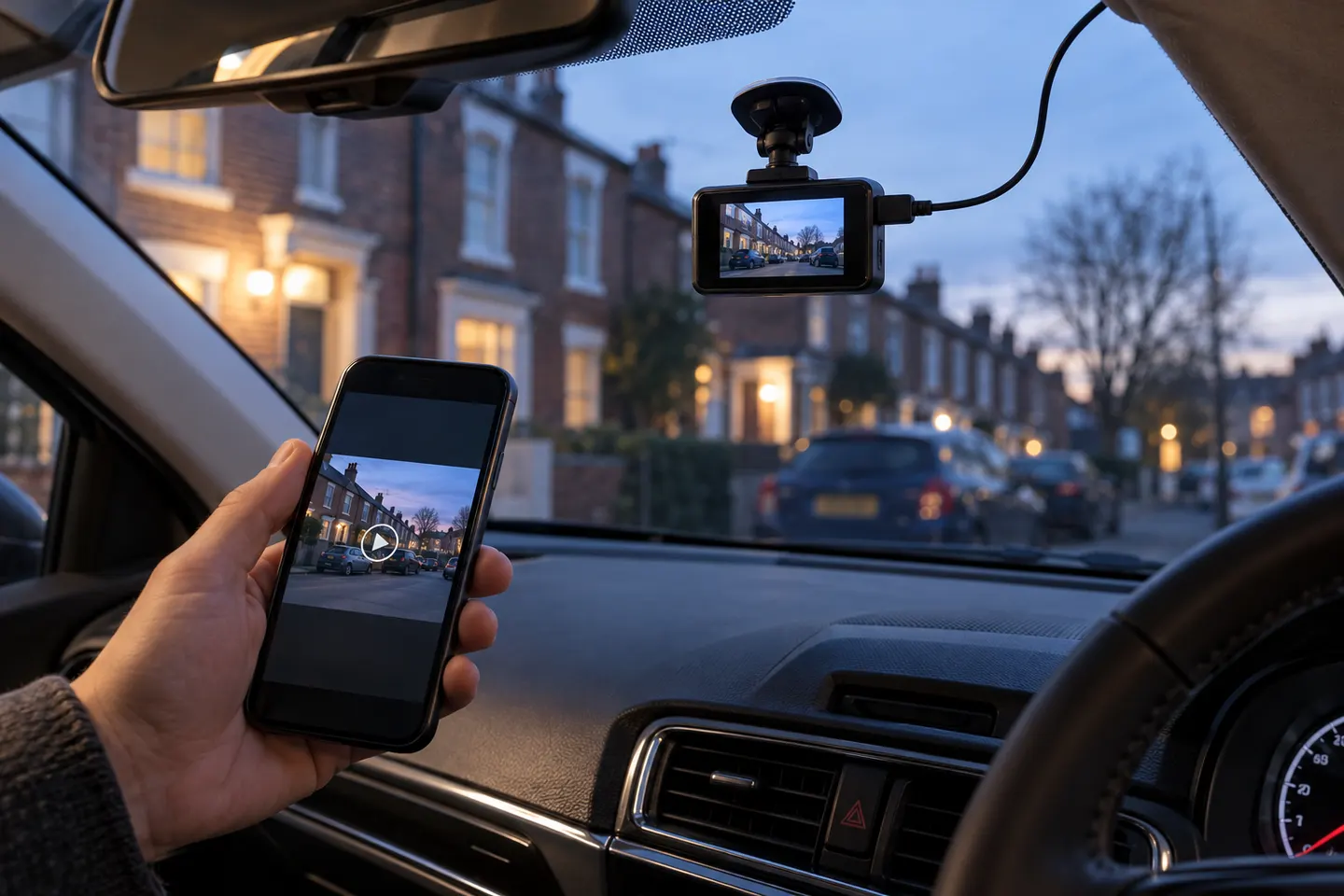
Useful priorities often include reliable loop recording, clear status alerts and accessible footage. GPS, app transfer, cloud functions and driver alerts can help, but only if their workflow matches how you will use the camera.
04
Account for storage and replacement
Dash cams write continuously, so use the card type and capacity the manufacturer specifies. Storage is a wear item; inspect recordings and replace the card when errors or the maker's guidance indicate it.
05
Add parking power only when needed
Parking mode may require a hardwire kit, low-voltage protection or a dedicated battery pack. Confirm the exact mode—impact, motion or time-lapse—before paying for installation.
06
Compare the ownership burden, not a headline price
Check warranty handling in Canada, app longevity, firmware support, consumable storage and how easily important clips can be exported. A simpler supported camera can be better value than a feature-heavy model with an awkward workflow.
Common questions
Questions before you buy
How much is a dash cam?
Prices change too often for a durable single figure. Compare the current total for the camera, required storage, power accessories, rear module and installation rather than the camera listing alone.
How much is a car camera with front and rear coverage?
A dual-channel setup includes two cameras and longer cable routing, so its total is usually more involved than front-only. Check whether the rear module and card are included.
Do I need to pay for a dash cam app?
Many companion apps are provided for supported cameras, while cloud or connected services may have separate terms. Review the official app and service details before buying.
Is professional dash cam installation necessary?
A plug-in front camera can be straightforward. Hardwiring, rear-camera routing and complex vehicles make professional installation more attractive.
What ongoing costs can a dash cam have?
Possible costs include replacement storage, optional connectivity, new mounting adhesive and service outside warranty. Requirements vary by model.
The VIOFO A229 Pro 2CH is our broadest all-round choice for front-and-rear detail. Garmin Mini 3 suits a discreet setup, while Thinkware U3000 targets parking surveillance.
Start with the view you need: front-only for simple evidence, front-and-rear for broader coverage, or parking mode for protection while stopped.
Your privacy
We use cookies and similar technologies. Necessary ones keep the site working. With your permission we also use statistics cookies (Google Analytics and Microsoft Clarity) to understand which guides help readers. You can accept all, reject all or choose. You can change your choice at any time from "Cookie settings" at the bottom of every page. Cookie policy