



 Official manufacturer image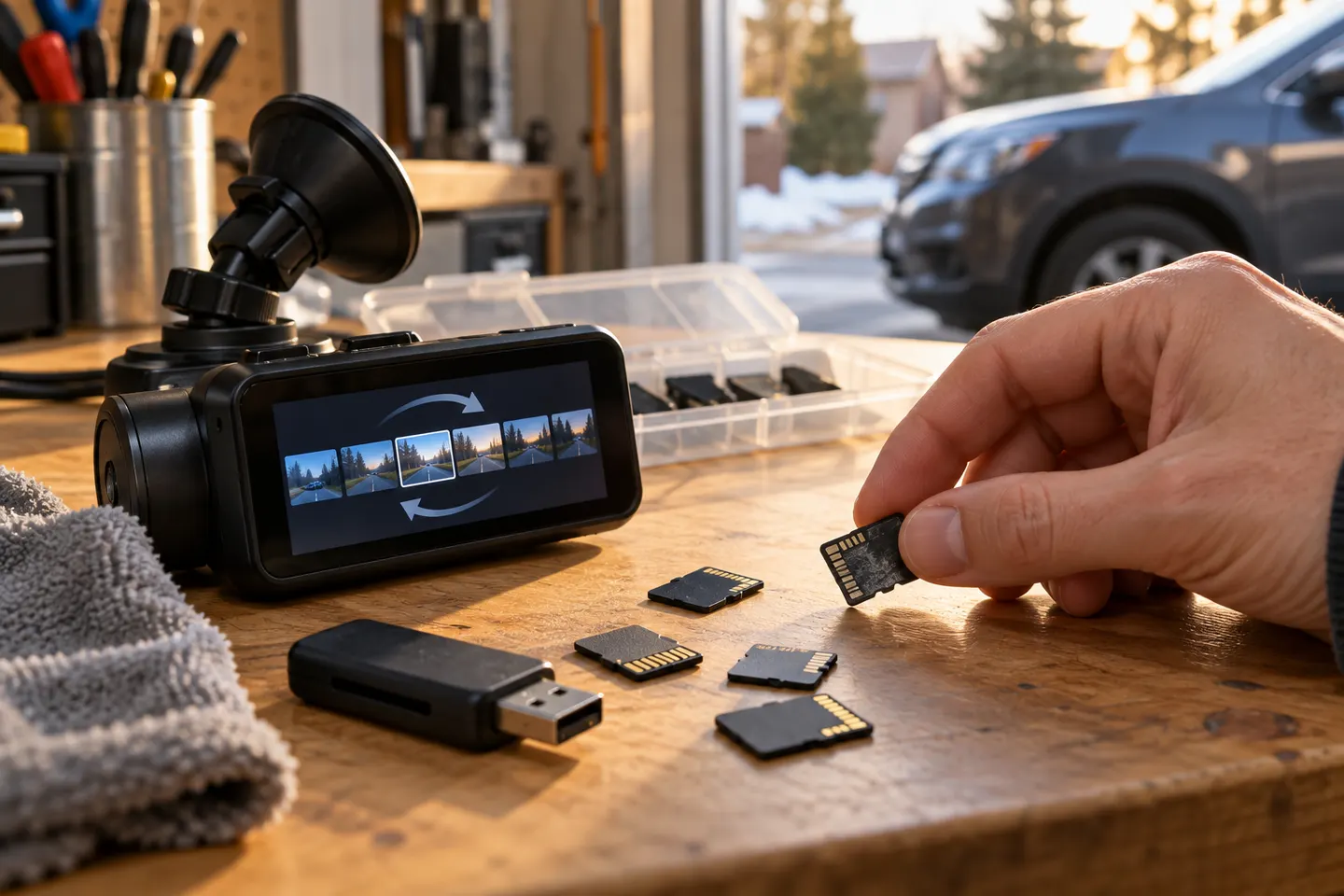
Our picks
Top picks
Official manufacturer image Official manufacturer image
Garmin Dash Cam Mini 3
Check price on Amazon.ca Official manufacturer image
Thinkware U3000
Check price on Amazon.caCommon questions
Questions before you buy
Why is my dashcam not recording?
Check power, the recording indicator, card compatibility, free space and error messages. A full protected-file folder or worn card can stop recording even when loop mode is enabled.
What does dashcam loop recording mean?
The camera creates consecutive clips and automatically replaces the oldest unlocked clip when storage is full. Files marked as events are generally protected until manually managed.
Which loop recording setting should I use?
Use a clip length supported by the manufacturer that makes files easy to locate and transfer. Clip length does not normally change the total storage available.
Does loop recording delete accident footage?
A detected or manually locked event should be protected on a correctly functioning system, but no mechanism is infallible. Stop recording and copy important files as soon as it is safe.
Can a dashcam record all day while parked?
Only with a supported parking mode, suitable power and enough storage. Some modes record on impact or motion; others use time-lapse, so confirm what the exact model does.
Why does my dash cam keep saying the card is full?
Protected files may have accumulated, loop recording may be off or the card may need camera-based formatting. Back up needed clips before formatting.