
 Official manufacturer image
Our picks
Top picks
Official manufacturer image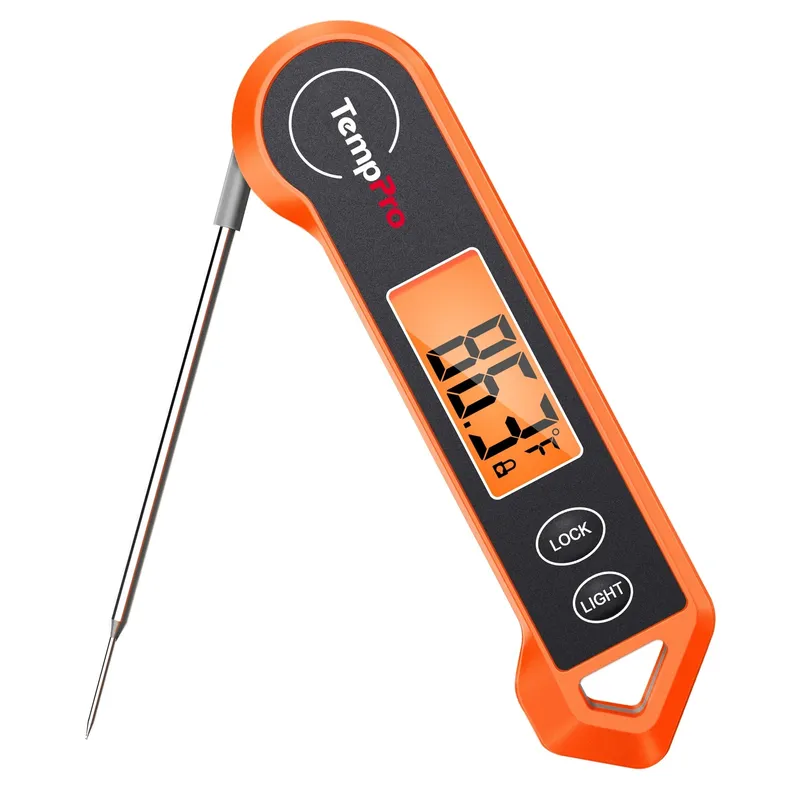 Official manufacturer image
ThermoPro TP19H
Check price on Amazon UK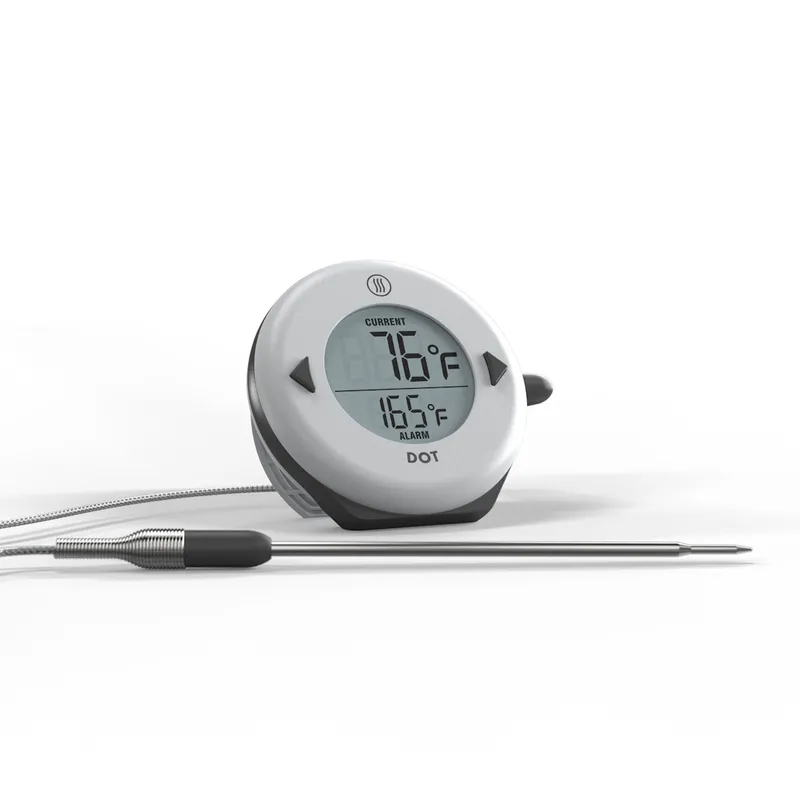 Official manufacturer image
ThermoWorks DOT
Check price on Amazon UKMeat thermometers
More specific
Meat thermometers
Best picks
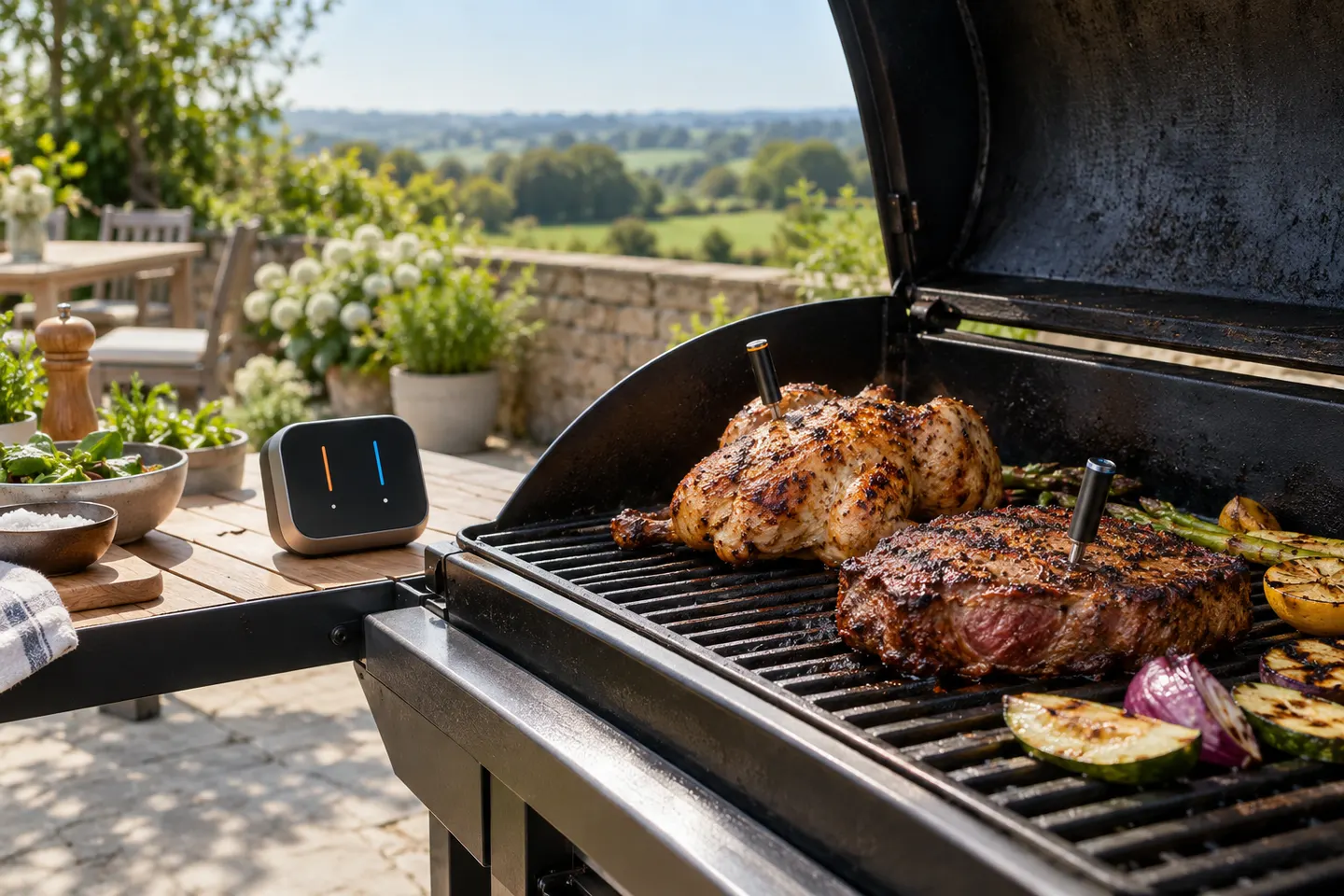
Best Wireless Meat Thermometers in the UK for 2026
Typhur Sync Gold Dual is our top multi-probe choice for its base display and combined radio, Wi-Fi and Bluetooth links. MEATER Pro is the neater single-probe alternative.
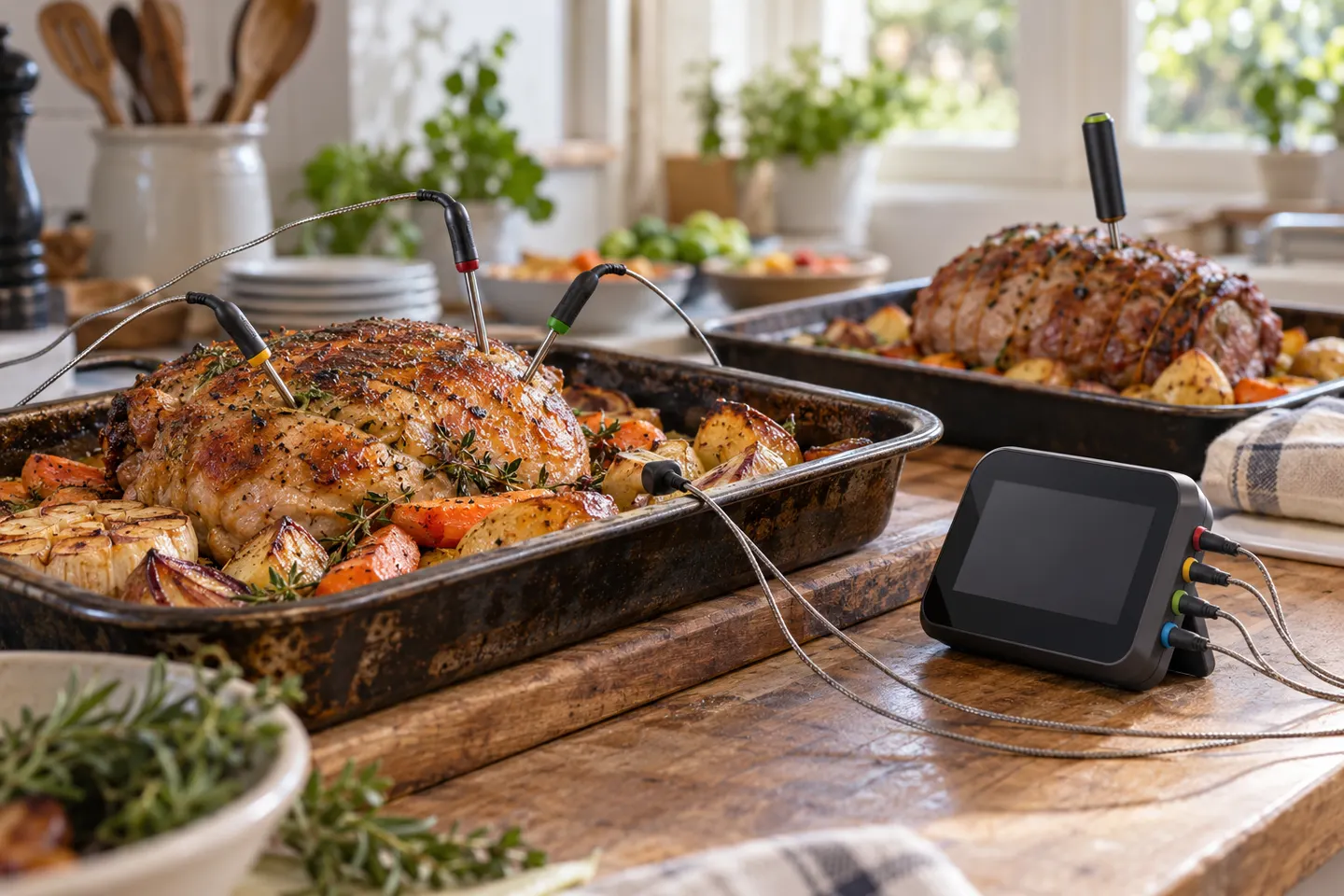
Wireless Meat Thermometer Reviews for UK Cooks
ThermoWorks Signals is our most versatile choice for four-channel cooking. MEATER Pro Duo suits cooks who want cable-free probes, while Smoke X4 avoids dependence on a phone.
Common questions
Questions before you buy
Which app does a BFOUR wireless meat thermometer use?
It depends on the exact model and revision. Use the app named in that unit's manual or its supplied QR code, not a generic search result.
Where can I find BFOUR wireless meat thermometer instructions?
Start with the model code on the product and search the manufacturer's support material or the documentation supplied with the original listing. Avoid instructions for a similar-looking unit.
Why will my BFOUR thermometer not connect?
Check power, distance, phone permissions and the documented pairing sequence. Remove an old pairing only if the model's instructions tell you to do so.
Can I use any replacement probe with a BFOUR thermometer?
No. Matching connectors do not guarantee the same sensor curve or heat limit. Use a replacement specified for the exact model.