Gearjury may earn commission from retailer links. The guidance here follows cited sources.
Guide
How to Read a Meat Thermometer Accurately
Read the scale or display only after the sensing area reaches the centre and the value settles; then check a second point and use the lowest stable result.
GGearjury editorial team · Updated 15 October 2026· 5 min
01
Identify the scale and sensing area
Confirm whether the display is in Celsius or Fahrenheit and find where the probe senses. Fine-tip digital models often sense near the tip; bimetal dial thermometers can average temperature over a longer marked section.
02
Place the probe in the coolest centre
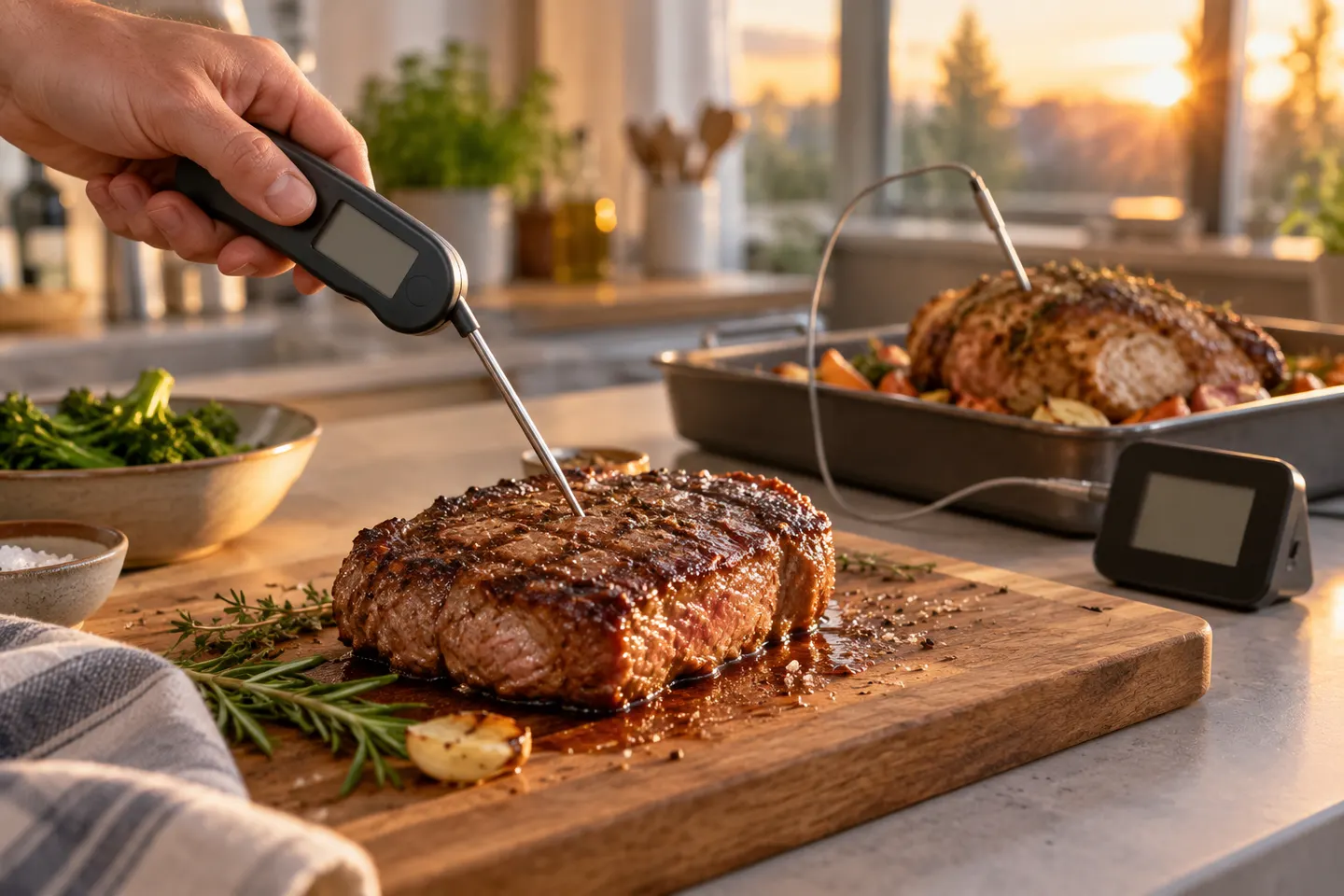
Enter the thickest part without touching bone, the pan or a large fat pocket. For a thin burger, steak or fillet, insert from the side towards the middle so the sensor is surrounded by food.
03
Wait for a stable reading
Digital values may change quickly before settling. A dial usually responds more slowly. Keep the sensing zone in place for the response period given in the manual rather than reading the first number you see.
04
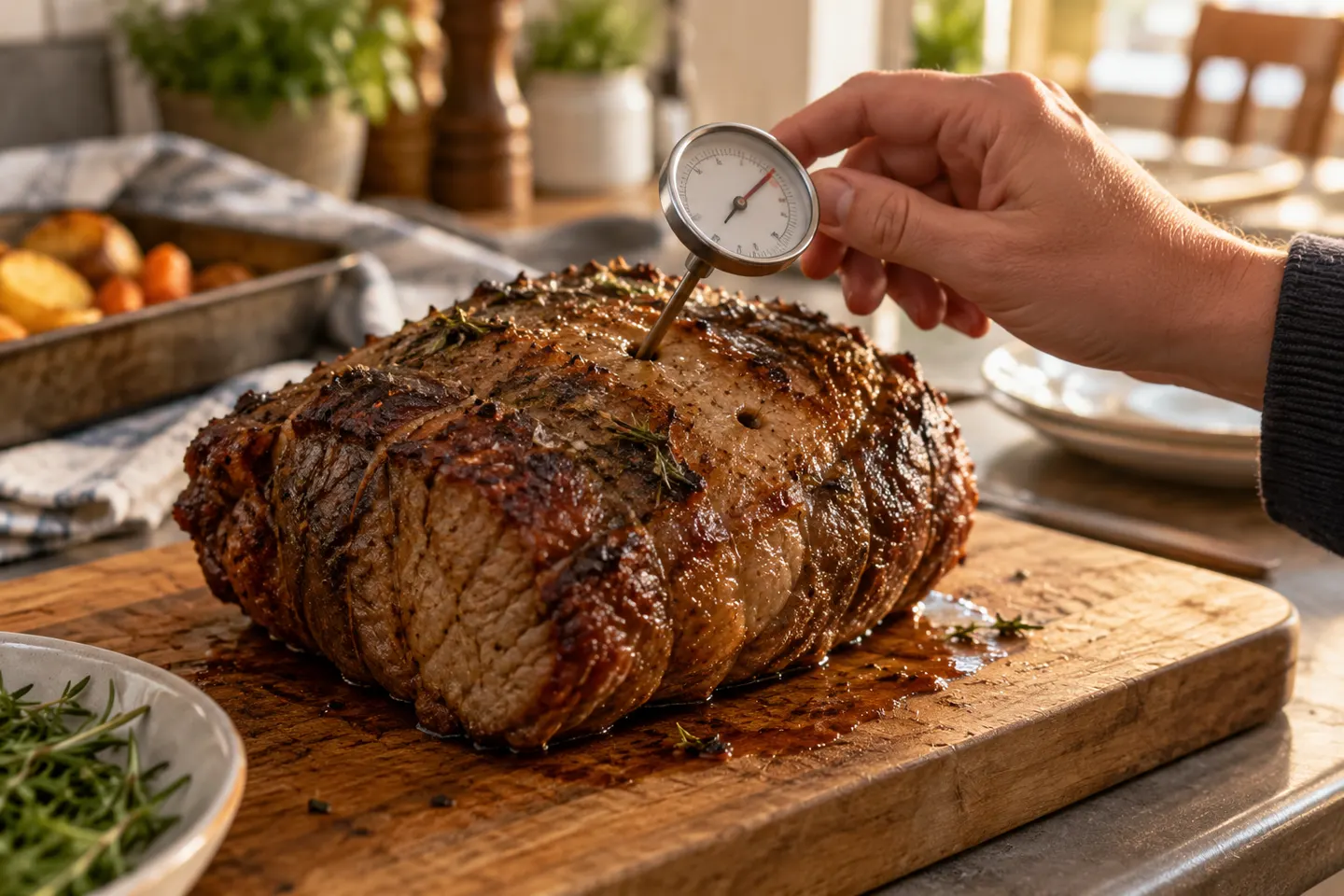
How to read a meat thermometer dial
Look straight at the pointer to avoid parallax. Read the correct Celsius or Fahrenheit ring, note the interval represented by each small mark and wait until the needle stops moving.
05
How to read an OXO meat thermometer
OXO sells several distinct thermometer designs, so first identify the exact model. On a digital model, select the preferred scale and wait for the display to stabilise; on a dial model, read the printed scale at eye level and observe its insertion guidance.
06
Confirm before serving
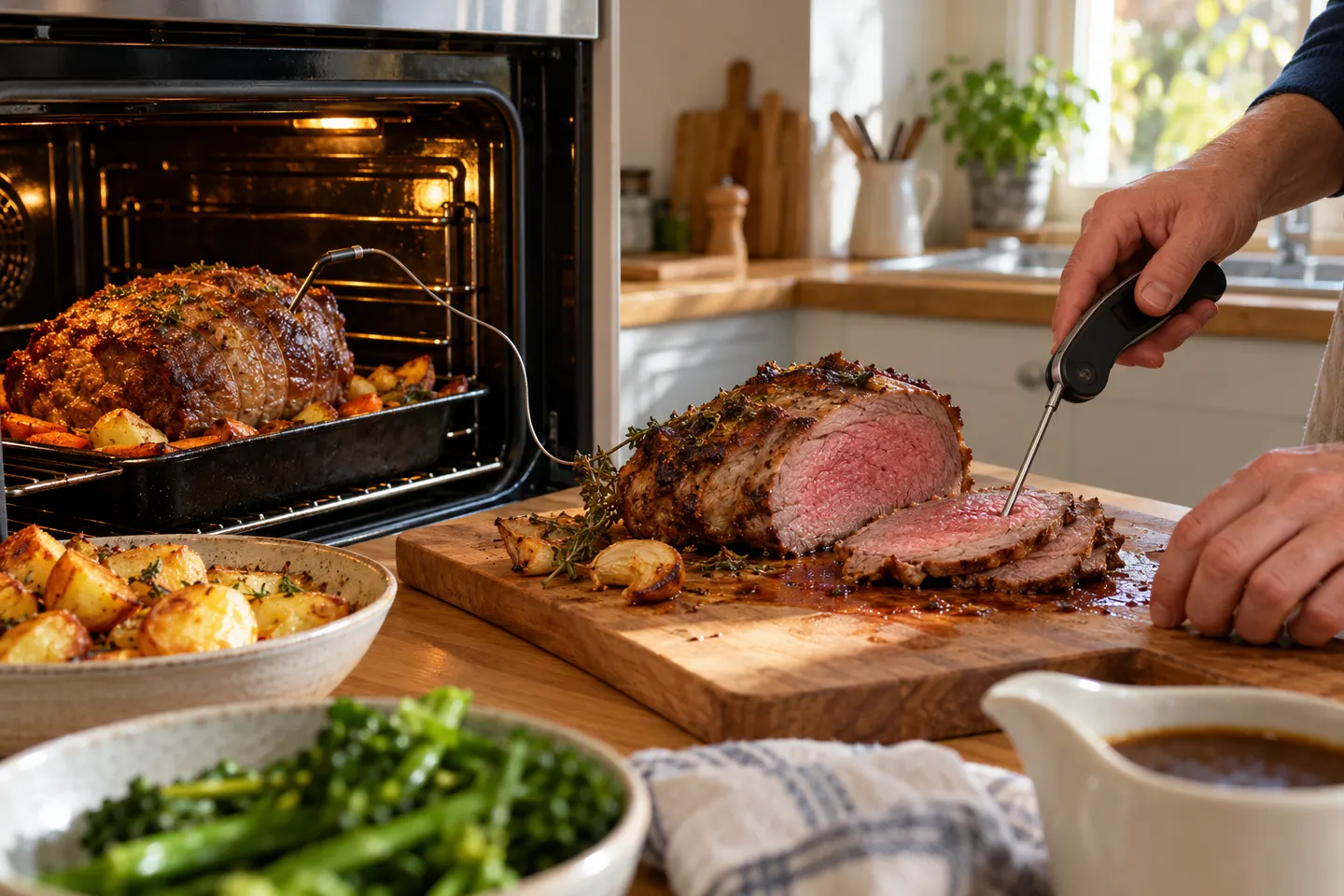
Move the probe slightly and sample another part of an irregular or large item. Use the lowest stable reading and compare it with current UK food-safety guidance and the recipe's intended result.
Common questions
Questions before you buy
How do you read a meat thermometer dial?
View it straight on, choose the correct temperature scale and use the labelled intervals to interpret smaller marks. Wait for the needle to stop moving.
How do you read an OXO meat thermometer?
Identify the exact OXO model because its display, scale and sensing zone differ. Follow its manual for insertion depth, scale selection and response time.
Why does a meat thermometer reading keep changing?
The sensor may still be responding, the food may continue cooking or the tip may be moving through areas at different temperatures. Hold it steady until stable, then scan nearby points.
Which thermometer reading should you use after checking several spots?
Use the lowest stable centre reading when checking whether food has reached the required cooking condition, provided each measurement was correctly placed.
Pick a folding digital thermometer for rapid checks or a leave-in digital probe for alarms during a roast. Accuracy and sensing-tip placement matter more than extra presets.
Thermapen ONE is our top all-round pick for fast spot checks. ThermoPro TP19H is the simpler alternative, while DOT and MEATER Pro suit cooks who need continuous monitoring.
An instant-read thermometer suits quick checks; a leave-in or wireless probe is better for tracking a roast without repeatedly opening the oven.
Your privacy
We use cookies and similar technologies. Necessary ones keep the site working. With your permission we also use statistics cookies (Google Analytics and Microsoft Clarity) to understand which guides help readers. You can accept all, reject all or choose. You can change your choice at any time from "Cookie settings" at the bottom of every page. Cookie policy