



 Official manufacturer image
Our picks
Top picks
Official manufacturer image Official manufacturer image
Garmin Dash Cam Mini 3
Check price on Amazon Official manufacturer image
Garmin Dash Cam X310
Check price on AmazonInstallation and accessories
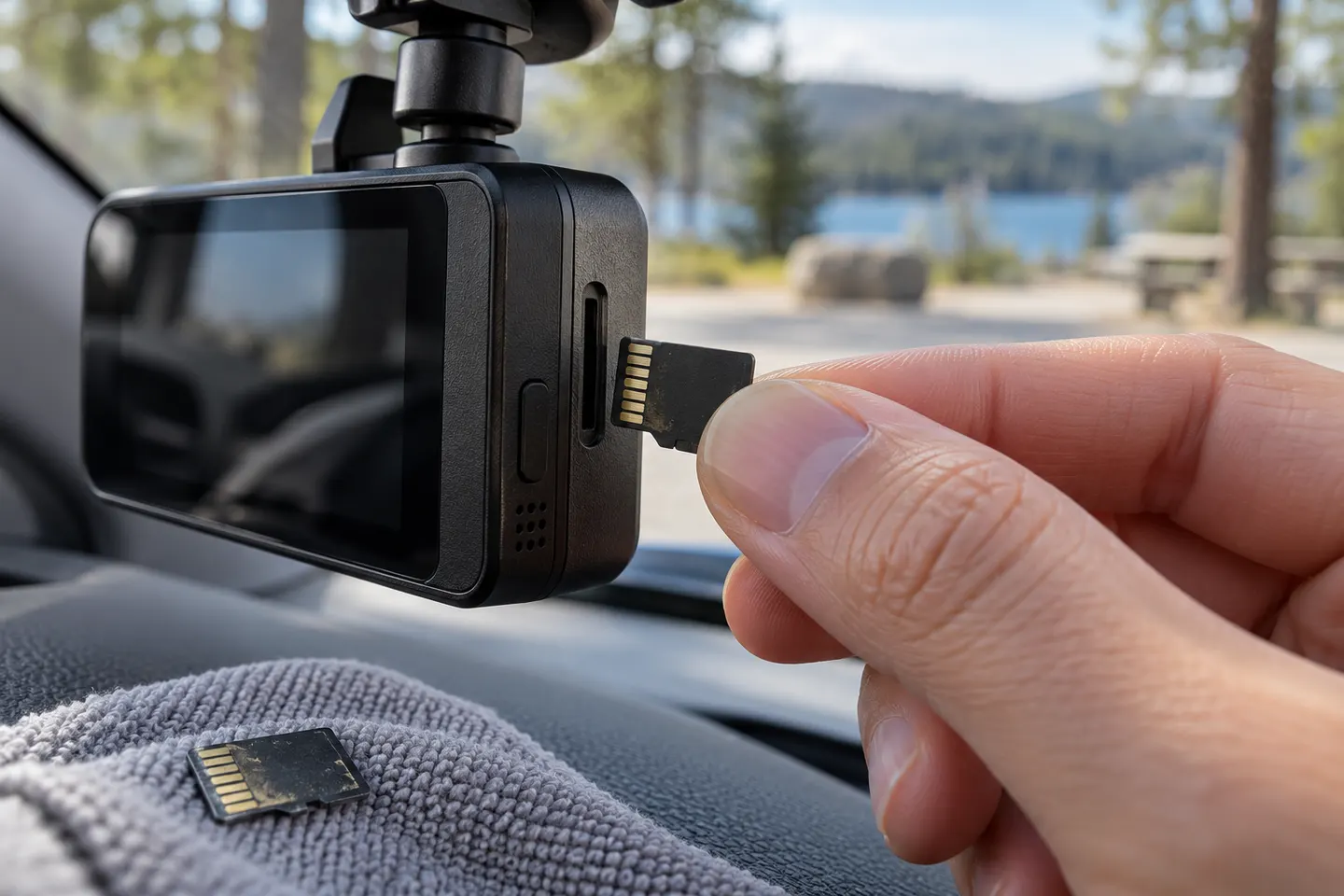 Micro sd card
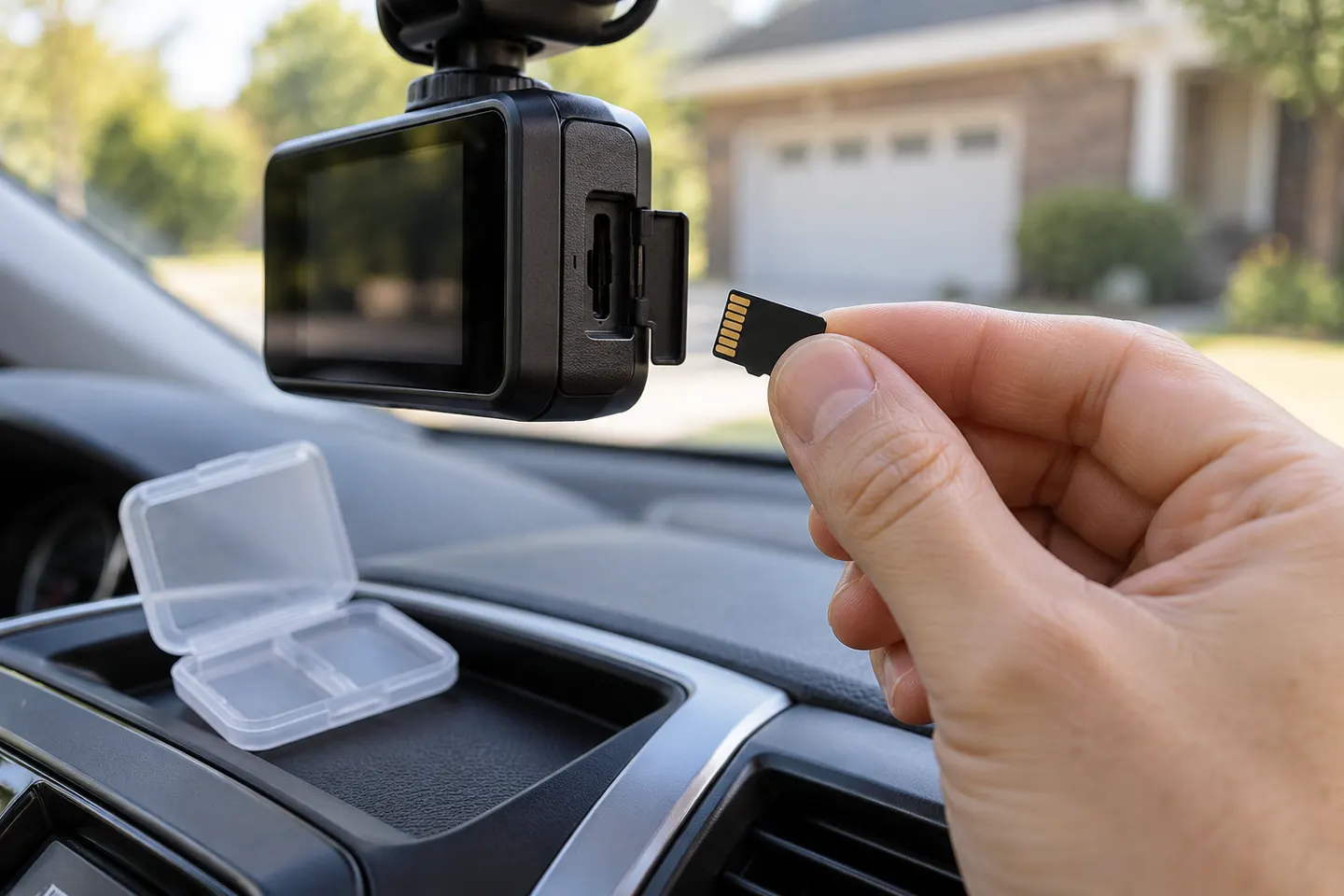 Sd card
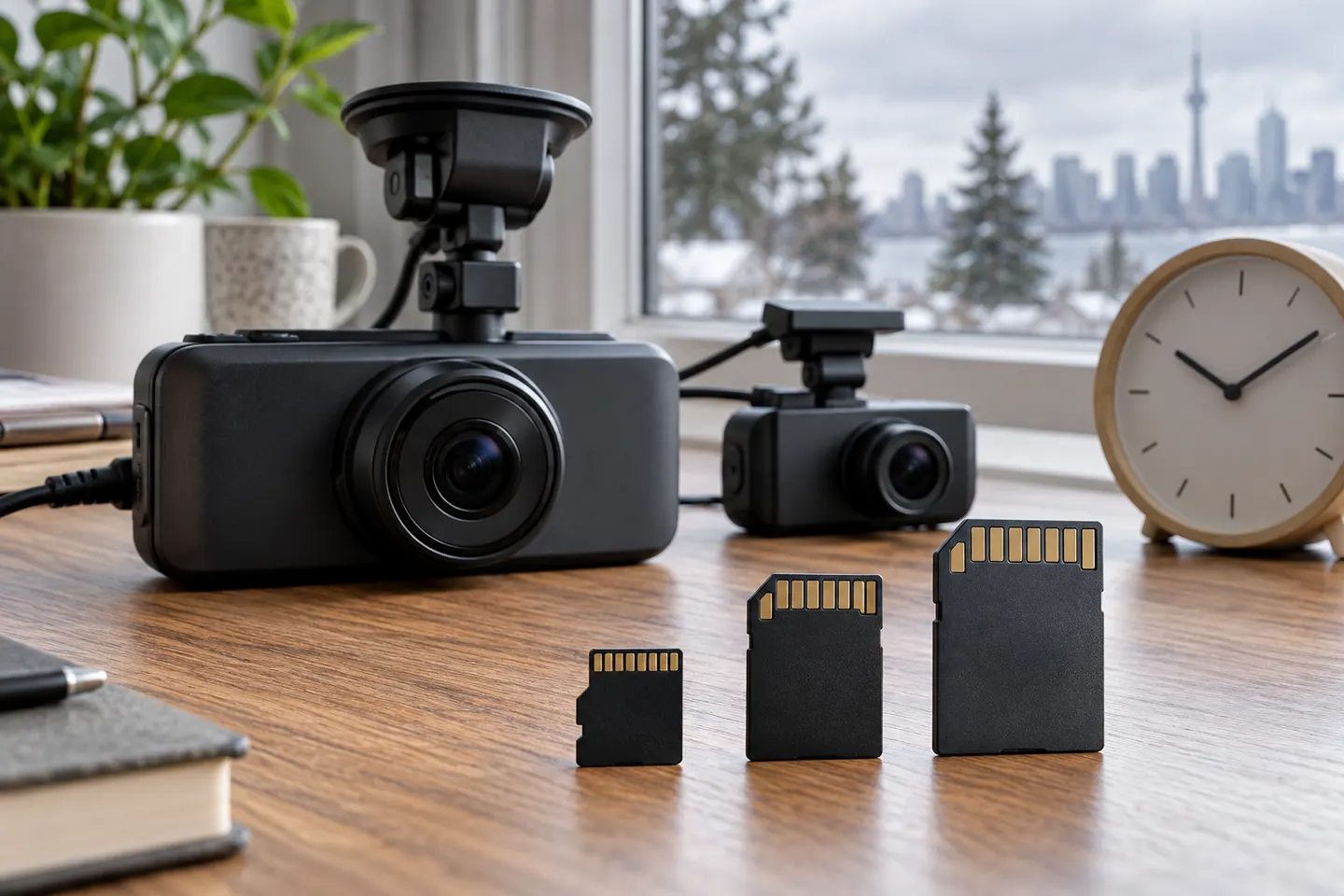 Memory card
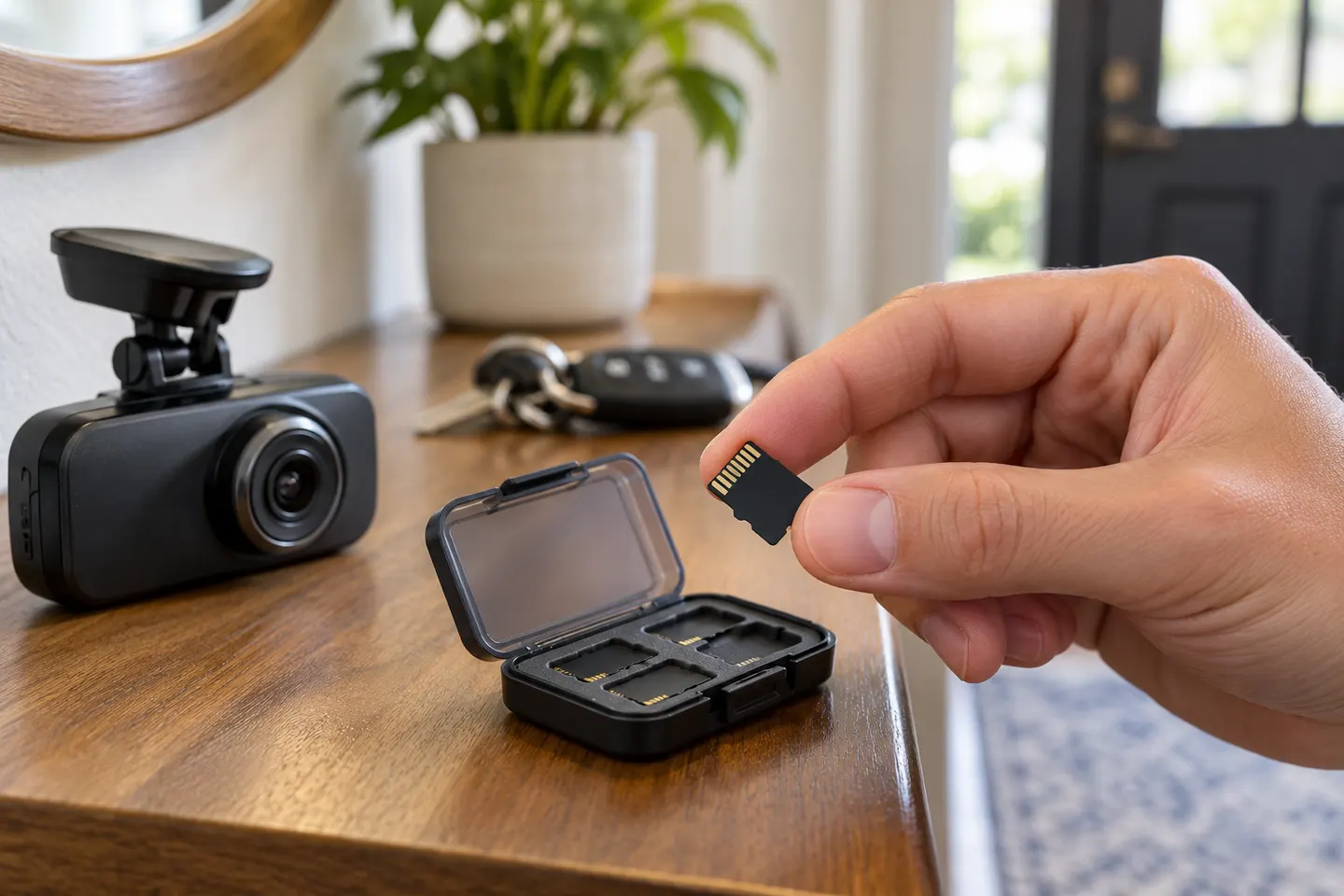 Microsd card
More topics
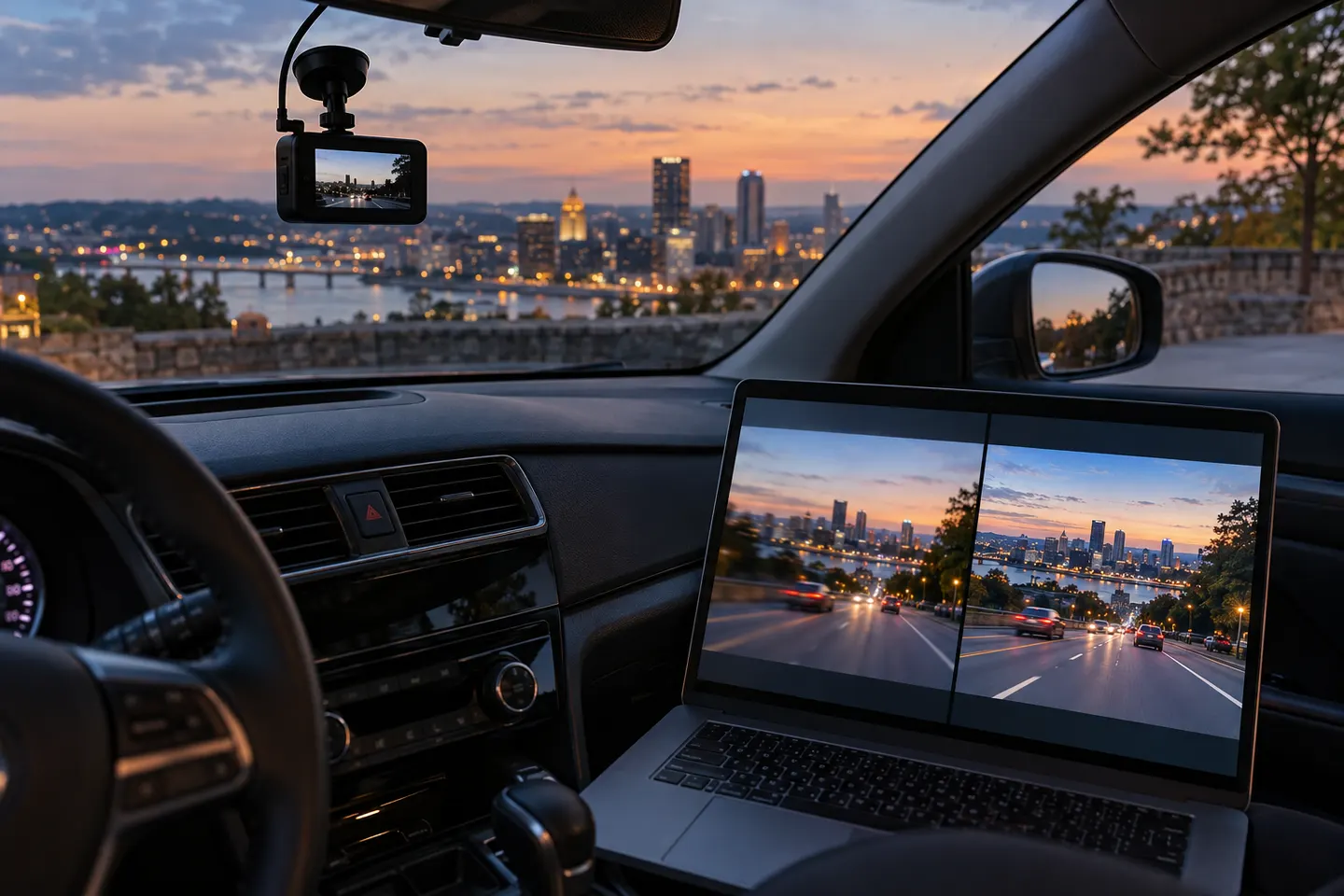 High-Resolution Dash Cams
Common questions
Questions before you buy
Why does a dash cam need a high-endurance microSD card?
Continuous loop recording repeatedly writes and erases data. Endurance-focused cards are designed for this heavier write cycle, subject to the maker's stated use and warranty terms.
What size microSD card should I use in a dash cam?
Use a capacity explicitly supported by the camera. A larger supported card retains a longer loop, but an oversized unsupported card may fail or format incorrectly.
How often should a dash cam memory card be formatted?
Follow the camera manufacturer's schedule and format in the device when requested. Always copy important clips first because formatting erases stored video.
How can I tell when a dash cam card is failing?
Repeated card warnings, recording gaps, corrupted clips, unexpected restarts or failure to overwrite can be warning signs. Replace the card if errors continue after the approved formatting procedure.