



 Official manufacturer image
Our picks
Top picks
Official manufacturer image Official manufacturer image
Garmin Dash Cam Mini 3
Check price on Amazon Official manufacturer image
Garmin Dash Cam X310
Check price on AmazonBy feature
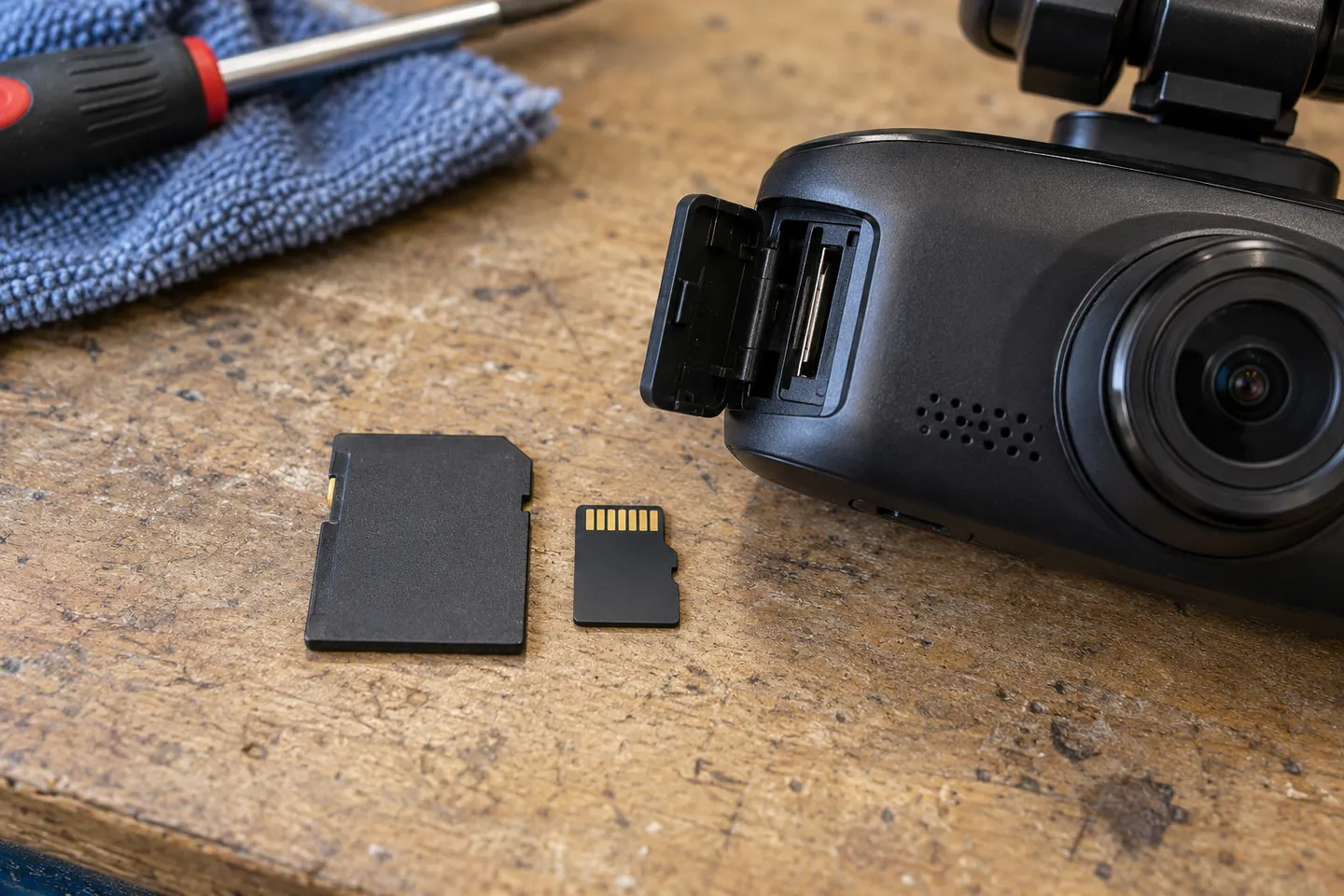 Mini sd card
Installation and accessories
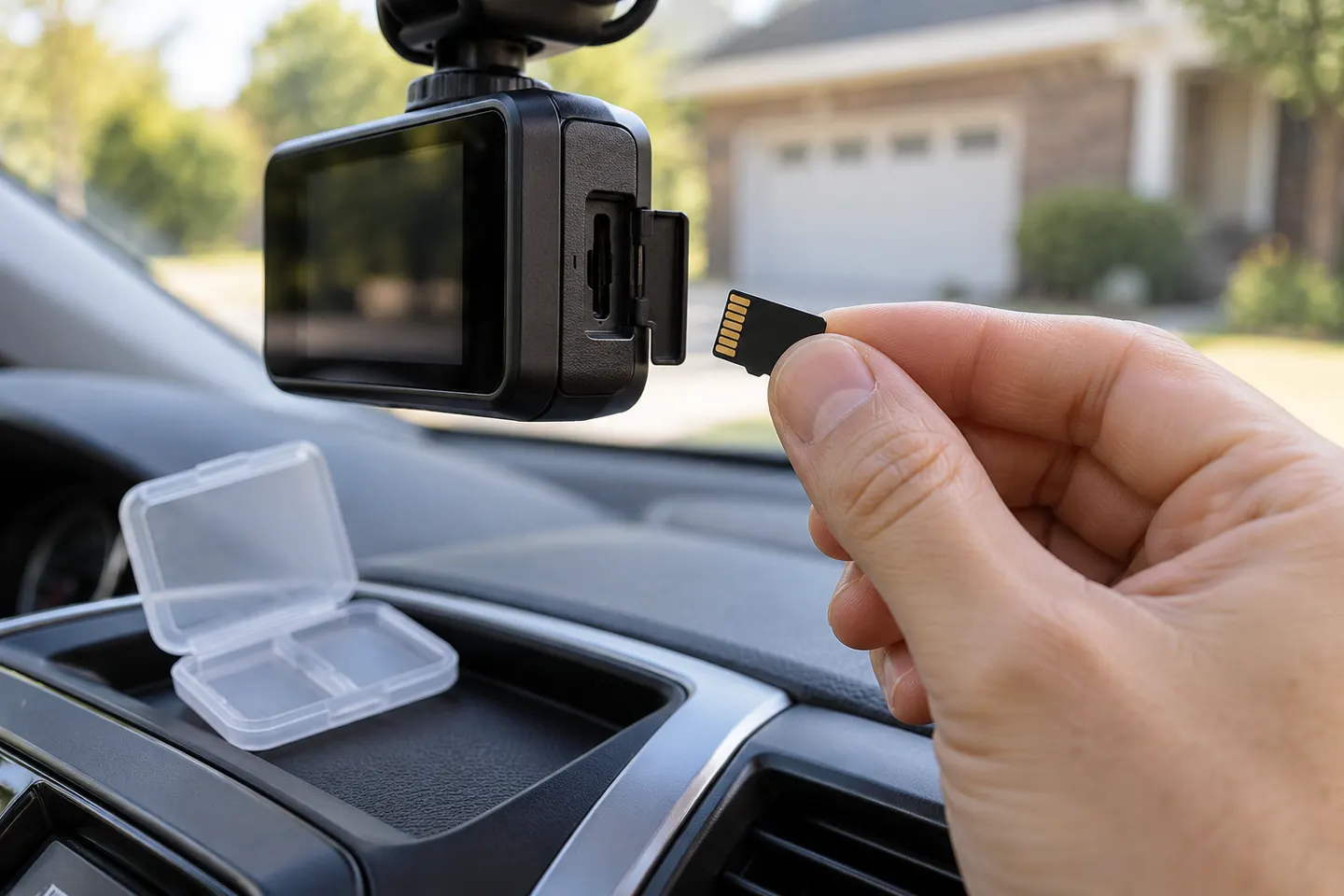 Sd card
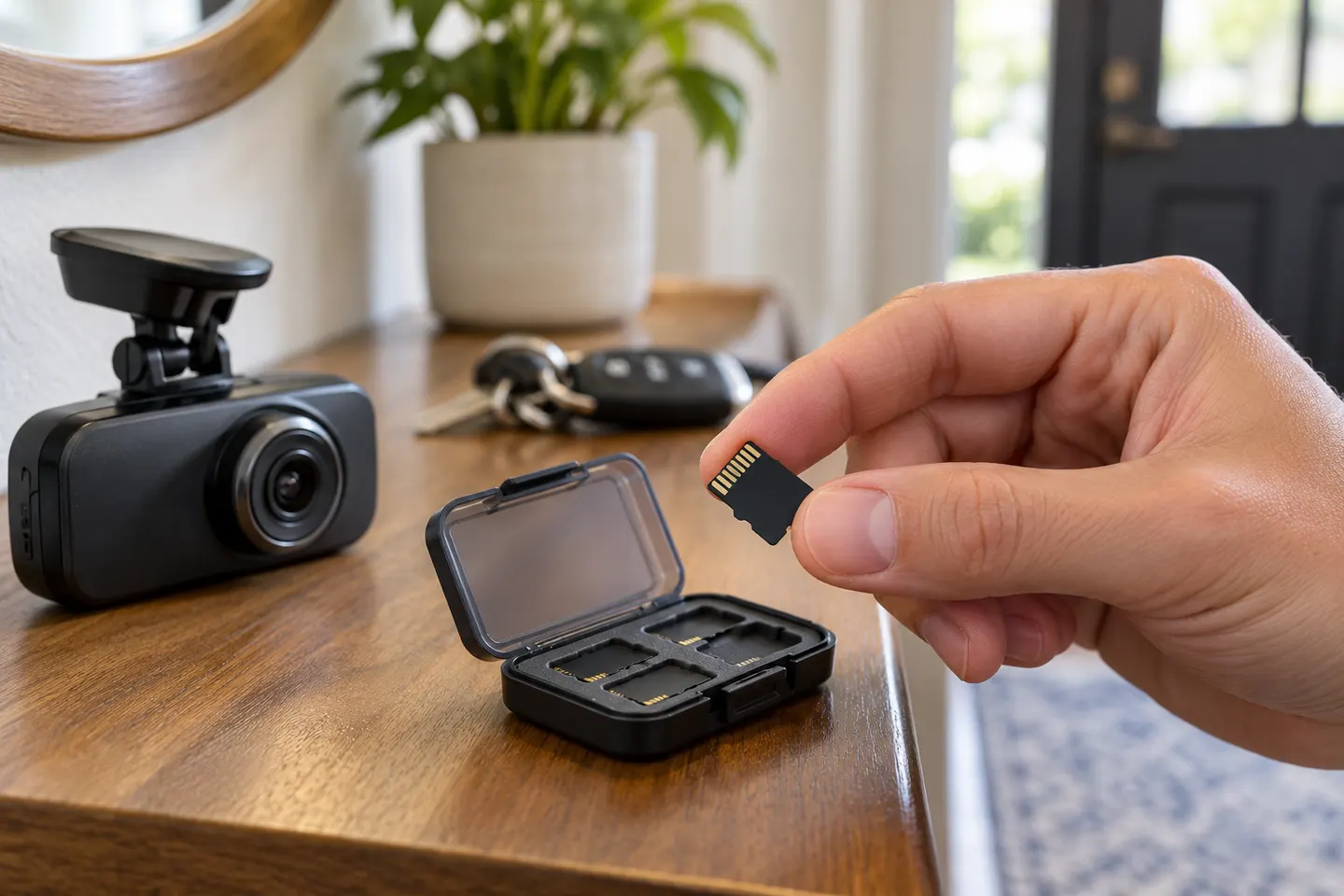 Microsd card
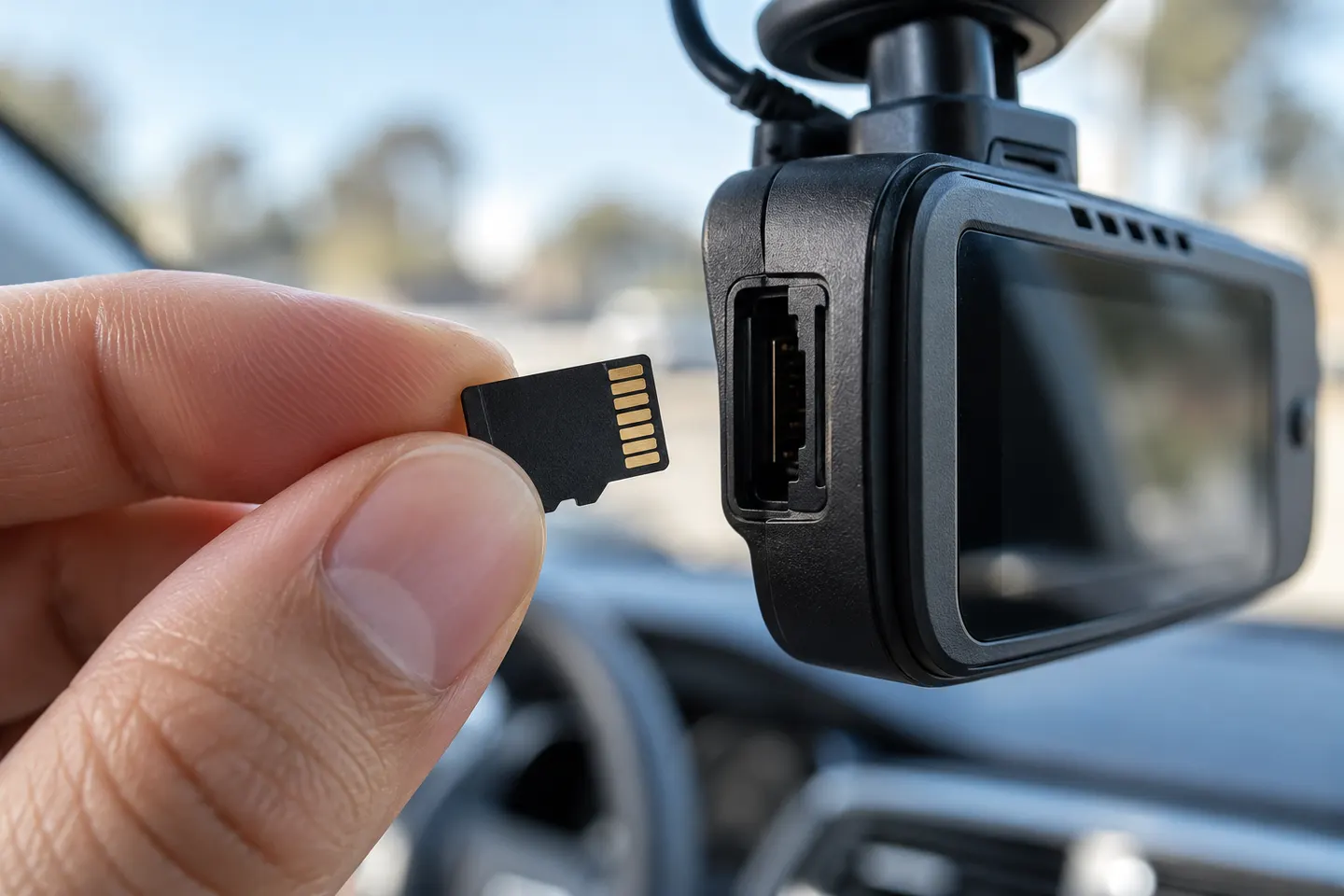 Micro card
Common questions
Questions before you buy
What type of memory card does a dash cam need?
Most current dash cams use microSD, but the required capacity and speed class vary. Choose a high-endurance card that matches the exact requirements in the camera manual.
Is a larger memory card always better for a dash cam?
No. A larger card increases recording history only when the camera supports that capacity and file system. Unsupported cards may fail to format or record reliably.
Why should I format a dash cam memory card in the camera?
In-camera formatting creates the file structure the recorder expects and clears accumulated files. Follow the manufacturer's instructions and save any wanted clips first.
How do I know a dash cam memory card is failing?
Common warning signs include stopped recording, corrupted or missing clips, slow playback, and recurring card errors. Back up important footage and replace the card rather than relying on it.