



 Official manufacturer image
Our picks
Top picks
Official manufacturer image Official manufacturer image
Garmin Dash Cam Mini 3
Check price on Amazon Official manufacturer image
Garmin Dash Cam X310
Check price on AmazonMore topics
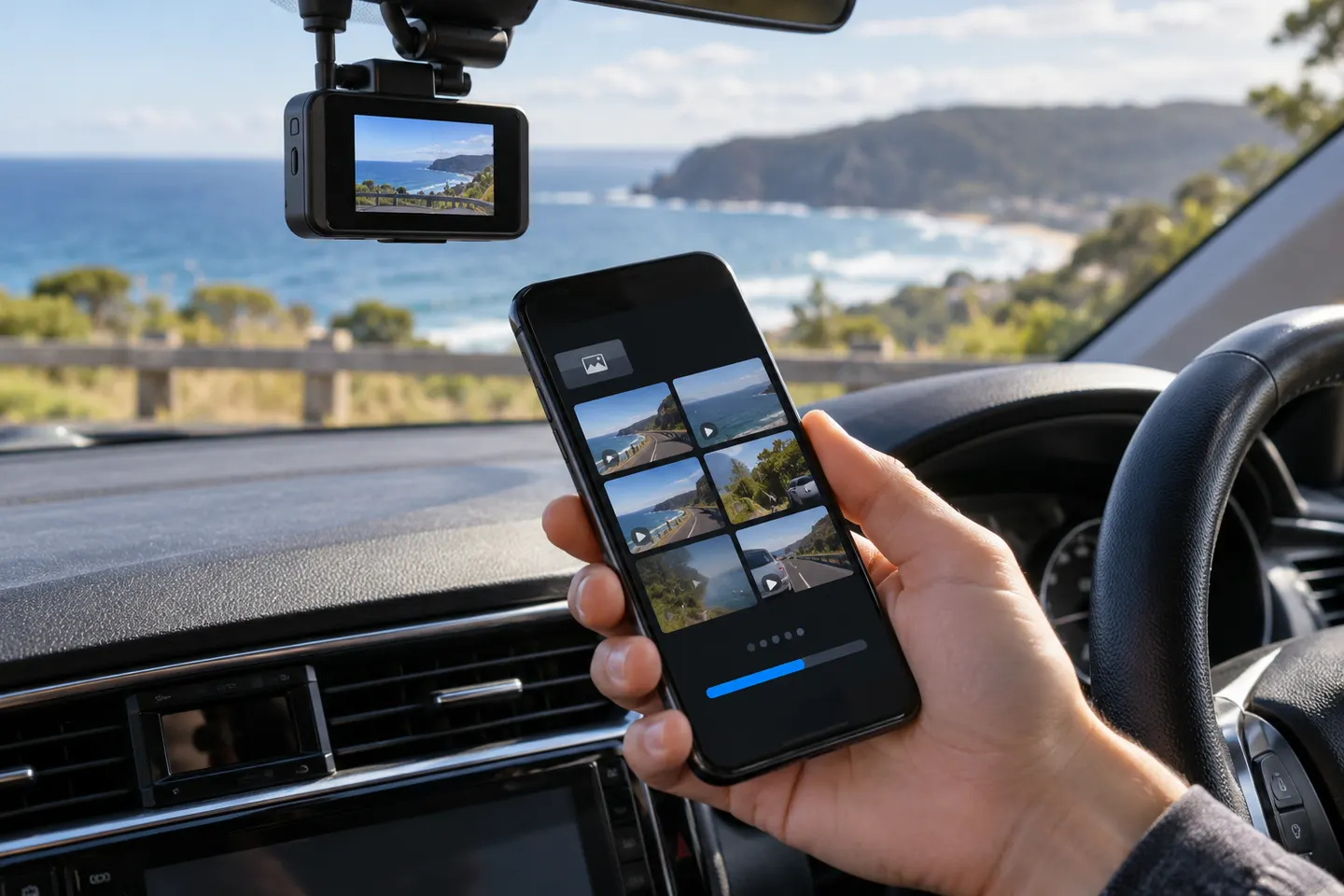 Dashcam Apps and App-Connected Cameras
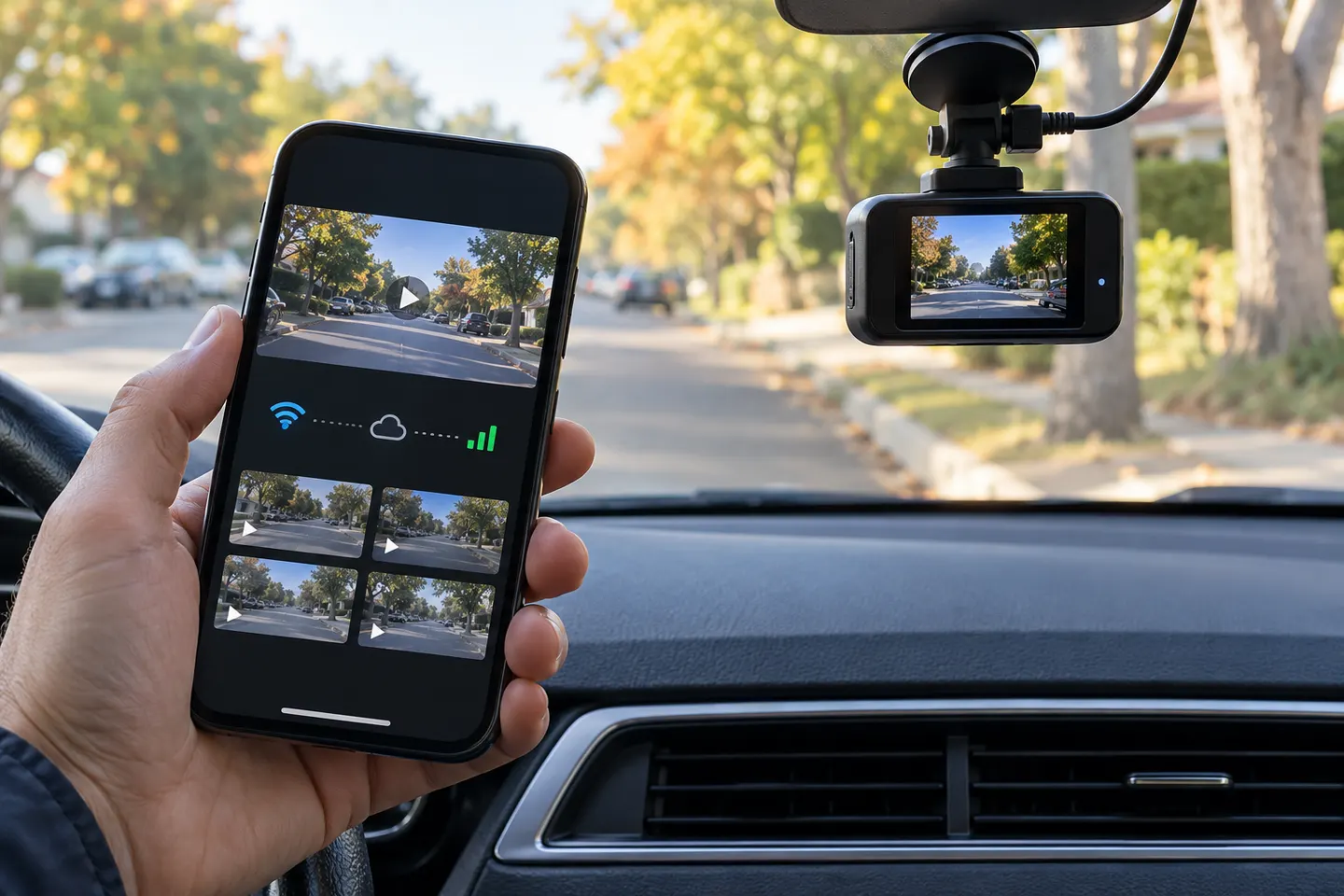 Dash Cams With a Mobile App
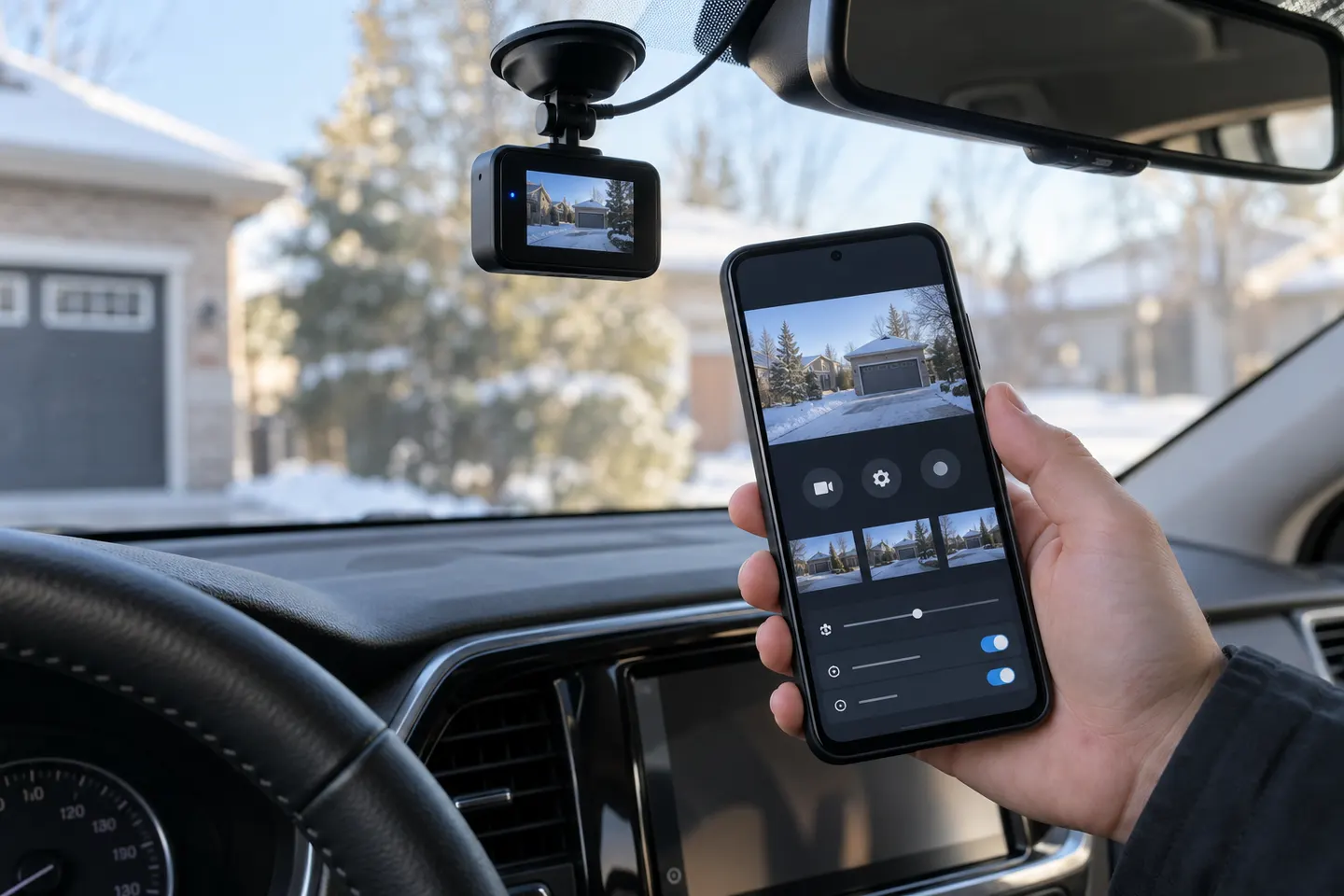 Dashcam Apps for AndroidDashcam Apps for iPhone
Show all (5)
Common questions
Questions before you buy
Which app does my PRUVEEO dash cam use?
Use the app named in the manual or linked by the camera's official QR code. Compatibility can differ by model, so a generic download recommendation is unreliable.
Why does my phone say the dash cam Wi-Fi has no internet?
The camera's Wi-Fi may be a local link rather than an internet connection. Stay connected if the manual says this is required for app access.
Why will the PRUVEEO app not connect to the camera?
Confirm that camera Wi-Fi is enabled, the phone joined the correct network and the app has requested permissions. Then follow the model-specific reset or support steps.
Can I watch PRUVEEO footage without removing the memory card?
Compatible app-connected models may let you view or download recordings over the local camera connection. The available controls depend on the model and app.