


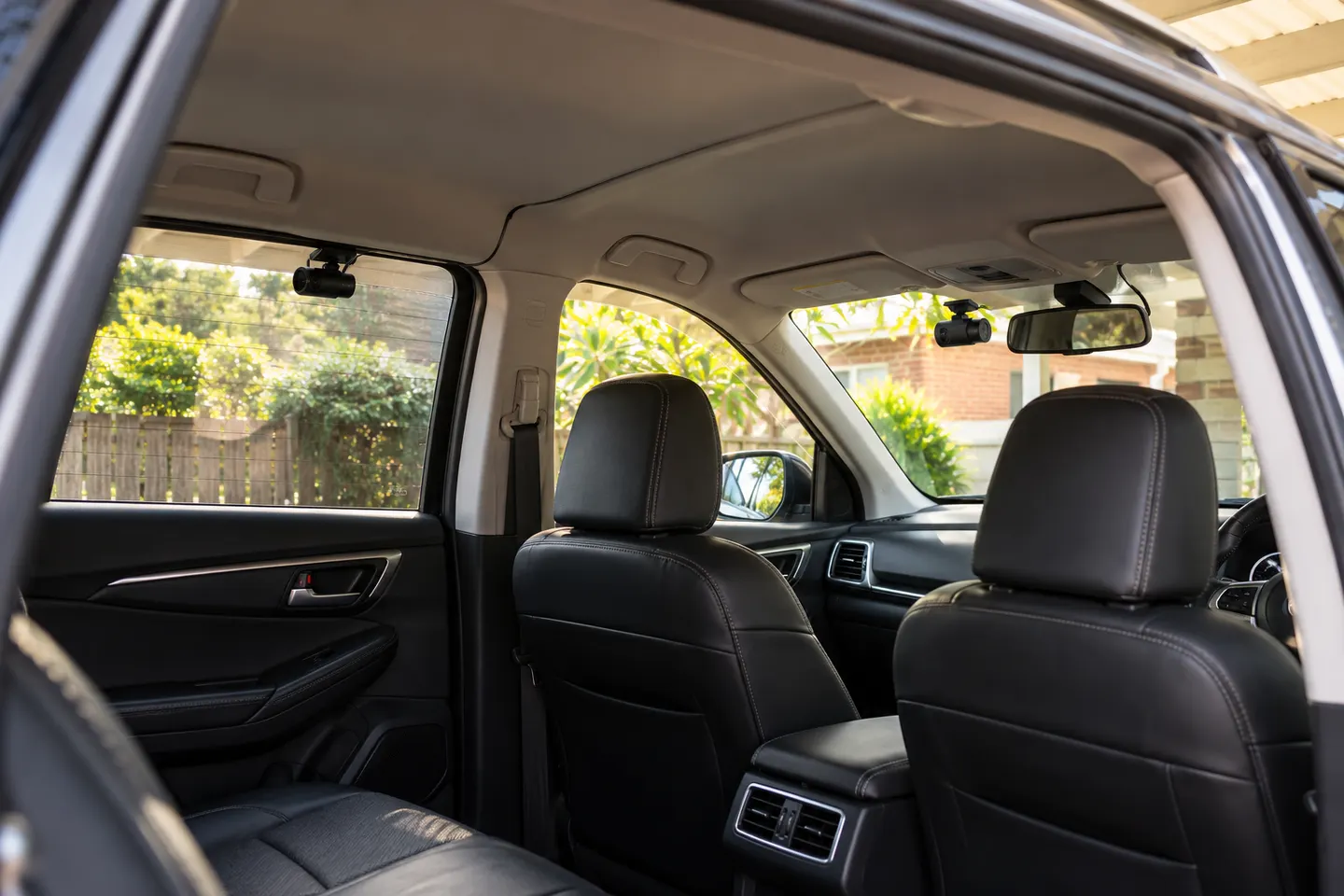
Best Front and Rear Dash Cams for 2026
VIOFO A329S 2CH leads for 4K 60 fps front and 2K rear recording. A229 Pro is the more measured alternative, while REDTIGER F7NP emphasizes a wide front view.

Start here
VIOFO A329S 2CH leads for 4K 60 fps front and 2K rear recording. A229 Pro is the more measured alternative, while REDTIGER F7NP emphasizes a wide front view.
The VIOFO A229 Pro 2CH is our all-round choice for sharp dual recording and phone connectivity. BlackVue suits cloud-focused drivers, while Garmin is the compact option.
Our picks
 Official manufacturer image
 Official manufacturer image
 Official manufacturer image
Best picks
VIOFO A329S 2CH leads for 4K 60 fps front and 2K rear recording. A229 Pro is the more measured alternative, while REDTIGER F7NP emphasizes a wide front view.
The VIOFO A229 Pro 2CH is our all-round choice for sharp dual recording and phone connectivity. BlackVue suits cloud-focused drivers, while Garmin is the compact option.
Common questions
Usually not. A wireless video connection still requires the rear camera to receive power, and the front unit also needs power.
It may mean phone connectivity rather than a wireless rear lens. Read the wiring diagram and confirm whether a cable connects the two cameras.
A dedicated cable avoids radio-link interference, though installation is more involved. Reliability still depends on the camera, cable routing and connectors.
Depending on the design, it may use a nearby vehicle outlet, a hardwired connection or another approved power source. Follow the exact manufacturer's instructions.
 Front rear
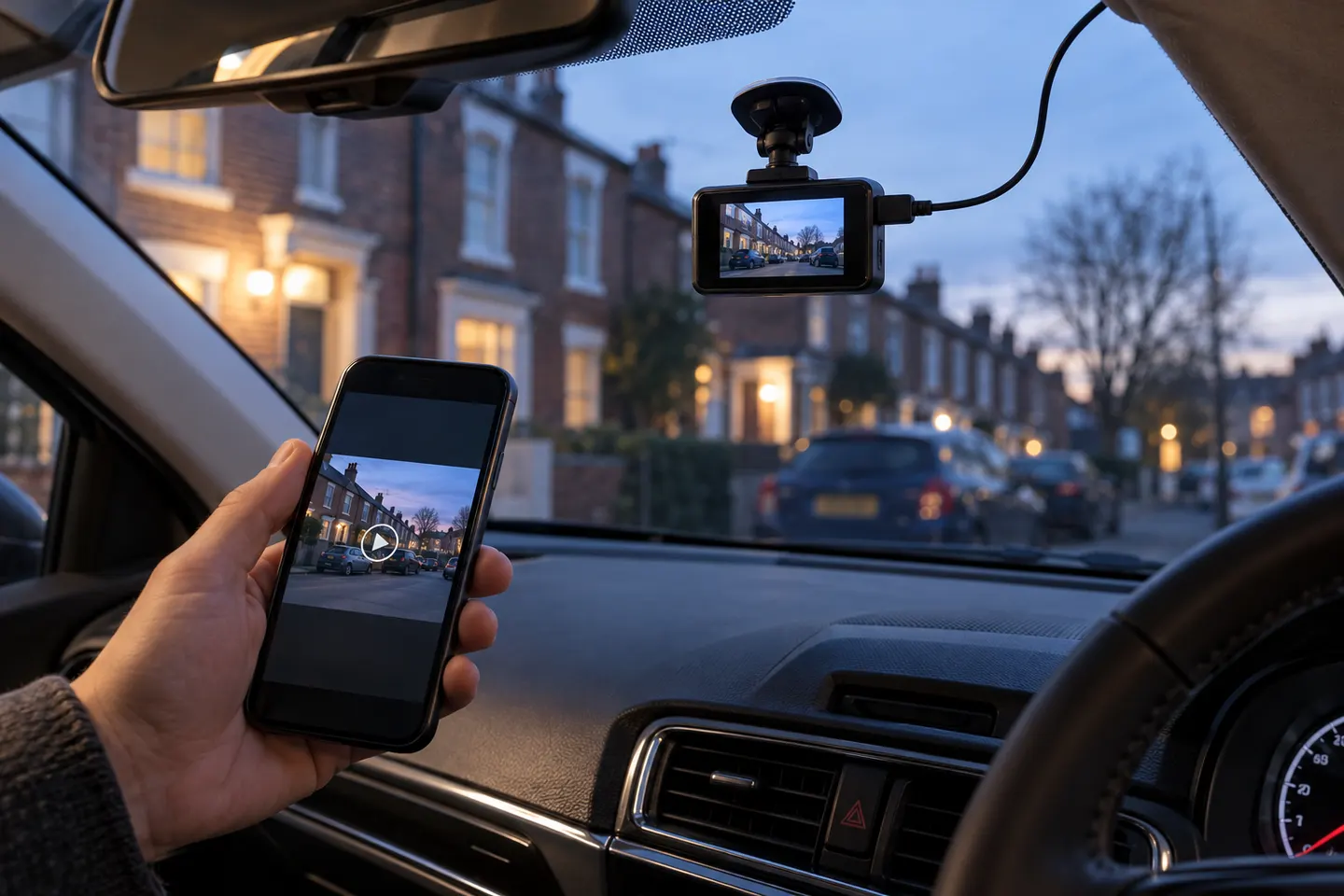 Wireless
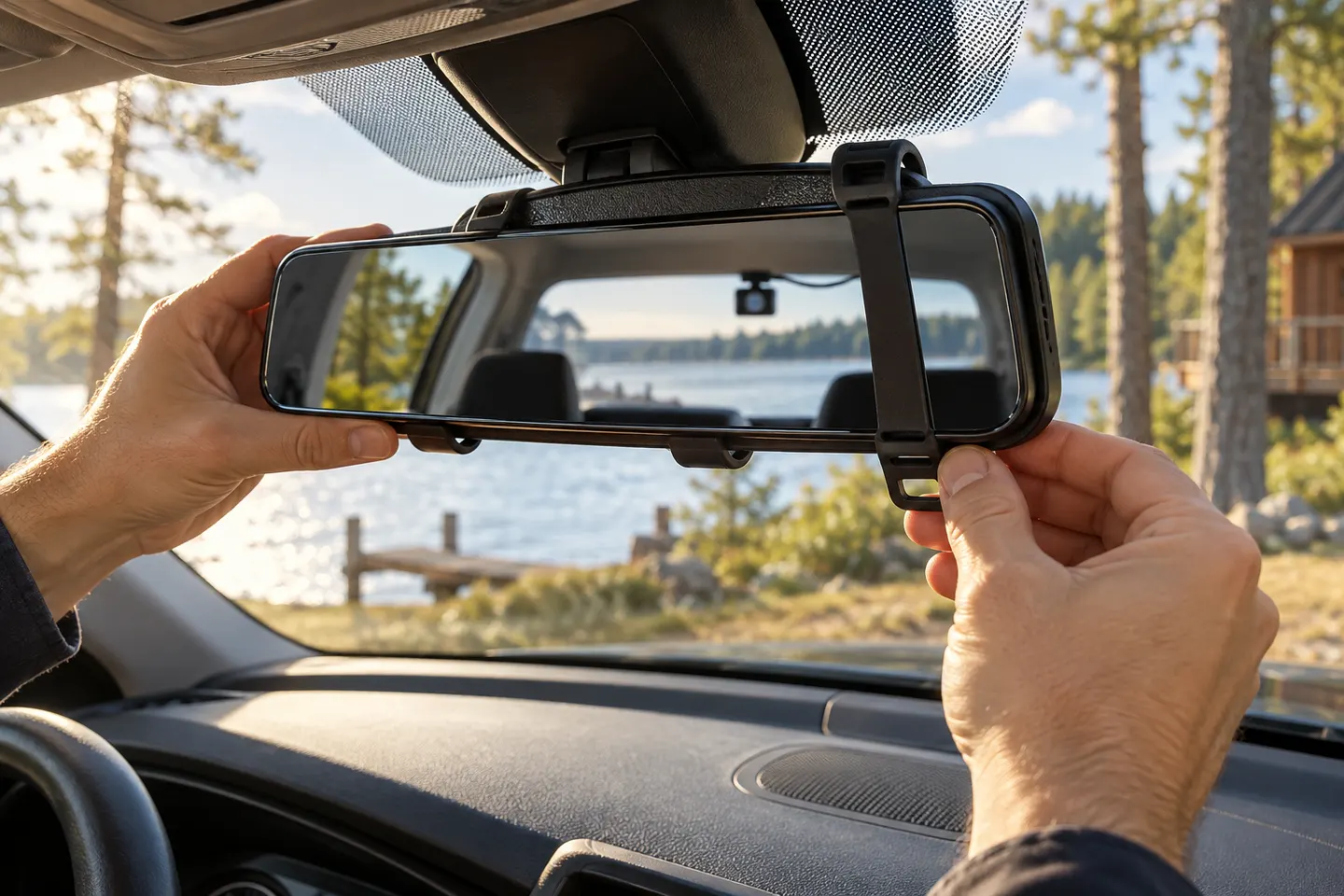 Rear view mirror
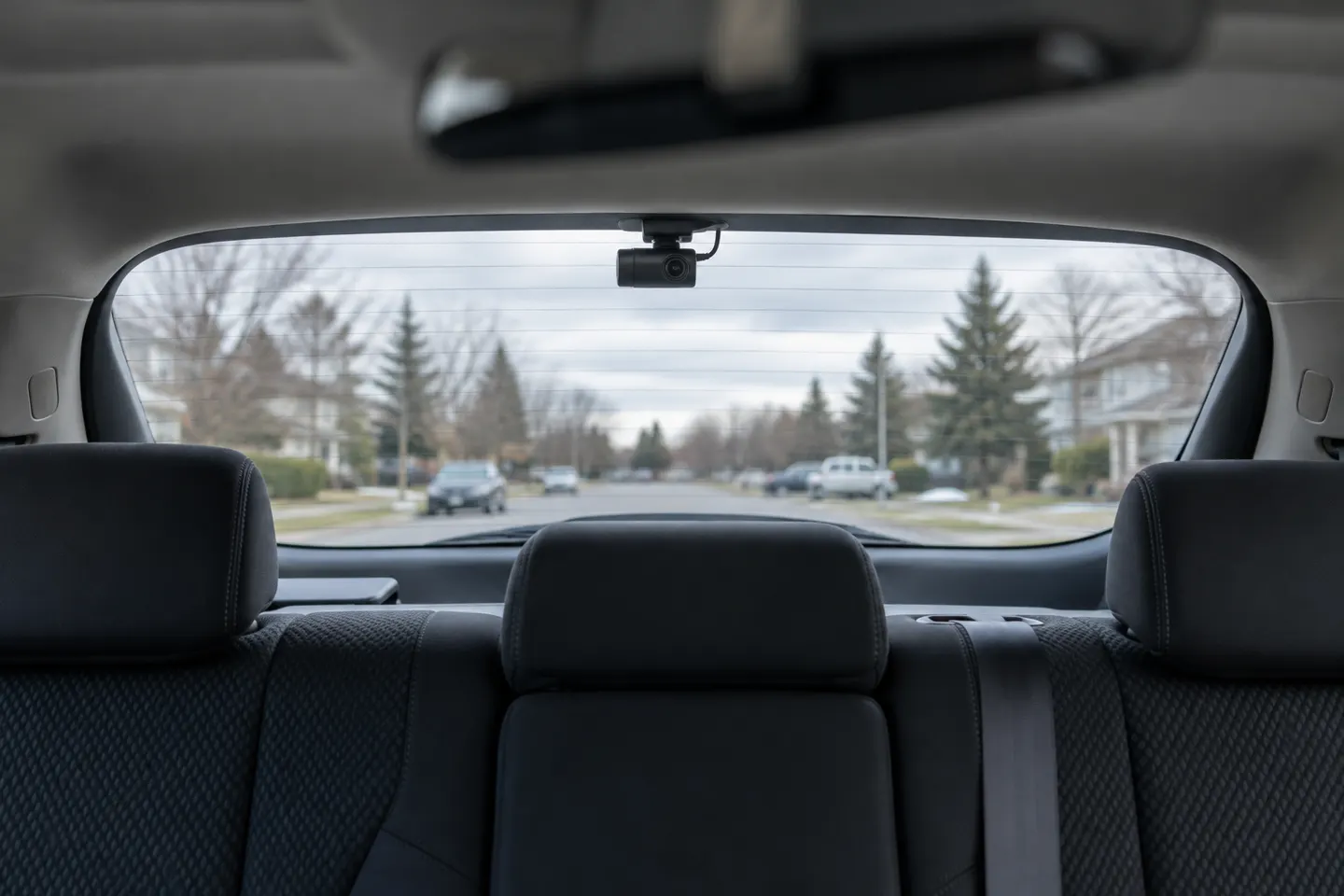 Rear
Rear