



 Official manufacturer image
Our picks
Top picks
Official manufacturer image Official manufacturer image
Garmin Dash Cam Mini 3
Check price on Amazon Official manufacturer image
Garmin Dash Cam X310
Check price on AmazonBy vehicle
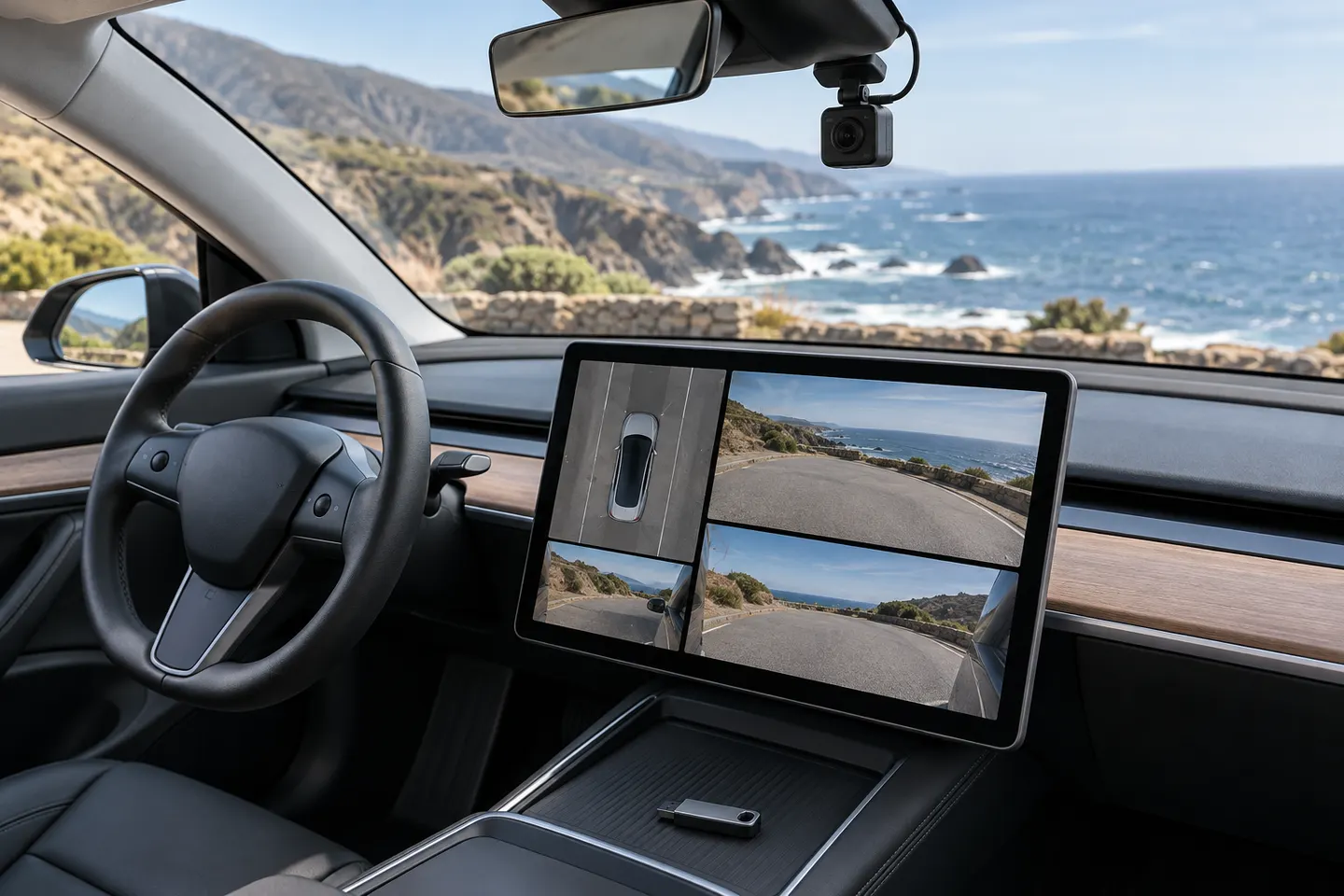 Tesla
TeslaBy feature
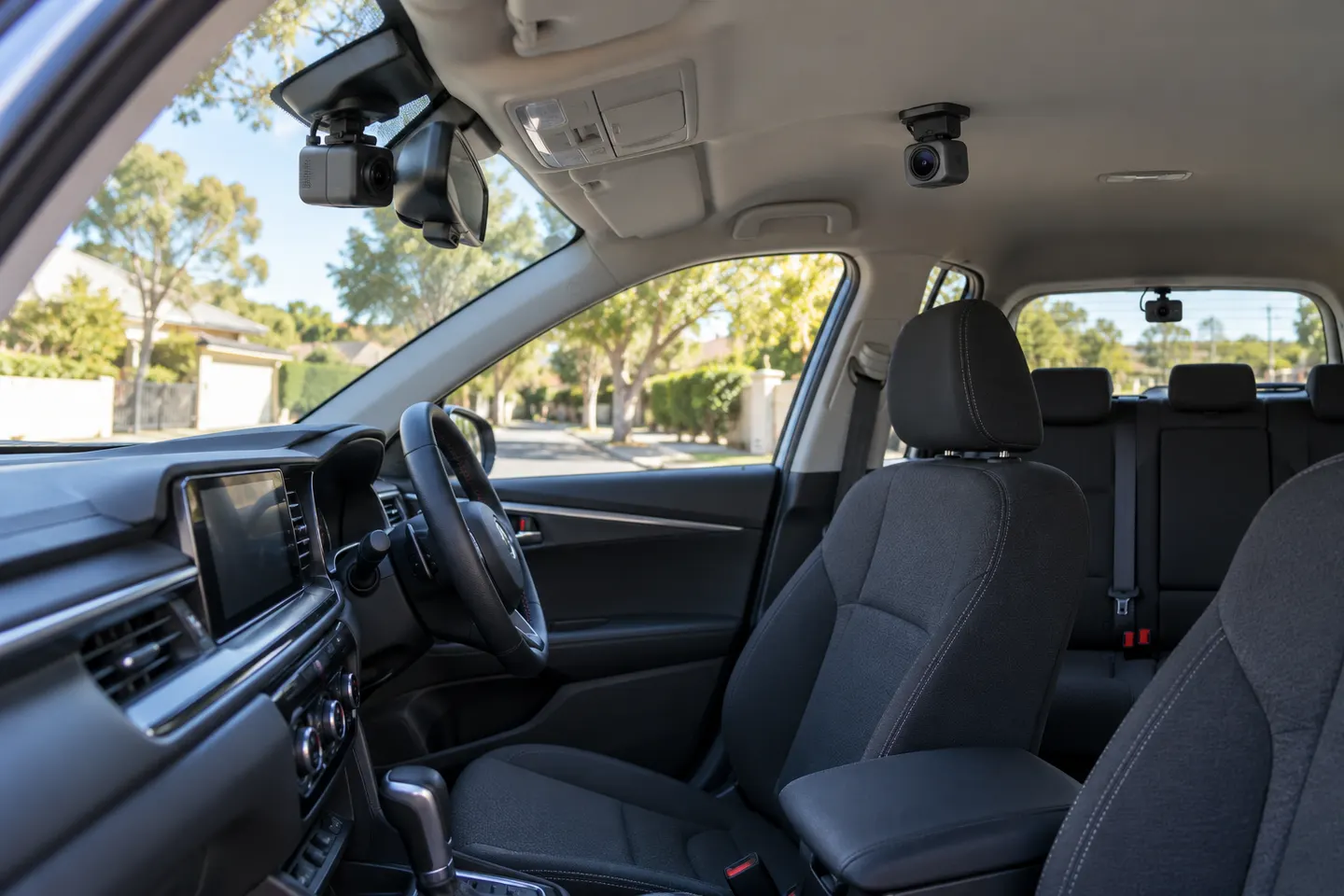 3 channel
Common questions
Questions before you buy
What does the red dot on the Tesla Model 3 dashcam icon mean?
Tesla identifies the red-dot state as recording. Touching the icon saves footage, while pressing and holding pauses recording.
What does the gray Tesla dashcam icon mean?
The available state means Dashcam can record but is not actively recording. Touch the icon to start, then confirm the state changes.
What does the green check on the Tesla dashcam icon mean?
Tesla uses the green-check state to indicate that footage has been saved.
Why does the Tesla dashcam icon show busy?
Busy means the system is loading, saving, or overwriting footage. Tesla states that footage is not captured while Dashcam is busy.
Where are Tesla Model 3 dashcam clips stored?
Tesla says recordings are stored locally on a formatted USB drive. You can review clips in the vehicle while parked or on a computer.