



 Official manufacturer image
Our picks
Top picks
Official manufacturer image Official manufacturer image
Garmin Dash Cam Mini 3
Check price on Amazon Official manufacturer image
Garmin Dash Cam X310
Check price on AmazonBy vehicle
 Tesla
TeslaCommon questions
Questions before you buy
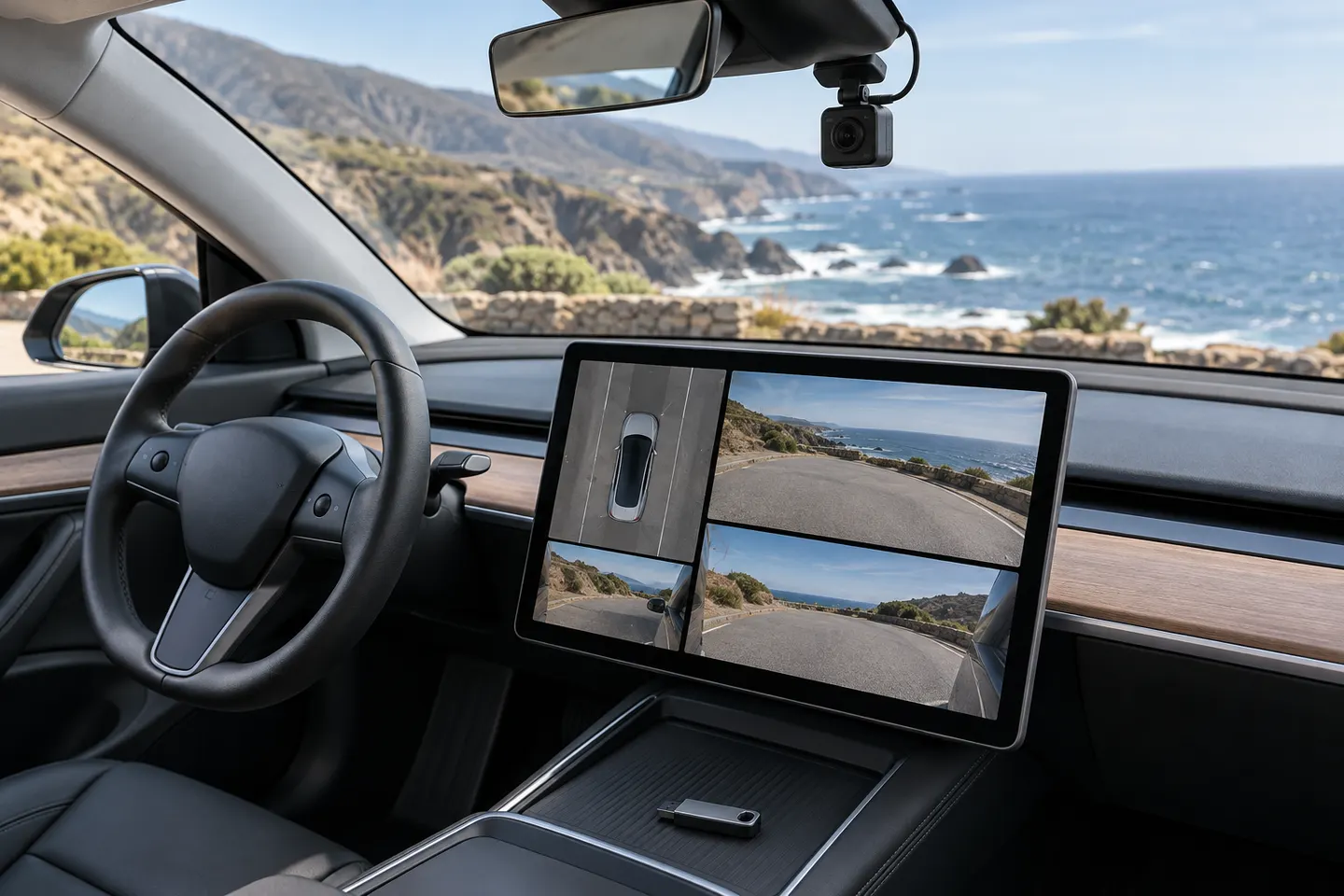
How do I open the Tesla Dashcam Viewer?
Put the vehicle in Park, open the Dashcam app from the app launcher and select a recording, following the current owner's manual for your model.
Can I watch Tesla dashcam footage while driving?
The in-car viewer is intended for use while the vehicle is in Park. Keep attention on driving and use only features permitted by the vehicle.
Why is my Tesla Dashcam Viewer empty?
Check that a compatible, correctly formatted storage device is recognized and that clips were saved rather than overwritten. The owner's manual lists drive and folder requirements.
Can Tesla dashcam clips be viewed on a computer?
Yes. The USB drive stores video files that can be opened and copied on a compatible computer after the drive is removed safely.