



 Official manufacturer image
Our picks
Top picks
Official manufacturer image Official manufacturer image
Garmin Dash Cam Mini 3
Check price on Amazon Official manufacturer image
Garmin Dash Cam X310
Check price on AmazonBy vehicle
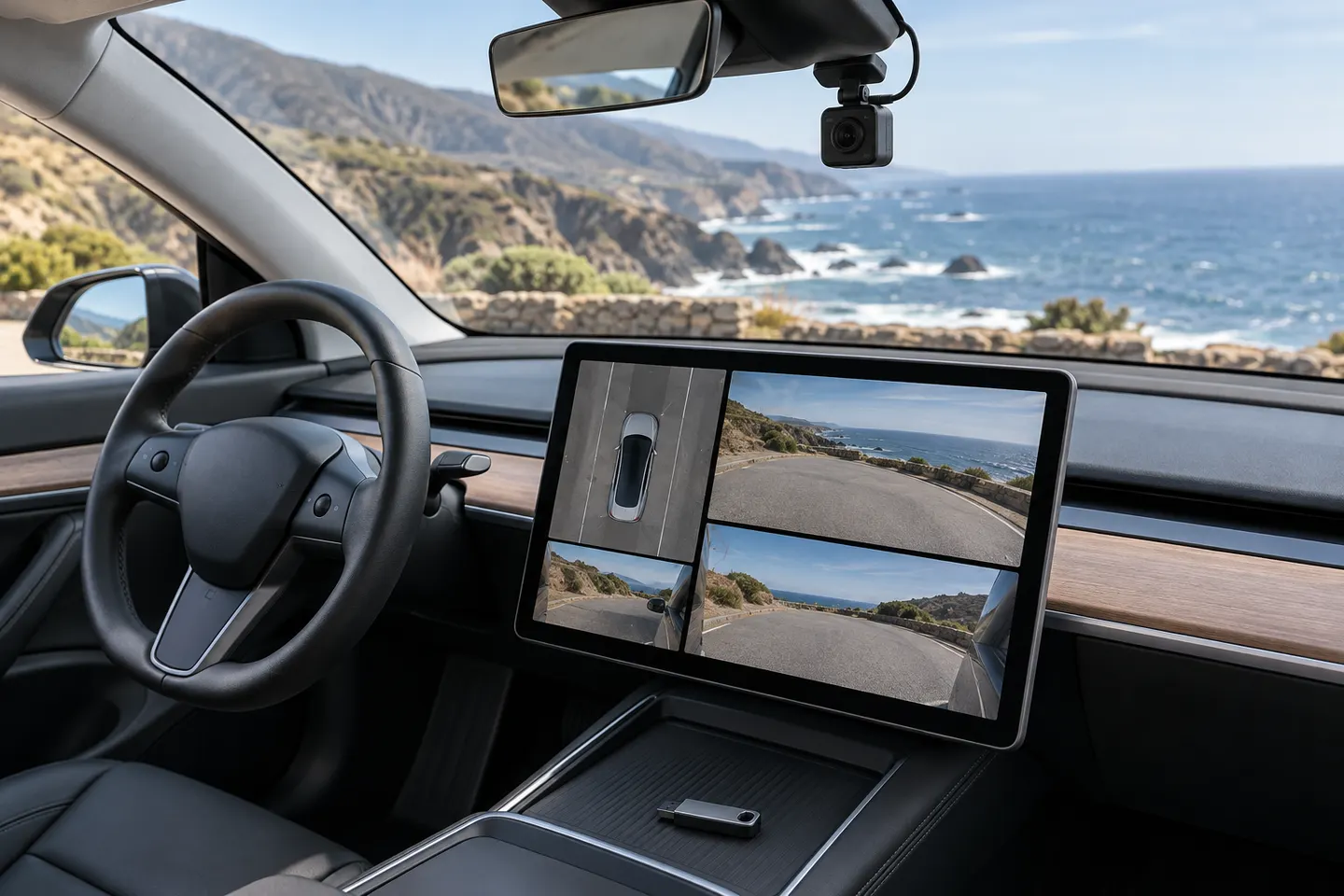 Tesla
TeslaInstallation and accessories
More topics
Common questions
Questions before you buy
What USB drive does Tesla Dashcam need?
Tesla specifies at least 64 GB capacity, sustained write speed of at least 4 MB/s, USB 2.0 compatibility and proper formatting in its current Model 3 guidance.
Can Tesla format the USB drive?
Many supported vehicles offer a Format USB Drive control. Availability depends on vehicle configuration, so follow the exact owner's manual.
Why does Tesla say the USB drive is too slow?
Peak read speed is not sustained video-write speed. Replace the drive with compatible storage that meets Tesla's sustained-write requirement and check the connection.
Where should the Tesla Dashcam USB drive be connected?
The data-capable port varies. Tesla notes that some center-console ports are charge-only and directs applicable vehicles to the glovebox USB-A port.