



 Official manufacturer image
Our picks
Top picks
Official manufacturer image Official manufacturer image
Garmin Dash Cam Mini 3
Check price on Amazon Official manufacturer image
Garmin Dash Cam X310
Check price on AmazonHow-to guides
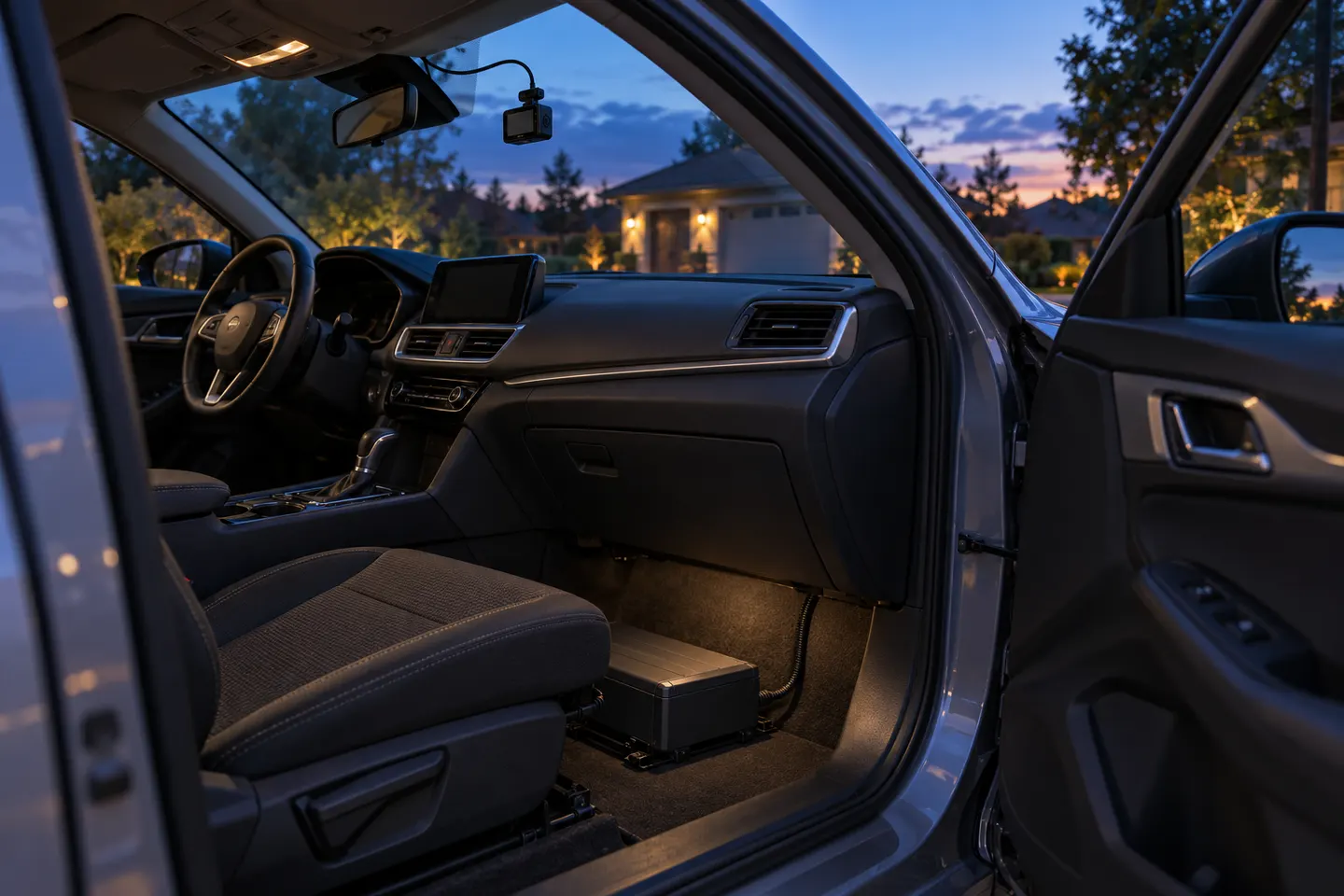 How to Keep a Dash Cam Recording When the Car Is Off
More topics
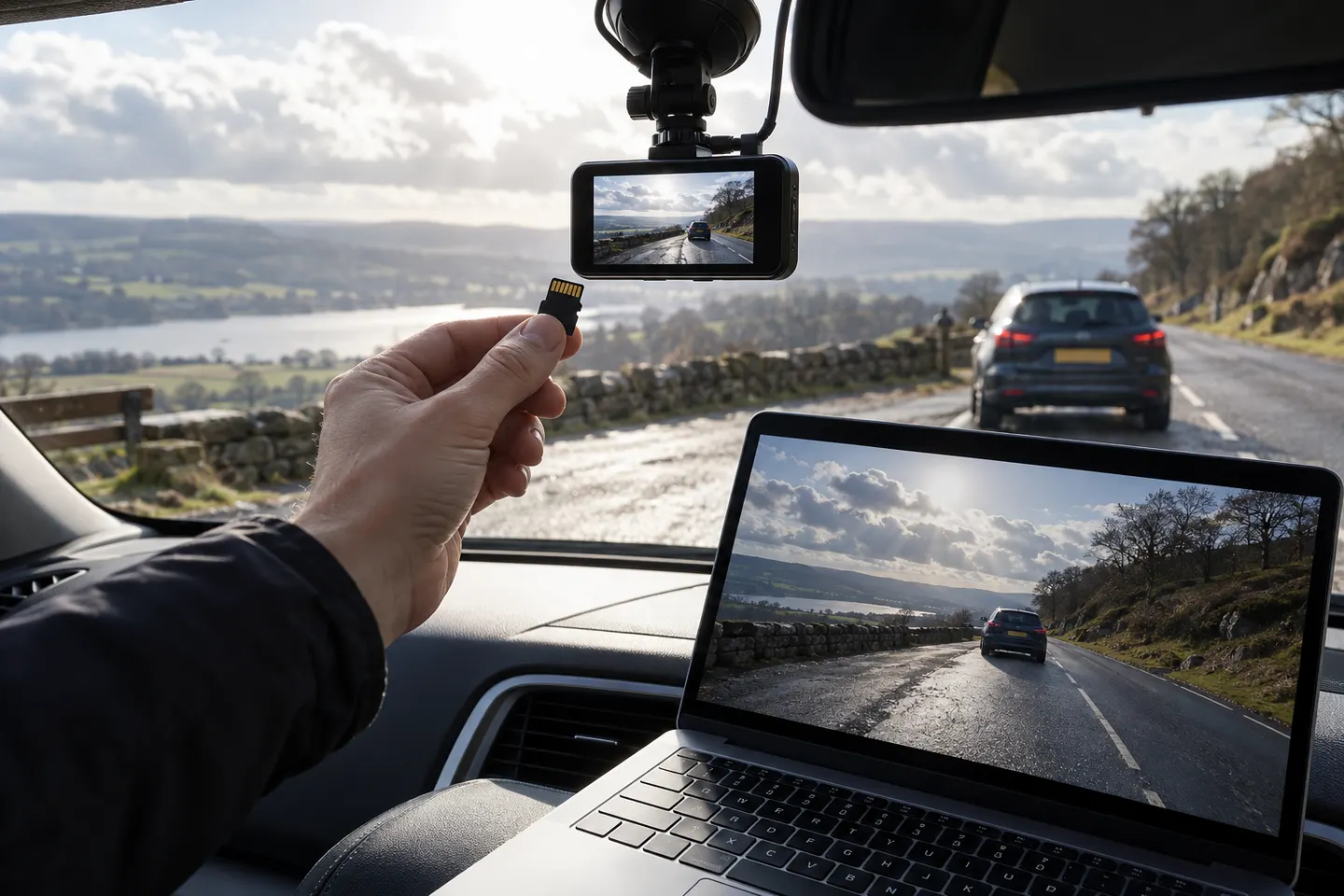 Dashcam Video
Common questions
Questions before you buy
Does a car camera record all the time?
A dash cam normally records while powered and uses loop recording. Parking recording is separate and requires supported power and settings.
What happens when a dash cam memory card is full?
In normal loop mode, the oldest unprotected files are overwritten. Locked-event folders can also fill, so inspect and format the card as the manufacturer directs.
How long are dash cam video files?
Cameras usually divide recording into short clips, with duration selected in settings. Exact choices vary by model and do not necessarily create gaps.
Can dash cam audio be turned off?
Most models allow microphone recording to be disabled, often with a button or menu setting. Check applicable consent laws before recording conversations.
How do I preserve a dash cam recording after a crash?
Stop further overwriting, lock the event if safe, power down according to the manual and copy the original file and adjacent clips without editing them.