



 Official manufacturer image
Our picks
Top picks
Official manufacturer image Official manufacturer image
Garmin Dash Cam Mini 3
Check price on Amazon Official manufacturer image
Garmin Dash Cam X310
Check price on AmazonBy feature
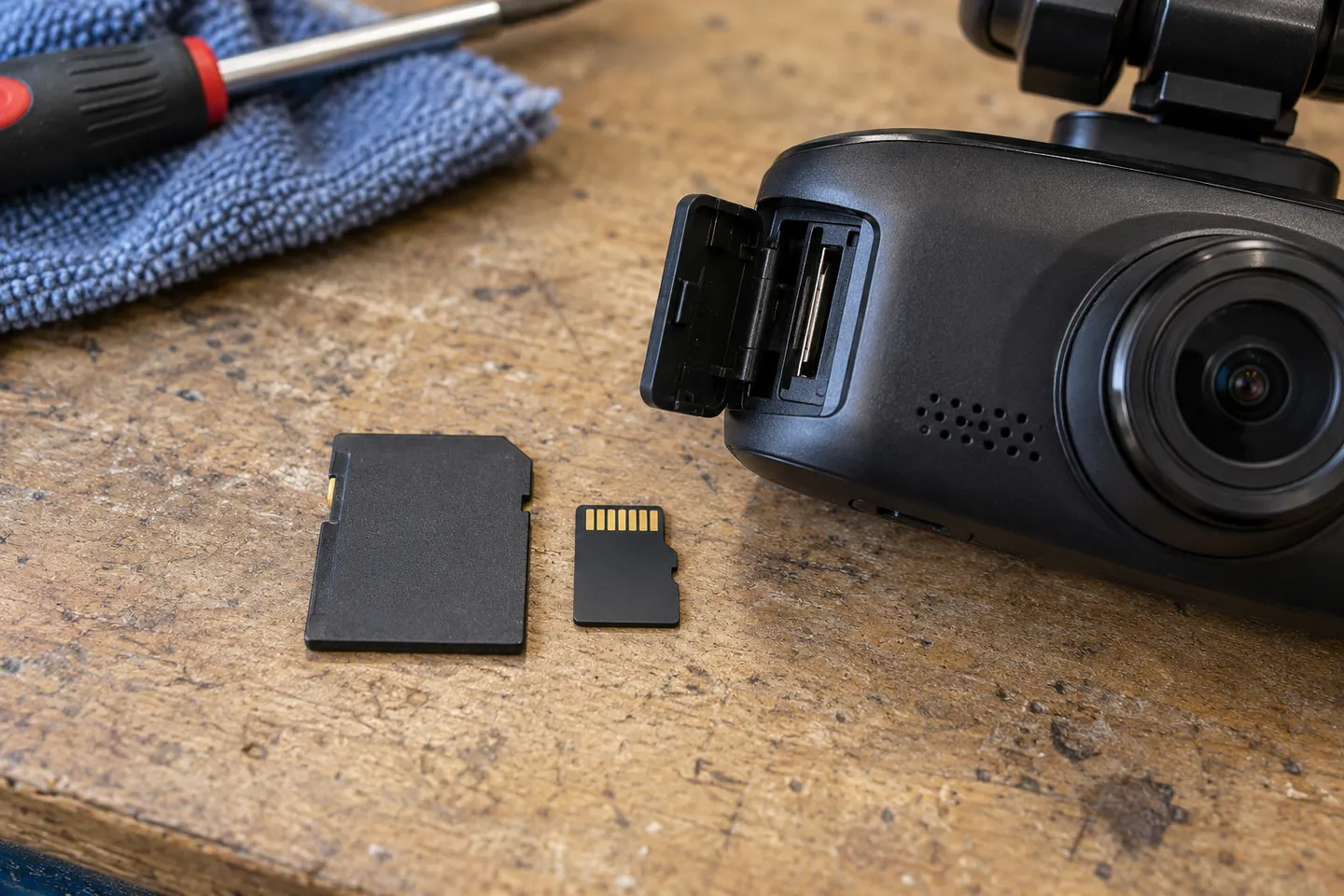 Mini sd card
Installation and accessories
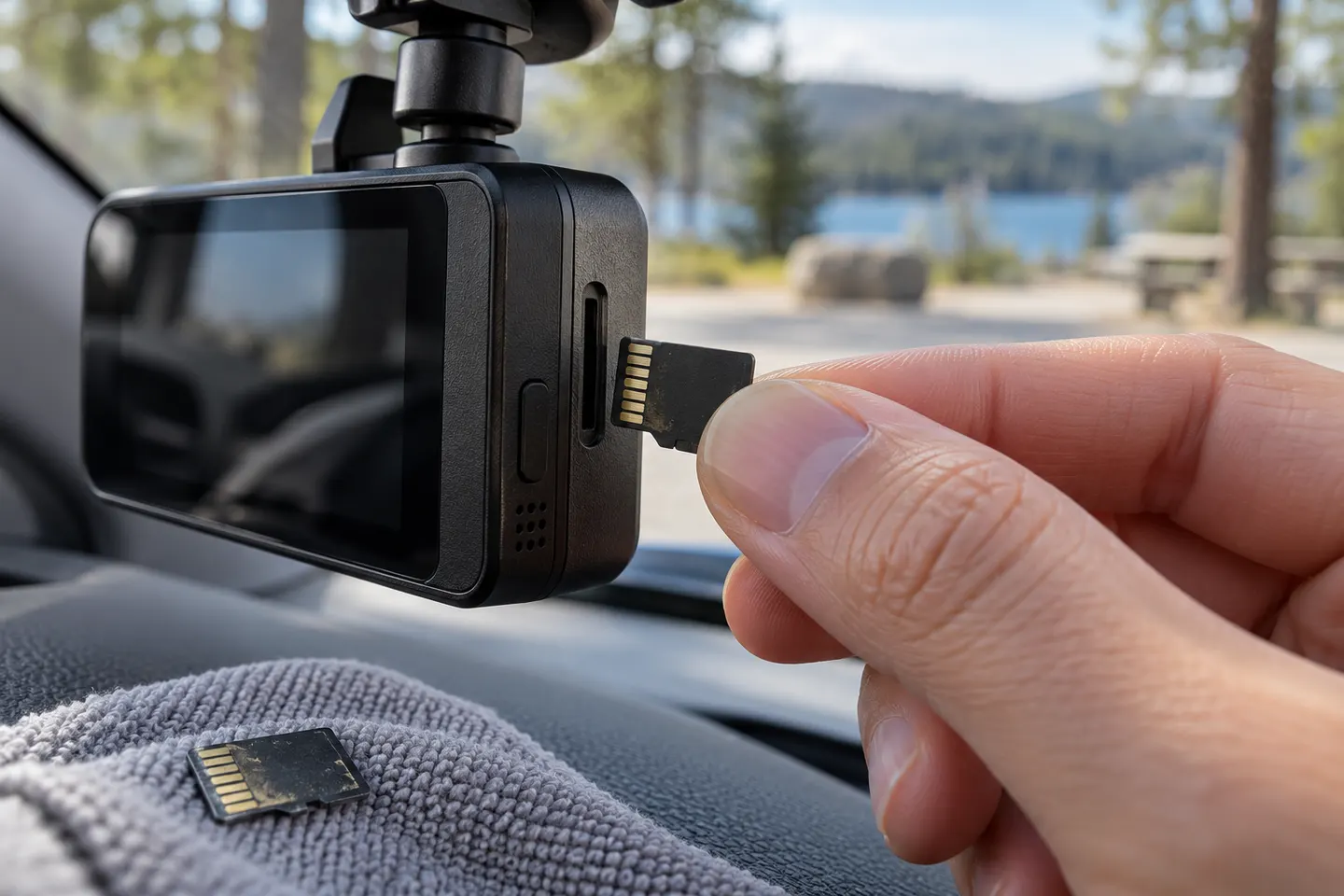 Micro sd card
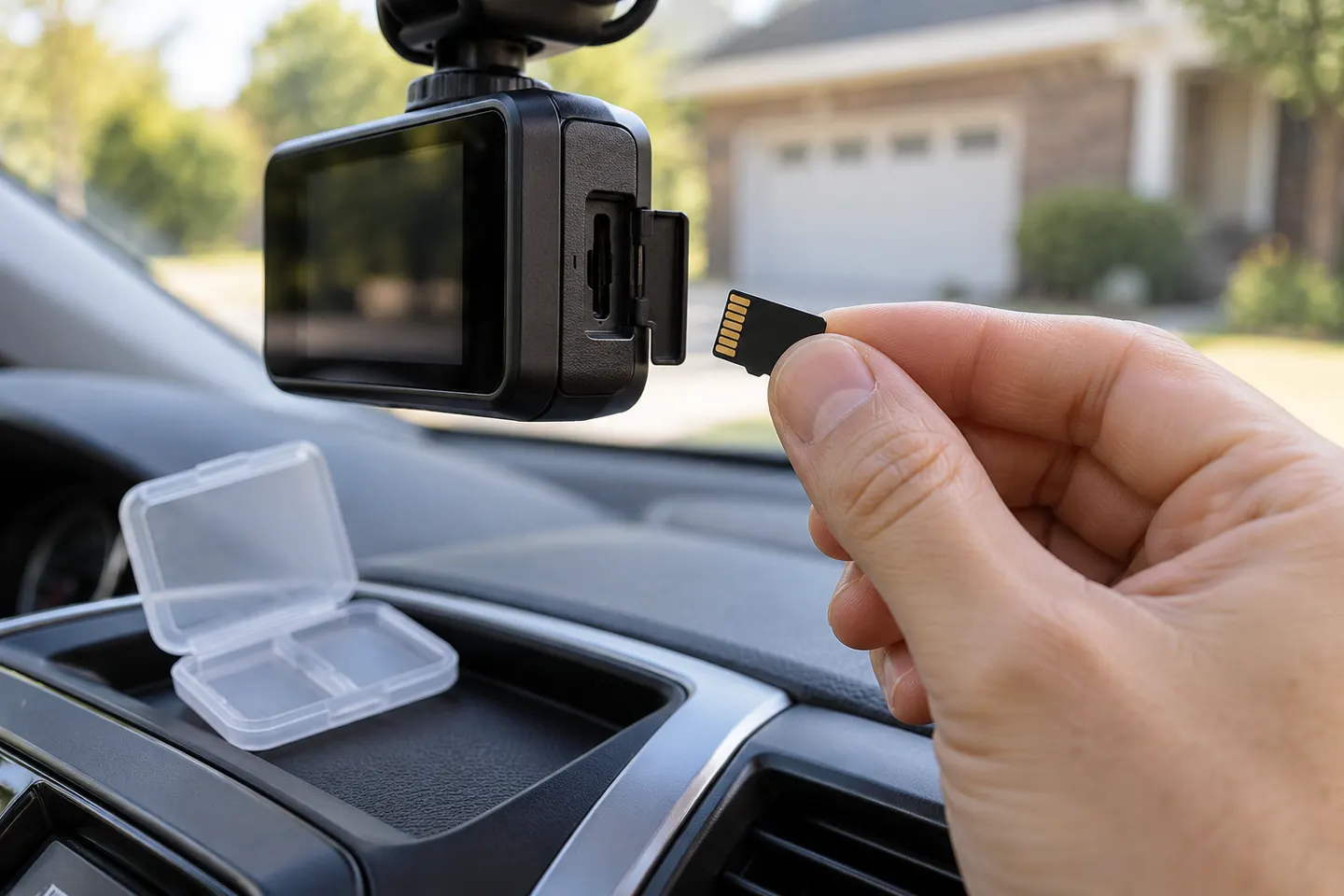 Sd card
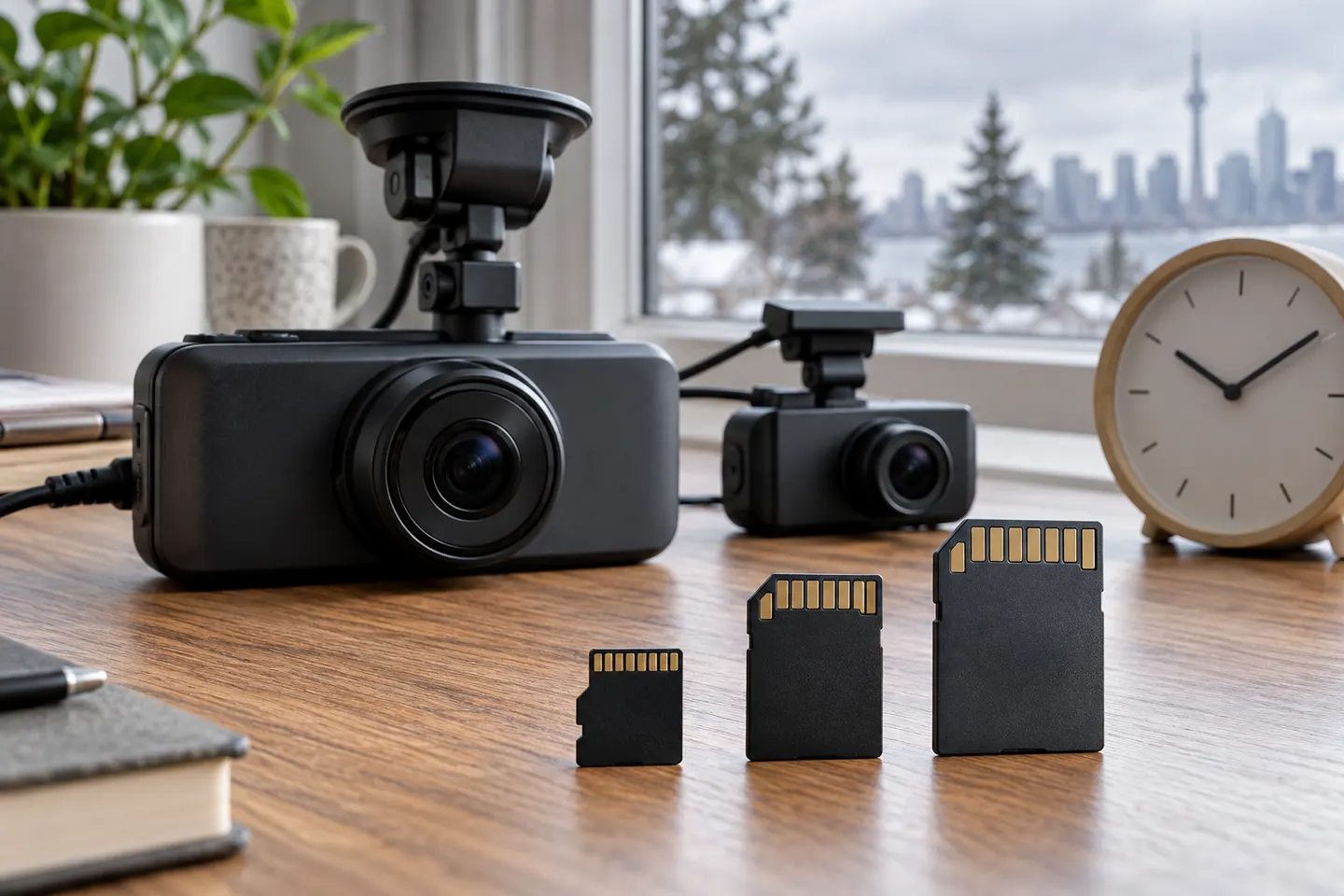 Memory card
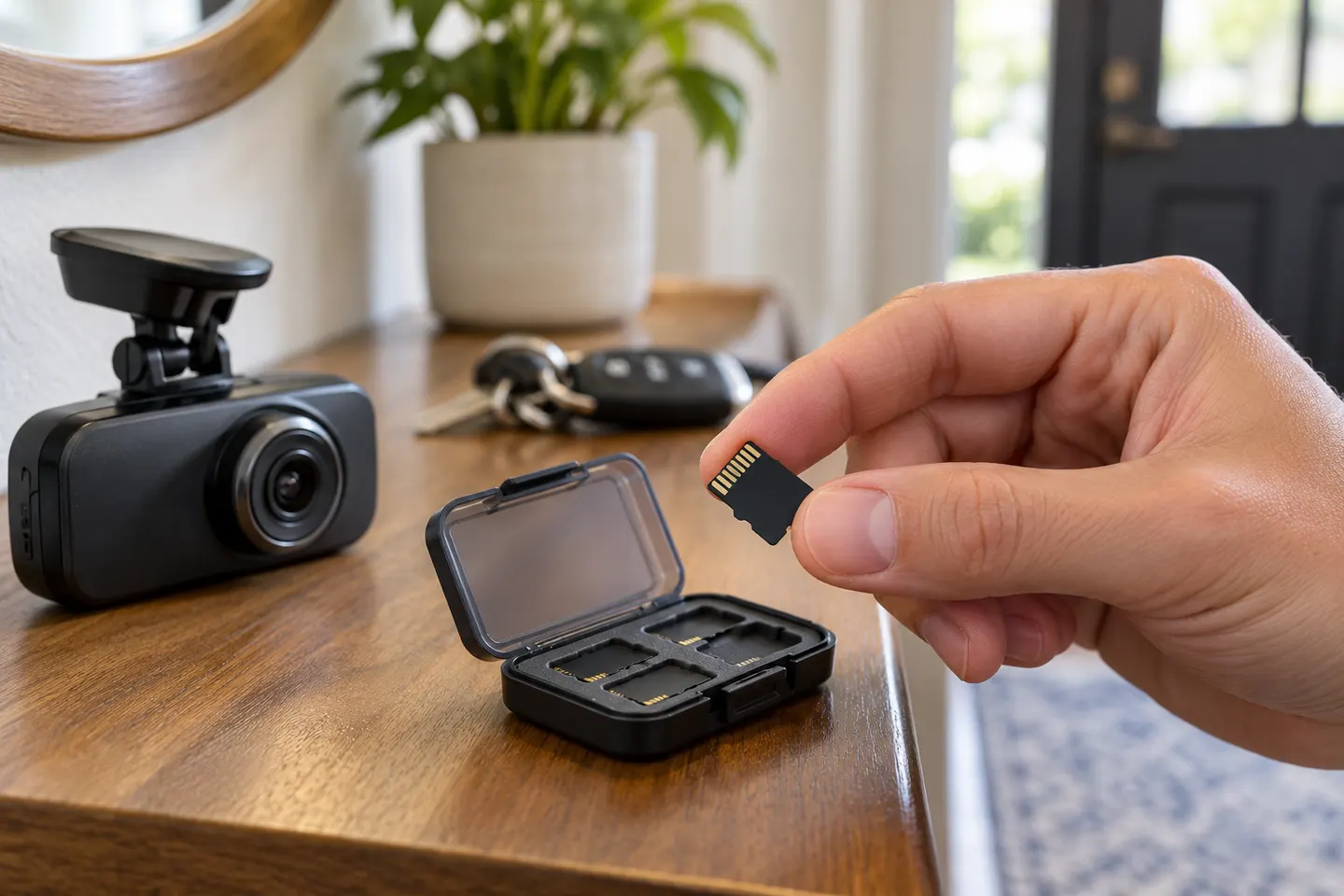 Microsd card
Show all (6)
Common questions
Questions before you buy
What type of SD card is best for a dash cam?
A high-endurance microSD card that meets the dash cam maker's speed and capacity requirements is the safest choice.
How much memory does a dash cam need?
It depends on channel count, resolution and bitrate. Choose within the camera's supported range; larger compatible cards retain more footage before looping.
Why does a dash cam keep saying memory card error?
Common causes include an unsupported card, incorrect file system, worn flash memory or interrupted formatting. Back up footage and follow the camera maker's troubleshooting steps.
How often should you format a dash cam card?
Follow the camera manufacturer's guidance. Some models request periodic formatting, while others include maintenance-free formatting features.