



 Official manufacturer image
Our picks
Top picks
Official manufacturer image Official manufacturer image
Garmin Dash Cam Mini 3
Check price on Amazon AU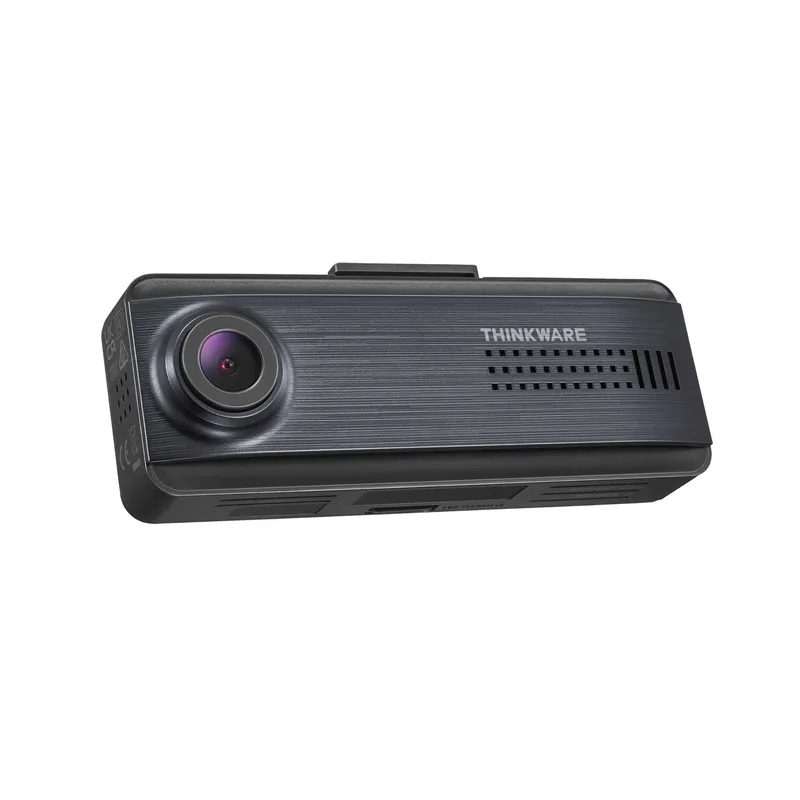 Official manufacturer image
Thinkware Q200
Check price on Amazon AUCommon questions
Questions before you buy
Does parking mode record all the time?
It depends on the selected mode. Time lapse records continuously at a low frame rate, while impact, motion and radar modes wait for a trigger.
Will dashcam parking mode drain the car battery?
It consumes power, so a hardwire kit should have a correctly configured low-voltage cut-off. Parking duration varies with the vehicle battery, camera load, temperature and cut-off threshold.
Is a dashcam power bank better for parking mode?
A dedicated compatible battery can reduce demand on the starter battery and extend recording, but it adds installation space and charging considerations. Follow both the camera and battery-maker instructions.
Does a dash cam need Wi-Fi for parking mode?
No. Wi-Fi is usually for setup or file transfer; the camera can record locally to its memory card without a phone connection.
Can parking mode show what happened around the whole car?
Only within the installed cameras' fields of view. A front-and-rear or multi-channel system covers more angles, but no placement eliminates every blind spot.