



 Official manufacturer image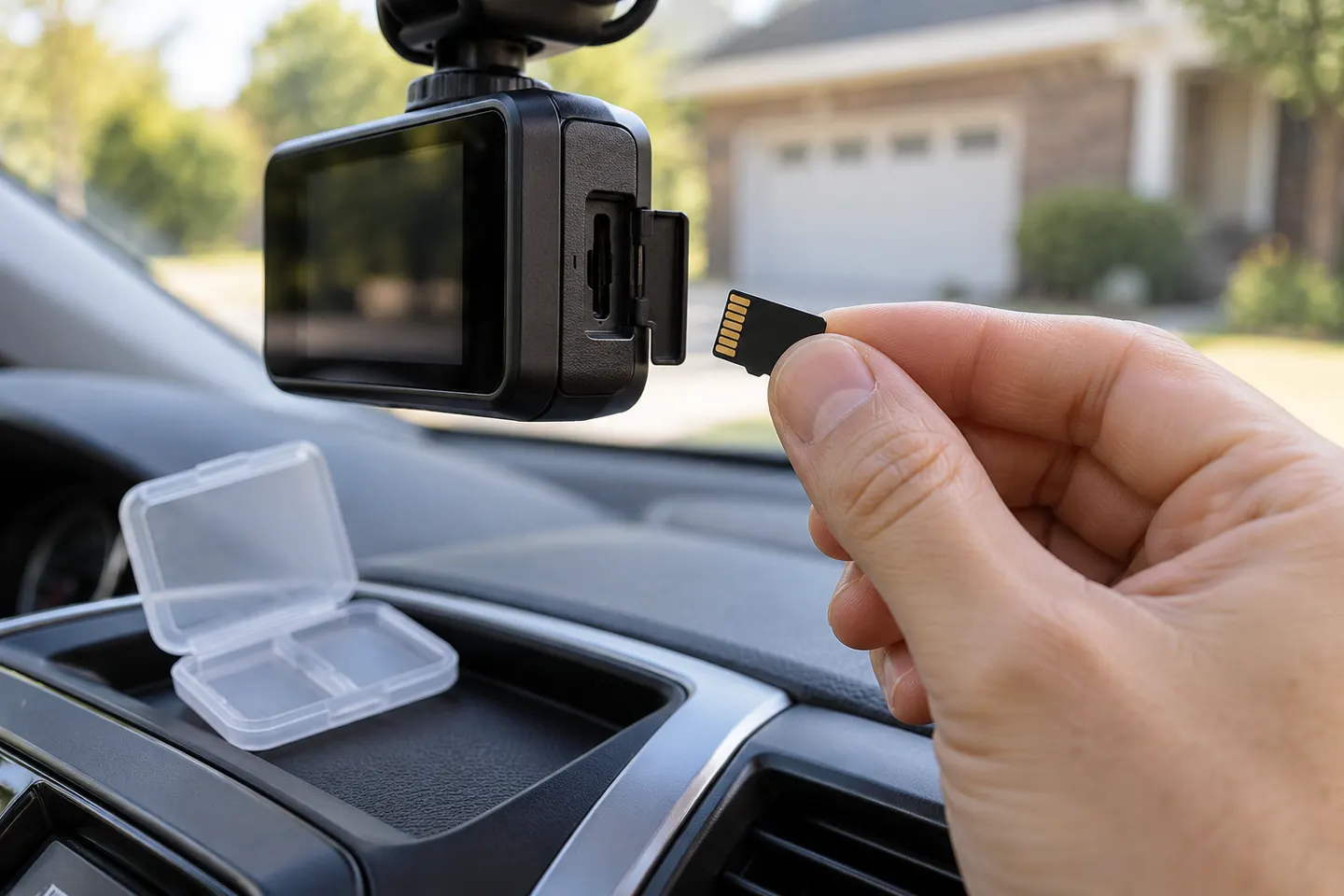
Our picks
Top picks
Official manufacturer image Official manufacturer image
Garmin Dash Cam Mini 3
Check price on Amazon AU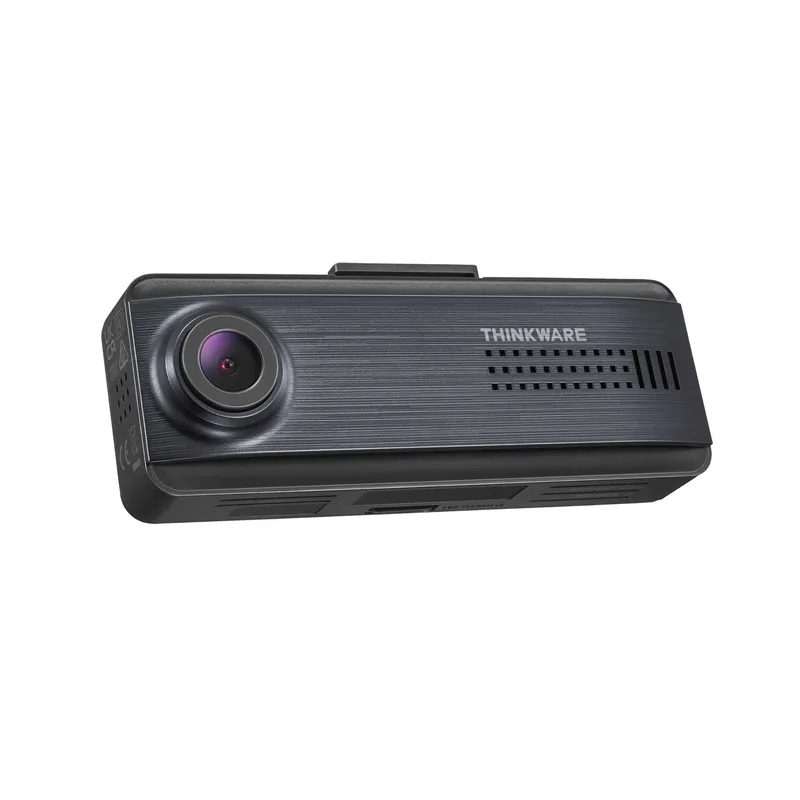 Official manufacturer image
Thinkware Q200
Check price on Amazon AUInstallation and accessories
Common questions
Questions before you buy
What type of SD card should I use in a dash cam?
Use the card type, minimum speed class and maximum capacity specified by the dash cam manufacturer. High-endurance cards are designed for sustained recording workloads.
Why does my dash cam keep saying SD card error?
Possible causes include an unsupported capacity, incorrect file system, worn or counterfeit media, or a card that needs in-camera formatting. Check the manual before replacing it.
How often should a dash cam SD card be formatted?
Follow the camera maker's guidance and use the camera's own format function when provided. Also inspect saved footage regularly rather than assuming recording is healthy.
Can I use a normal SD card in a dash cam?
Only if it meets the exact compatibility requirements. Continuous loop recording is demanding, so a general-purpose card may wear sooner than an endurance-rated alternative.