 Official manufacturer image
A wireless relay for a local dead zone
TP-Link RE705X
Check price on AmazonSponsored link · no live price shown

 Best picksBest Meat Thermometers for Cooking, Roasting and BBQ
 Best picksThe Best Dashcams for Cars in 2026
 Best picksBest WiFi Extenders for Different Homes in Ireland
 Best picksBest air purifier for bedroom in Ireland: five models compared
Gearjury may earn a commission from qualifying retailer links. We explain the terms and connection types independently.
Head to head
The terms WiFi extender and booster are often used for the same coverage device, but “booster” can also describe mesh or wired options. Compare how each product connects before choosing.
Official manufacturer image
A wireless relay for a local dead zone
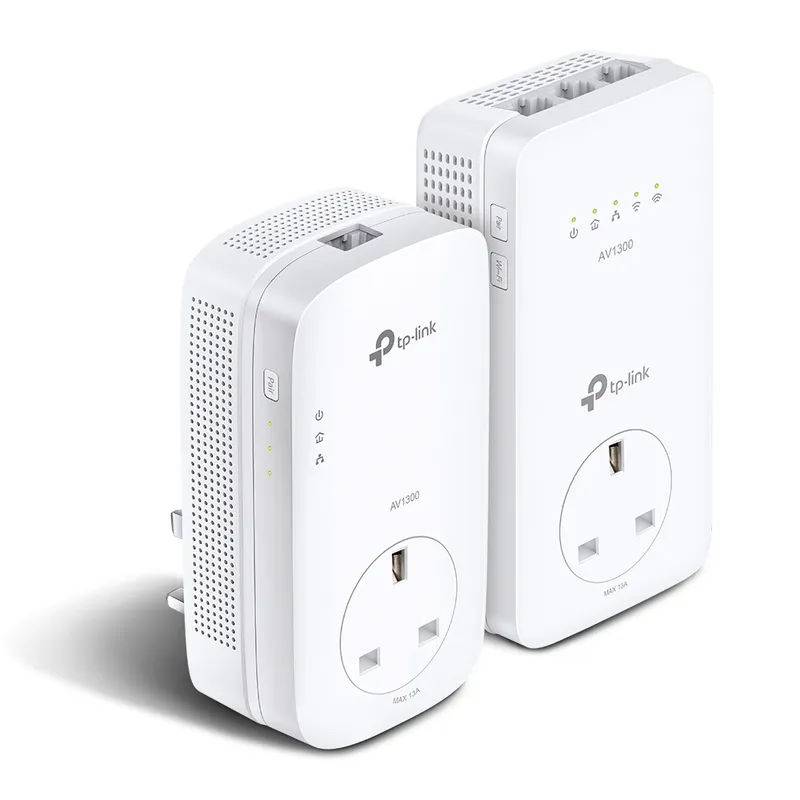 Official manufacturer image
A route when the wireless link is obstructed
The verdict
RE705X supports Range Extender mode and can rebroadcast the router’s WiFi; TP-Link also lists Access Point mode through its Gigabit port.
The kit uses powerline networking between adapters before providing WiFi at the far end.
RE705X can operate in Access Point mode when connected to the router by Ethernet; a dedicated mesh system is another option for coordinated multi-node coverage.
| Official manufacturer imageTP-Link RE705X | Official manufacturer imageTP-Link TL-WPA8631P KIT | |
|---|---|---|
| Meaning | Usually a device that extends an existing router’s coverage | Informal label; may mean extender, repeater, mesh node or access point |
| Example | TP-Link RE705X in Range Extender mode | Could describe the RE705X or a provider mesh pod, depending on seller |
| Connection to router | Often wireless; some models offer Ethernet access point mode | Must check product type; wireless, mesh or wired links are possible |
| Same SSID | Model-dependent; compatible mesh can support coordinated roaming | Depends on the actual device and router pairing |
| Best fit | A weak area with a usable source signal | Cannot determine from label alone; read the connection method |
| Alternative | Mesh or access point | Powerline kit or wired access point may suit a difficult route |
| Check price on Amazon | Check price on Amazon |
Common questions
Often, yes in consumer product descriptions: both may mean a device that receives and rebroadcasts existing WiFi. Booster is less precise, so check the product’s connection diagram and operating mode.
The names usually do not identify a meaningful performance difference. Compare bands, WiFi generation, backhaul design, Ethernet and mesh compatibility instead.
A booster extends an existing network, while a router creates and manages the home network and connects it to the internet. If the router is old or the whole home is slow, a router or broadband diagnosis may be more appropriate.
Some extenders let you set the same SSID, but that alone does not guarantee seamless roaming. Mesh compatibility and device behaviour affect how clients move between access points.
Keep exploring
For a general indoor pick, start with TP-Link RE705X: it has WiFi 6, a Gigabit Ethernet port and access point mode. RE550, RE315 and a powerline kit suit different budgets and layouts; outdoor use needs purpose-built hardware.
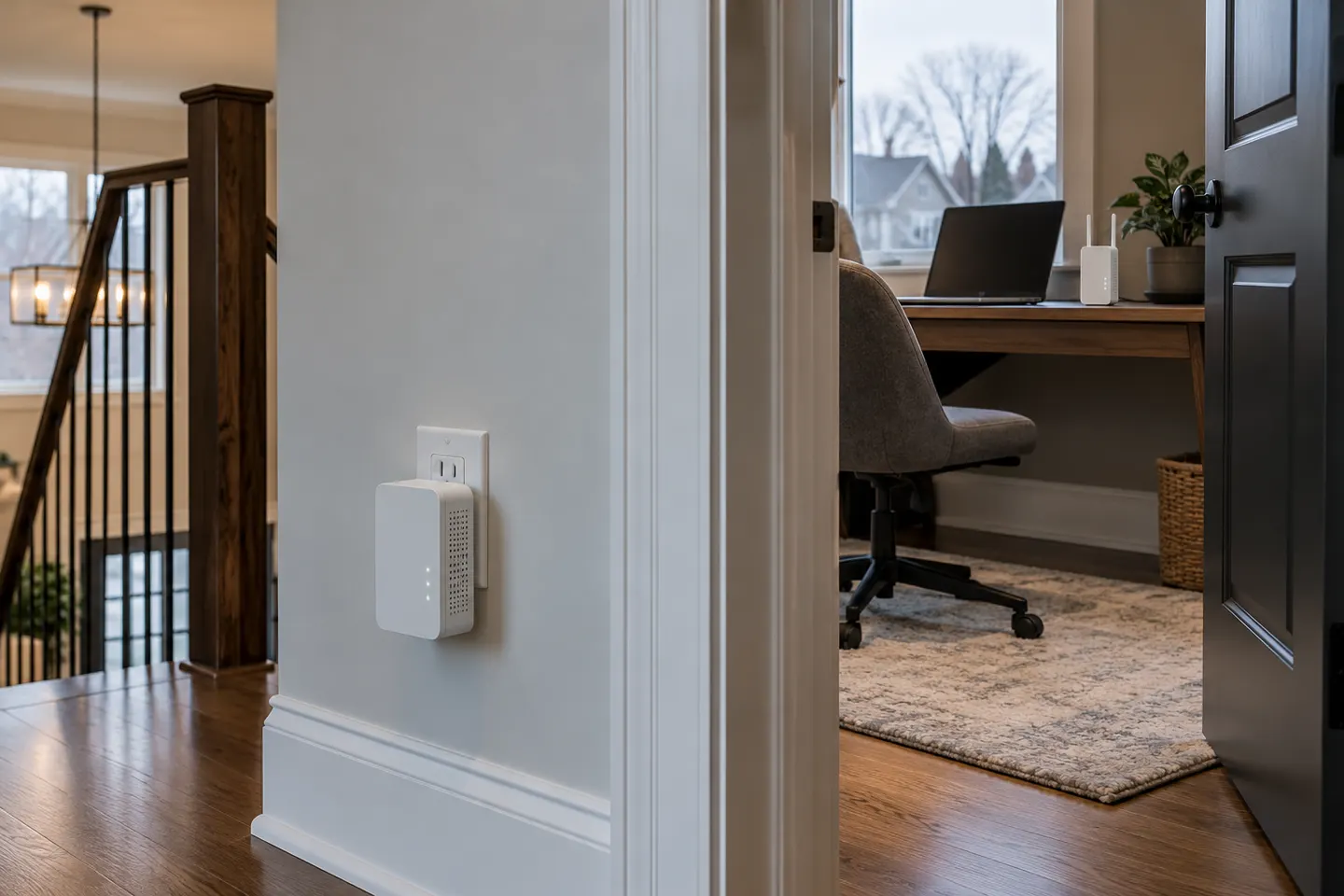
A powerline WiFi extender sends network data through a home’s electrical wiring to an adapter that broadcasts WiFi. It can help where a direct wireless link struggles, but wiring conditions shape the result.

A WiFi extender can carry an existing router signal into a weak-coverage area. Choose a plug-in repeater for a simple dead zone, or consider powerline when walls make a wireless link unreliable.
The RE705X is the WiFi 6 pick with a Gigabit port; RE550 offers WiFi 5 and three external antennas. For a compact dual-band option, compare RE315.