



 Official manufacturer image
Our picks
Top picks
Official manufacturer image Official manufacturer image
Garmin Dash Cam Mini 3
Check price on Amazon AU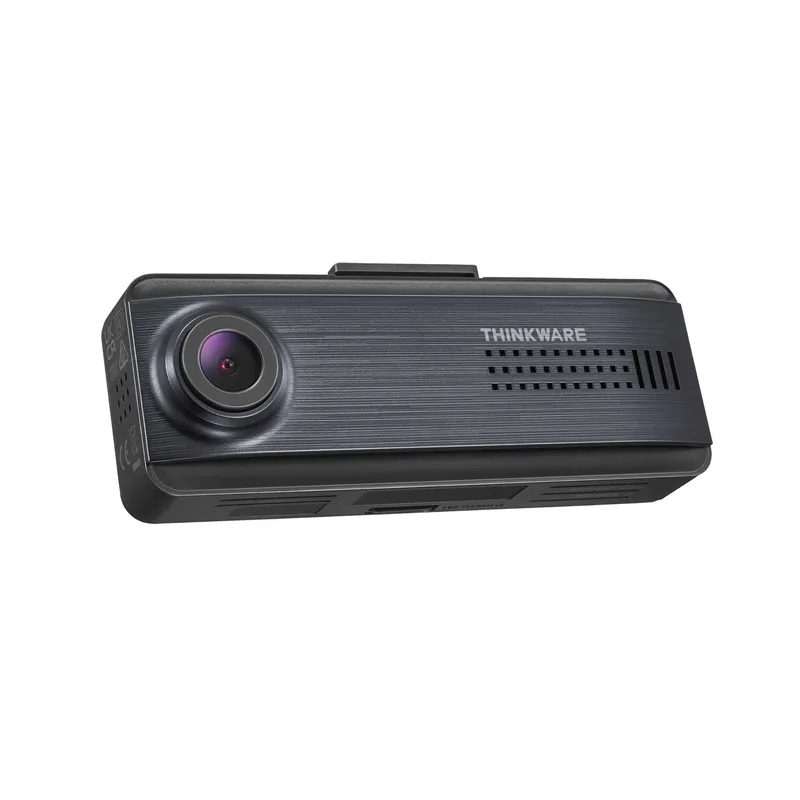 Official manufacturer image
Thinkware Q200
Check price on Amazon AUCommon questions
Questions before you buy
What should I check on a JB Hi-Fi dash cam listing?
Check the full model code, included cameras, memory card, power lead, mount and warranty. Match these details to the manufacturer's page.
Does a retail dash cam bundle include installation?
Not unless the listing explicitly says so. Product supply, booking and installation may be separate services with separate terms.
Will parking mode work straight from the box?
Often not. It may need an approved hardwire cable, OBD lead or battery pack and configuration in the camera settings.
Can I use any microSD card from the store?
No. Choose a high-endurance card within the camera's published capacity and speed requirements.
Why verify the model on the manufacturer site?
Retail titles can shorten model names or combine bundles. The manufacturer page identifies the compatible app, accessories, recording modes and current manuals.