



 Official manufacturer image
Our picks
Top picks
Official manufacturer image Official manufacturer image
Garmin Dash Cam Mini 3
Check price on Amazon AU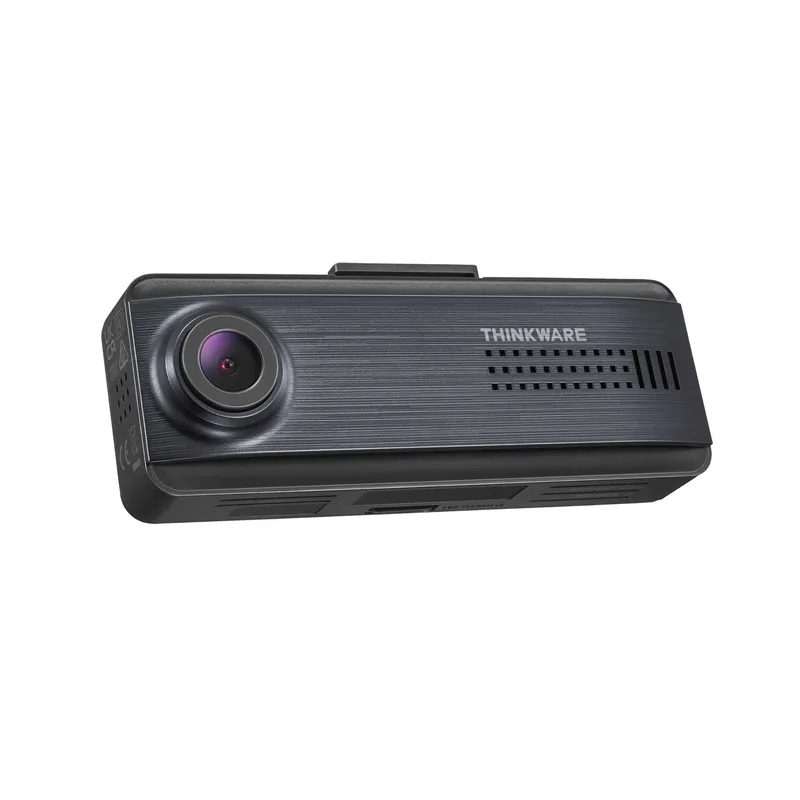 Official manufacturer image
Thinkware Q200
Check price on Amazon AUMore topics
 Australian Dash Cam Owners' Guide
Common questions
Questions before you buy
Why does my dash cam keep restarting?
Common causes include an inadequate power cable, unstable outlet, heat or a failing memory card. Use the maker's cable and troubleshooting sequence for the exact model.
How do I save dash cam footage after an incident?
Protect the relevant clip on the camera if possible, then copy it to another device promptly. Preserve surrounding clips and avoid editing the original file.
Why does my dash cam say memory card error?
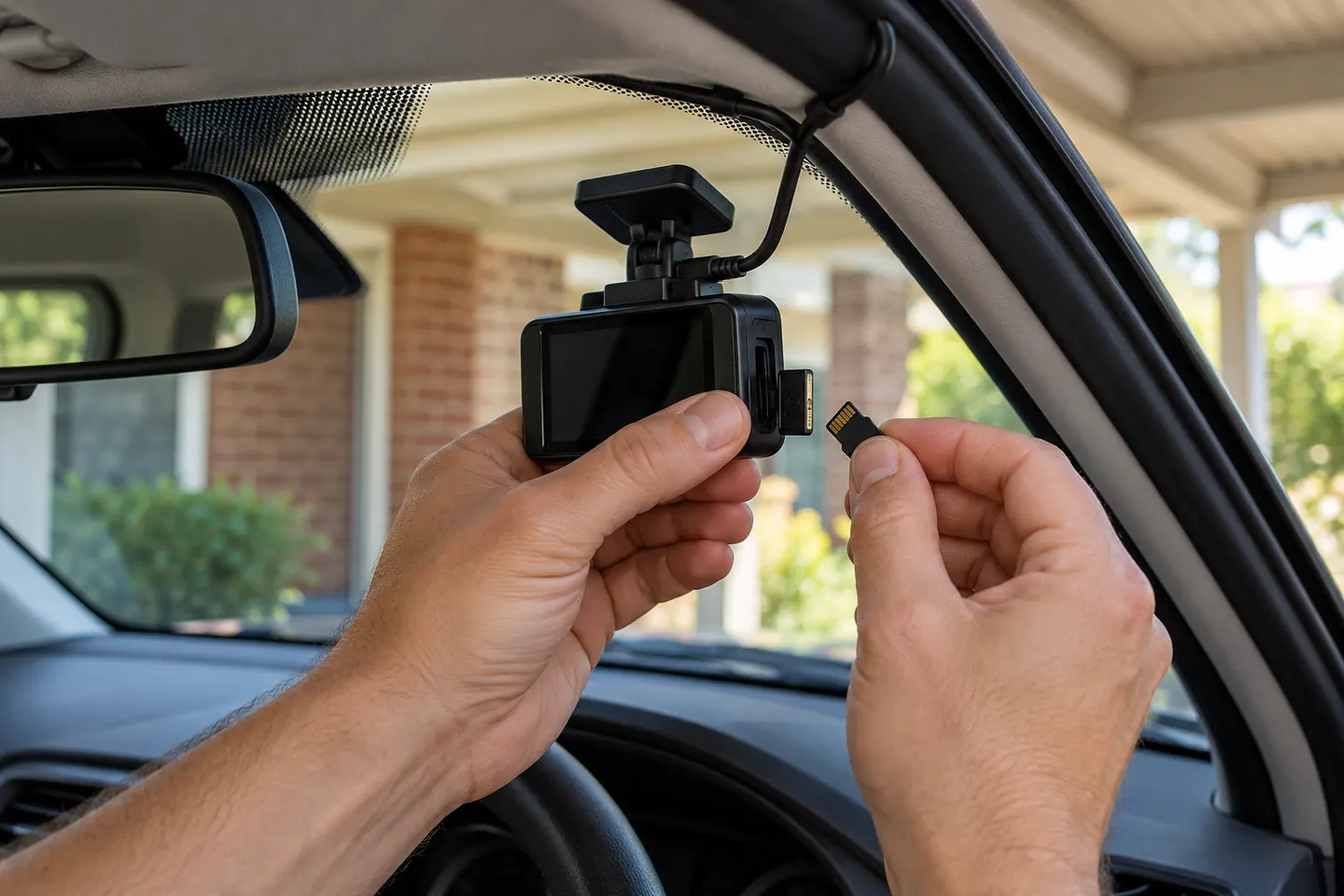
The card may be unsupported, worn, incorrectly formatted or not seated properly. Follow the model's card specification and formatting instructions.
Should a dashcam owner update firmware?
Updates can fix compatibility and stability issues. Download only firmware for the exact model and follow the manufacturer's process without interrupting power.