



 Official manufacturer image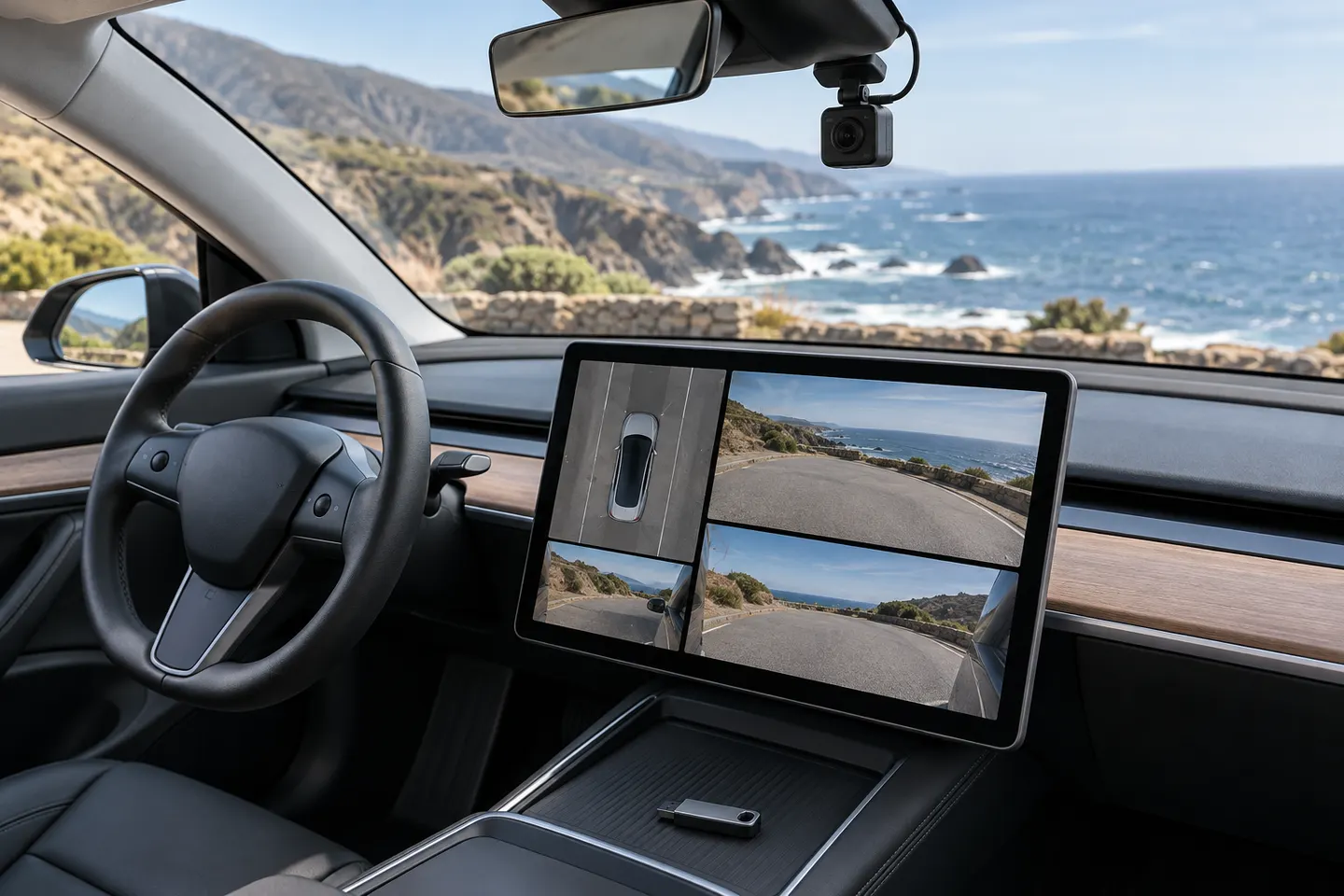
Our picks
Top picks
Official manufacturer image Official manufacturer image
VIOFO A229 Plus 2CH
Check price on Amazon AU Official manufacturer image
Garmin Dash Cam Mini 3
Check price on Amazon AUCommon questions
Questions before you buy
Why is Dashcam unavailable in a Tesla?
Tesla says Dashcam requires a properly formatted USB drive with sufficient available space in a supported USB port. Also check the drive connection, vehicle alerts and the current owner-manual instructions.
Where is the Tesla Dashcam USB?
The location varies by model and build date. Many vehicles have a glovebox USB port for saving Dashcam and Sentry Mode footage; confirm the exact location in your vehicle's owner manual.
What format does a Tesla Dashcam USB need?
Tesla's instructions allow the vehicle to format a compatible drive from the touchscreen on supported vehicles. Manual preparation requirements can change, so follow the current manual for your model.
Can I view Tesla Dashcam clips in the car?
Supported vehicles can use Dashcam Viewer on the touchscreen. Availability and controls depend on vehicle configuration and software.
Does Tesla Dashcam record continuously?
When enabled and storage is working, it records recent driving footage in a rolling buffer and lets you save clips. Sentry Mode is a separate parked-vehicle feature.