



 Official manufacturer image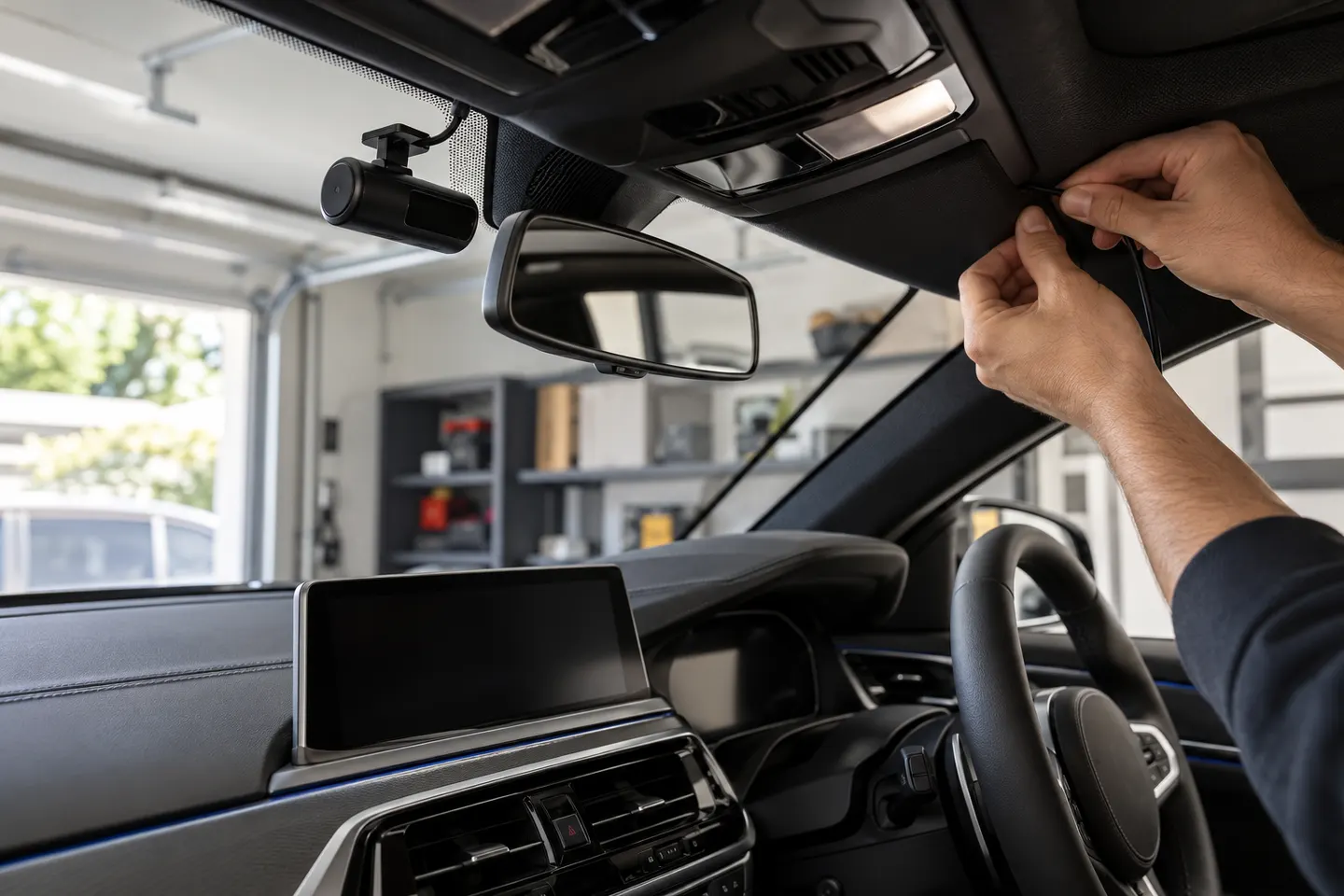
Our picks
Top picks
Official manufacturer image Official manufacturer image
VIOFO A229 Plus 2CH
Check price on Amazon AU Official manufacturer image
Garmin Dash Cam Mini 3
Check price on Amazon AUCommon questions
Questions before you buy
Does BMW have a built-in dashcam?
Some compatible vehicles can use BMW Drive Recorder with the car's cameras. Availability and functions depend on the model, equipment, software and market.
How do I know if my BMW supports Drive Recorder?
Check the vehicle's connected-services menu or ask BMW using the VIN. A general model name is not enough because equipment varies.
Is BMW Drive Recorder the same as a continuous dash cam?
Not necessarily. Compare its recording triggers, clip behaviour and available camera views with the continuous and parking functions you expect from a dedicated camera.
Can a dashcam drain a BMW battery?
Parking recording draws power. Use a compatible hardwire kit with voltage protection and have the installation assessed for the specific vehicle.
Where should a BMW dash cam be mounted?
It should preserve the driver's view and avoid sensor housings and airbag paths. Australian rules differ by jurisdiction, so check local requirements before fitting it.