



 Official manufacturer image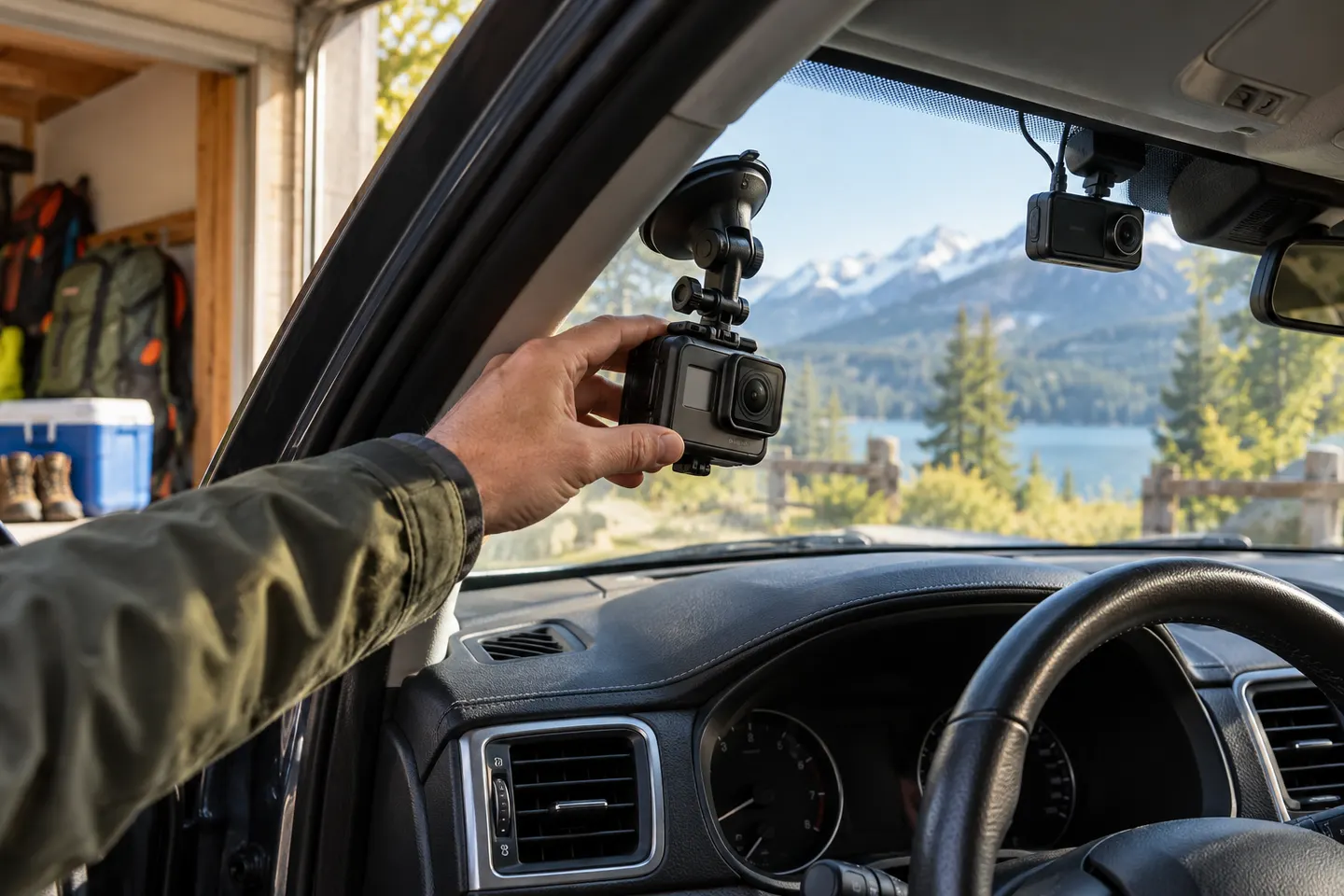
Our picks
Top picks
Official manufacturer image Official manufacturer image
VIOFO A229 Plus 2CH
Check price on Amazon AU Official manufacturer image
Garmin Dash Cam Mini 3
Check price on Amazon AUCommon questions
Questions before you buy
Can a GoPro be used as a dash cam?
Yes, for driving footage, provided it is mounted legally and powered safely. It may not offer the automatic startup, event locking or parking features of a dedicated dash cam.
Will a GoPro loop-record in a car?
Supported looping behaviour depends on the camera and selected mode. Check the manual for your exact GoPro before relying on it to overwrite old footage.
Can a GoPro stay plugged in while driving?
Compatible models can use external power, but cable routing must not obstruct controls or airbags. Heat and battery behaviour also deserve attention in an Australian cabin.
Is a GoPro better than a dash cam?
It is more versatile outside the car, while a dash cam is designed around automatic road recording. The better choice depends on whether versatility or hands-off operation matters more.