



 Official manufacturer image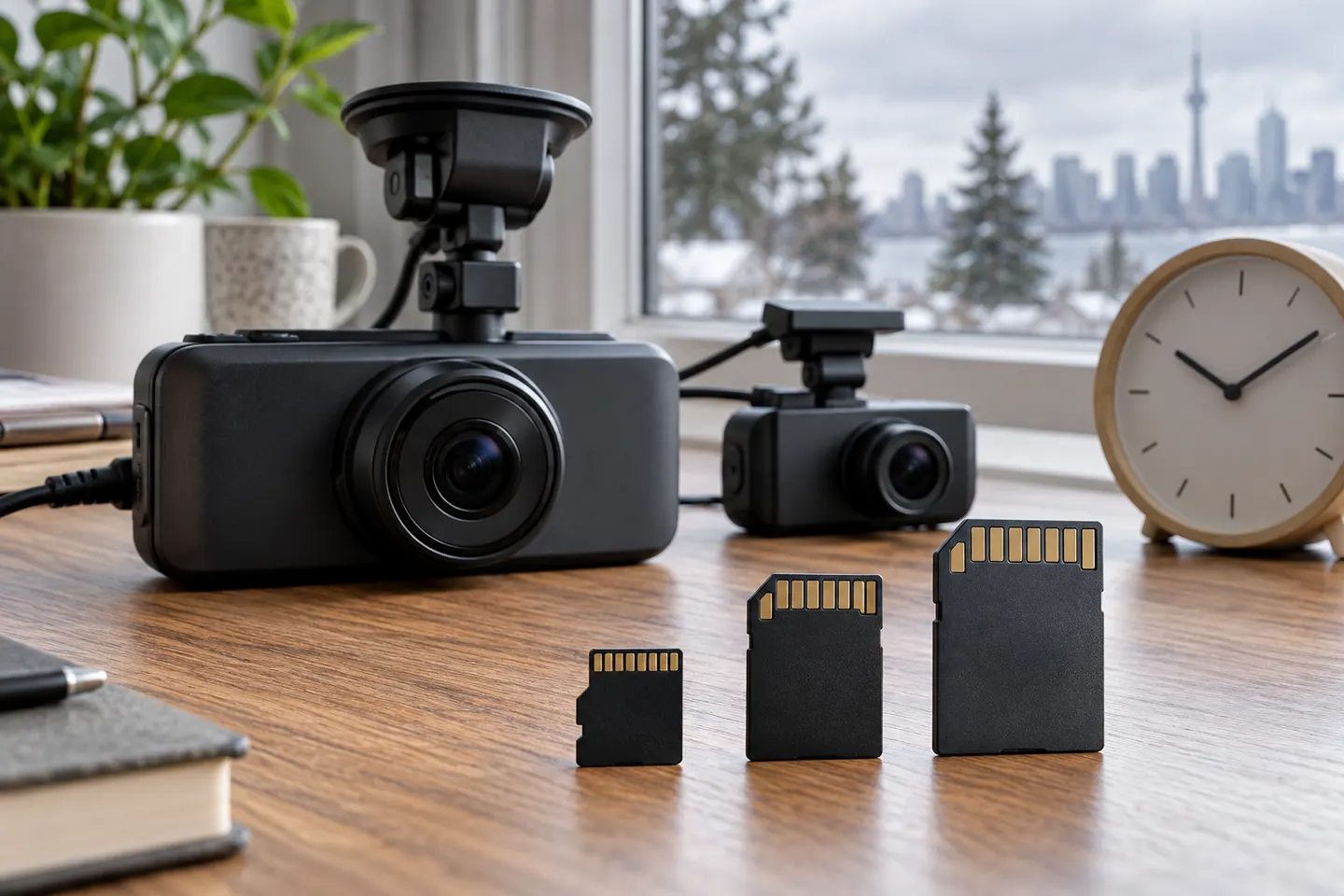
Our picks
Top picks
Official manufacturer image Official manufacturer image
VIOFO A229 Plus 2CH
Check price on Amazon AU Official manufacturer image
Garmin Dash Cam Mini 3
Check price on Amazon AUInstallation and accessories
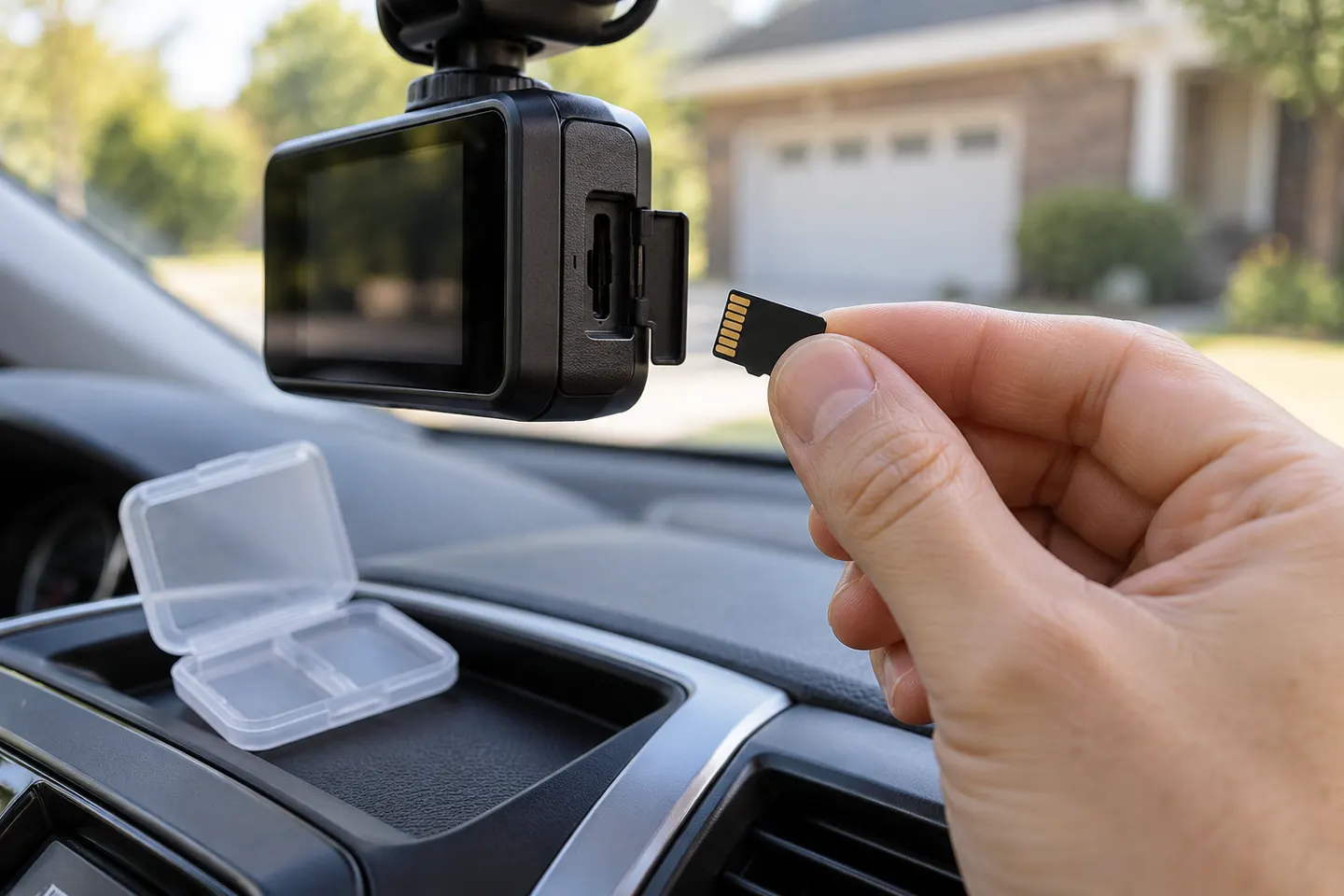 Sd card
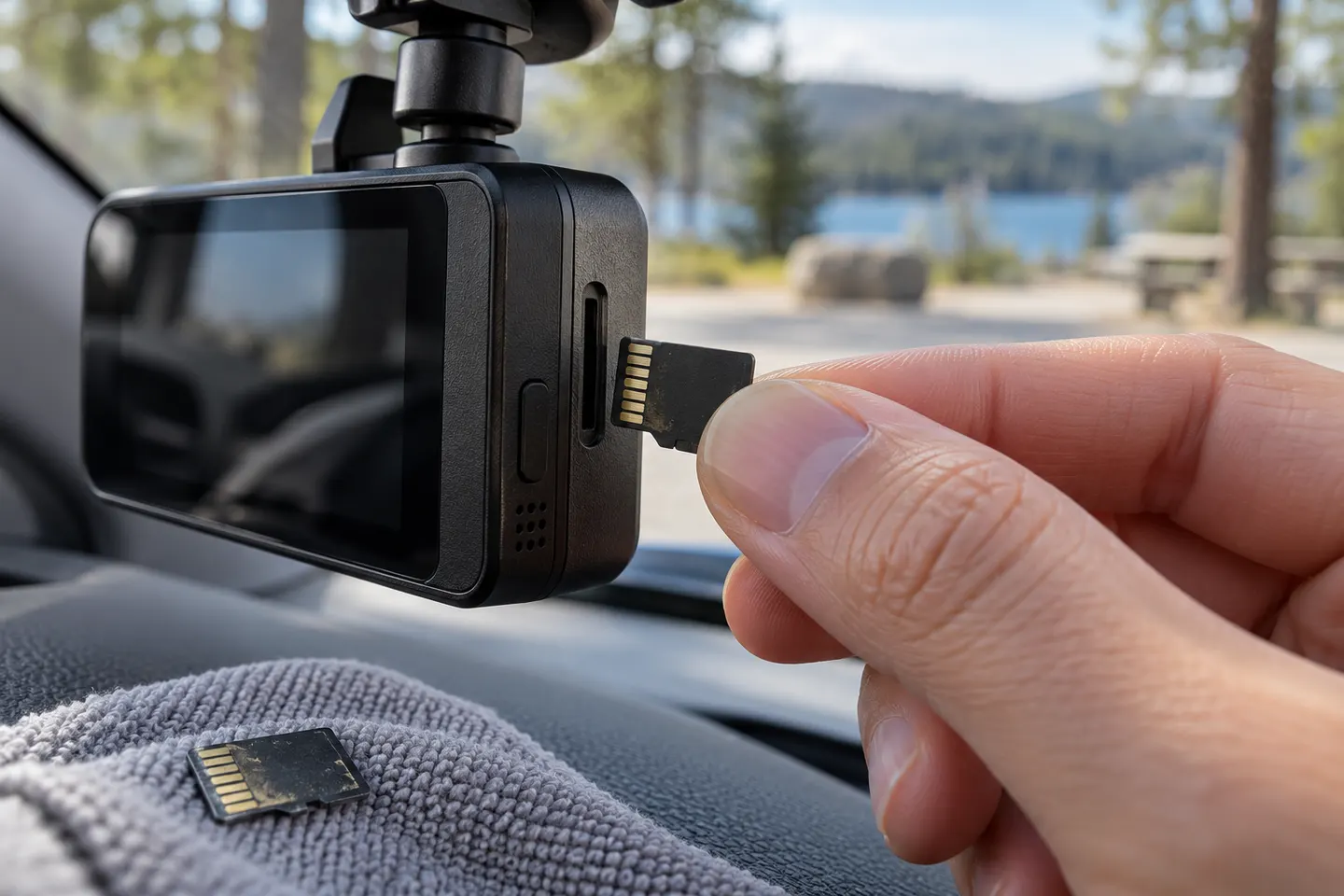 Micro sd card
Common questions
Questions before you buy
What type of memory card is best for a dash cam?
A genuine high-endurance microSD card that meets the exact camera's capacity and speed requirements. Follow the camera manufacturer's compatibility guidance first.
How much memory does a dash cam need?
It depends on channel count, resolution, bitrate and how much history you want before loop recording overwrites old files. Use the model's recording-time table where available.
Why does my dash cam say the card needs formatting?
The file system may be incompatible, corrupted or due for routine in-camera formatting. Save important footage first, then follow the manual; replace the card if errors return.
Can I use a phone microSD card in a dash cam?
Only if it satisfies the dash cam's published requirements. Cards designed mainly for occasional phone storage may not be warranted for continuous video recording.