




 Official manufacturer image
Our picks
Top picks
Official manufacturer image Official manufacturer image
NETGEAR EAX15
Check price on Amazon Official manufacturer image
TP-Link RE550
Check price on AmazonBy place and use
 Lg tv
Lg tvCommon questions
Questions before you buy
Do I need a WiFi extender for my TV?
Only if weak wireless coverage is causing the television’s connection problem. Check signal strength and try a wired Ethernet connection where practical before buying another device.
Can I connect a TV to a WiFi extender with Ethernet?
Some extenders include an Ethernet port that can connect a nearby wired device. Confirm the model supports the required mode and that the TV has an Ethernet port.
Where should I put a WiFi extender for a TV?
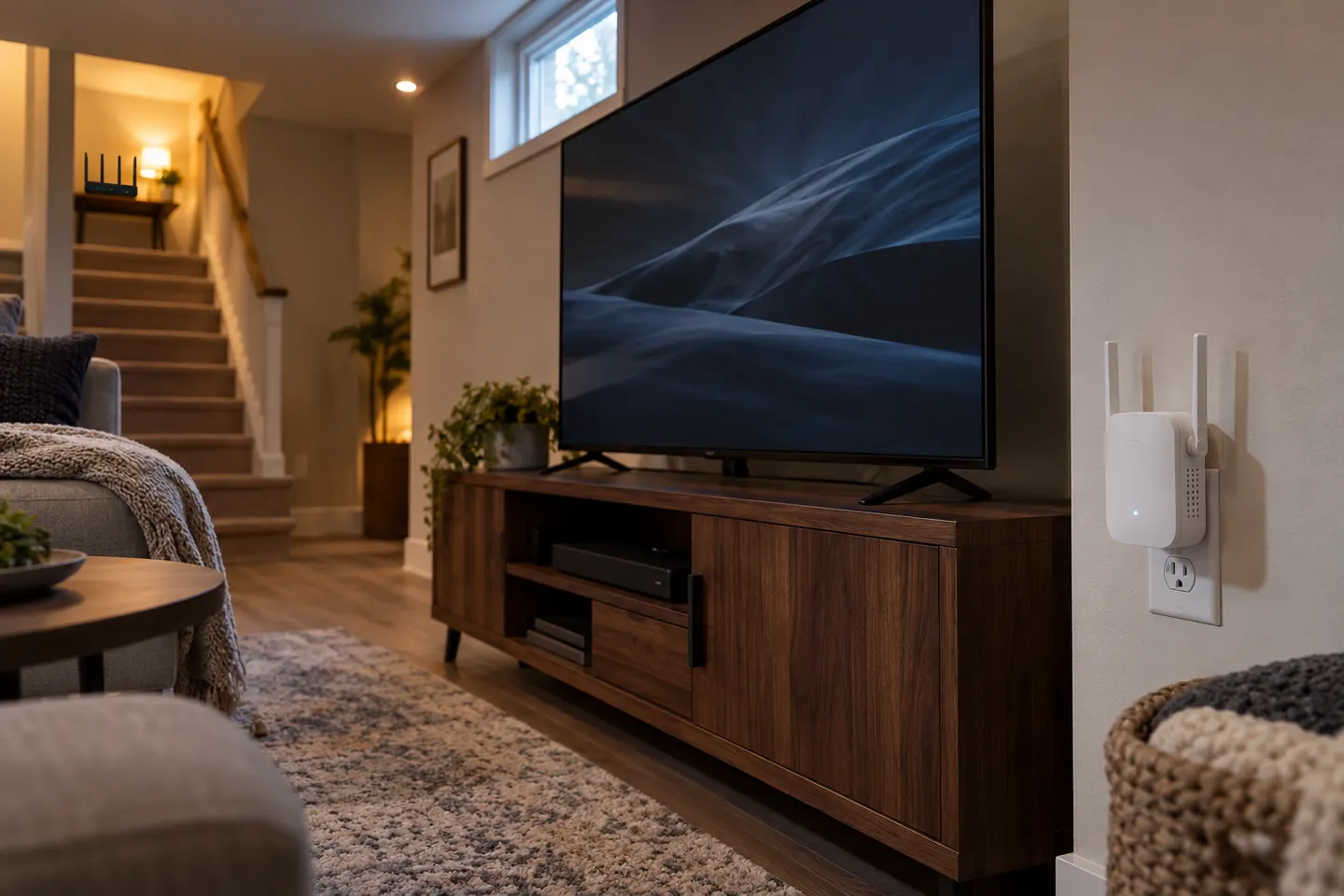
Place it between the router and television, in a spot that still receives a reliable router signal. Avoid placing it directly behind the TV or inside furniture that may obstruct radio signals.
Will an extender stop buffering on my TV?
It may help if buffering comes from weak WiFi at the TV. Buffering can also result from broadband limits, interference, router load or the streaming service, which an extender cannot correct.