




 Official manufacturer image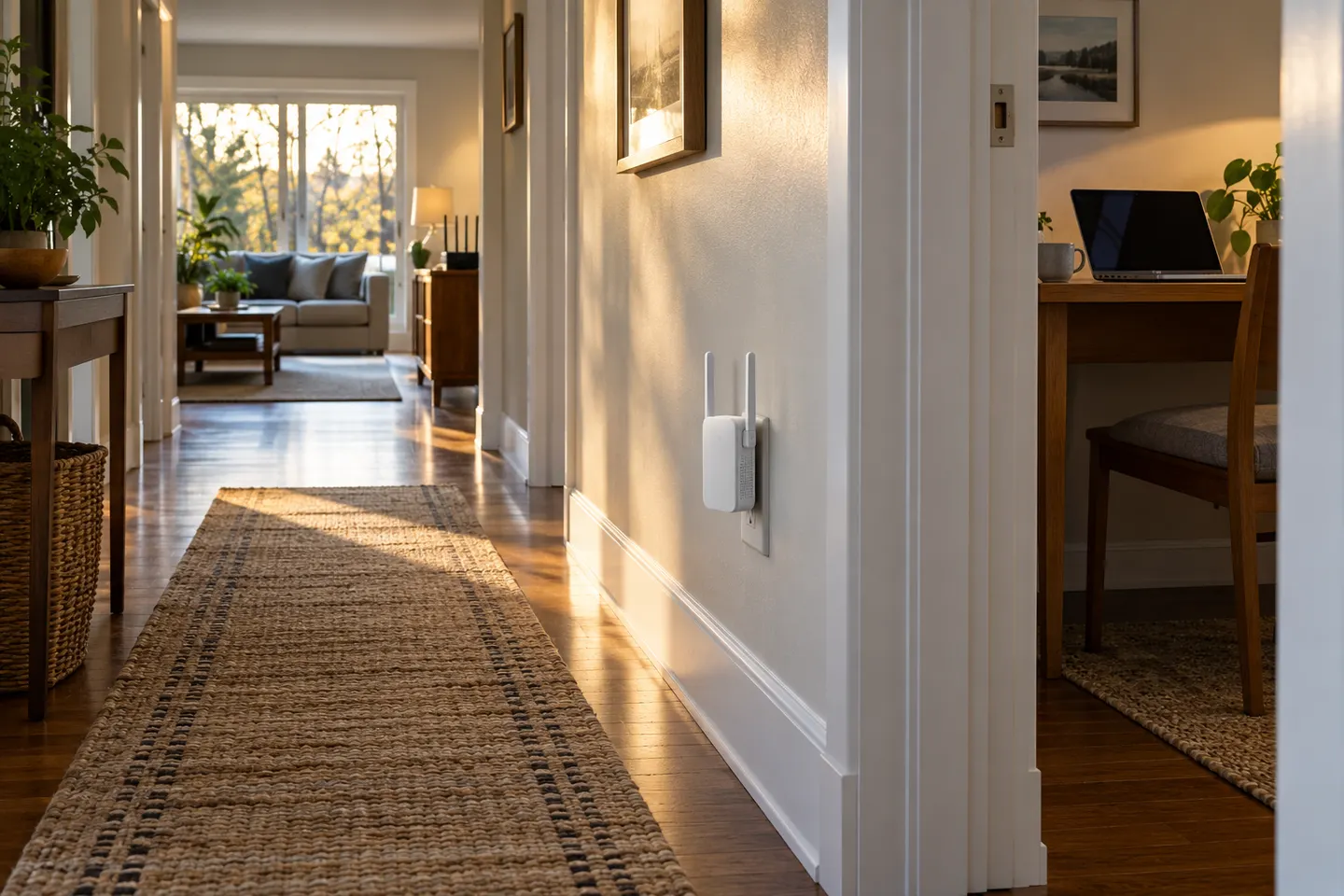
Our picks
Top picks
Official manufacturer image Official manufacturer image
NETGEAR EAX15
Check price on Amazon Official manufacturer image
TP-Link RE550
Check price on AmazonBy place and use
 At home
 Large home
 Google home as
Common questions
Questions before you buy
What is the best WiFi extender for a home?
There is no single model for every floor plan. Match wireless generation and ports to your router and devices, then place the unit where it receives a stable signal. See the overall shortlist for model comparisons.
Where should I put a WiFi extender in my house?
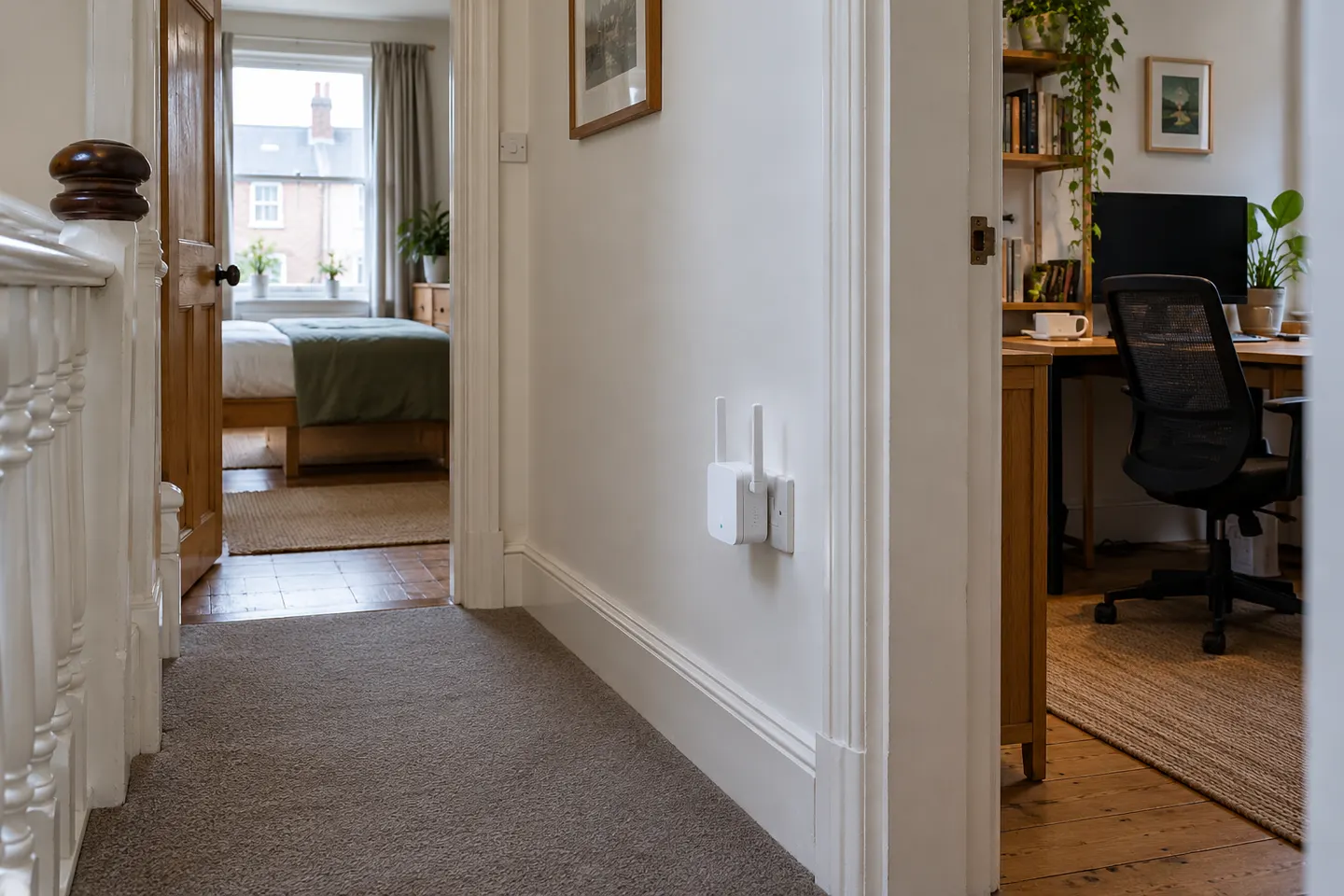
Place it between the router and the weak area, where the router signal remains usable. Avoid hiding it behind large obstacles or placing it inside the farthest dead zone.
Will a home WiFi booster make my internet faster?
It may improve the wireless connection in a poorly covered area, but it does not increase the broadband speed delivered to the router. Actual throughput depends on the source link, interference and device capabilities.
Should I choose an extender or mesh WiFi for a home?
A standalone extender can suit a specific room or simpler setup. Mesh is worth comparing when you need coordinated coverage across several rooms or floors; compatibility, cost and wired backhaul options vary by system.