




 Official manufacturer image
Our picks
Top picks
Official manufacturer image Official manufacturer image
NETGEAR EAX15
Check price on Amazon Official manufacturer image
TP-Link RE550
Check price on AmazonSetup and help
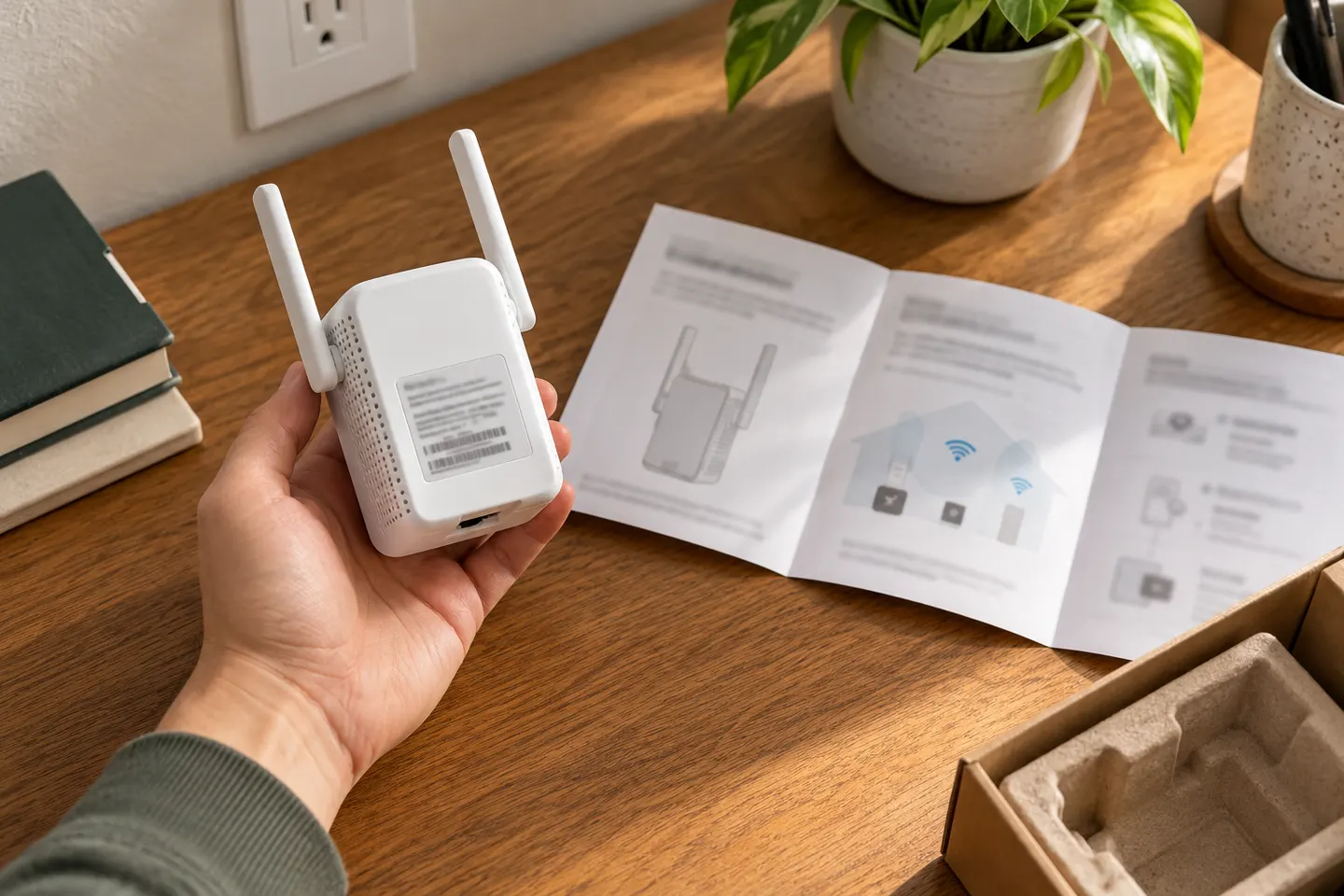 Macard set up
How-to guides
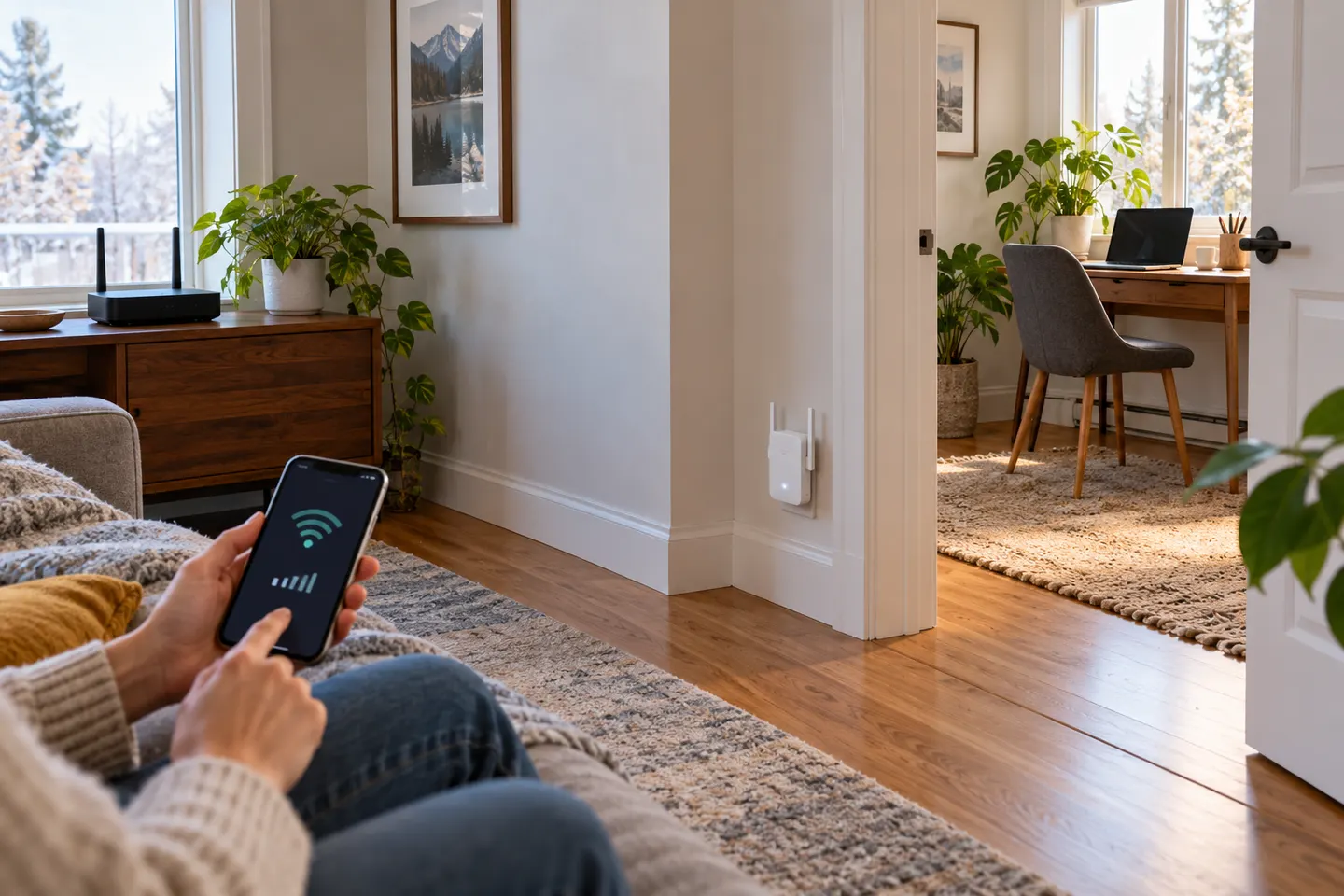 How to Set Up a NETGEAR WiFi Extender in Your Home
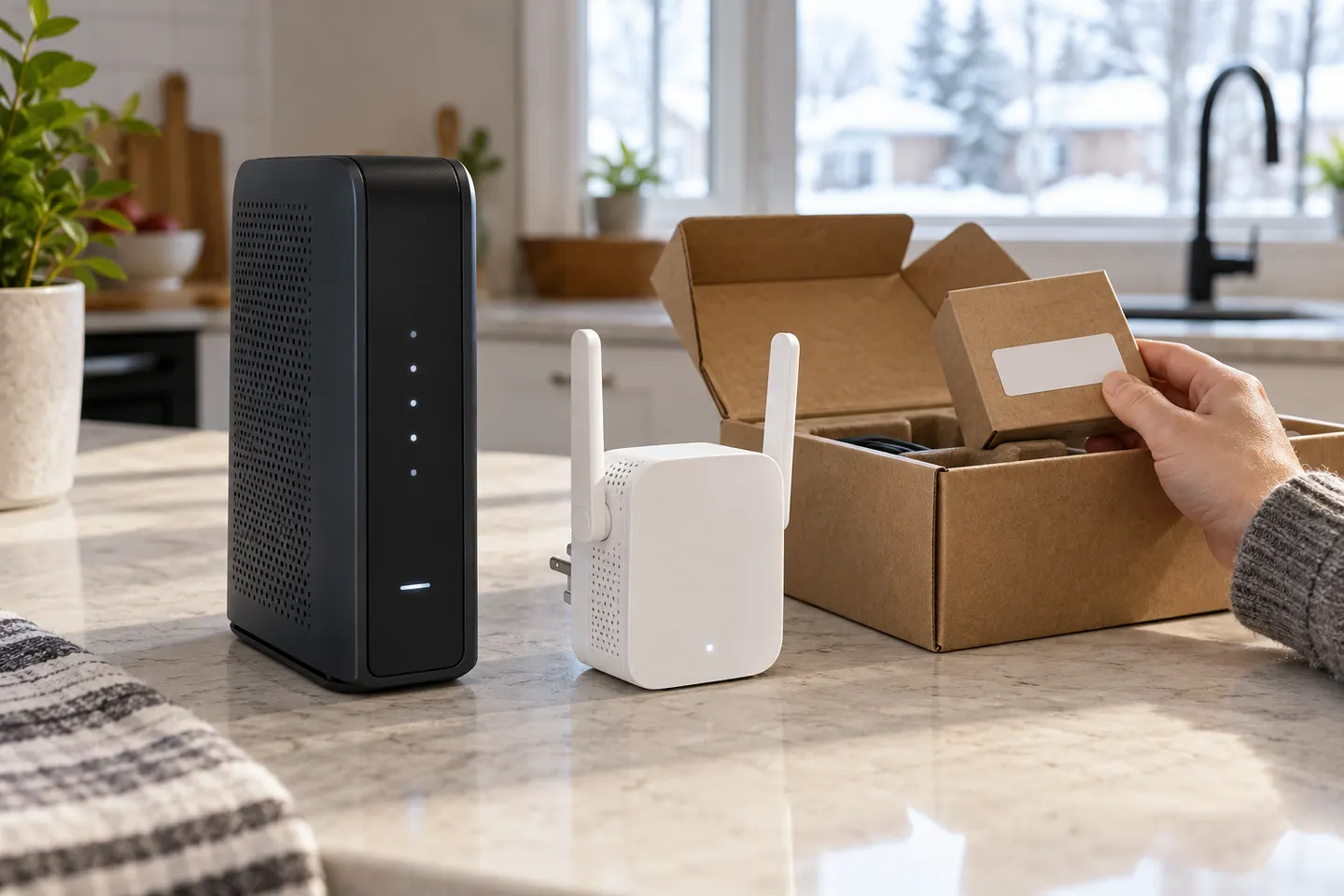 How to Set Up a TP-Link WiFi Extender
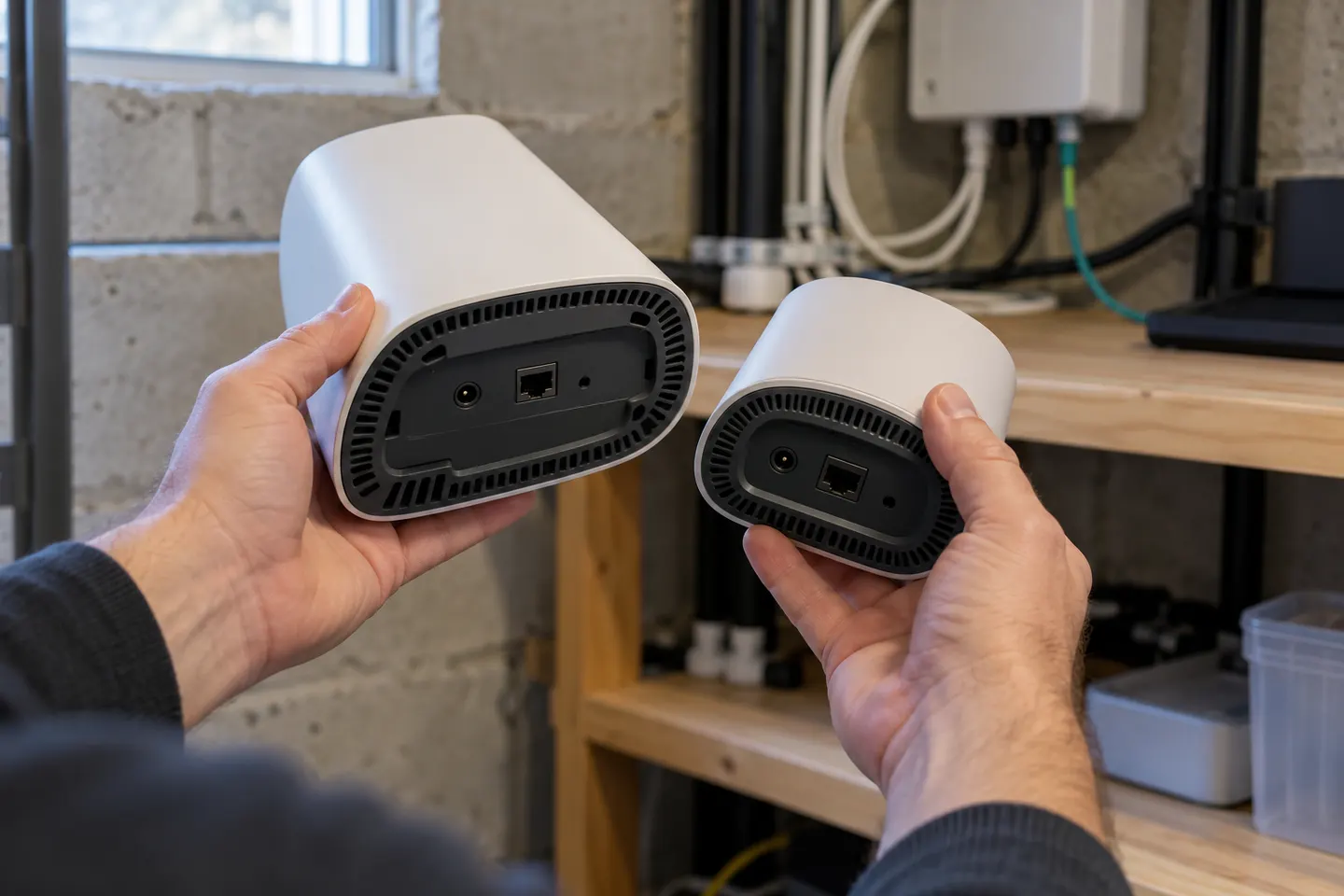 How to Set Up a Verizon WiFi Extender with Your…
Common questions
Questions before you buy
Can I set up a Wi-Fi extender with my phone?
Many models provide setup through a manufacturer app or phone browser. Confirm the exact app and initial network in the product guide.
Should I pair the extender near the router first?
That is a useful starting point for initial configuration. Once paired, relocate it where it receives a reliable router signal and can reach the weak area.
What if the extender setup page will not open?
Connect to the extender setup network, verify the device is receiving an automatic IP address, and use the exact address in the manual. A model may use a local name or IP address.
Does WPS work with every Wi-Fi router?
No. Both devices must support compatible WPS setup, and some routers restrict which bands or devices can pair this way. Use app or browser setup when WPS is unavailable.