




 Official manufacturer image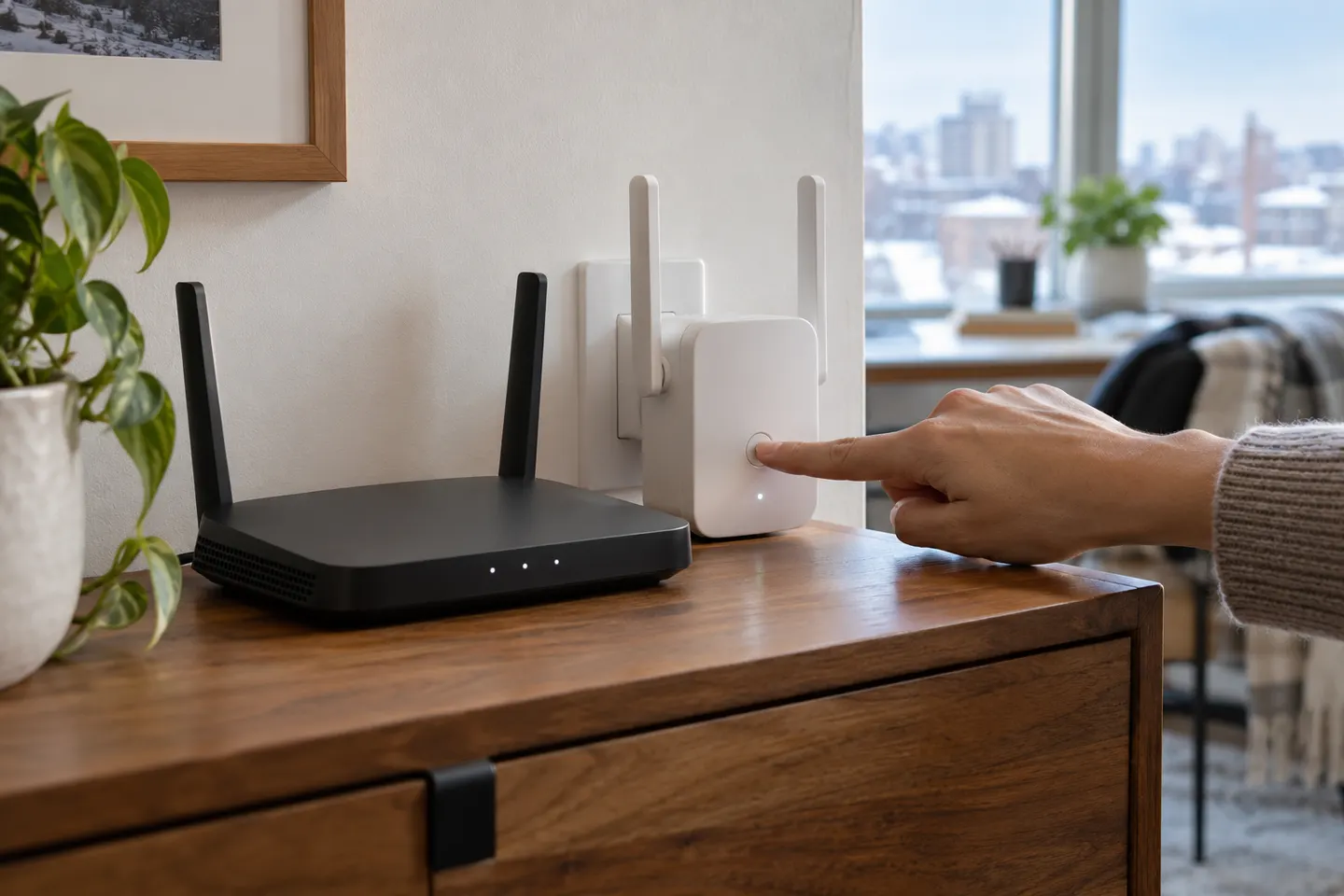
Our picks
Top picks
Official manufacturer image Official manufacturer image
NETGEAR EAX15
Check price on Amazon Official manufacturer image
TP-Link RE550
Check price on AmazonSetup and help
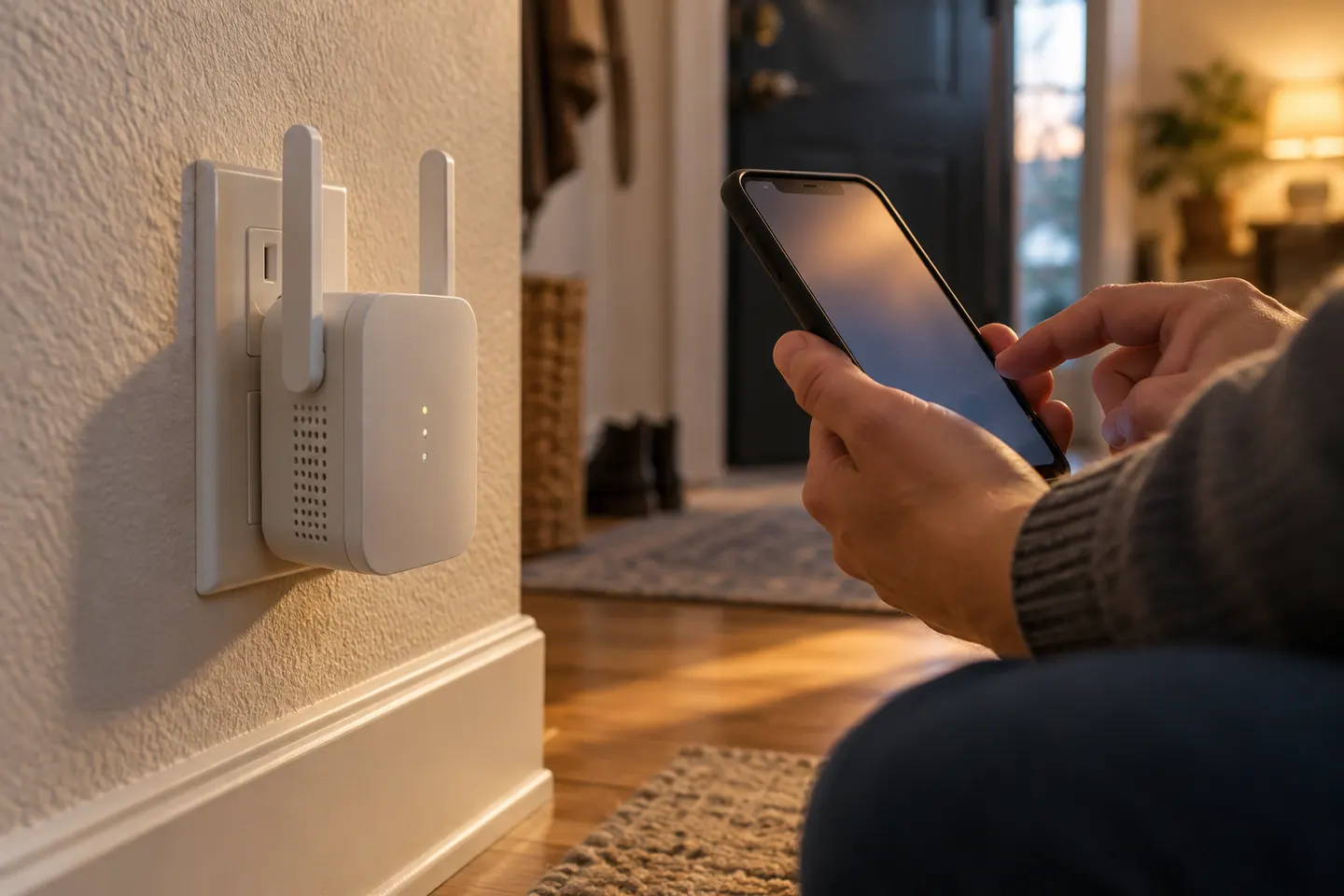 Macard setup
How-to guides
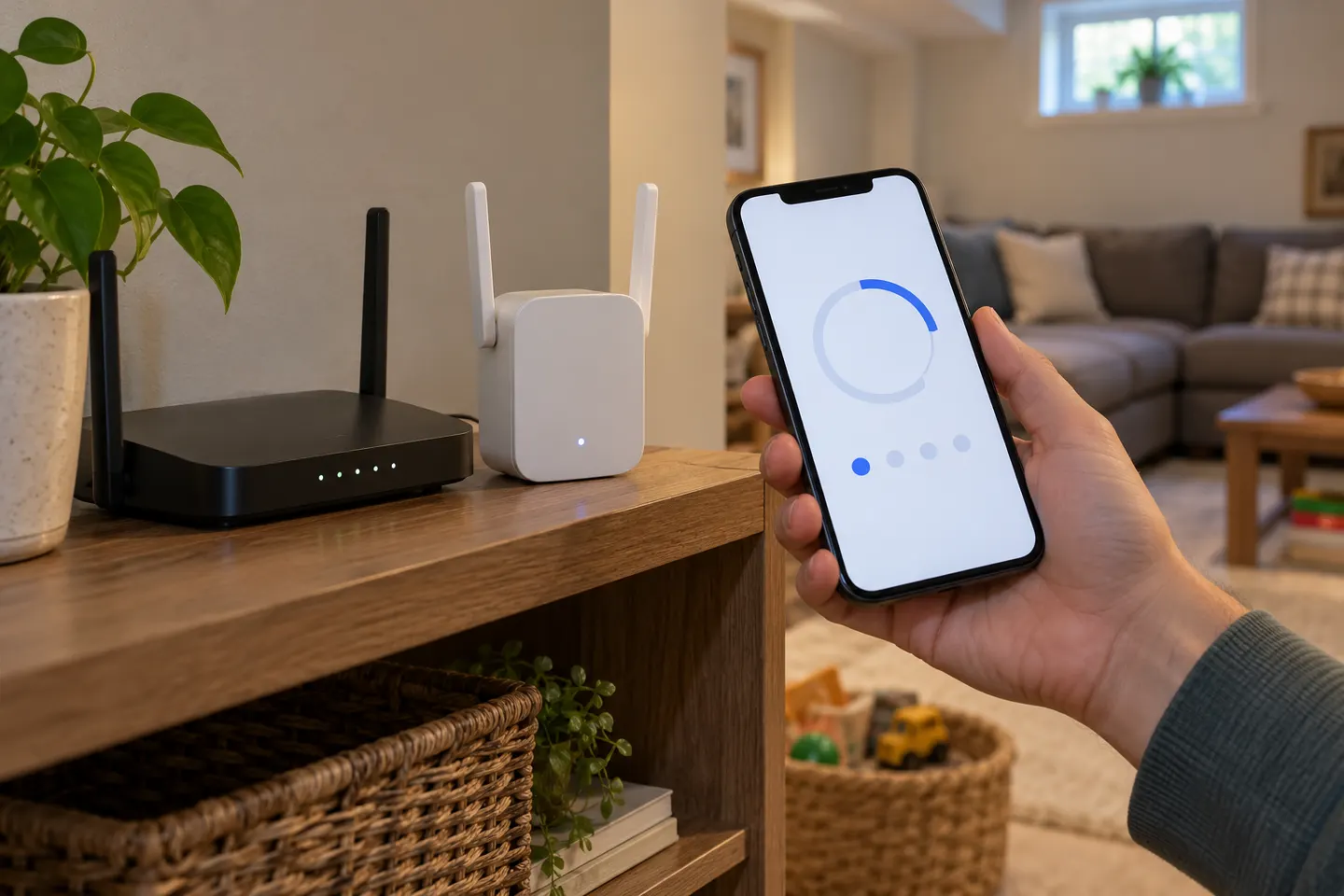 How to Setup a NETGEAR WiFi Extender at Home
 How to Set Up a TP-Link Wi-Fi Extender
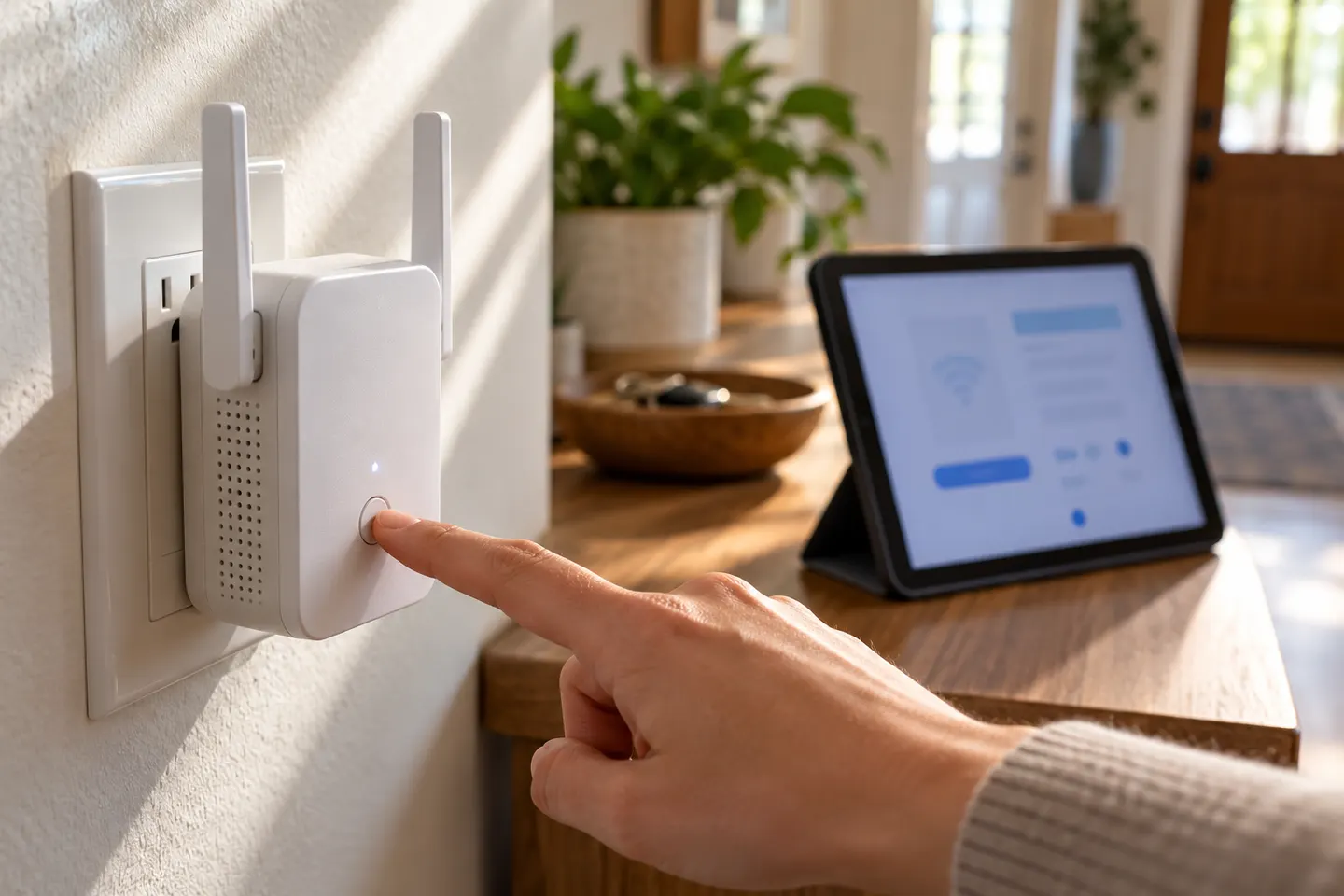 How Do You Setup a NETGEAR WiFi Extender at Home?
Common questions
Questions before you buy
How do I set up a WiFi extender?
Plug it in near the router, use the manufacturer app or setup page to join the home network, and confirm the connection before relocating it.
Should I use WPS to set up a range extender?
Use WPS only if both router and extender support it and their manuals describe the process. Otherwise, use the app or web setup flow.
Where do I plug in a WiFi booster?
Begin close enough to the router for setup, then place it between the router and weak-coverage area where it can still receive a stable signal.
Why will my extender not connect to the router?
Check the password, supported WiFi band and security settings, restart both devices, and follow the model reset and setup instructions if pairing still fails.