




 Official manufacturer image
Our picks
Top picks
Official manufacturer image Official manufacturer image
NETGEAR EAX15
Check price on Amazon Official manufacturer image
TP-Link RE550
Check price on AmazonSetup and help
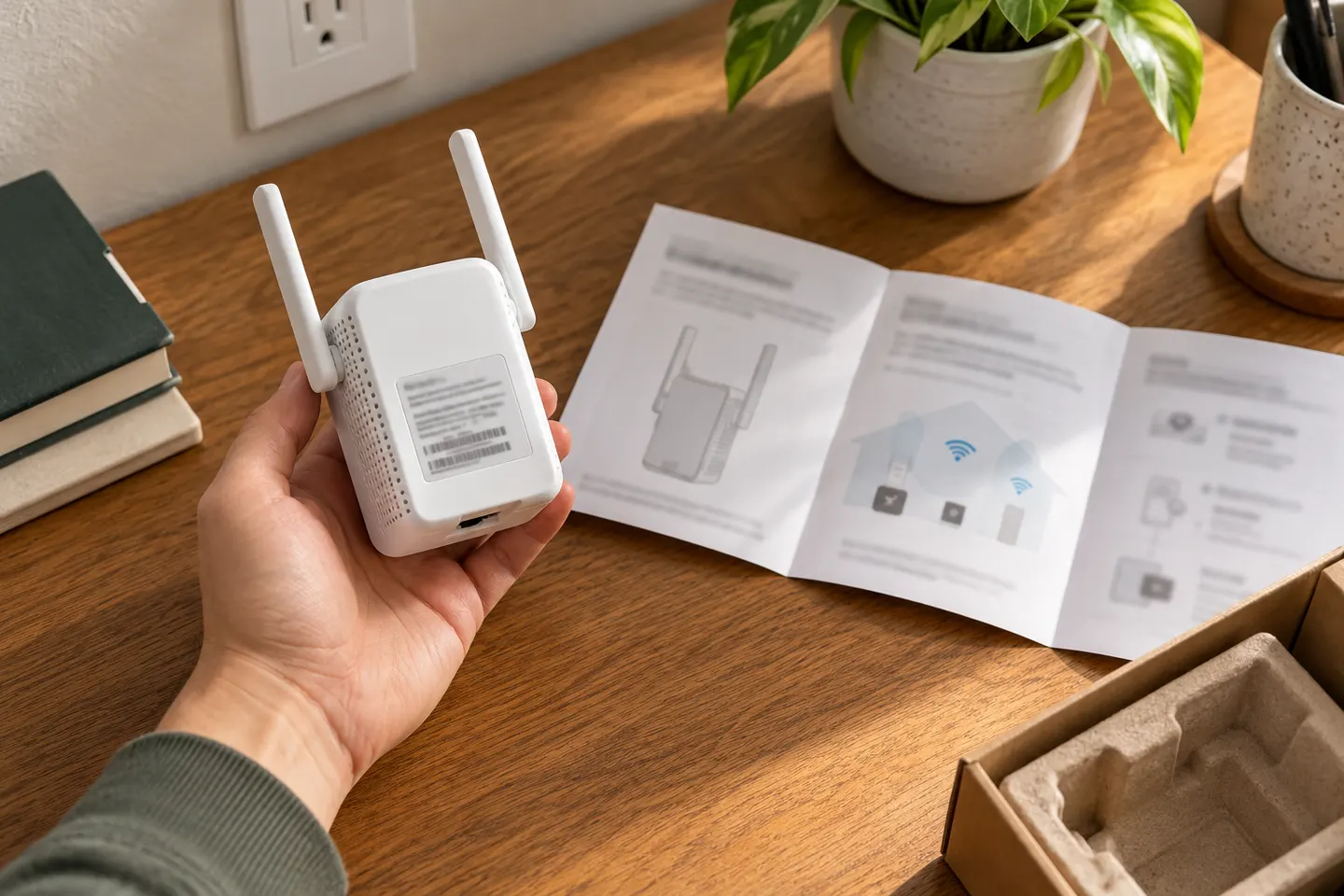 Macard set up
How-to guides
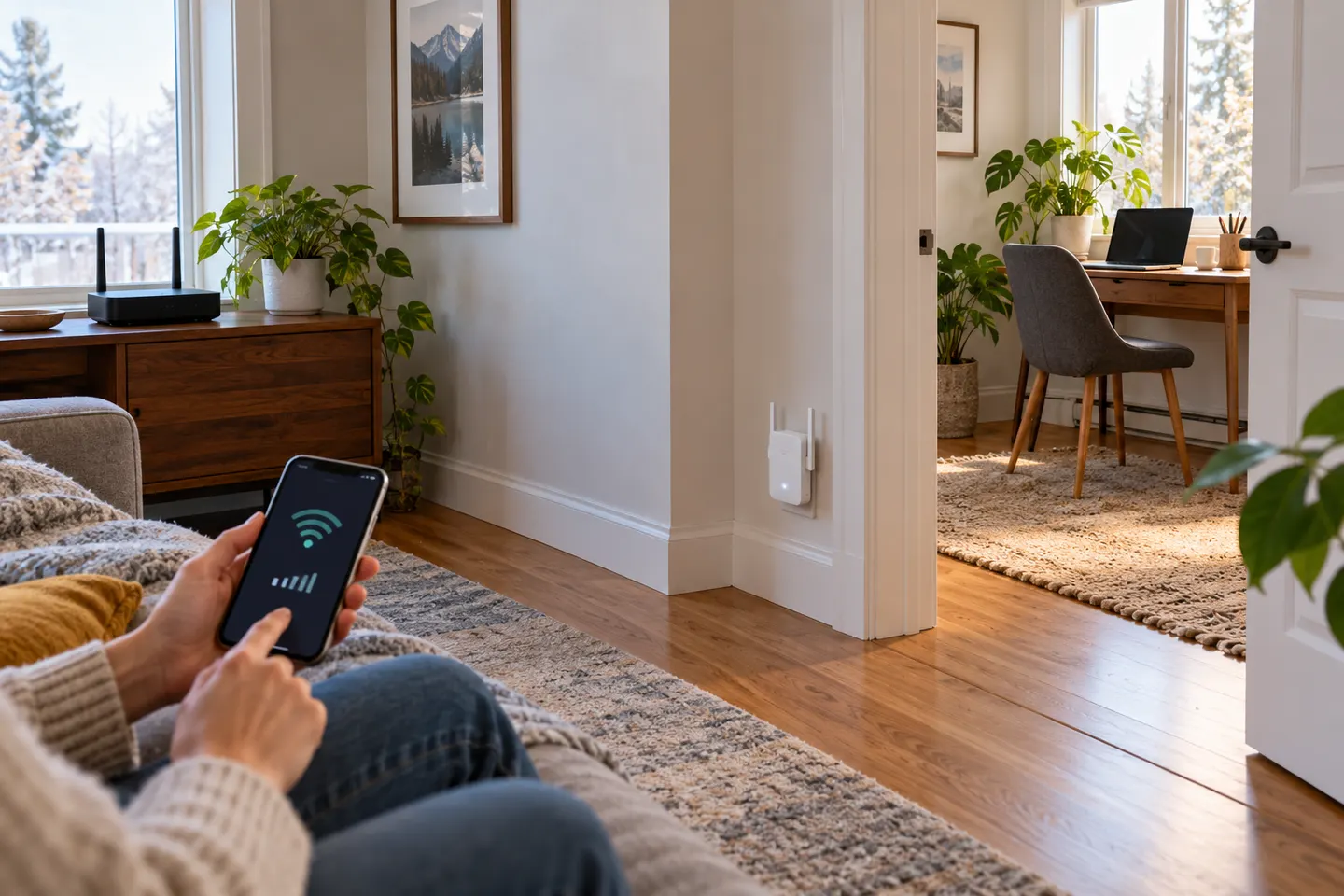 How to Set Up a NETGEAR WiFi Extender in Your Home
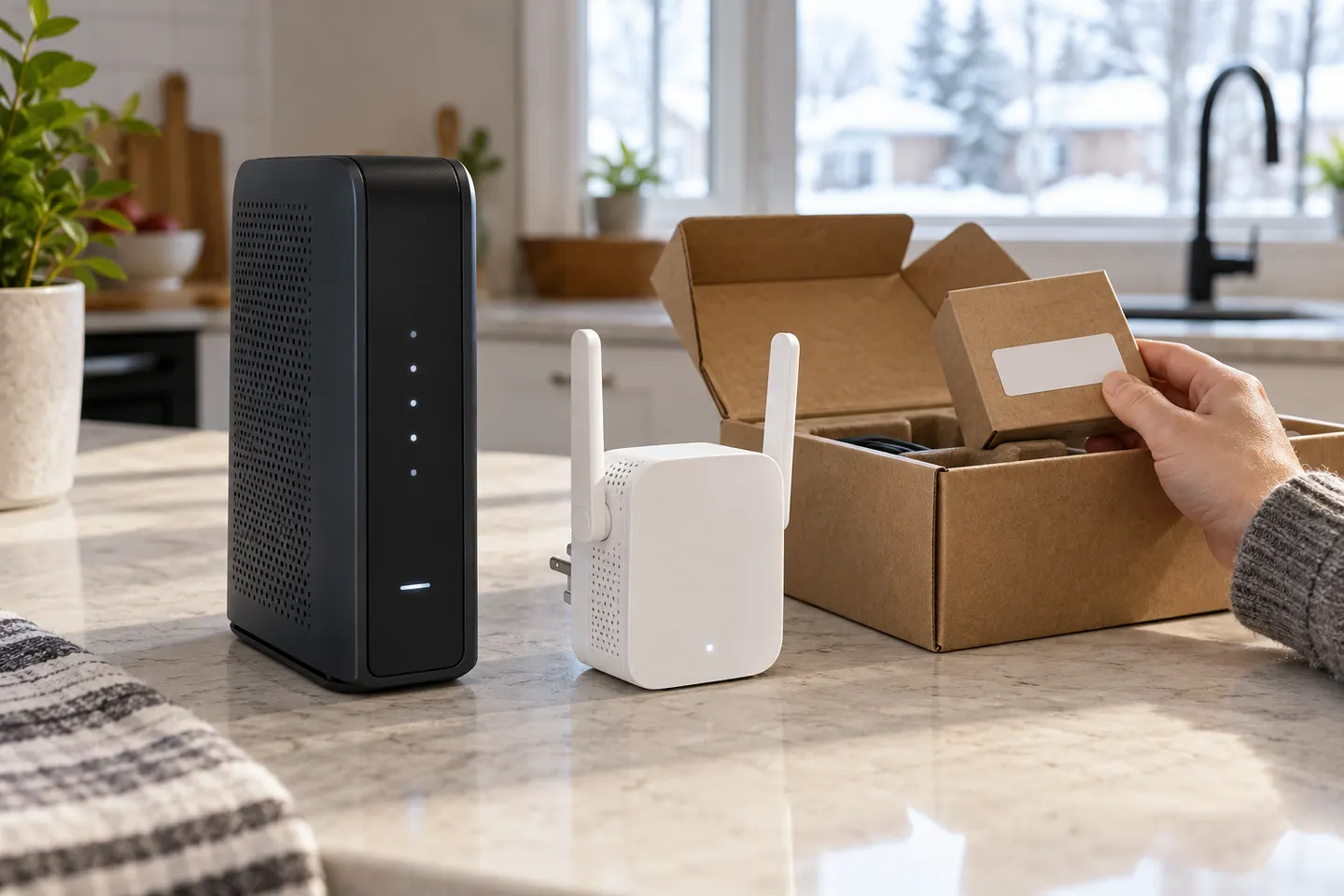 How to Set Up a TP-Link WiFi Extender
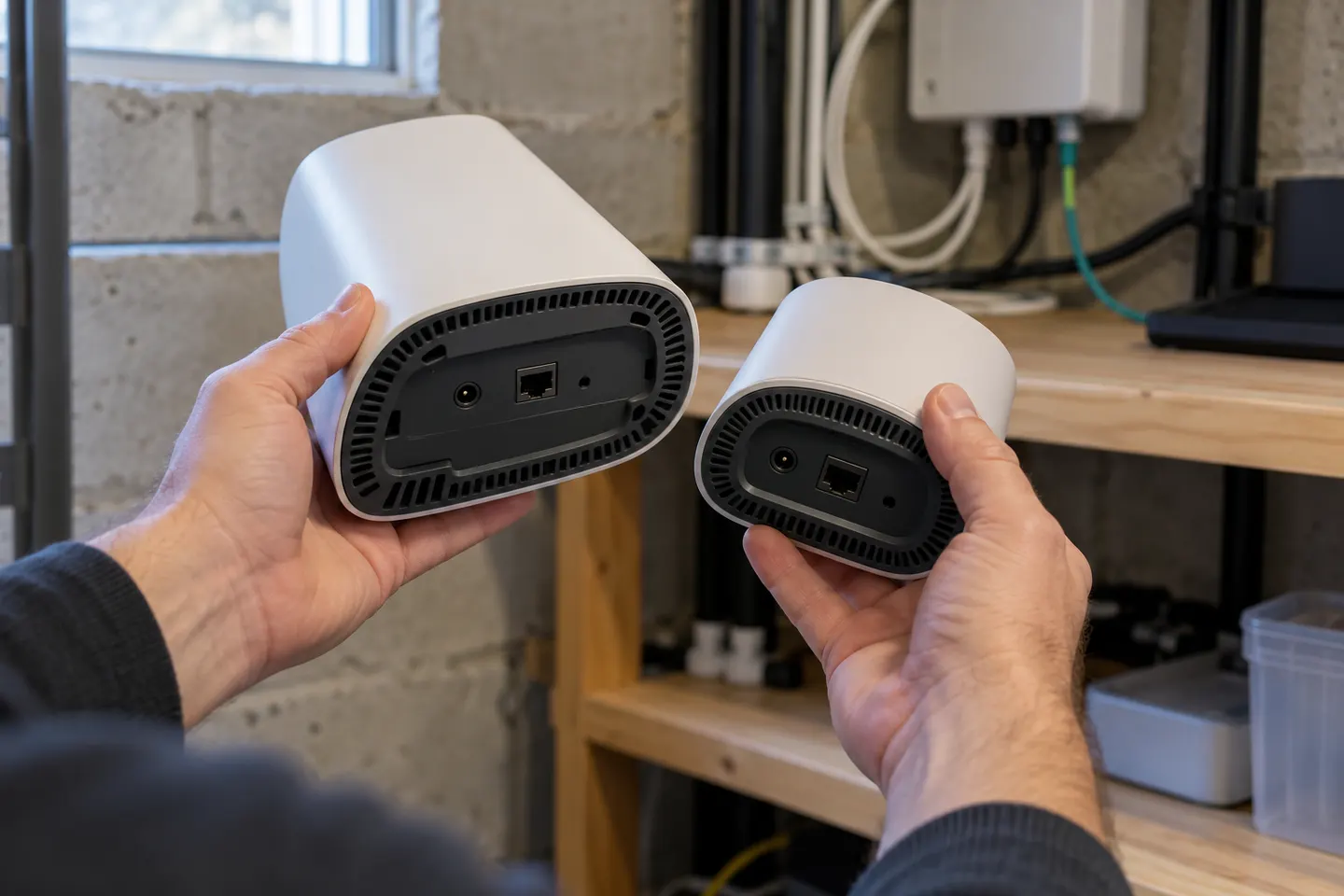 How to Set Up a Verizon WiFi Extender with Your…
Common questions
Questions before you buy
What does a WiFi extender set include?
The term can describe one extender or a bundle of several units. Check the product listing for the number of devices and whether they work together as a mesh system.
Is a two-pack WiFi extender better than one extender?
It can help when weak coverage affects separate parts of a home, but placement and the router connection still matter. One well-placed device may be enough for a single dead zone.
Can I use extenders from different brands together?
Many extenders can connect to a standard Wi-Fi router, but unified mesh features generally depend on compatible equipment. Check the maker's compatibility information for the exact models.
Where should I place a WiFi extender?
Put it between the router and the area with weak service, where it can still receive a usable signal from the router. A location inside the dead zone may not provide a reliable link to repeat.