



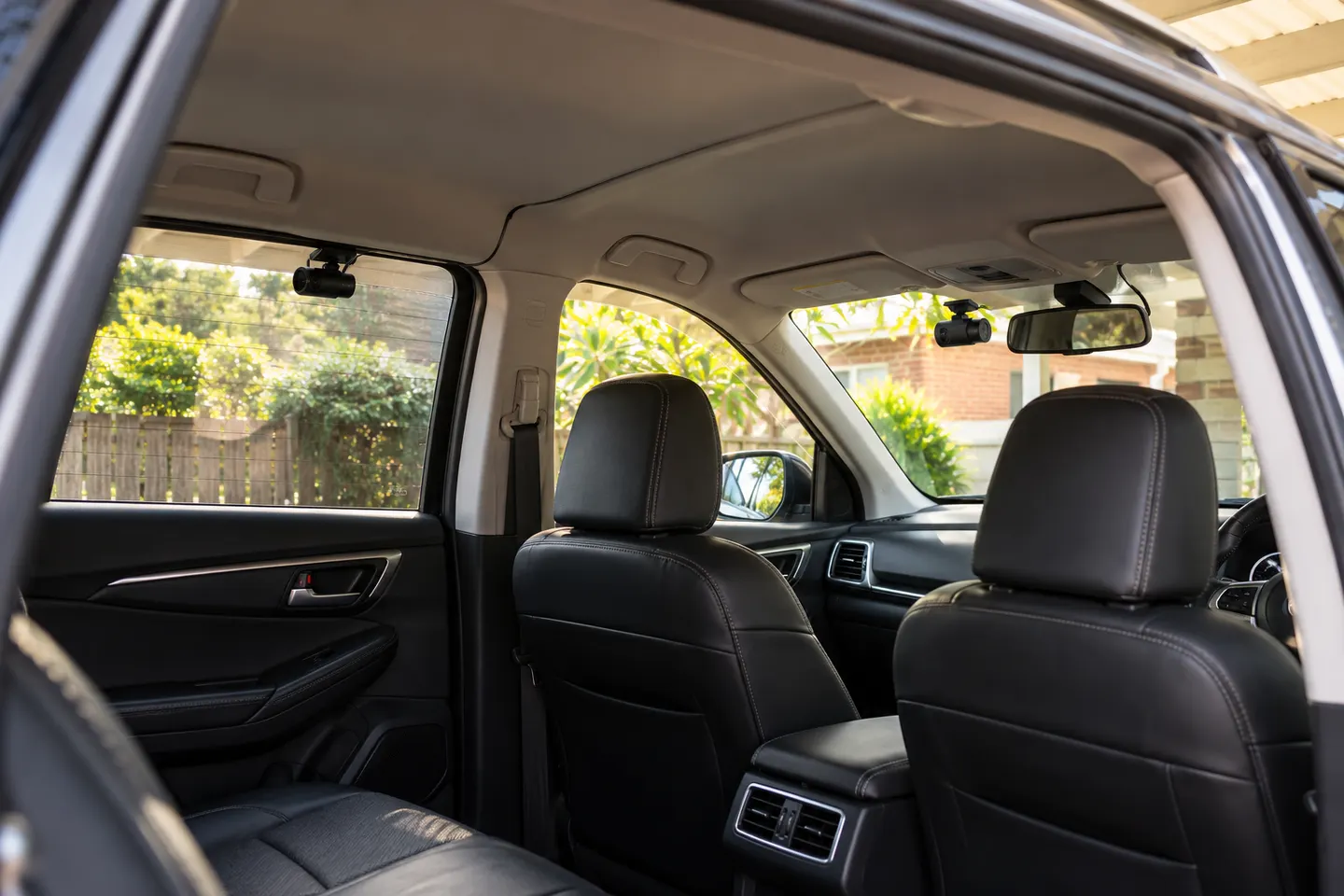
Best Front and Rear Dash Cam Systems in Australia
VIOFO A229 Pro 2CH is our top front-and-rear choice for its 4K and 2K pairing. BlackVue DR970X Box-2CH Plus favours concealed hardware, while 70mai A510 is the simpler alternative.
Start here
VIOFO A229 Pro 2CH is our top front-and-rear choice for its 4K and 2K pairing. BlackVue DR970X Box-2CH Plus favours concealed hardware, while 70mai A510 is the simpler alternative.
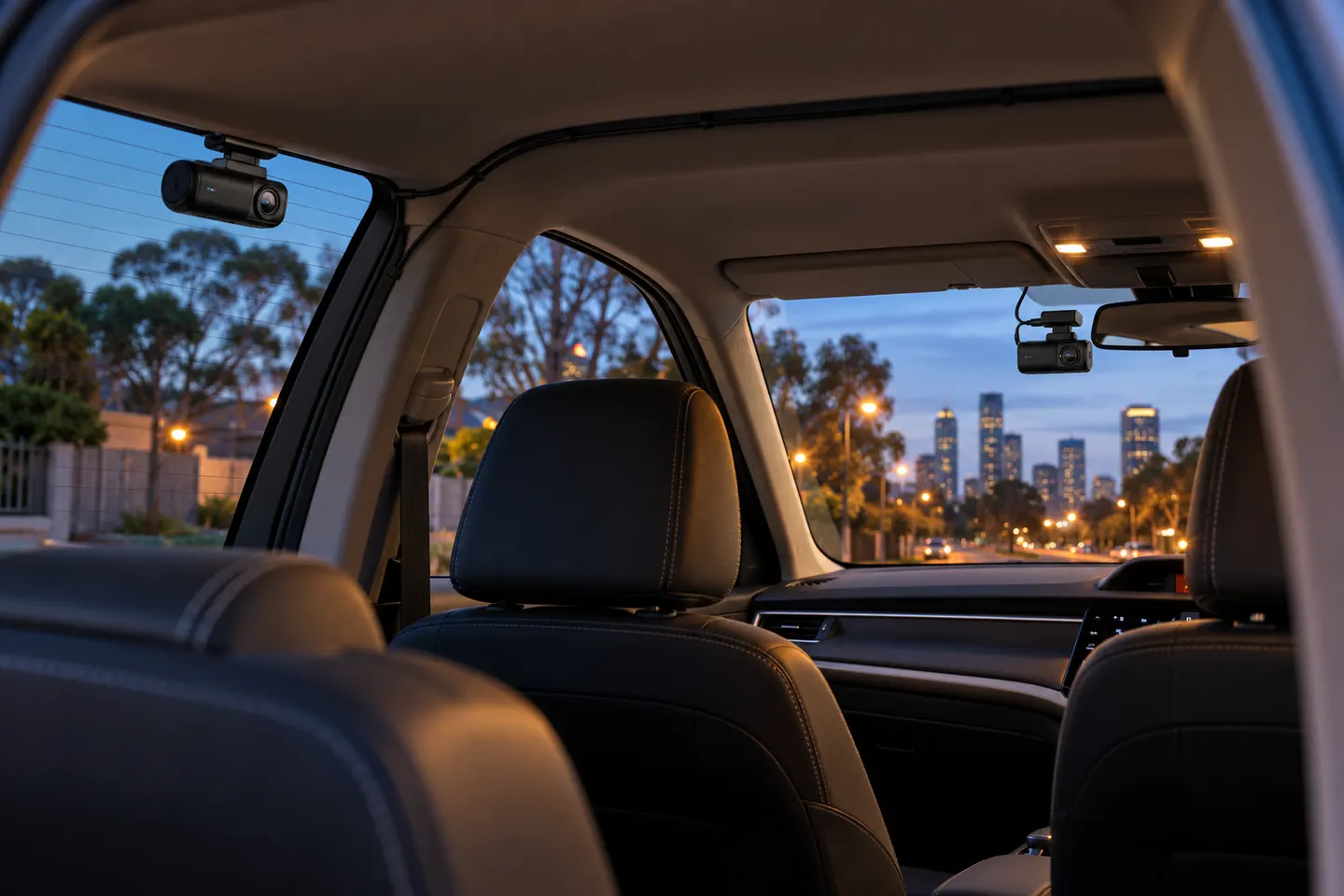
BlackVue DR970X-2CH Plus II is our lead choice for strong Australian support and 4K front recording. Choose VIOFO for 2K rear detail or Thinkware when parking surveillance is the priority.
Our picks
 Official manufacturer image
 Official manufacturer image
 Official manufacturer image
Best picks
VIOFO A229 Pro 2CH is our top front-and-rear choice for its 4K and 2K pairing. BlackVue DR970X Box-2CH Plus favours concealed hardware, while 70mai A510 is the simpler alternative.
BlackVue DR970X-2CH Plus II is our lead choice for strong Australian support and 4K front recording. Choose VIOFO for 2K rear detail or Thinkware when parking surveillance is the priority.
Common questions
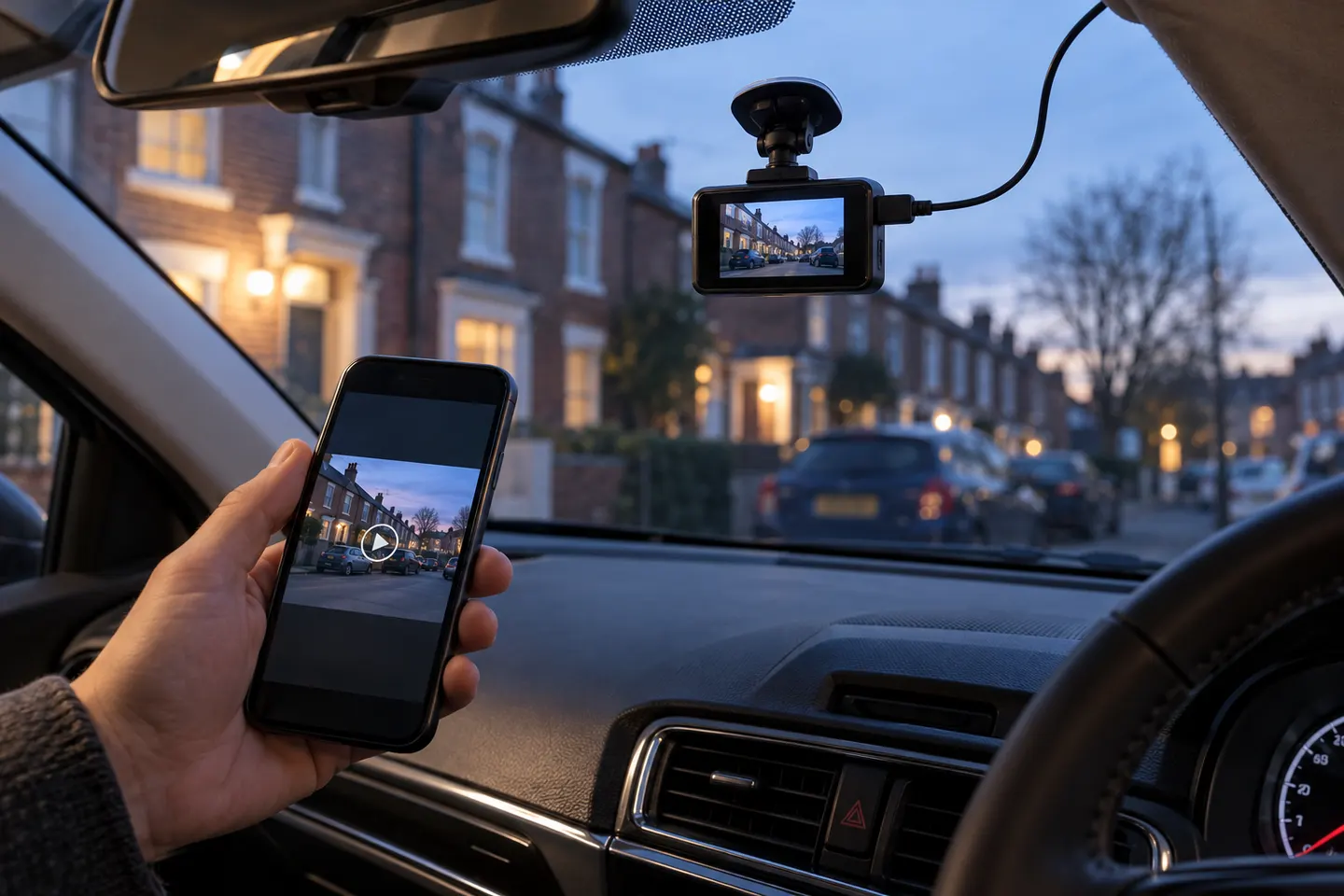
Usually not. Wi-Fi commonly transfers clips or changes settings; it does not eliminate power wiring or the rear-camera cable.
Some specialised systems transmit video wirelessly, but most consumer dual-channel cameras use a cable for dependable recording. Verify the exact connection diagram.
Yes. Wireless data does not mean wireless power; the camera needs a vehicle supply, hardwire connection or supported battery arrangement.
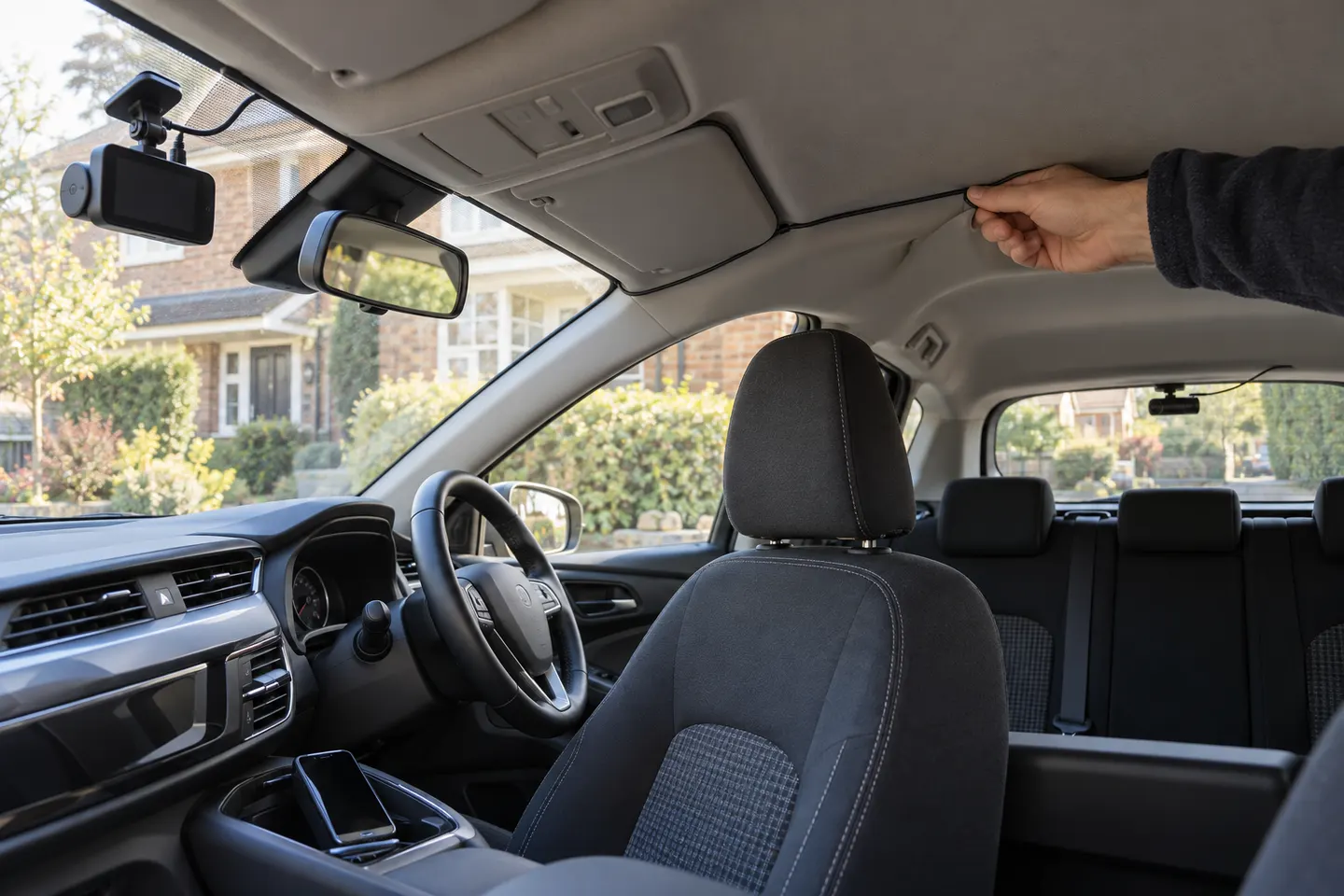
It normally runs along headlining or trim while staying clear of airbags and moving parts. Hatchbacks need enough protected slack at the tailgate.
 Front rear
 Wireless
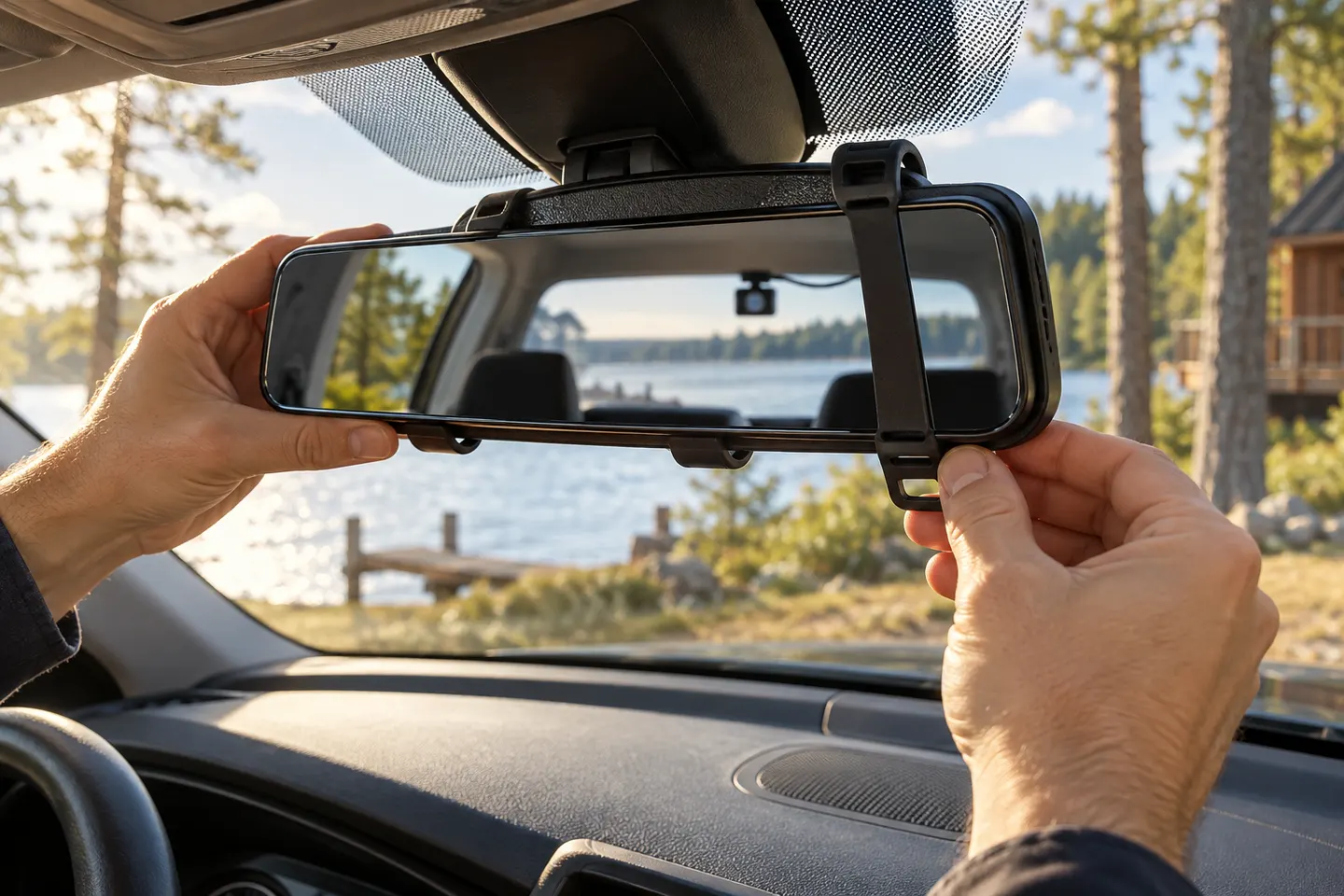 Rear view mirror
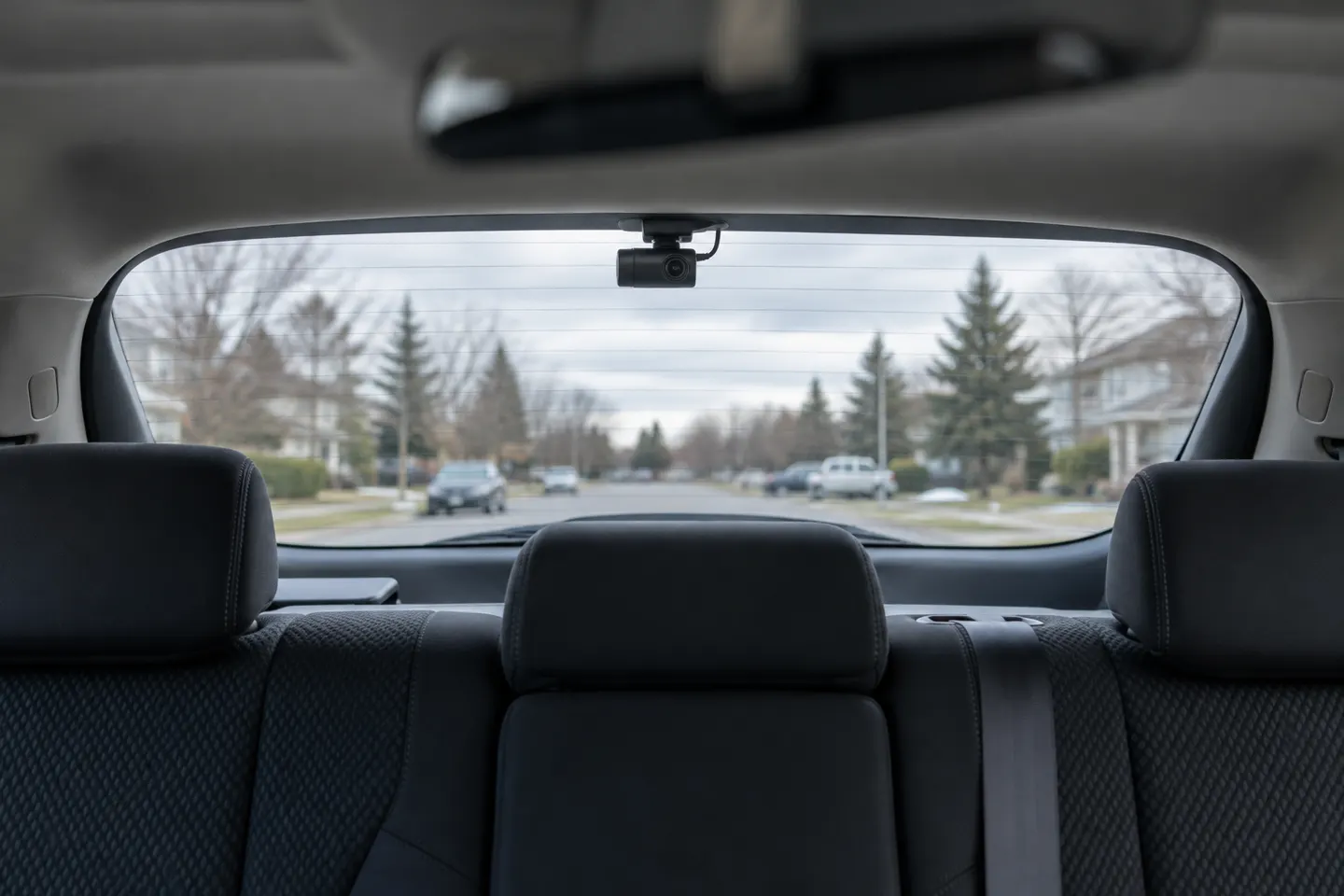 Rear
Rear